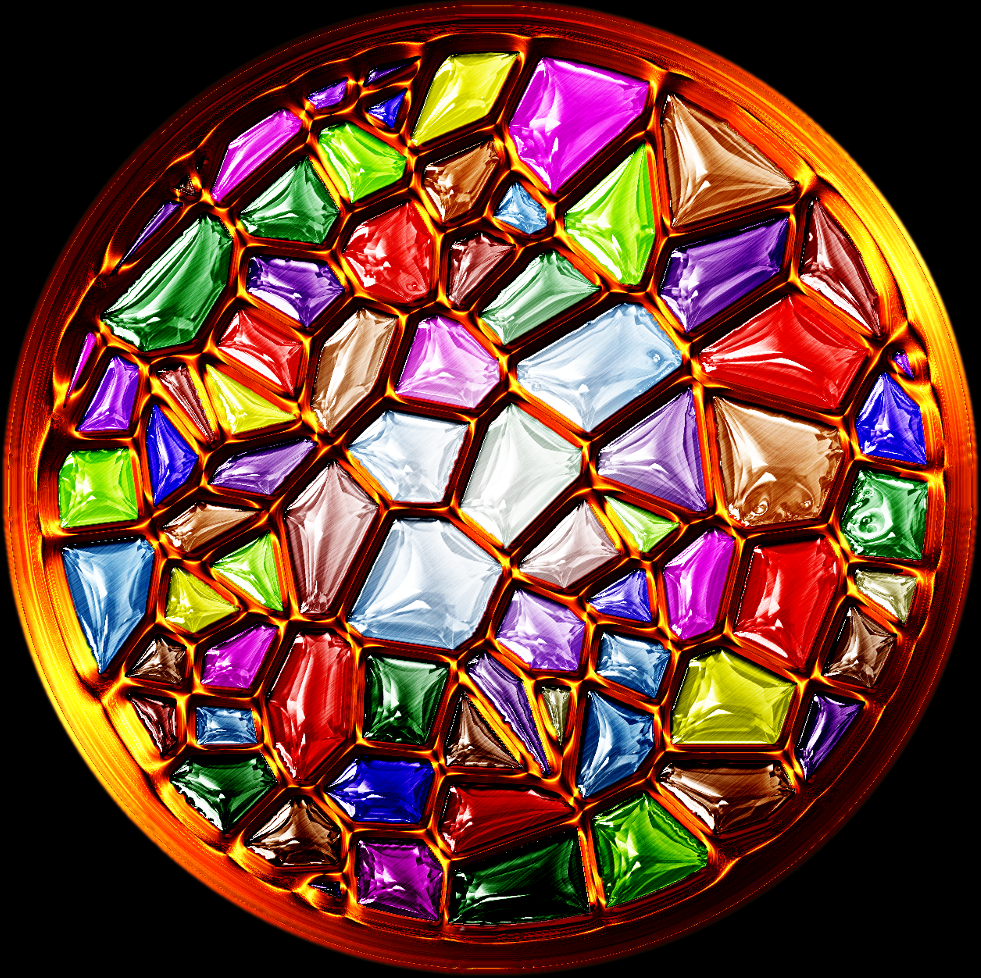
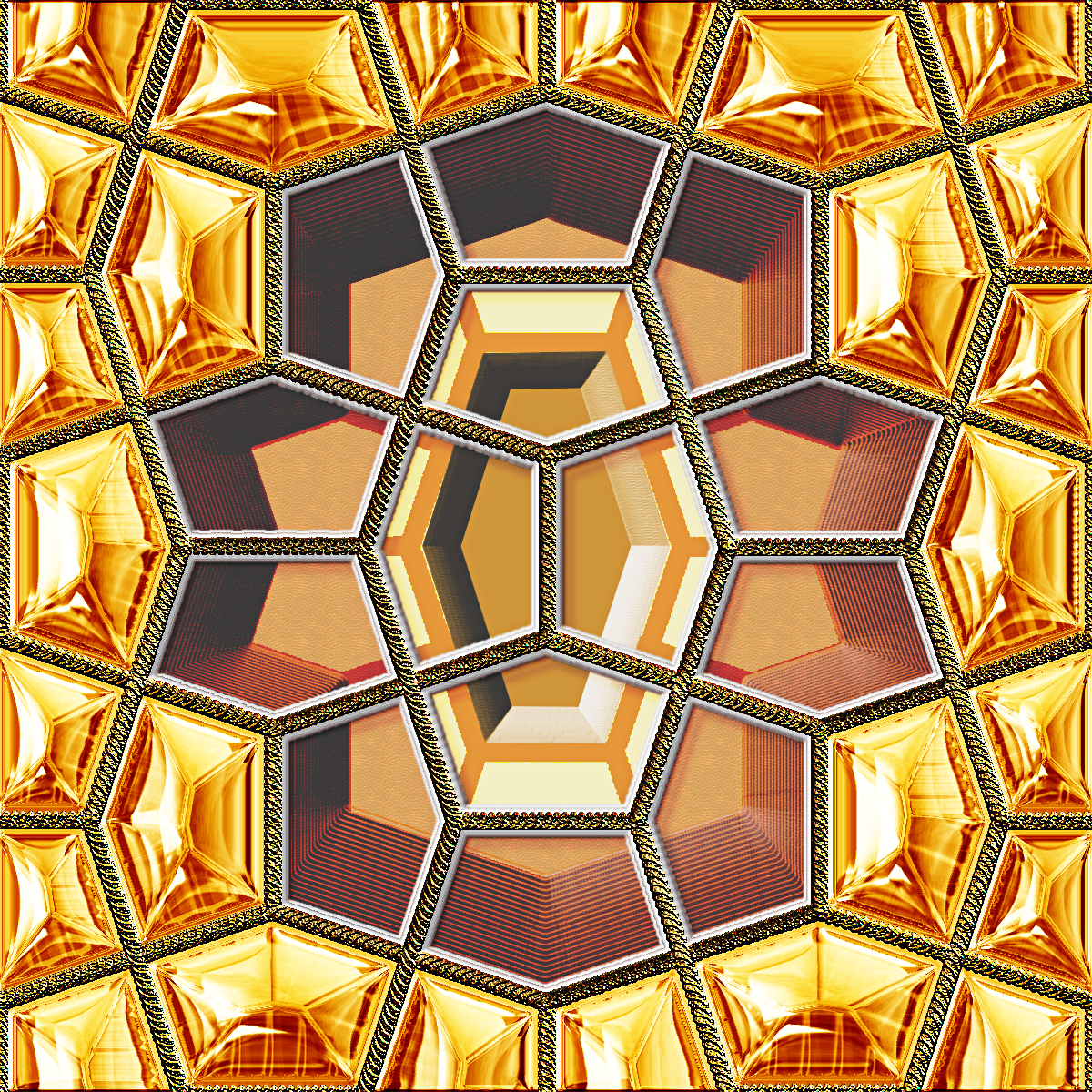
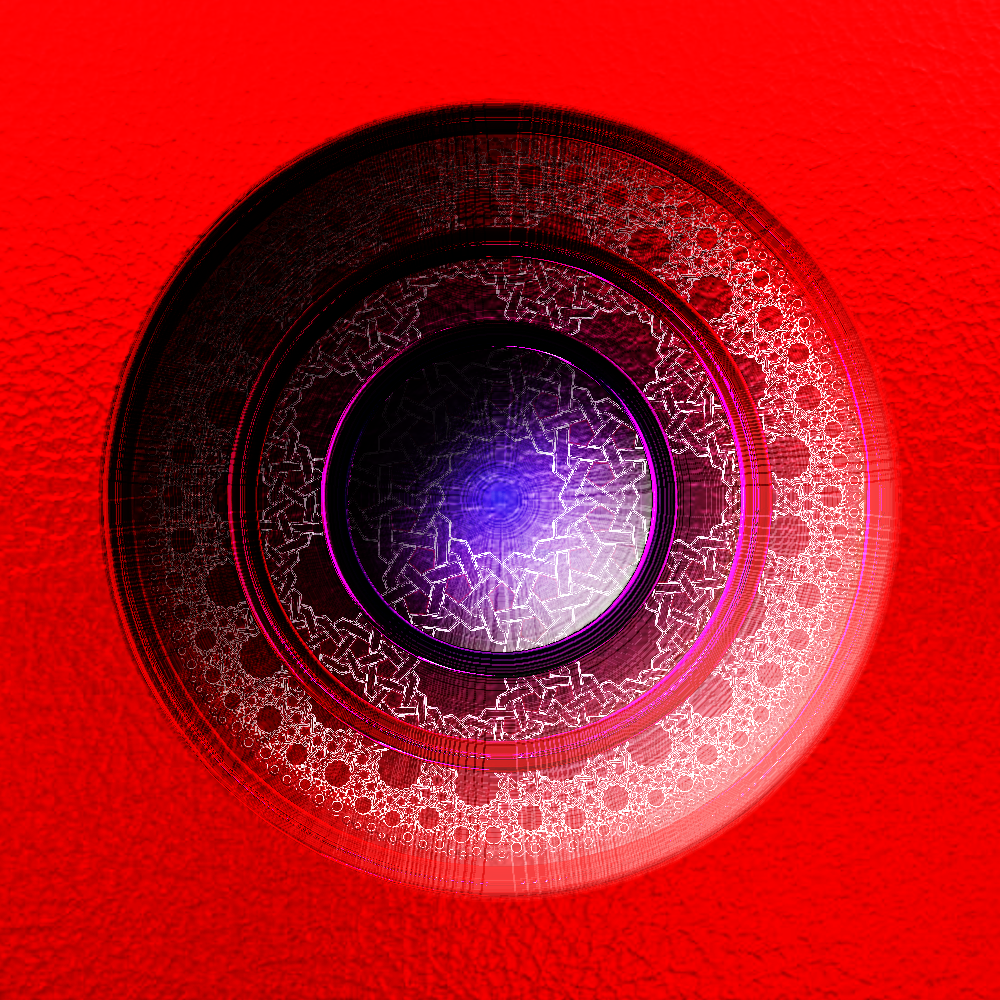
Rashid - For shiny glass effects I have developed probably three approaches that I use frequently. All of them stem from a wonderful script called
Bevel Reflect Logo (BRL) used against a selection, from which, using gradients or environmental maps (emaps), you can produce a huge variety of shaped outcomes.
Once I have created such outcomes I also use them to make make GIMP Brushes and GIMP Patterns (Textures) that make it easy for me to reproduce the results whenever I want.
If you look up my tutorials on glass at
viewtopic.php?f=10&t=5148, you will get a better idea of what I do.
Issabella also has a good 'translucent glass' tutorial at
viewtopic.php?f=23&t=9994&hilit=Translucent+GlassI have also shared a number of glass patterns and brushes in the forum which you can find at:
viewtopic.php?f=12&t=13718&hilit=Sharing+glass+tiles%2C+patterns+%26amp%3B+backgroundsviewtopic.php?f=12&t=13873&p=188999&hilit=Sharing+Maori+Symbols#p188999viewtopic.php?f=12&t=14733&p=203952&hilit=Glass+Brushes+Mason+Jars#p203952You will always find excellent emaps at GIMP thread
viewtopic.php?f=12&t=9677&hilit=Environment+Map+Sharing As for metals I use four different approaches, all based on selections:
1. BRL with a metallic gradient
2. BRL with a metallic 'environmental map'
3. Post processing using GMIC>Contours>Local orientation of a previous BRL outcome created with wood gradient/emaps,
4. Scripts that produce a metallic effects from an alpha selection – do a search for metal in GIMP Scripts & Plugins and in GIMP Topics. Graechan has produced several of these.
The key thing is to try out these filters and experiment with the settings to get different results.
So I hope this helps and good luck with glass and metal.
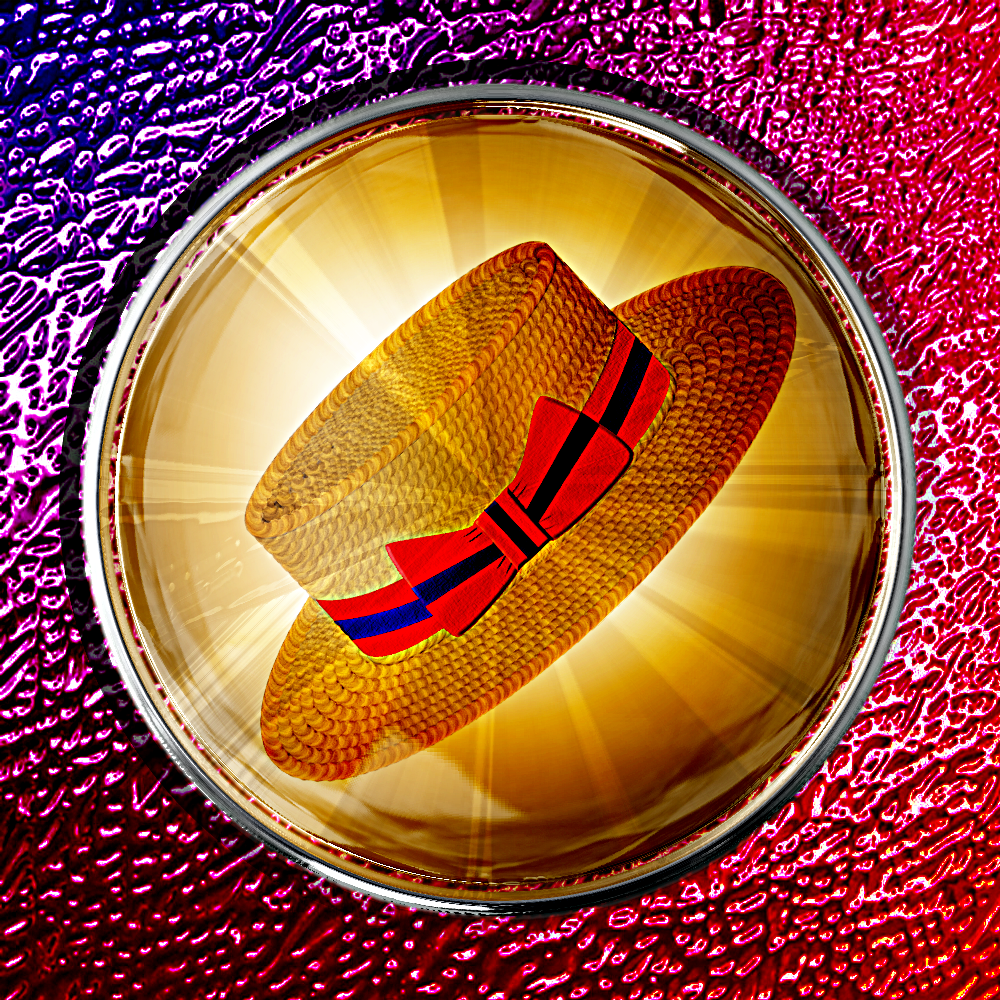
While I was here, thought I would post some more glass, a boater in a glass dome; don't ask me why

-
 Login
Login Register
 Tweets
 FAQ
FAQ Advanced Search