It is currently Fri Sep 25, 2026 5:27 am


All times are UTC - 5 hours [ DST ]


Post new topic Reply to topic  [ 40 posts ]  Go to page Previous  1, 2
Author Message
 Post subject: Re: Direct Image Uploads in Gimp Chat
PostPosted: Tue Apr 20, 2010 11:03 pm  (#21) 
Offline
GimpChat Member
User avatar

Joined: Apr 08, 2010
Posts: 5420
Location: Northwest Ohio
I do get a submit box, right under the uploaded url. I click on it, but nothing happens. So I paste in the url. It's probably my IE. I get kicked off of some websites using IE, but can go on them with no trouble using safari. I will try and make some time to test different pics on the different browsers tomorrow before work. If not, it will have to wait until sometime next week. The file type I use for gimp projects is png.


Top
 Post subject: Re: Direct Image Uploads in Gimp Chat
PostPosted: Tue Apr 20, 2010 11:18 pm  (#22) 
Offline
GimpChat Founder
User avatar

Joined: May 22, 2008
Posts: 5241
Location: Gimpville
Which version of IE are you using?

Have you ensured your mouse has been previously focused in the post entry area when you click submit (in other words, you've clicked in the post where you want the image to be inserted)?

If you have and it still doesn't work, it may very well be an IE issue. I'll do some digging and see what I can come up with.

Anyone else using IE who is having this same problem?

_________________
“If you reach for the stars, you just might land on a decently sized hill.” - Stuart Hill


Top
 Post subject: Re: Direct Image Uploads in Gimp Chat
PostPosted: Wed Apr 21, 2010 12:20 am  (#23) 
Offline
GimpChat Member

Joined: Apr 11, 2010
Posts: 545
Location: In the mini-chat, saying silly things
Logged in on IE to test.

When you hit submit, nothing happens. There are 2 pictures in your database you might want to clear out now.

Back to chrome.


edit- in chrome.
Image
No problem.


thumbnail test
Image

Personally I'd make it a little bit bigger. Most images have a larger width than height.

_________________
Image


Top
 Post subject: Re: Direct Image Uploads in Gimp Chat
PostPosted: Wed Apr 21, 2010 11:16 am  (#24) 
Offline
GimpChat Member
User avatar

Joined: Apr 08, 2010
Posts: 5420
Location: Northwest Ohio
I am now in Safari, and will see how the upload goes. I'll try one of my older posters that I made to try out Jolie's tutorial for see-through text.
Image
*well, it worked perfectly...so it IS an IE issue!!!

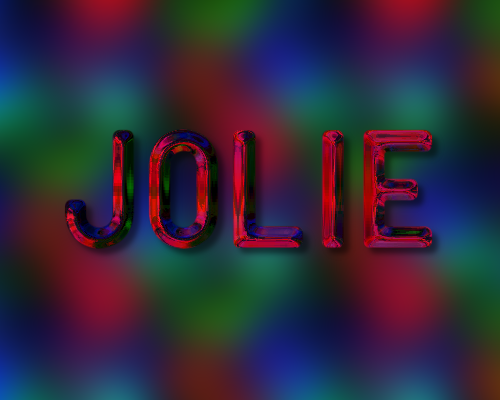
@Jolie...how did you do that text? I like how it looks so shiny and metallic. Is it from one of the GC tuts?


Top
 Post subject: Re: Direct Image Uploads in Gimp Chat
PostPosted: Wed Apr 21, 2010 12:25 pm  (#25) 
Offline
GimpChat Member

Joined: Apr 11, 2010
Posts: 545
Location: In the mini-chat, saying silly things
That's the tut from O with the environment mapping she posted a while ago on gimptalk. :) The same one I based my last video on.

_________________
Image


Top
 Post subject: Re: Direct Image Uploads in Gimp Chat
PostPosted: Wed Apr 21, 2010 10:32 pm  (#26) 
Offline
GimpChat Member
User avatar

Joined: Apr 08, 2010
Posts: 5420
Location: Northwest Ohio
I guess I need to retry that one. I remember I messed it up, couldn't get it right, and went on to something else. I will be more carefull next time!


Top
 Post subject: Re: Direct Image Uploads in Gimp Chat
PostPosted: Thu Apr 22, 2010 8:46 pm  (#27) 
Offline
GimpChat Member
User avatar

Joined: Apr 17, 2010
Posts: 12
Location: Upstate New York
Image

I want to see if this works in Firefox... Here goes!

Edit: ----- It works! Cool!


Top
 Post subject: Re: Direct Image Uploads in Gimp Chat
PostPosted: Thu Apr 22, 2010 9:35 pm  (#28) 
Offline
Retired Staff
User avatar

Joined: May 22, 2008
Posts: 6946
Location: Somewhere in GIMP
Cool picture SailsAgain. Did you do the artwork on it? :paint2

:welcome to Gimp Chat.

_________________
Image
World War IV will be fought with sticks and stones. - Albert Einstein


Top
 Post subject: Re: Direct Image Uploads in Gimp Chat
PostPosted: Thu Apr 22, 2010 10:10 pm  (#29) 
Offline
GimpChat Founder
User avatar

Joined: May 22, 2008
Posts: 5241
Location: Gimpville
Jolie wrote:
Personally I'd make it a little bit bigger.


OK, bumped it to 150px.

Image

_________________
“If you reach for the stars, you just might land on a decently sized hill.” - Stuart Hill


Top
 Post subject: Re: Direct Image Uploads in Gimp Chat
PostPosted: Thu Apr 22, 2010 10:45 pm  (#30) 
Offline
GimpChat Member
User avatar

Joined: Apr 08, 2010
Posts: 5420
Location: Northwest Ohio
150 looks good.
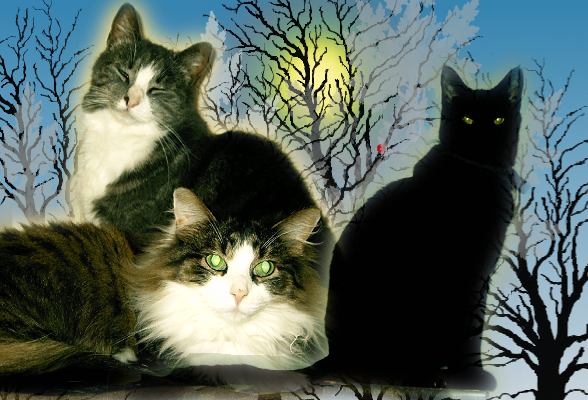
Those cats are beautiful! Yours or just a random render?


Top
 Post subject: Re: Direct Image Uploads in Gimp Chat
PostPosted: Fri Apr 23, 2010 5:12 am  (#31) 
Offline
GimpChat Member
User avatar

Joined: Apr 07, 2010
Posts: 14182
Love the cats.....

_________________
Image


Top
 Post subject: Re: Direct Image Uploads in Gimp Chat
PostPosted: Fri Apr 23, 2010 7:47 am  (#32) 
Offline
GimpChat Member

Joined: Apr 11, 2010
Posts: 545
Location: In the mini-chat, saying silly things
150 pixels looks good to me. Thanks. :)

_________________
Image


Top
 Post subject: Re: Direct Image Uploads in Gimp Chat
PostPosted: Fri Apr 23, 2010 9:22 pm  (#33) 
Offline
GimpChat Member
User avatar

Joined: Apr 17, 2010
Posts: 12
Location: Upstate New York
2-ton wrote:
150 looks good.
Those cats are beautiful! Yours or just a random render?

Thanks! This is a great place!
I used a couple of photos and just experimented a bit with my newest toy (GIMP). So much fun! :bigthup
The black cat is my daughter's, the other 2 are mine - all are formerly homeless kitties.
Image


Top
 Post subject: Re: Direct Image Uploads in Gimp Chat
PostPosted: Tue Apr 27, 2010 10:34 am  (#34) 
Offline
GimpChat Member
User avatar

Joined: Apr 08, 2010
Posts: 5420
Location: Northwest Ohio
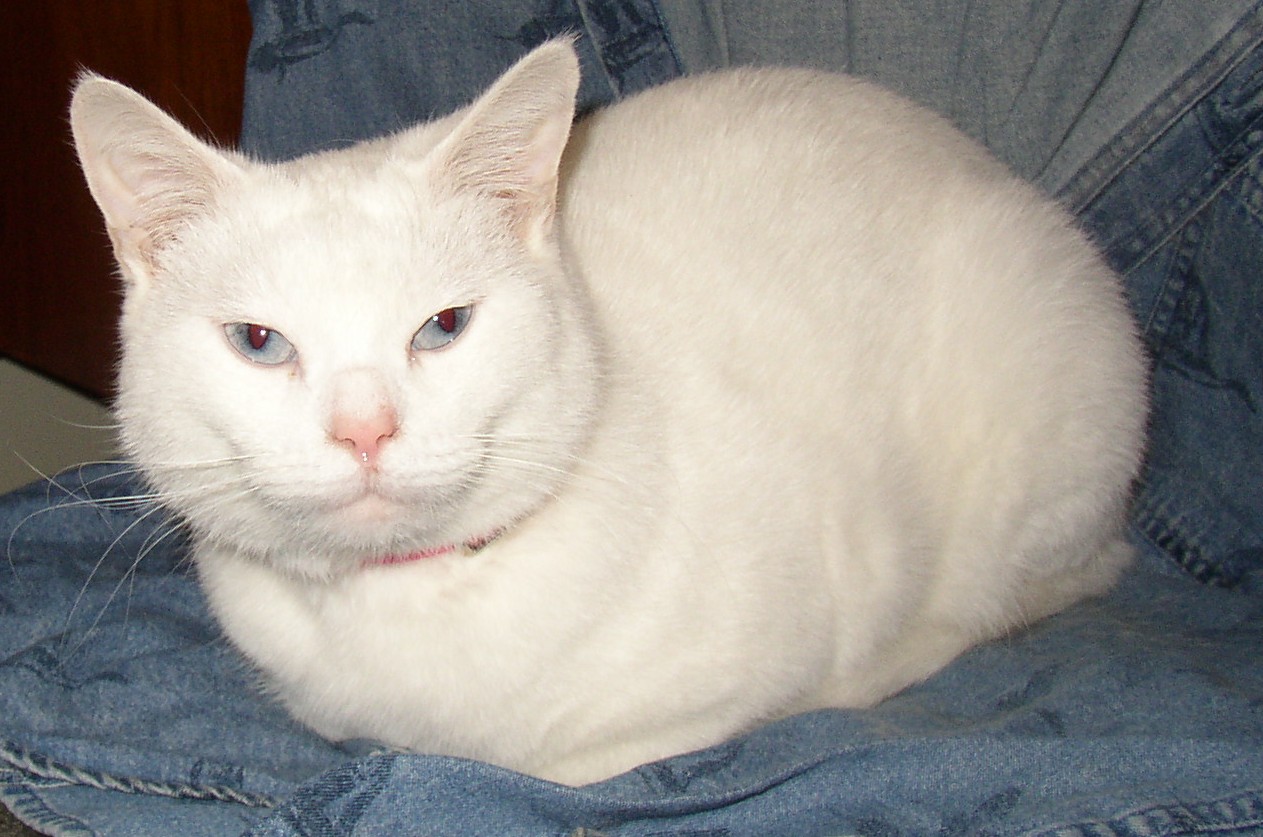
We have a stray, also. She adopted us in a park and allows us to live here with her. She is pure white with blue eyes.

Image


Top
 Post subject: Re: Direct Image Uploads in Gimp Chat
PostPosted: Thu May 20, 2010 11:21 pm  (#35) 
Offline
Global Moderator
User avatar

Joined: May 16, 2010
Posts: 16174
what a beauty, i love those eyes. =)


Top
 Post subject: Re: How To: Direct Image Uploads in Gimp Chat
PostPosted: Sun Dec 25, 2011 4:34 pm  (#36) 
Offline
GimpChat Member
User avatar

Joined: Apr 08, 2010
Posts: 5420
Location: Northwest Ohio
sometimes when I try to upload a pic, it seems to take forever, the problem being that I do not know if it's actually uploading or not...when you click on the button to upload, there is no "click" nor does the button have any change so you know if it "took" or not. Is there a way to make the button change when clicked so we would know that it's just taking a long time to upload or if it's not uploading at all? If it's already uploaded and you cancel and try again then you are told it's already there and there is no way to get the url so you can post it.


Top
 Post subject: Re: How To: Direct Image Uploads in Gimp Chat
PostPosted: Sun Dec 25, 2011 4:41 pm  (#37) 
Offline
GimpChat Member
User avatar

Joined: Apr 07, 2010
Posts: 14182
Has this same picture been uploaded before. If it has, it won't upload again. Sometimes if you change the name it will upload, If it is santa.png, try changing it to santa-1.png to see if it will upload.

_________________
Image


Top
 Post subject: Re: How To: Direct Image Uploads in Gimp Chat
PostPosted: Sun Dec 25, 2011 5:13 pm  (#38) 
Offline
GimpChat Member
User avatar

Joined: Apr 08, 2010
Posts: 5420
Location: Northwest Ohio
That is the problem...the picture has been uploaded but you don't know it because you are not sure if your click registered, so you cancel and try again then get the message that it has already been uploaded. If the button you click for uploading would change in some way (javascript???) then you would know it "took" and could just wait it out and not prematurely cancel and try again.


Top
 Post subject: Re: How To: Direct Image Uploads in Gimp Chat
PostPosted: Sun Dec 25, 2011 5:27 pm  (#39) 
Offline
GimpChat Member
User avatar

Joined: Apr 07, 2010
Posts: 14182
The only way I can get it to work if it does that is change the name then try again. The system thinks it is already uploaded if you try to upload it the second time. I don't know why but just a little glitch I guess.

_________________
Image


Top
 Post subject: Re: How To: Direct Image Uploads in Gimp Chat
PostPosted: Sun Dec 25, 2011 10:48 pm  (#40) 
Offline
GimpChat Member

Joined: Mar 29, 2011
Posts: 346
Location: Wisconsin
I always check my network monitor to see if it is uploading.

Remember, uploading is usually a lot slower than downloading. In my case it is slower by a factor of 4. That's why I like having a network monitor in the corner of my screen. I can easily see if something is happening or not.

_________________
Image


Top
Post new topic Reply to topic  [ 40 posts ]  Go to page Previous  1, 2

All times are UTC - 5 hours [ DST ]


* Login  


Powered by phpBB3 © phpBB Group