When it's FUBAR, it's FUBAR, re-do the pictures!
The problem here is that it's not only blur radially but it looks like 2 pictures superimposed with blur in between, no script, no plugin, no "re-focus" will get it back.
But if it's only to try to read it, let's try something

First of all measure the distance of that "blur" and the direction as well, pick the Measurement Tool and measure, note those numbers

Duplicate the layer, put that duplicated layer in a group, re-duplicate that layer in a group and invert the color of the one on top (Colors > Invert) and put the one on top in "Vivid Light" mode, and put the Group in "Overlay" mode
You should come with something like this:

Now select the one which is color inverted and go to Filters > Blur > Linear Motion Blur... a window opens, the numbers you've noted are just a base, play with them in the filter... or the opposites of those angles
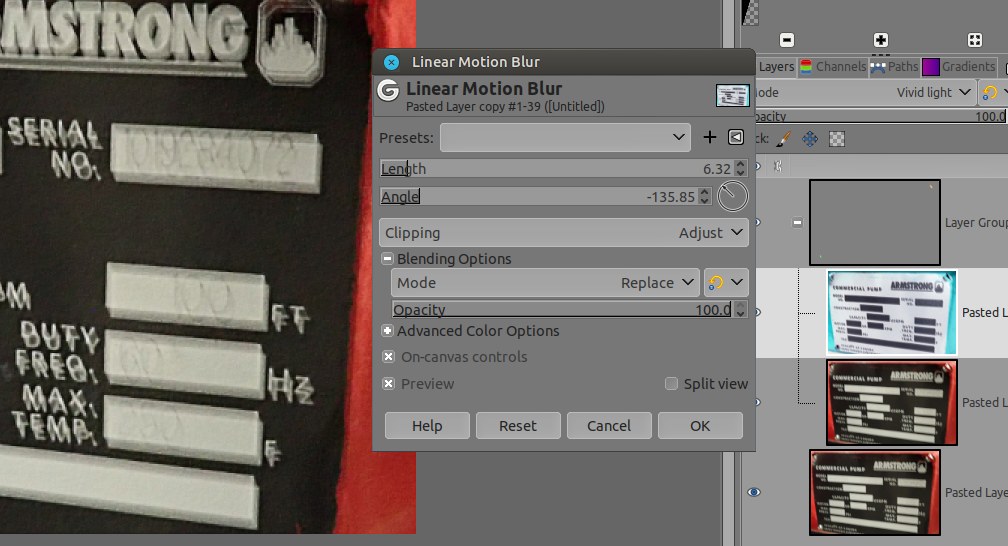

What you can also do is
before to mount all those layers is to give more contrast or extend the blacks something like Filters > Distorts > Value Propagate...
Then duplicate -> and so on -> make the layers system with increased black

In the end the best I can read is the right part (left is totally FUBAR)
Serial: 1019284078 ( last is 2or 8?)
USGPM: 100 FT
Duty Freq 60 Hz (strange that SI number in the middle of all imperials...)
Max Temp 250 F (or 350?)
Instead of the Linear motion blur you can try the Median Blur, or both (Filters > Blur > Median Blur)
Attachment:
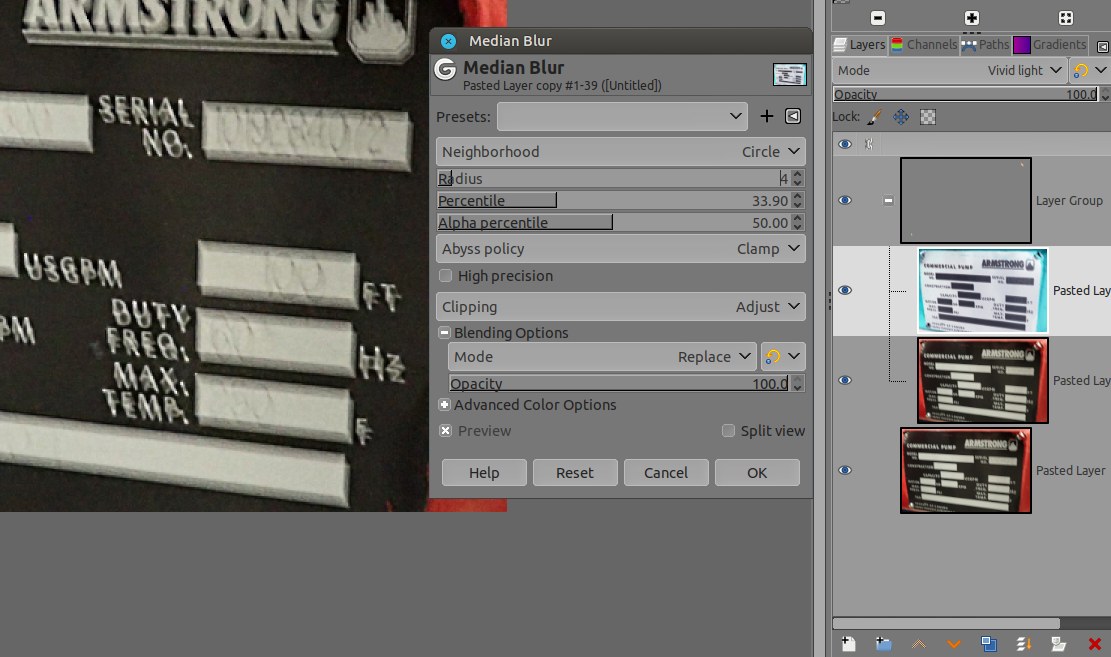 screenshot_20230826-115400.jpg [ 121.89 KiB | Viewed 6888 times ]
Last but not least, don't be the only one to "guess" the numbers, ask people what they think the numbers are, as we are always influenced depending the side of the bed we did woke up

Also once knowing the serial number, a search on internet (on the brand website for example or sending them an email) can gives a better result for all remaining number... Just a thought.
 Login
Login Register
 Tweets
 FAQ
FAQ Advanced Search





 Thanks Ofnuts.
  on sight