Messing around a bit with G'MIC. Lots of cool effects can be obtained. These are some I did this morning. On all of them, I duplicated the original, applied the G'MIC effect, then set the mode. There were a couple I did extra things to.
Before:
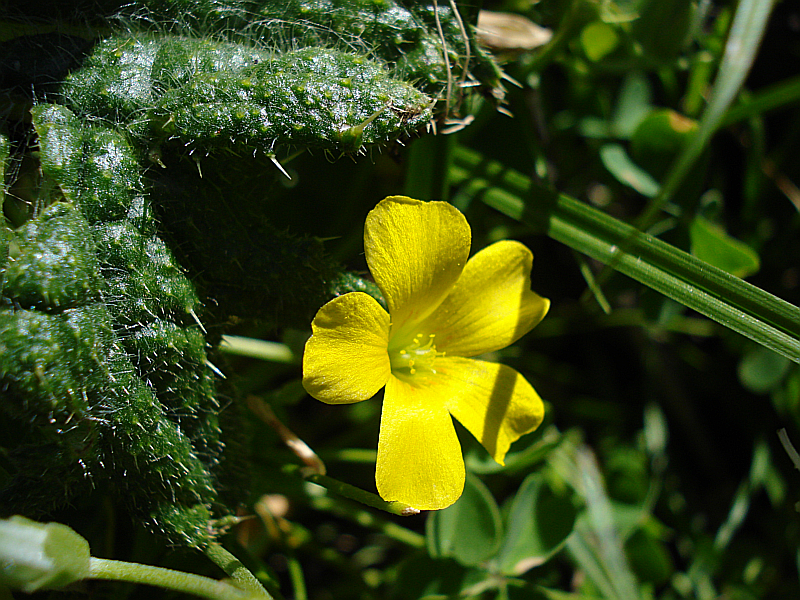
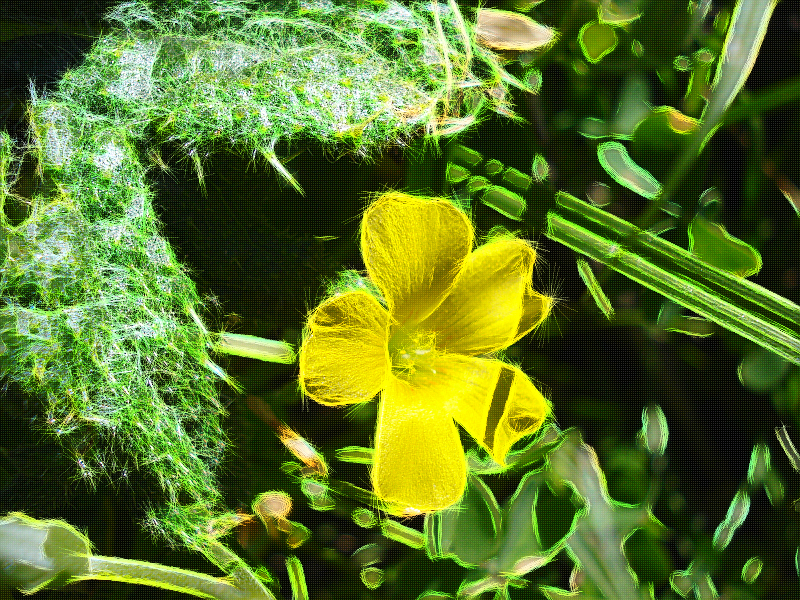
After. Black Crayon Graffiti filter, and forgot the mode. Either screen, or overlay, I believe:
Before:
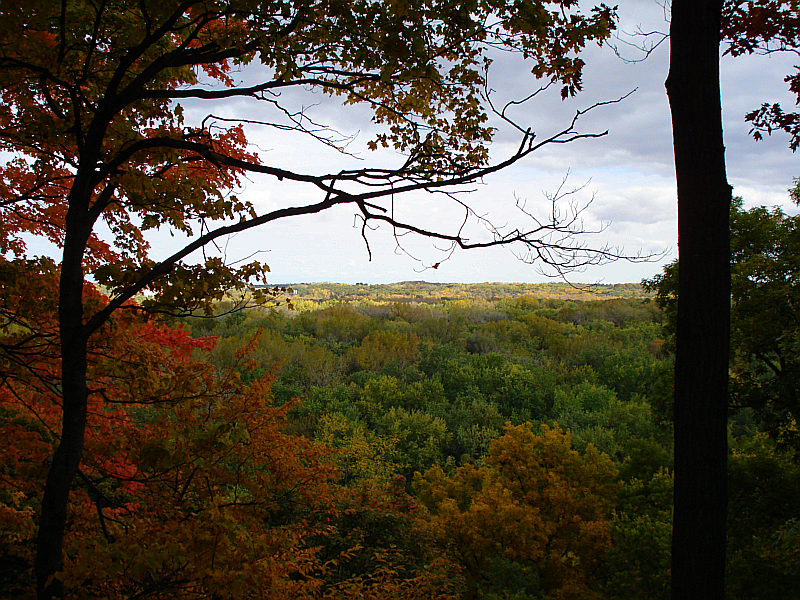
After. Another Black Crayon Graffiti, mode set to overlay, make wonderful filter applied, and adjusted the curves slightly. Sort of gives the appearance that the sun is coming from the left:
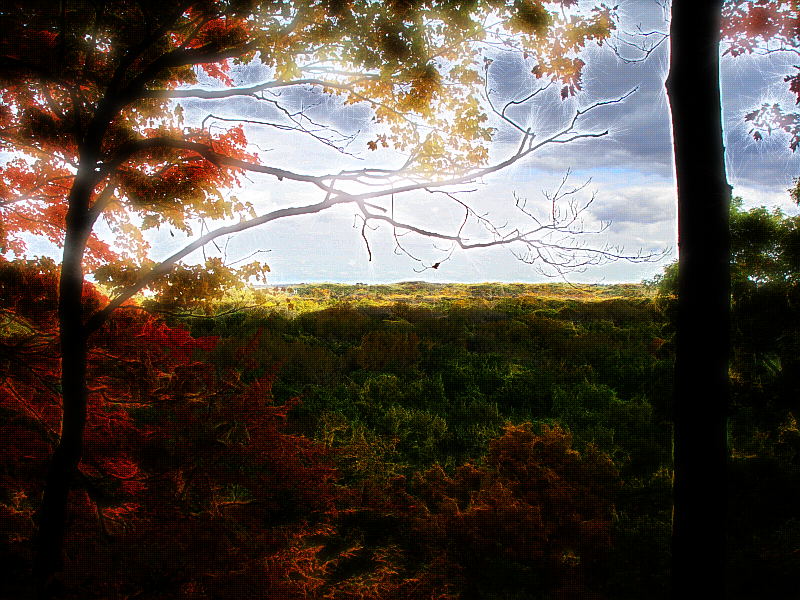
Before:
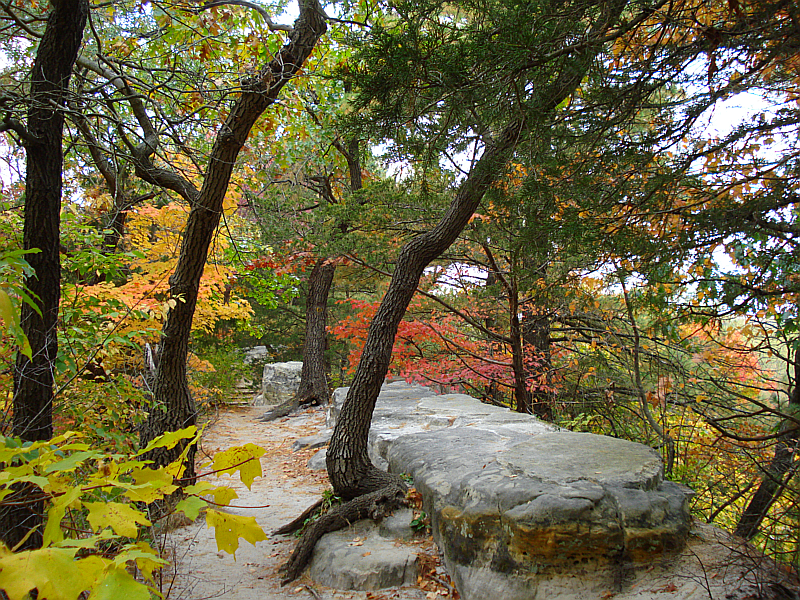
After. Color Sketch applied, mode set to overlay, with a lomo effect added:
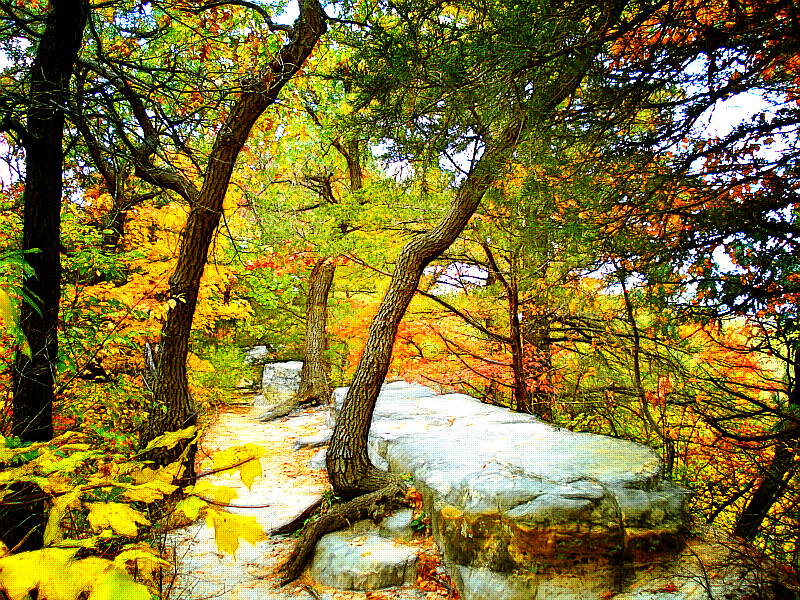
Before:
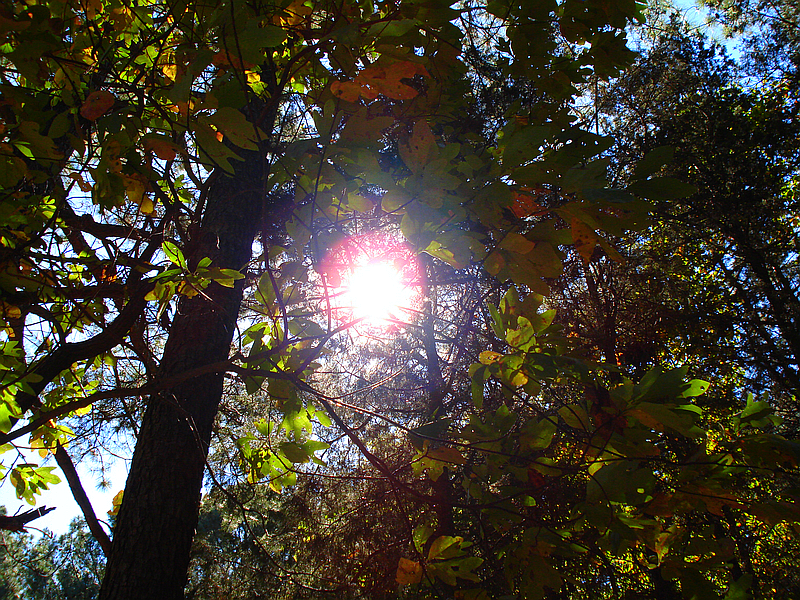
After. Colored Pencil, mode to dodge:
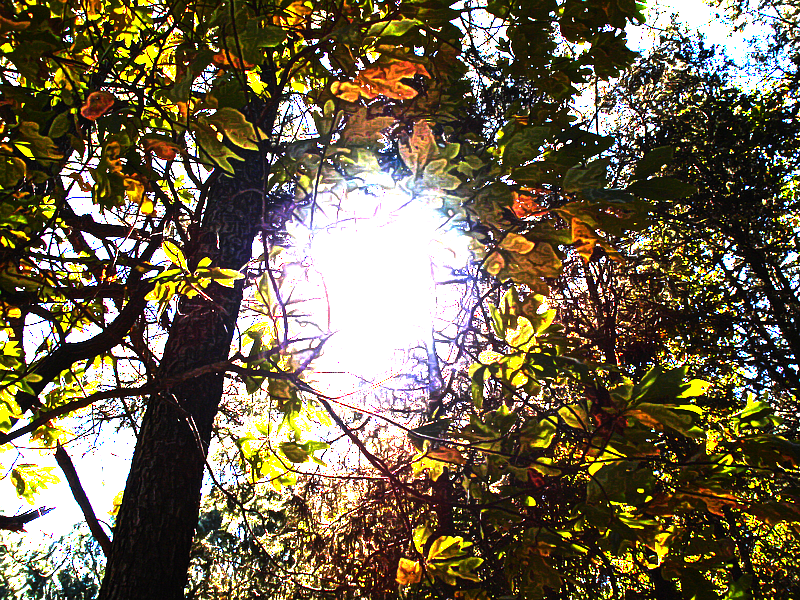
Before:
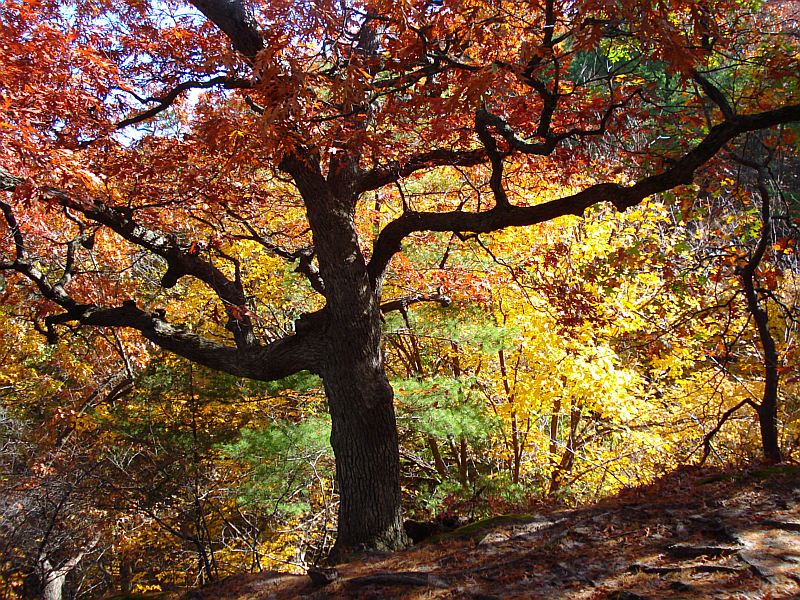
After. Rodilius applied, screen mode:
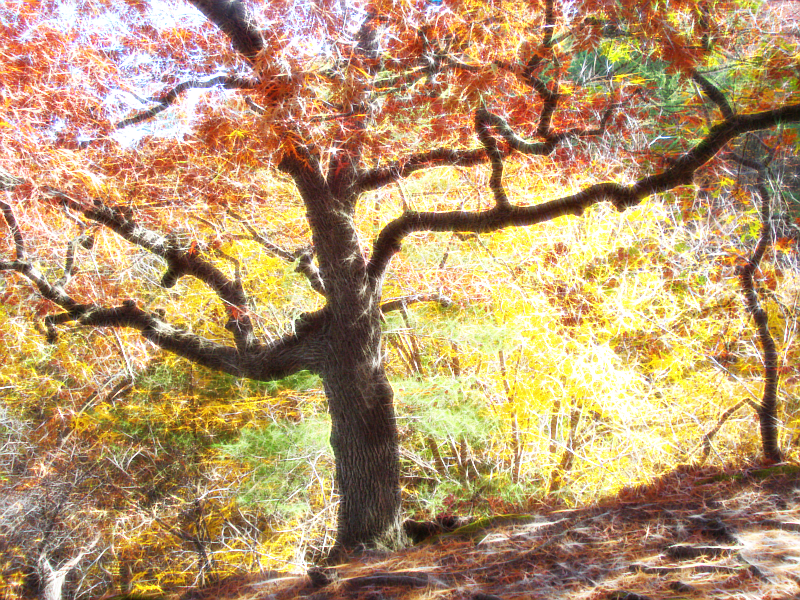
Before:
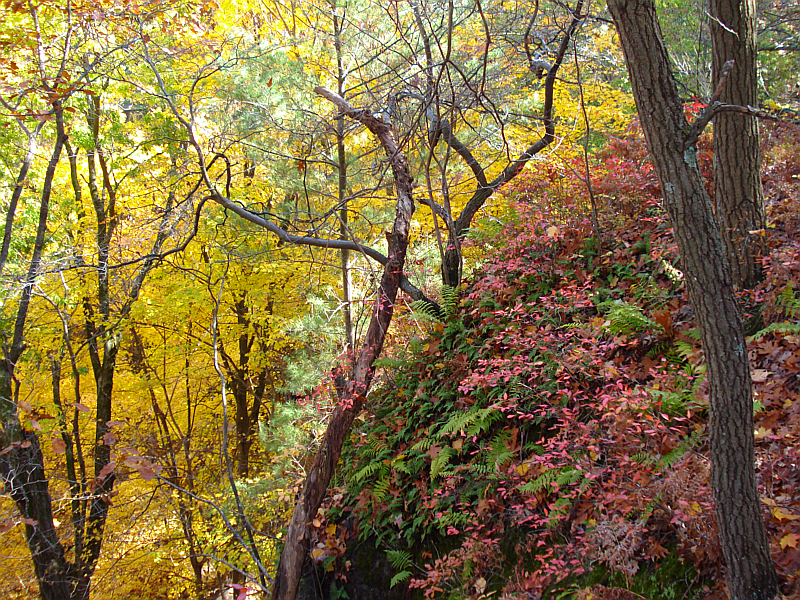
After. Water color, set to hard light:
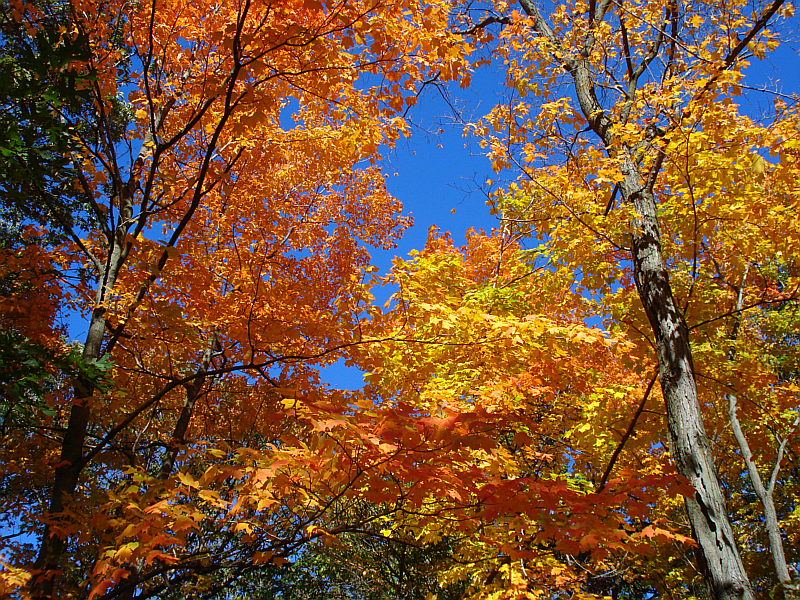
Before:
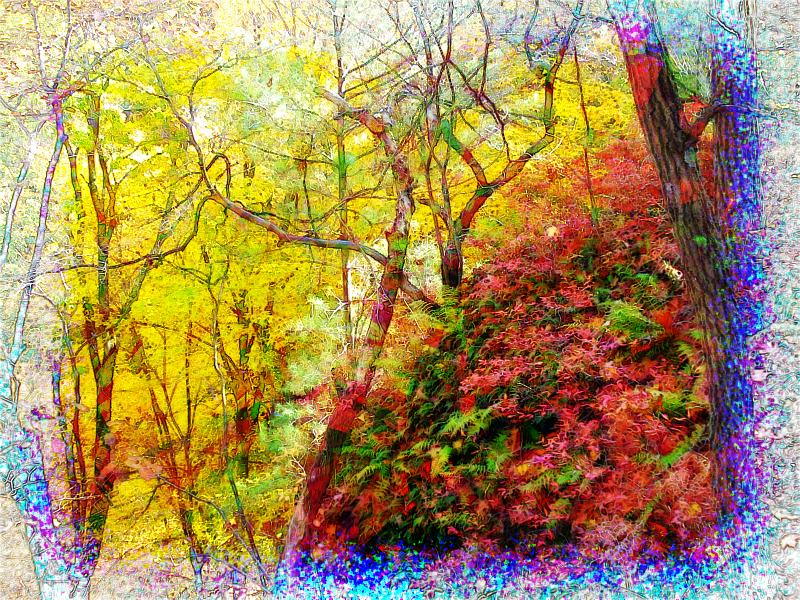
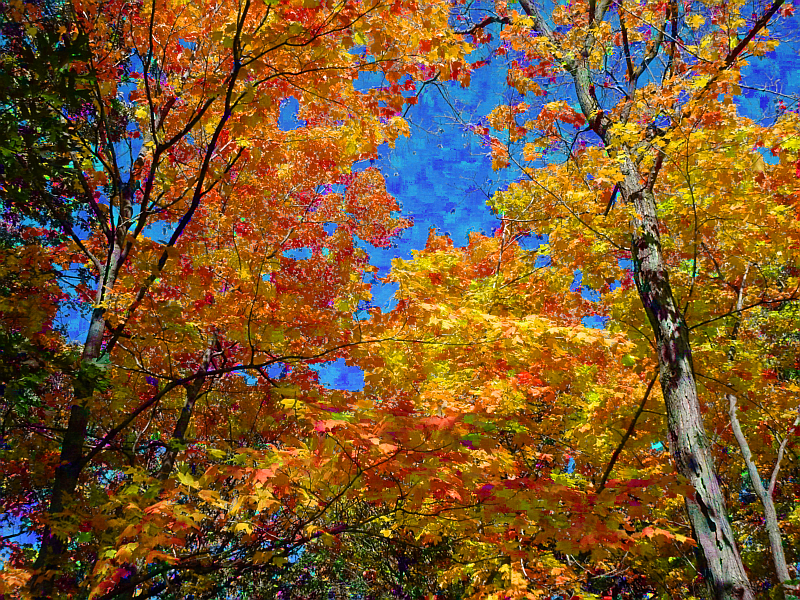
After. lylejk's painting applied, hue mode:
Before:
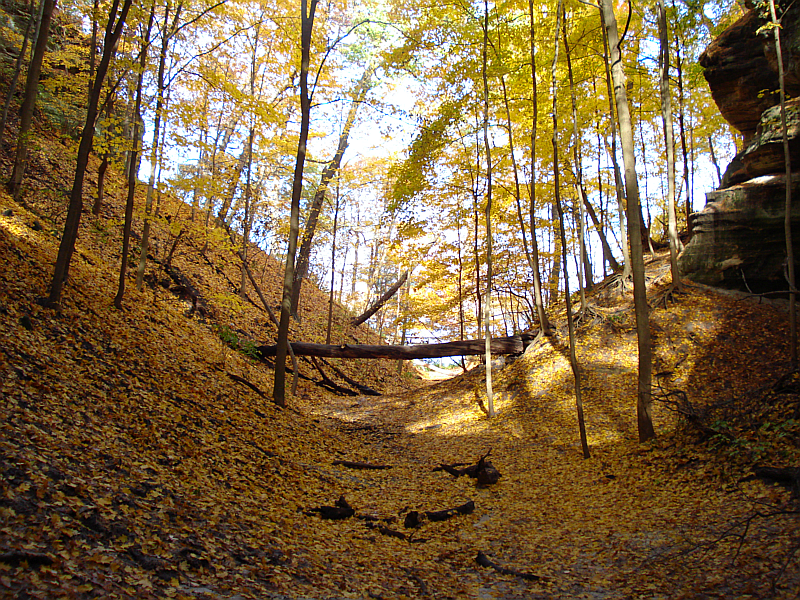
After. Colored pencil applied, overlay mode, make wonderful set at 20:
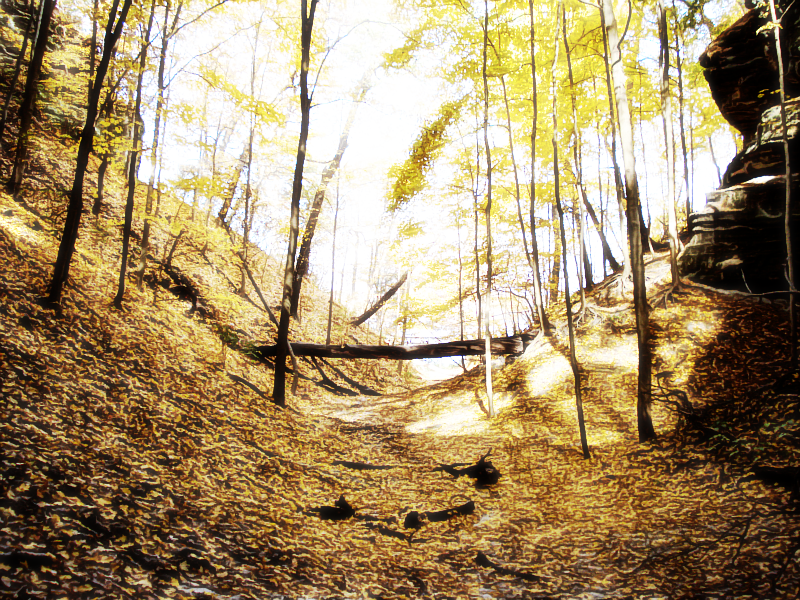
I know these won't be to everyone's liking, but hey, beauty's in the eye of the beerholder.

Thanks for looking.
PART 2:Did a few more. Most are more subtle. Most of these were taken while hiking Taum Sauk Mountain State Park in Missouri.
Before:

After. Colored pencil, size 0, amplitude 54, quantize colors 255, color smoothness 2.59, layer mode Value:

Before:
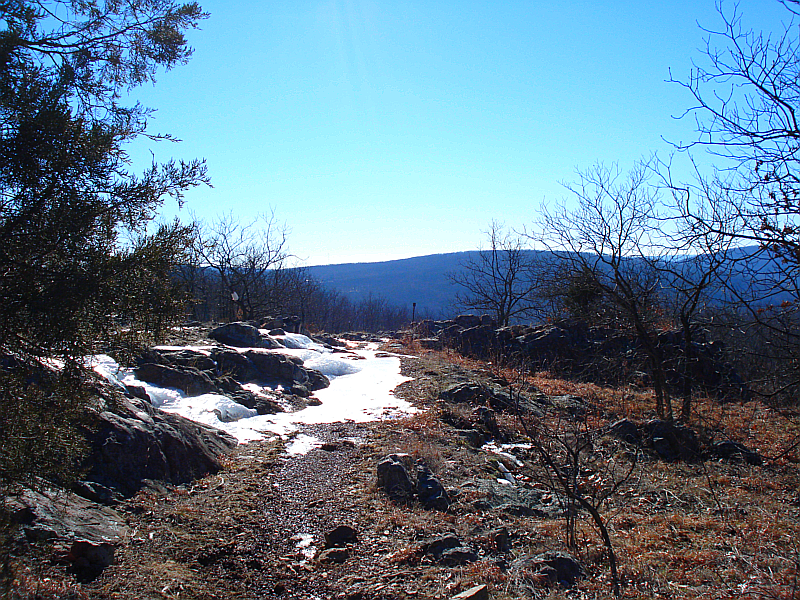
After. Graphic boost 2, mode to lighten only, curve adjustment:
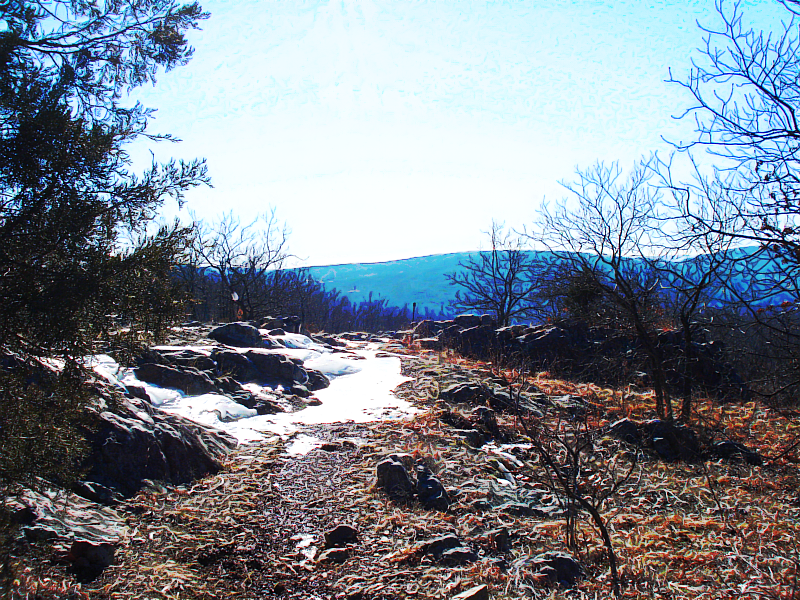
Before:
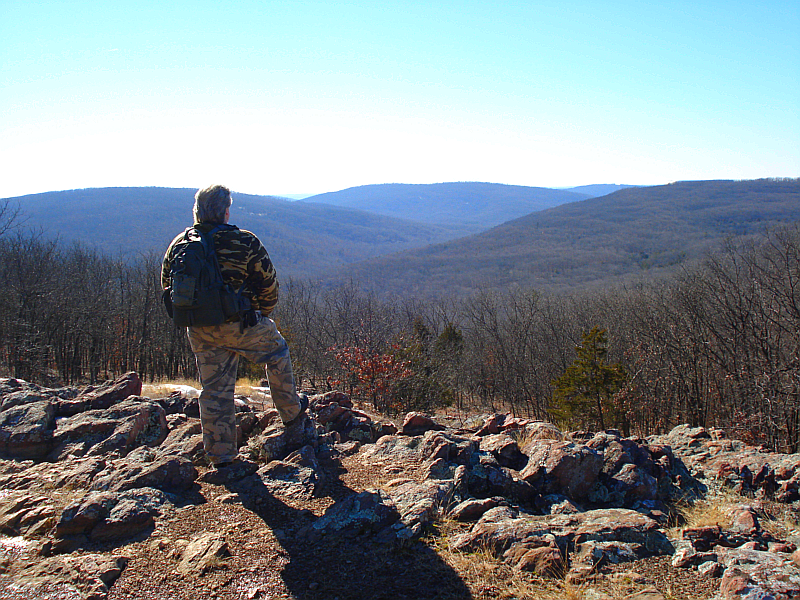
After. Graphic novel, mode to screen. Made my camo match well, haha:
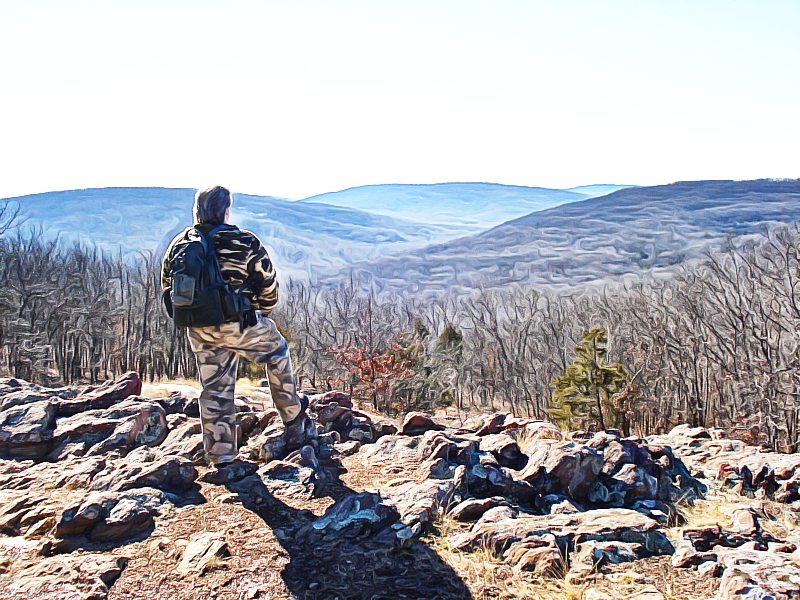
Before:
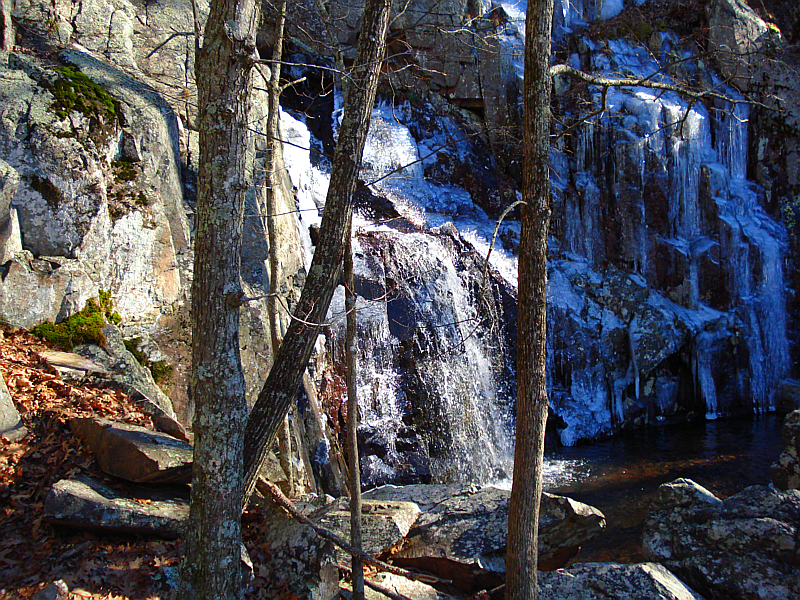
After. Morphology painting, mode to divide:
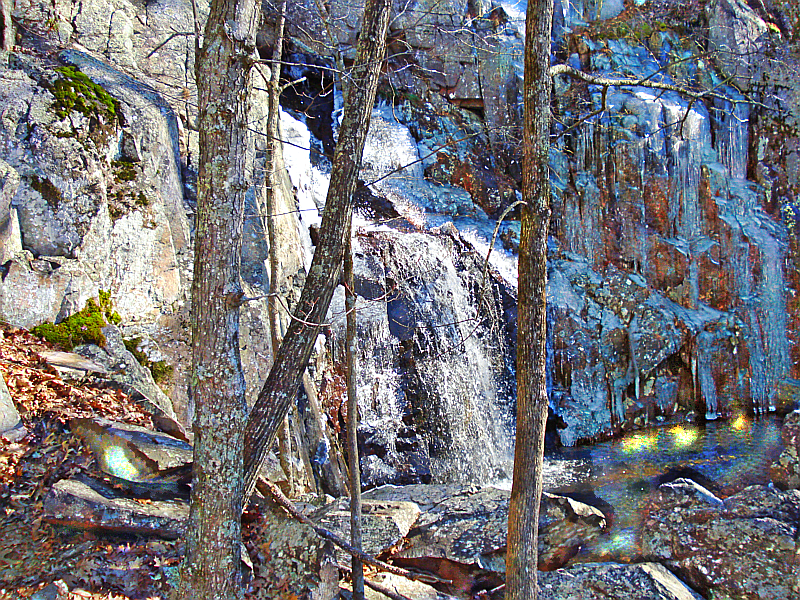
Before:

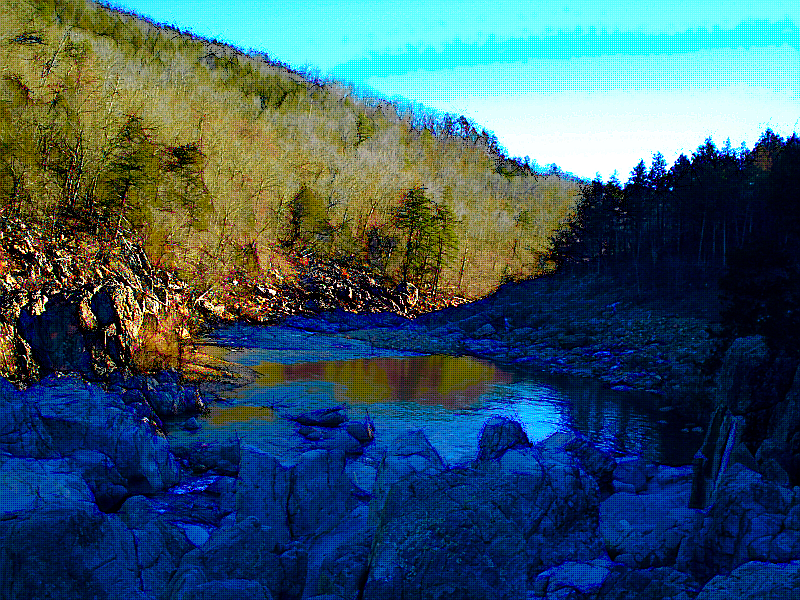
After. Painting, mode to overlay. Thought the painting feature would work well with this, as it paints wavy, matching the water ripples:

Before:
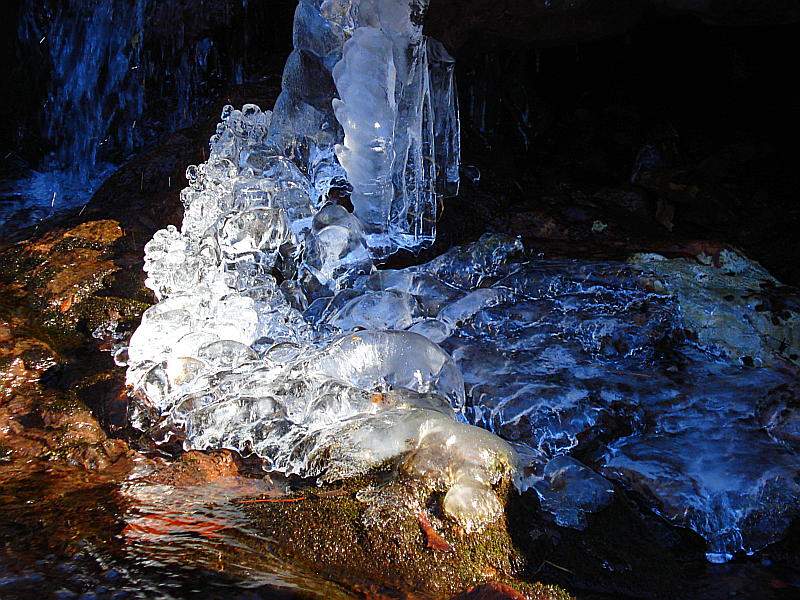
After. Painting, mode to soft light, same reasoning as above:
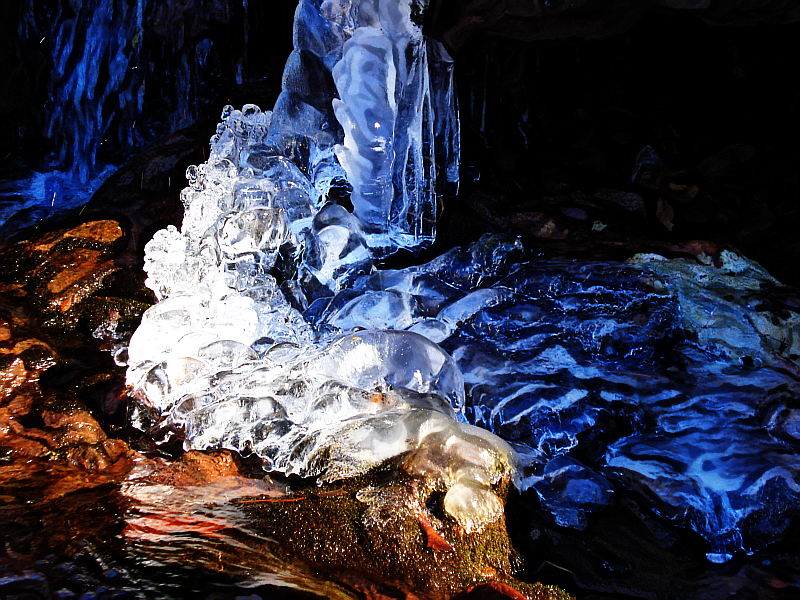
Before:
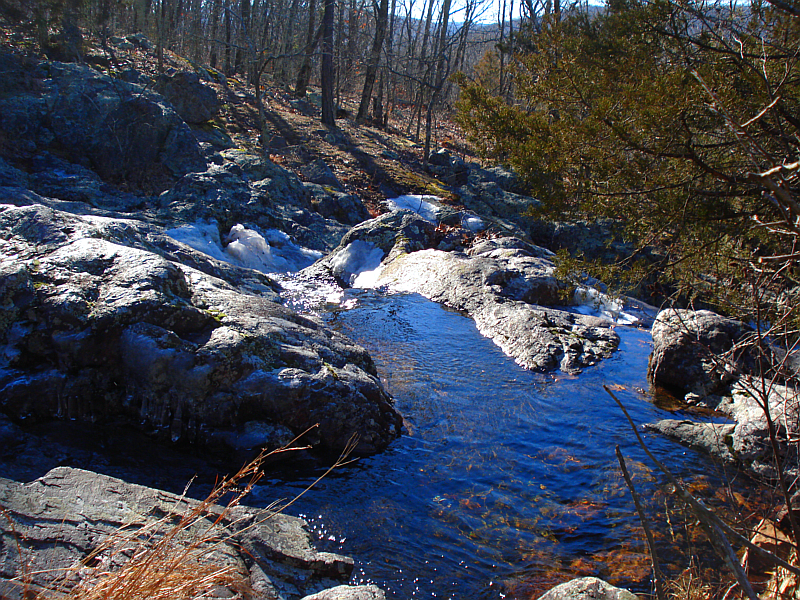
After. Pastel art, mode to lighten only. Subtle, with clear differences:
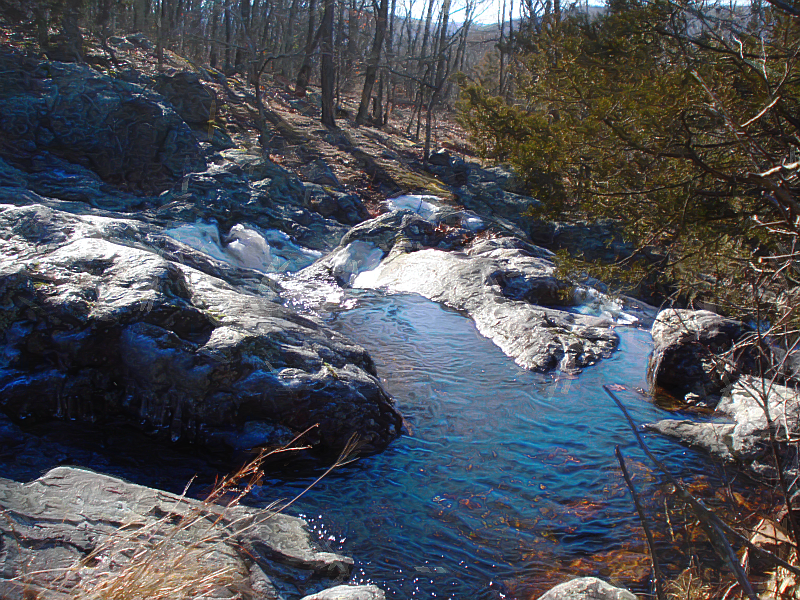
Before:

After. Black Crayon Graffiti, mode to color. I like the colors this one added:

And finally, before:
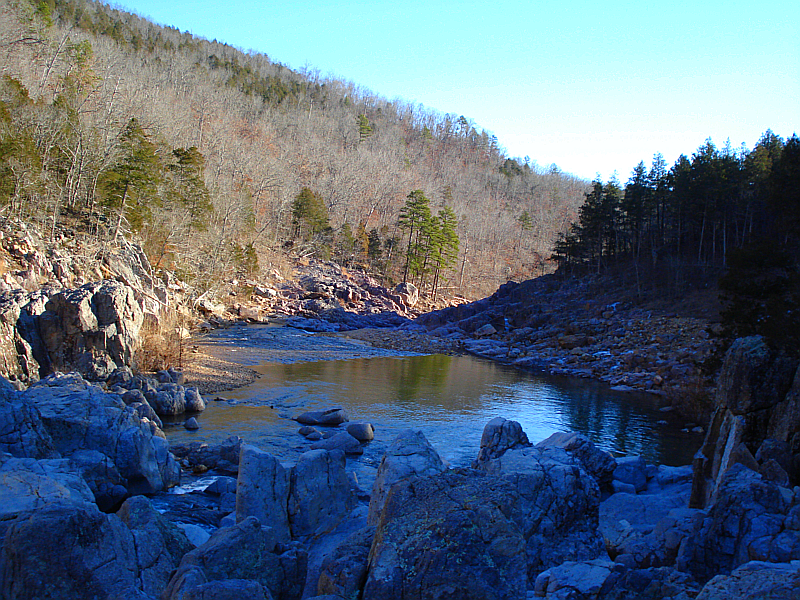
After. Color sketch, mode to burn, major curve adjustment:
 Login
Login Register
 Tweets
 FAQ
FAQ Advanced Search