It is currently Wed Sep 30, 2026 3:12 am


All times are UTC - 5 hours [ DST ]


Post new topic Reply to topic  [ 12 posts ] 
Author Message
 Post subject: More Photo Manips
PostPosted: Sat Jun 29, 2013 2:41 pm  (#1) 
Offline
GimpChat Member
User avatar

Joined: Jun 02, 2013
Posts: 2090
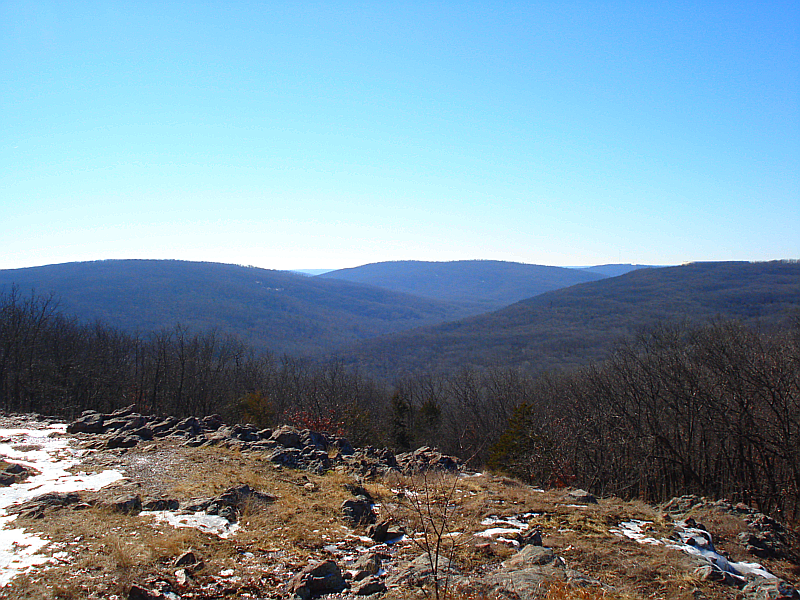
Normal photo, taken at Taum Sauk Mountain State Park, in Missouri:

Image

Top layer G'MIC pencil portrait - overlay
2nd layer regular photo set on hard light
3rd Photoshop flaming pear zephyr - saturation

Image

Top layer G'MIC dream smoothing - hard light
2nd layer normal photo set on color
3rd Photoshop flaming pear zephyr

Image

Normal photo set to soft light
2ng layer dream smoothing set to hue
3rd Photoshop flaming pear zephyr

Image

Thanks for looking.

_________________
Image


Share on Facebook Share on Twitter Share on Orkut Share on Digg Share on MySpace Share on Delicious Share on Technorati
Top
 Post subject: Re: More Photo Manips
PostPosted: Sat Jun 29, 2013 3:12 pm  (#2) 
Offline
Retired Staff
User avatar

Joined: May 22, 2008
Posts: 6946
Location: Somewhere in GIMP
VERY nice! I like the bottom one best and I love what happened with the sky; a boring sky became an elegant part of the image. Excellent! :paint

_________________
Image
World War IV will be fought with sticks and stones. - Albert Einstein


Top
 Post subject: Re: More Photo Manips
PostPosted: Sat Jun 29, 2013 3:24 pm  (#3) 
Offline
GimpChat Member
User avatar

Joined: Mar 02, 2011
Posts: 1850
Location: Michigan
I like the second one, very nice and flowy :)

_________________
Image
I'm back I think


Top
 Post subject: Re: More Photo Manips
PostPosted: Sat Jun 29, 2013 3:30 pm  (#4) 
Offline
GimpChat Member
User avatar

Joined: Jun 02, 2013
Posts: 2090
Oregonian wrote:
VERY nice! I like the bottom one best and I love what happened with the sky; a boring sky became an elegant part of the image. Excellent! :paint

Also my fav, hence why I posted it last, haha. That Photoshop plugin "Zephyr" is what made the sky do that. Worked out well.

_________________
Image


Top
 Post subject: Re: More Photo Manips
PostPosted: Sat Jun 29, 2013 5:57 pm  (#5) 
Offline
GimpChat Member

Joined: Apr 12, 2010
Posts: 5870
i like all especially for the lower part and , the last 2 for the sky

I found the effect on the far mountain a bit excessive, i would have preferred less intense and saturated colour, and a less sharp transition with the foreground ...or maybe a progressive fog or mist to soften the transition and the mountain colours

_________________
My 3D Gallery on Deviantart http://photocomix2.deviantart.com/
Main gallery http://www.flickriver.com/photos/photocomix-mandala/
Mandala and simmetry http://www.flickriver.com/photos/photocomix_mandala/

Image

Mrs Wilbress


Top
 Post subject: Re: More Photo Manips
PostPosted: Sat Jun 29, 2013 6:13 pm  (#6) 
Offline
GimpChat Member
User avatar

Joined: Jun 02, 2013
Posts: 2090
PhotoComix wrote:
i like all especially for the lower part and , the last 2 for the sky

I found the effect on the far mountain a bit excessive, i would have preferred less intense and saturated colour, and a less sharp transition with the foreground ...or maybe a progressive fog or mist to soften the transition and the mountain colours

Thanks. I wasn't going for any kind of realism. You can always save the original photo above, and show me what you mean.

_________________
Image


Top
 Post subject: Re: More Photo Manips
PostPosted: Sat Jun 29, 2013 8:01 pm  (#7) 
Offline
Global Moderator
User avatar

Joined: May 16, 2010
Posts: 16175
I really like the bottom one also. :)
I have never heard of the flaming pear zephyr plug-in.


Top
 Post subject: Re: More Photo Manips
PostPosted: Sat Jun 29, 2013 9:04 pm  (#8) 
Offline
GimpChat Member
User avatar

Joined: Jun 02, 2013
Posts: 2090
Rod wrote:
I really like the bottom one also. :)
I have never heard of the flaming pear zephyr plug-in.

Here's a link. There were several freeb's in one folder. You can find the download at the bottom of the page, "free plugins". Some worked in my 2.6, some didn't. I never tried any in my 2.8. The download contains 32, and 64 bit. http://www.flamingpear.com/download.html#freebies

_________________
Image


Top
 Post subject: Re: More Photo Manips
PostPosted: Sat Jun 29, 2013 9:20 pm  (#9) 
Offline
Global Moderator
User avatar

Joined: May 16, 2010
Posts: 16175
The Warrior wrote:
Rod wrote:
I really like the bottom one also. :)
I have never heard of the flaming pear zephyr plug-in.

Here's a link. There were several freeb's in one folder. You can find the download at the bottom of the page, "free plugins". Some worked in my 2.6, some didn't. I never tried any in my 2.8. The download contains 32, and 64 bit. http://www.flamingpear.com/download.html#freebies


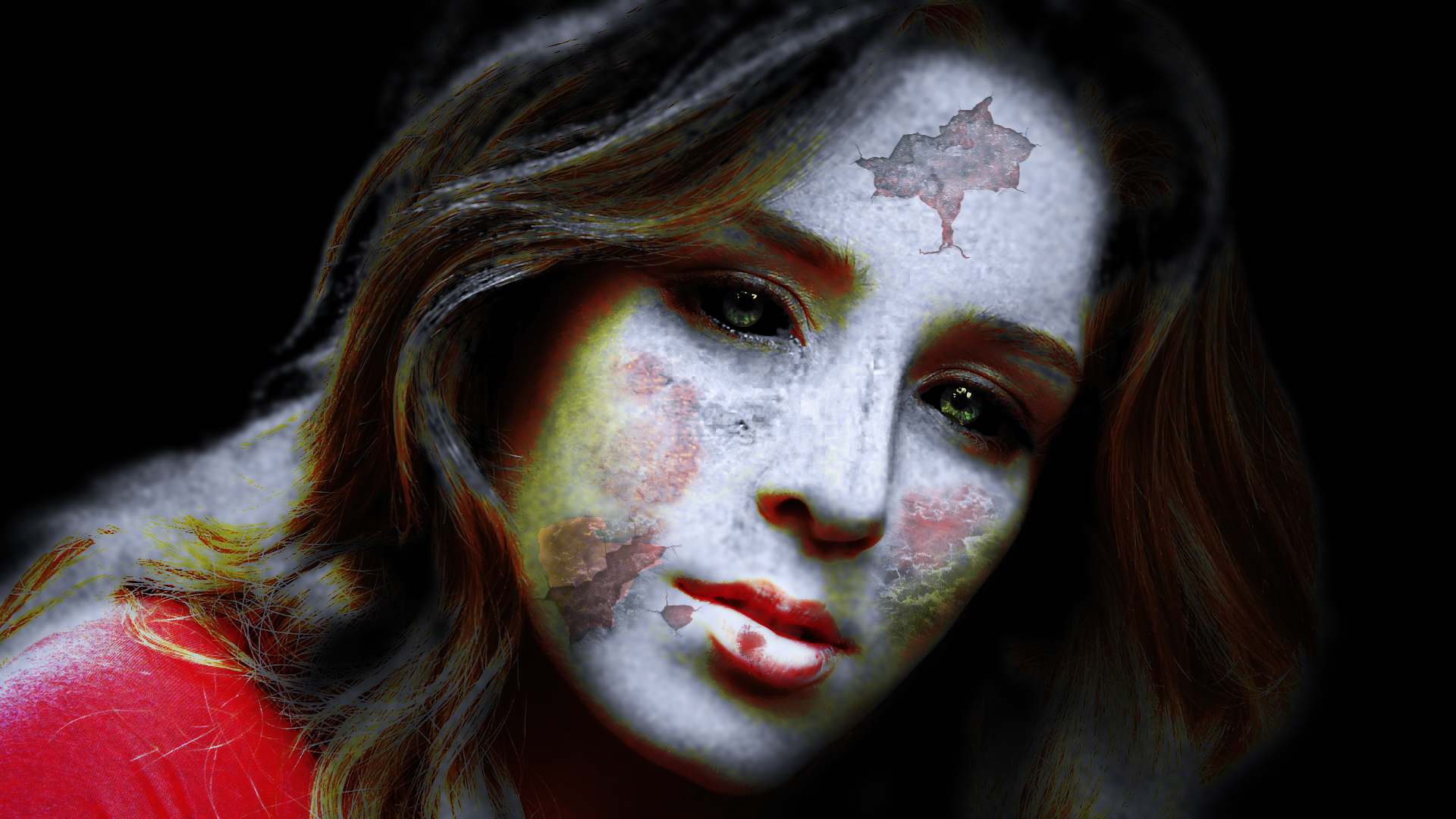
Yep grabbed it already and tried out zombie. Very cool when you add some other touch ups. :)
Image


Top
 Post subject: Re: More Photo Manips
PostPosted: Sat Jun 29, 2013 9:24 pm  (#10) 
Offline
GimpChat Member
User avatar

Joined: Jun 02, 2013
Posts: 2090
Rod wrote:
The Warrior wrote:
Rod wrote:
I really like the bottom one also. :)
I have never heard of the flaming pear zephyr plug-in.

Here's a link. There were several freeb's in one folder. You can find the download at the bottom of the page, "free plugins". Some worked in my 2.6, some didn't. I never tried any in my 2.8. The download contains 32, and 64 bit. http://www.flamingpear.com/download.html#freebies


Yep grabbed it already and tried out zombie. Very cool when you add some other touch ups. :)
[ Image ]

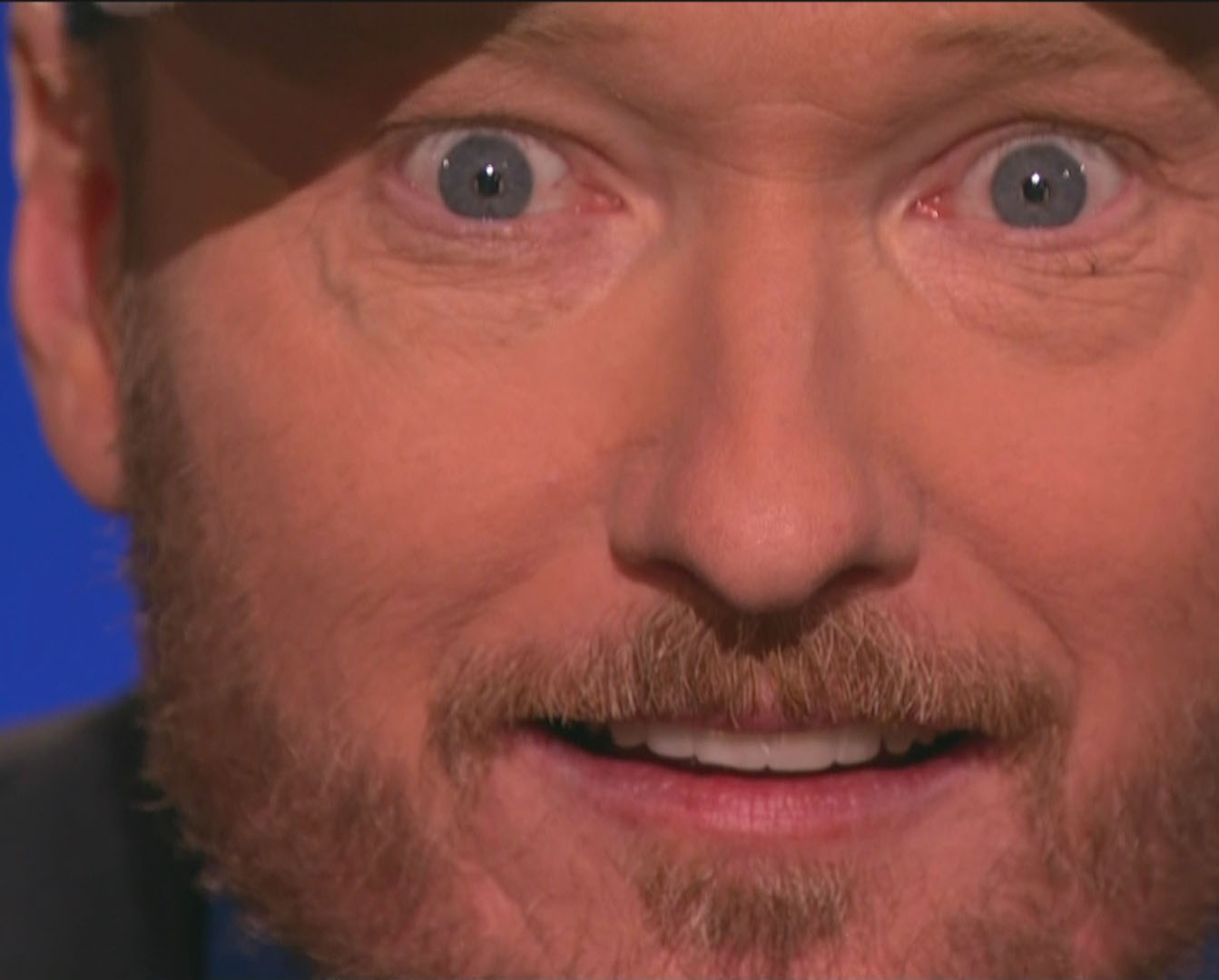
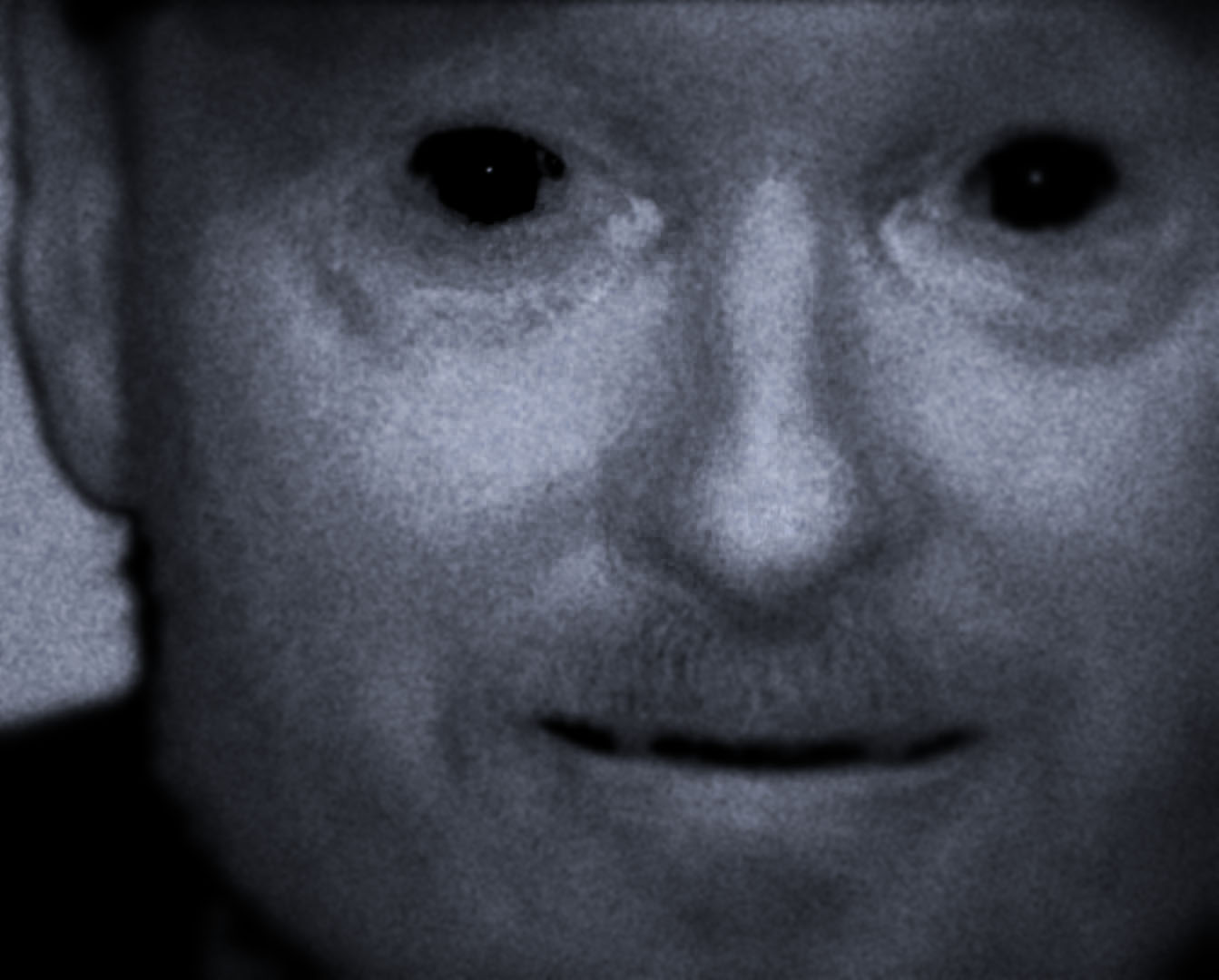
Haha, that one is cool. I used it for Conan earlier. :mrgreen:

Image

Image

_________________
Image


Top
 Post subject: Re: More Photo Manips
PostPosted: Sat Jun 29, 2013 9:26 pm  (#11) 
Offline
GimpChat Member
User avatar

Joined: Mar 02, 2011
Posts: 1850
Location: Michigan
neither one of those images are creepy whatsoever, especially not the second one

_________________
Image
I'm back I think


Top
 Post subject: Re: More Photo Manips
PostPosted: Sun Jun 30, 2013 5:41 am  (#12) 
Offline
Global Moderator
User avatar

Joined: May 16, 2010
Posts: 16175
Conan the zombarian! :)


Top
Post new topic Reply to topic  [ 12 posts ] 

All times are UTC - 5 hours [ DST ]


* Login  


Powered by phpBB3 © phpBB Group