It is currently Wed Aug 05, 2026 10:34 pm


All times are UTC - 5 hours [ DST ]


Post new topic Reply to topic  [ 6 posts ] 
Author Message
 Post subject: Sample Colourise.
PostPosted: Sun Jan 05, 2014 7:57 am  (#1) 
Offline
GimpChat Member

Joined: Dec 27, 2012
Posts: 393
Location: England
Image

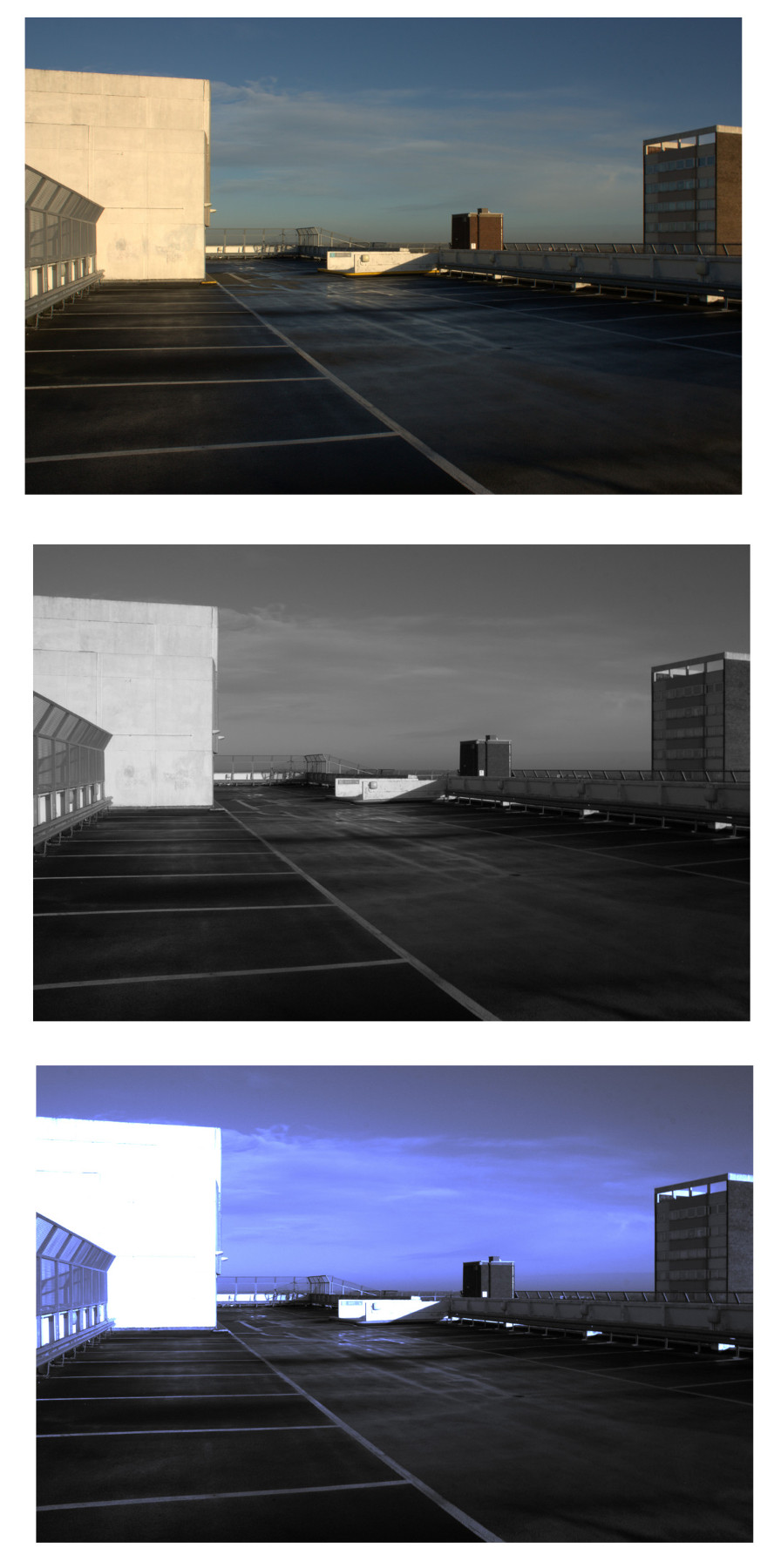
Never really tried this filter before but it looks as if it might be good for adding a selected colour to a black and white image without the need for a layer mask.
The filter is called Sample Colourise and can be found under Colours - Map - Sample colourise.

The top image is the original picture, second one is after running colours desaturate and the third after running SC. To get the effect for the last image put the original image at the bottom of the layer stack, then the desaturated one in the middle and the Sample Colourised one at the top. The SC layer should be set to Dodge and the other two are in Normal mode.
I played around with the curve settings on the SC layer so as to bring out the blue, I used the blue channel for this.

The highlights have tended to blow out using this method, so I probably need to mess around with it some more, but it does show promise.

_________________
Image

DeviantArt gallery


Share on Facebook Share on Twitter Share on Orkut Share on Digg Share on MySpace Share on Delicious Share on Technorati
Top
 Post subject: Re: Sample Colourise.
PostPosted: Sun Jan 05, 2014 8:00 am  (#2) 
Offline
GimpChat Member
User avatar

Joined: Nov 15, 2012
Posts: 949
Location: Mesa, AZ
Nice result actually. You can probably lessen the effect a little by backing out the layer opacities until it looks more natural. But I can see how this has its applications.

_________________
Image

I now have a Tumblr, check it out!


Top
 Post subject: Re: Sample Colourise.
PostPosted: Sun Jan 05, 2014 3:38 pm  (#3) 
Offline
GimpChat Member

Joined: Apr 12, 2010
Posts: 5870
Yes it is cool except for the white that withe is really too white and ruin the color balance, a pity because the color scheme is nice, but such intense white distract the attention from image focus...but should be possible to handle , as example on a similar image
1) mask highlight , feather mask
2) run the filter
3) invert the mask
4) again run the filter
5) BUT now go to Edit/Fade to soften the effect

But here doesn't seems the case to redo, maybe just fill with a vague greyish pattern, even better a greyish pattern with a slight bluish cast, would make that white less shocking

_________________
My 3D Gallery on Deviantart http://photocomix2.deviantart.com/
Main gallery http://www.flickriver.com/photos/photocomix-mandala/
Mandala and simmetry http://www.flickriver.com/photos/photocomix_mandala/

Image

Mrs Wilbress


Top
 Post subject: Re: Sample Colourise.
PostPosted: Sun Jan 05, 2014 8:40 pm  (#4) 
Offline
Script Coder
User avatar

Joined: Jul 14, 2010
Posts: 697
I originally wrote this script for Jim so the png gradients from that linked gimpguru page could be converted. They are all available as a zip of gradients here: http://registry.gimp.org/node/250

-Rob A>

_________________
Image
Fantasy Cartography and Mapping by RobA


Top
 Post subject: Re: Sample Colourise.
PostPosted: Mon Jan 06, 2014 1:54 am  (#5) 
Offline
Script Coder
User avatar

Joined: Feb 18, 2011
Posts: 4826
Location: Bendigo Vic. Australia
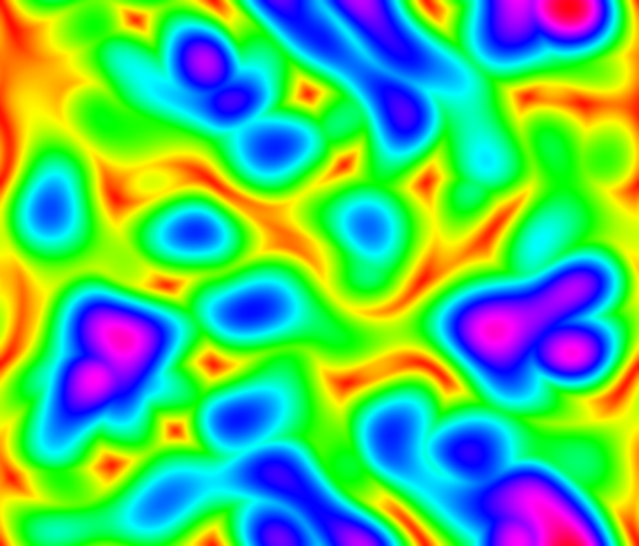
Caz would 'Sample Colourise' be able to handle a multi-colored sample such as below↓
Image

_________________
Image
No matter how much you push the envelope, it'll still be stationery.


Top
 Post subject: Re: Sample Colourise.
PostPosted: Mon Jan 06, 2014 1:25 pm  (#6) 
Offline
GimpChat Member

Joined: Dec 27, 2012
Posts: 393
Location: England
Thanks ek and photocomix for the tips. Lowering the opacity helps, and I will have a run through on the other suggestions to see what happens. The main problem from the white being so bright is caused by changing the layer mode to dodge. As suggested there should be a way around the problem.

RobA wrote:
I originally wrote this script for Jim so the png gradients from that linked gimpguru page could be converted. They are all available as a zip of gradients here: http://registry.gimp.org/node/250

-Rob A>


Thank you for these. I tested the script out and it works fine in 2.8.10. All the zipped tones have saved me a lot of time. I was doing it the hard way by downloading the toned images from the site, saving the tone and then storing them. Great stuff :bigthup

Graechan wrote:
Caz would 'Sample Colourise' be able to handle a multi-colored sample such as below↓
[ Image ]


Image

Apparently yes. Probably not the best picture to try out the pattern on but it does work.
As to the picture, I always get a laugh when I see these signs around the town. Someone likes adding those few words to the traffic signs around here. :hehe

_________________
Image

DeviantArt gallery


Top
Post new topic Reply to topic  [ 6 posts ] 

All times are UTC - 5 hours [ DST ]


* Login  


Powered by phpBB3 © phpBB Group