It is currently Mon Oct 05, 2026 9:46 am


All times are UTC - 5 hours [ DST ]


Post new topic Reply to topic  [ 41 posts ]  Go to page Previous  1, 2, 3  Next
Author Message
 Post subject: Re: Hairy Text
PostPosted: Sat Mar 09, 2013 4:36 pm  (#21) 
Offline
GimpChat Member
User avatar

Joined: Jul 17, 2012
Posts: 2769
molly, maybe AnMal fooled us and its not transpareny but a checkerboard background ? :mrgreen:


Top
 Post subject: Re: Hairy Text
PostPosted: Sat Mar 09, 2013 4:49 pm  (#22) 
Offline
GimpChat Member
User avatar

Joined: Sep 24, 2010
Posts: 12850
Used Eye Candy 3's fur and yes, it runs inside GIMP nicely (PSPI). One of the few PS plugins that have not been broken in GIMP and I do wish someone would update PSPI to be less buggy. Oh well. :)

_________________
Lyle

Psalm 109:8

Image


Top
 Post subject: Re: Hairy Text
PostPosted: Sat Mar 09, 2013 5:00 pm  (#23) 
Offline
GimpChat Member
User avatar

Joined: Aug 16, 2012
Posts: 4271
Location: Göteborg, Sweden
molly: thank you! i actually never thought about how it looked like transparency, i just have a thing for shocking pink combined with checkerboard :).
esper: tell-tale! go on, just spoil all the fun :hoh ...
lylejk: a-ha! i knew there was something suspicious about that fur. in my eyes, pspi is about as suspicious as it gets :hehe .

_________________


Top
 Post subject: Re: Hairy Text
PostPosted: Sat Mar 09, 2013 7:04 pm  (#24) 
Offline
GimpChat Member
User avatar

Joined: Jan 10, 2013
Posts: 863
lylejk wrote:
Odinbc wrote:
lylejk wrote:
I don't have the distort Script-fu (or can't find it anyway since it wasn't where I thought it should be). Link?
Select menu | Distort


Don't believe that is the same used here Odin. Anyway, I try using displacement map set to 2X2; think you will like the result. Not this one, I have to admit, I cheated. lolol

:)


Well, i used this same: Select - Distort
Conforms to the screen of the tutorial.

_________________
bbbbbbbbbbbImage
bbbbbbbbbbb Be patient, English is not my language.


Top
 Post subject: Re: Hairy Text
PostPosted: Sat Mar 09, 2013 10:21 pm  (#25) 
Offline
GimpChat Member
User avatar

Joined: Dec 11, 2011
Posts: 532
very confusing steps.

_________________
Image


Top
 Post subject: Re: Hairy Text
PostPosted: Sun Mar 10, 2013 1:34 am  (#26) 
Offline
GimpChat Member
User avatar

Joined: Aug 04, 2012
Posts: 32
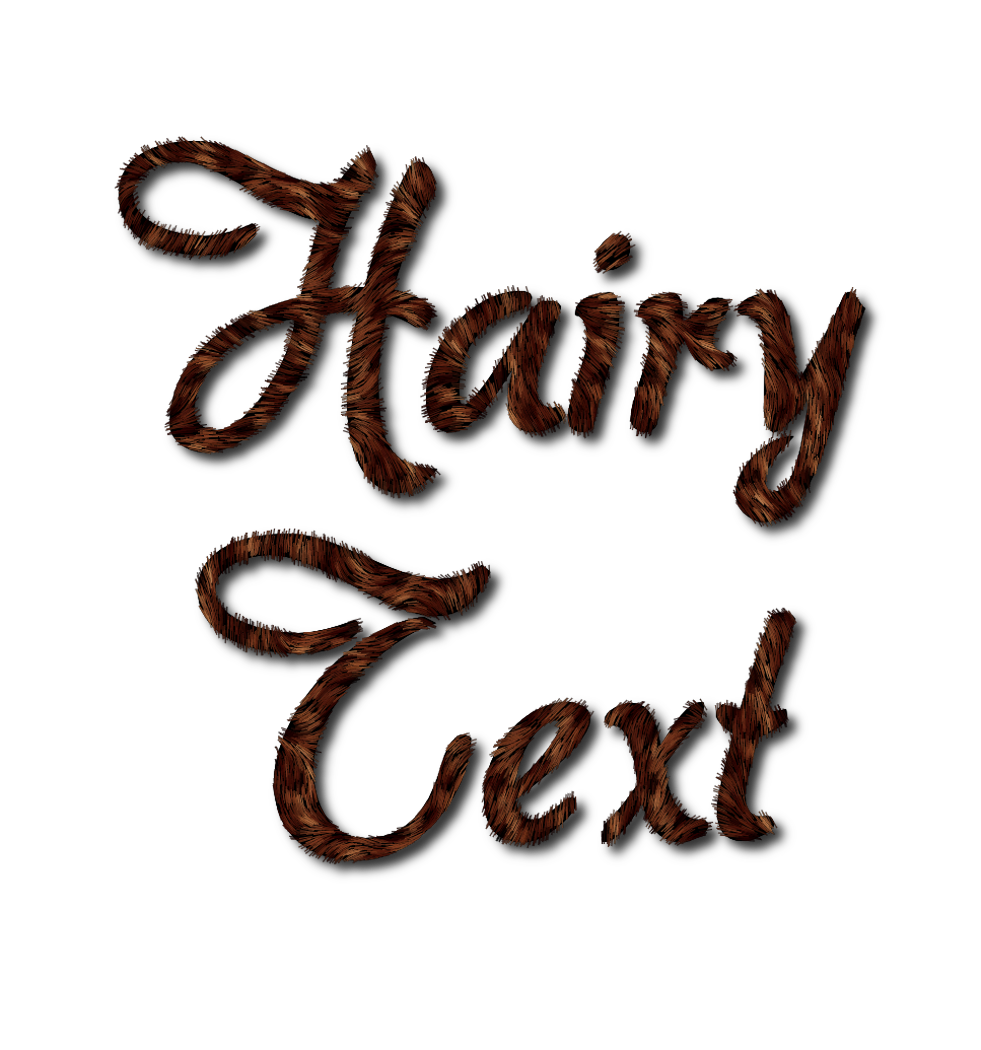
I remember that 5 years ago I created a tutorial about how to create "furry text", I called that tutorial "Tiger Text". I only used the GIMPressionist filter. If you want to take a look at the tutorial,this is the link. I'm pretty sure that this effect can be improved.
www.youtube.com Video from : www.youtube.com

Image

_________________
In a world without walls and fences, who needs Windows and Gates


Top
 Post subject: Re: Hairy Text
PostPosted: Mon Mar 11, 2013 10:20 am  (#27) 
Offline
GimpChat Member
User avatar

Joined: Apr 07, 2010
Posts: 14182
I just had to do this one more time Garagecoder. Your first tutorial is really a hit with me...:teeth

Image

_________________
Image


Top
 Post subject: Re: Hairy Text
PostPosted: Mon Mar 11, 2013 11:35 am  (#28) 
Offline
GimpChat Member

Joined: Mar 04, 2013
Posts: 105
Wow! That texture looks really good, Molly.

Did you make any modifications to the tutorial?


Top
 Post subject: Re: Hairy Text
PostPosted: Mon Mar 11, 2013 12:18 pm  (#29) 
Offline
GimpChat Member

Joined: Sep 24, 2012
Posts: 275
Location: Scotland
Good to see a few nice things being made from my happy accident :jumpclap
I didn't really expect it to be much use... next time I'll try to make the instructions a tiny bit more readable for people (assuming I stumble on something else at some point!)


Top
 Post subject: Re: Hairy Text
PostPosted: Mon Mar 11, 2013 12:26 pm  (#30) 
Offline
GimpChat Member
User avatar

Joined: Apr 07, 2010
Posts: 14182
Looking forward to it...I love that hairy-fuzzy look

_________________
Image


Top
 Post subject: Re: Hairy Text
PostPosted: Mon Mar 11, 2013 1:02 pm  (#31) 
Offline
GimpChat Member
User avatar

Joined: Apr 07, 2010
Posts: 14182
thanks gram.
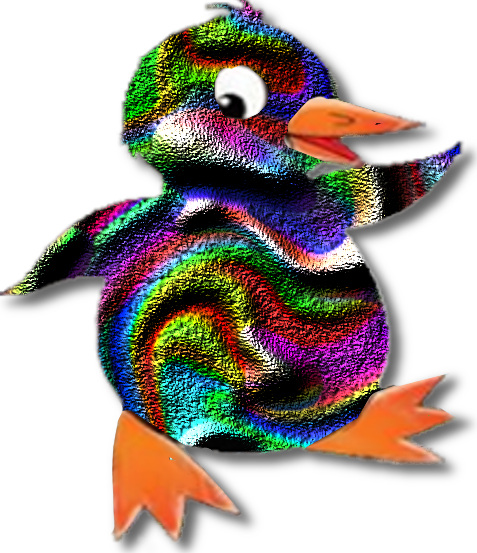
I made a pattern with garagecoders' tute. I then opened up an image and put it below the pattern in the layer stack. I selected the image (alpha to selection) invert select pattern layer and delete.
After you get your fuzzy image put a copy of your image below and lower the opacity until you see the image then use eraser to take out the parts you don't want fuzzy.

_________________
Image


Top
 Post subject: Re: Hairy Text
PostPosted: Mon Mar 11, 2013 2:45 pm  (#32) 
Offline
GimpChat Member
User avatar

Joined: Aug 30, 2012
Posts: 2174
molly - lovey duck.

_________________
Image


Top
 Post subject: Re: Hairy Text
PostPosted: Mon Mar 11, 2013 5:24 pm  (#33) 
Offline
GimpChat Member
User avatar

Joined: Apr 07, 2010
Posts: 14182
you don't need the fuzzy select for this but anyway, here is what you do.
XCF below, just turn one layer on at a time to see the layers.
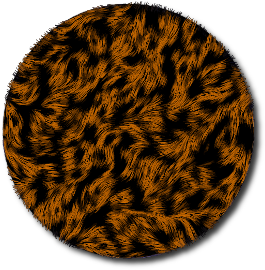
Start out with a pattern. You can use any pattern, any size. If it isn't as large as you want, then make it bigger.
Just go to image > scale image. I made mine 3 times its size.
Add alpha channel to your pattern.

Put the pattern through Garagecoders tute.
Open your pattern, resize it the way you want. Duplicate it
Gaussian blur the dupe
HSV noise on the dupe
Bump map using the dupe layer as the map
turn off bump map layer or delete it, you don't need it anymore.
Use the settings in the filters like shown in Garagecoders tute.

Now find an image from the Bing link or any image that you like. a colored one is preferable, your choice
In your layers, have your finished hairy layer on top, put the image below it and (alpha to selection) Go back to your hairy layer and you should see your dotted selection through the pattern...Invert then delete, now you should just have your hairy image shape.

Now on your hairy shape layer, lower the opacity until you can see the parts your want to erase, I erased the eye, beak and feet.
When you are finished erasing, turn your opacity back up to 100%
Thats it. yell if you are stuck.


Attachments:
pengy-instrucs.xcf [2.14 MiB]
Downloaded 134 times

_________________
Image
Top
 Post subject: Re: Hairy Text
PostPosted: Tue Mar 12, 2013 5:52 am  (#34) 
Offline
GimpChat Member
User avatar

Joined: Apr 07, 2010
Posts: 14182
Jas45 wrote:
Wow! That texture looks really good, Molly.

Did you make any modifications to the tutorial?


@Jas45, I made a small tute on how I used this with an image in my last post, I included the XCF also.

_________________
Image


Top
 Post subject: Re: Hairy Text
PostPosted: Wed Mar 13, 2013 2:51 am  (#35) 
Offline
Script Coder
User avatar

Joined: Feb 18, 2011
Posts: 4826
Location: Bendigo Vic. Australia
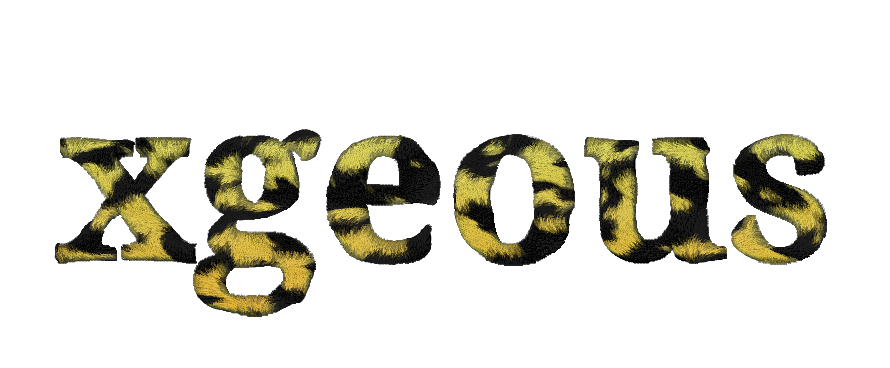
this is my effort with text

Image

_________________
Image
No matter how much you push the envelope, it'll still be stationery.


Top
 Post subject: Re: Hairy Text
PostPosted: Wed Mar 13, 2013 3:41 am  (#36) 
Offline
GimpChat Member
User avatar

Joined: Apr 07, 2010
Posts: 14182
That really looks like real fur. How did you do that Graechan?

_________________
Image


Top
 Post subject: Re: Hairy Text
PostPosted: Wed Mar 13, 2013 11:10 am  (#37) 
Offline
GimpChat Member
User avatar

Joined: Aug 16, 2012
Posts: 4271
Location: Göteborg, Sweden
:ditto - i secretly hope it's the result of another graechan script...
_________________


Top
 Post subject: Re: Hairy Text
PostPosted: Wed Mar 13, 2013 6:50 pm  (#38) 
Offline
Script Coder
User avatar

Joined: Feb 18, 2011
Posts: 4826
Location: Bendigo Vic. Australia
Anmal and Molly Yes a script is on the way

_________________
Image
No matter how much you push the envelope, it'll still be stationery.


Top
 Post subject: Re: Hairy Text
PostPosted: Thu Mar 14, 2013 1:14 am  (#39) 
Offline
Script Coder
User avatar

Joined: Feb 18, 2011
Posts: 4826
Location: Bendigo Vic. Australia
examples from Fur script

Logo

Image

Alpha

Image

_________________
Image
No matter how much you push the envelope, it'll still be stationery.


Top
 Post subject: Re: Hairy Text
PostPosted: Thu Mar 14, 2013 2:10 am  (#40) 
Offline
GimpChat Member
User avatar

Joined: Jan 11, 2013
Posts: 254
Location: Germany
Perfect fur text effect Graechan! :bigthup

_________________


Top
Post new topic Reply to topic  [ 41 posts ]  Go to page Previous  1, 2, 3  Next

All times are UTC - 5 hours [ DST ]


* Login  


Powered by phpBB3 © phpBB Group