Wallace, AnMal, he4rty
thanks for all your appreciation !
i added the haze/outer glow to mask jagged edges
the merge layers are a result of the anisotropic smoothing....
this is all not really optimal, but i dont know if it could be improved
here is how it works
01. type your text
02. go to Filters -> Render -> Pattern -> Grid so that you get horizontal lines
03. alpha select the grid and delete it from the text

04.i ran a bilinear gradient over it

05. and then a small bevel (i tweaked the indidual shadows and highlight some more with an alpha-curve)
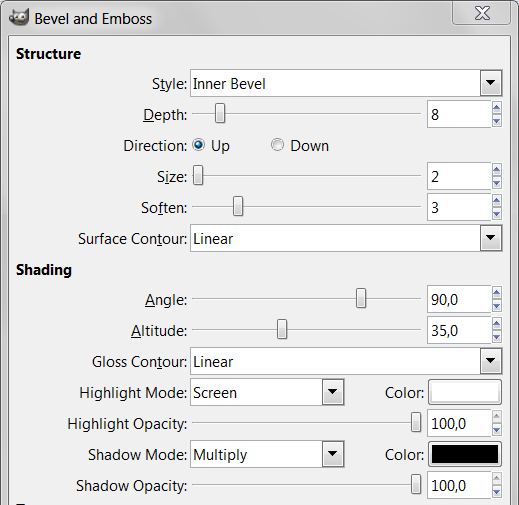
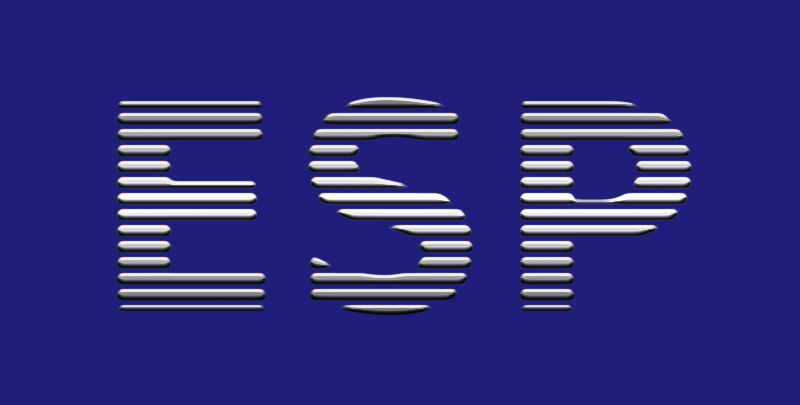
06. next the extrusion
thats basically a trick i saw in a tutur4u video (
http://www.youtube.com/watch?v=OfeIBK1k_PY)
decide where you want your vanishing point to be with two guides
mine is at 390/149
then run Motion Blur with these values
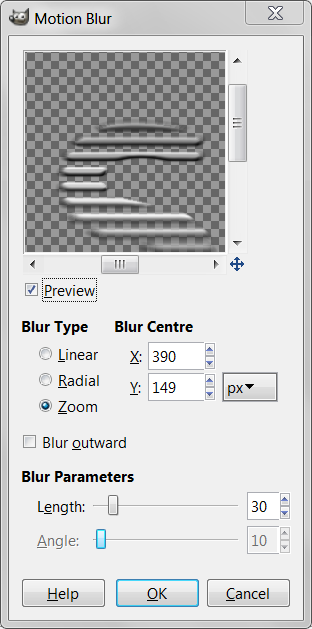
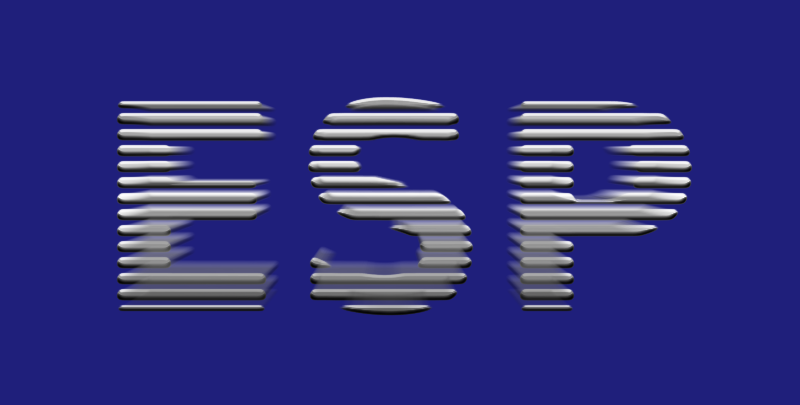
07. then duplicate the motion blur until your are happy with the look or try levels with the channel set to alpha
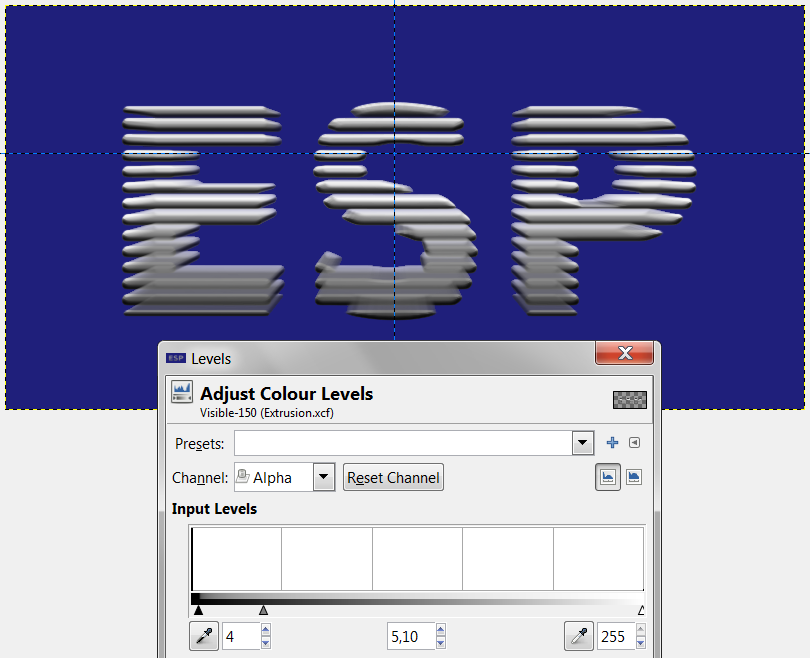
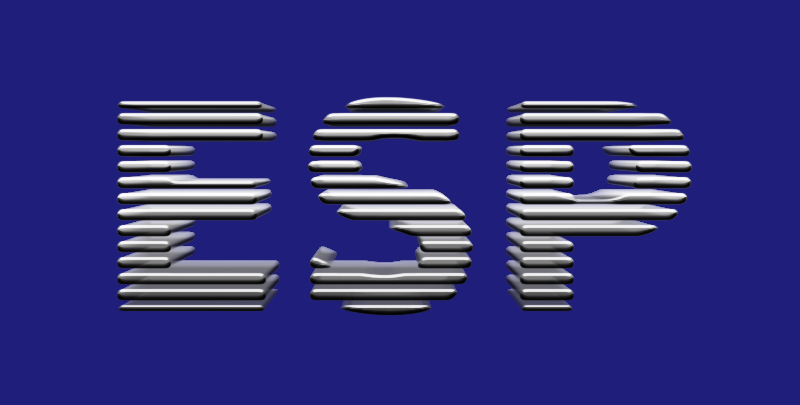
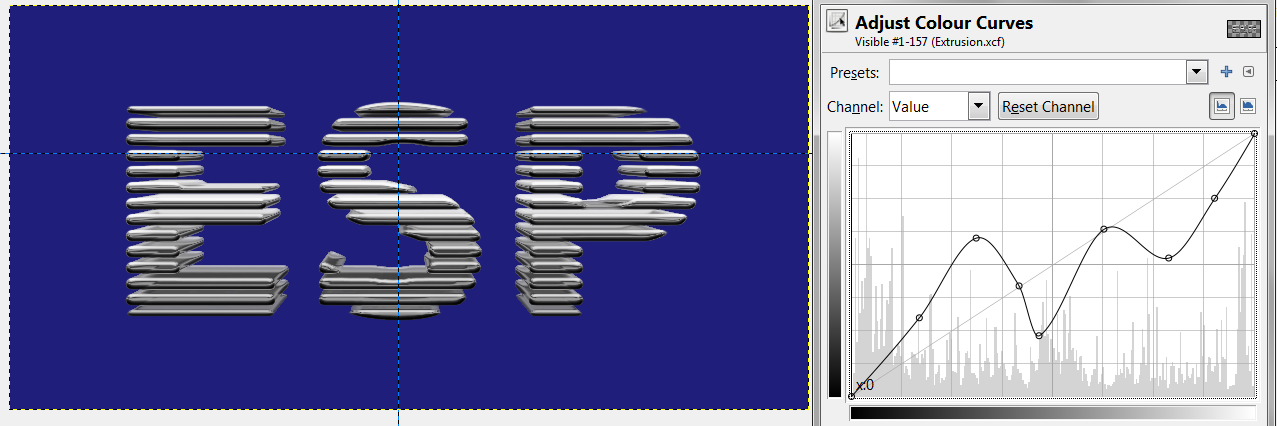
08. next new from visible without the background then chrome curve
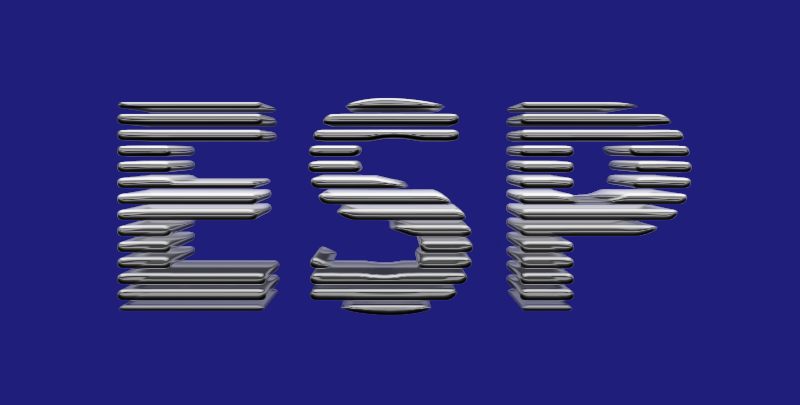
09. finally anisotropic smoothing (Amplitude: 100, Iterations: 2, Sharpness: 0,7, Anisotropy: max)
the original tutorial is here:
http://www.psawesome.com/tutorials/3d-b ... ext-effect Login
Login Register
 Tweets
 FAQ
FAQ Advanced Search









 . my first thought was: "wow, this is cool!" my second thought was the same as wallaces - no haze or a more transparent haze might have been better. my third thought was: would the text benefit from a tiny wee bit more contrast?