Click Here To See VideoThis is Video 4 of my currently ongoing series of videos based on the brushes in MyPaint, for better understanding of how they work.
The Brushes I will cover in this video are:Soft Eraser Small
Soft Eraser Big
Hard Eraser Small
Hard Eraser Big
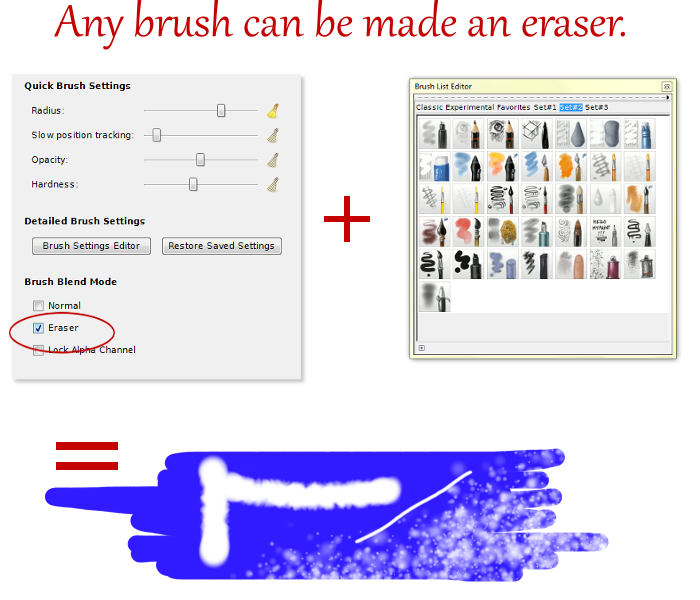
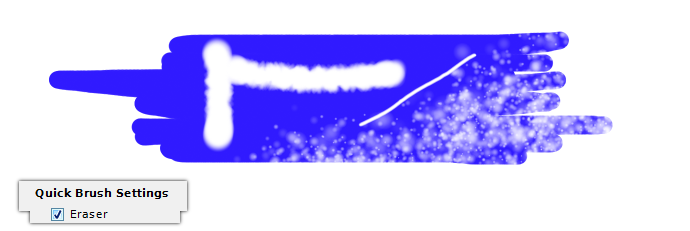
And - Eraser Setting in “Quick Brush Settings” menu.
This time everything will be in real time, no time-lapse. There are no drawings - just examples of how each eraser brush/option erases; In the last section I'll show how to use the eraser setting in the “Quick Brush Settings”, in this part you will notice that any brush can be made in to an eraser, but the con of this is that you have to re-set it to be an eraser each time you change a brush. - As will be seen in the video. -
No Audio. 
____
 Video One
 Covered:
Light Pencil
Hard Pencil
Art Pen
Inking Pen
and Fill – Marker
Video Two Covered:
Sketch Marker
Mop Brush
Marker
Ballpoint Pen
Airbrush
And
Video Three Covered:
Water Brush One
Water Brush Two
Water Brush Three
Sponge Brush – Blending
Finger Blend Brush
I hope these are helpful to people!
~ God Bless ~
~ Moko
 Login
Login Register
 Tweets
 FAQ
FAQ Advanced Search





