It is currently Wed Sep 23, 2026 5:33 pm


All times are UTC - 5 hours [ DST ]


Post new topic Reply to topic  [ 62 posts ]  Go to page Previous  1, 2, 3, 4  Next
Author Message
 Post subject: Re: Basic animation (beginner)
PostPosted: Thu Nov 13, 2014 11:27 am  (#21) 
Offline
GimpChat Member
User avatar

Joined: Apr 07, 2010
Posts: 14182
Try posting it again, you now have the 5 posts to enable you to do so.

_________________
Image


Top
 Post subject: Re: Basic animation (beginner)
PostPosted: Thu Nov 13, 2014 11:52 am  (#22) 
Offline
GimpChat Member

Joined: Jan 11, 2012
Posts: 62
Location: Gainesville, Florida
Image

not sure why the first letters are not included


Top
 Post subject: Re: Basic animation (beginner)
PostPosted: Thu Nov 13, 2014 12:35 pm  (#23) 
Offline
GimpChat Member
User avatar

Joined: Apr 07, 2010
Posts: 14182
Neither do I, I gave up on it. I did it fine way back near the beginning of this thread but now it doesn't work for me.

_________________
Image


Top
 Post subject: Re: Basic animation (beginner)
PostPosted: Thu Nov 13, 2014 4:02 pm  (#24) 
Offline
GimpChat Member
User avatar

Joined: Mar 01, 2014
Posts: 14198
Location: Spain, Aragón
I spent time on this topic and I got nothing. The first letter doesn't work and I don't get the colour on them either. Any idea?


Attachments:
Luna.xcf [47.76 KiB]
Downloaded 212 times

_________________
Image

Gimp 2.10.36 (samj) portable _ OS Windows 10 Home_ 64bits
Don’t be afraid to start over. It’s a new chance to rebuild what you want.
Top
 Post subject: Re: Basic animation (beginner)
PostPosted: Thu Nov 13, 2014 4:15 pm  (#25) 
Offline
GimpChat Member
User avatar

Joined: Mar 10, 2014
Posts: 845
Issabella wrote:
I spent time on this topic and I got nothing. The first letter doesn't work and I don't get the colour on them either. Any idea?

try these settings ( you need 2 layers see the snip)
Image


Top
 Post subject: Re: Basic animation (beginner)
PostPosted: Thu Nov 13, 2014 4:31 pm  (#26) 
Offline
GimpChat Member
User avatar

Joined: Apr 07, 2010
Posts: 14182
Those are the same settings I am using and it just plain doesnt for for me. I have two transparent layers. It generates okay but the layers are crazy.

_________________
Image


Top
 Post subject: Re: Basic animation (beginner)
PostPosted: Fri Nov 14, 2014 2:18 am  (#27) 
Offline
GimpChat Member
User avatar

Joined: Mar 01, 2014
Posts: 14198
Location: Spain, Aragón
Thank you Marcello. I'll try it again. :tyspin
Molly and Marcello, I'll let you know if I get it to work. :)

_________________
Image

Gimp 2.10.36 (samj) portable _ OS Windows 10 Home_ 64bits
Don’t be afraid to start over. It’s a new chance to rebuild what you want.


Top
 Post subject: Re: Basic animation (beginner)
PostPosted: Fri Nov 14, 2014 8:56 am  (#28) 
Offline
GimpChat Member
User avatar

Joined: Mar 01, 2014
Posts: 14198
Location: Spain, Aragón
I did what Marcello said and it works, but I don't know if it is right as it's quite different from the first ones in this topic. Is mine all right? Why is the background in colour and not only the zone over each letter? Thank you in advance.


Attachments:
burn-in-Luna.xcf [1.53 MiB]
Downloaded 223 times

_________________
Image

Gimp 2.10.36 (samj) portable _ OS Windows 10 Home_ 64bits
Don’t be afraid to start over. It’s a new chance to rebuild what you want.
Top
 Post subject: Re: Basic animation (beginner)
PostPosted: Fri Nov 14, 2014 9:38 am  (#29) 
Offline
GimpChat Member
User avatar

Joined: Apr 07, 2010
Posts: 14182
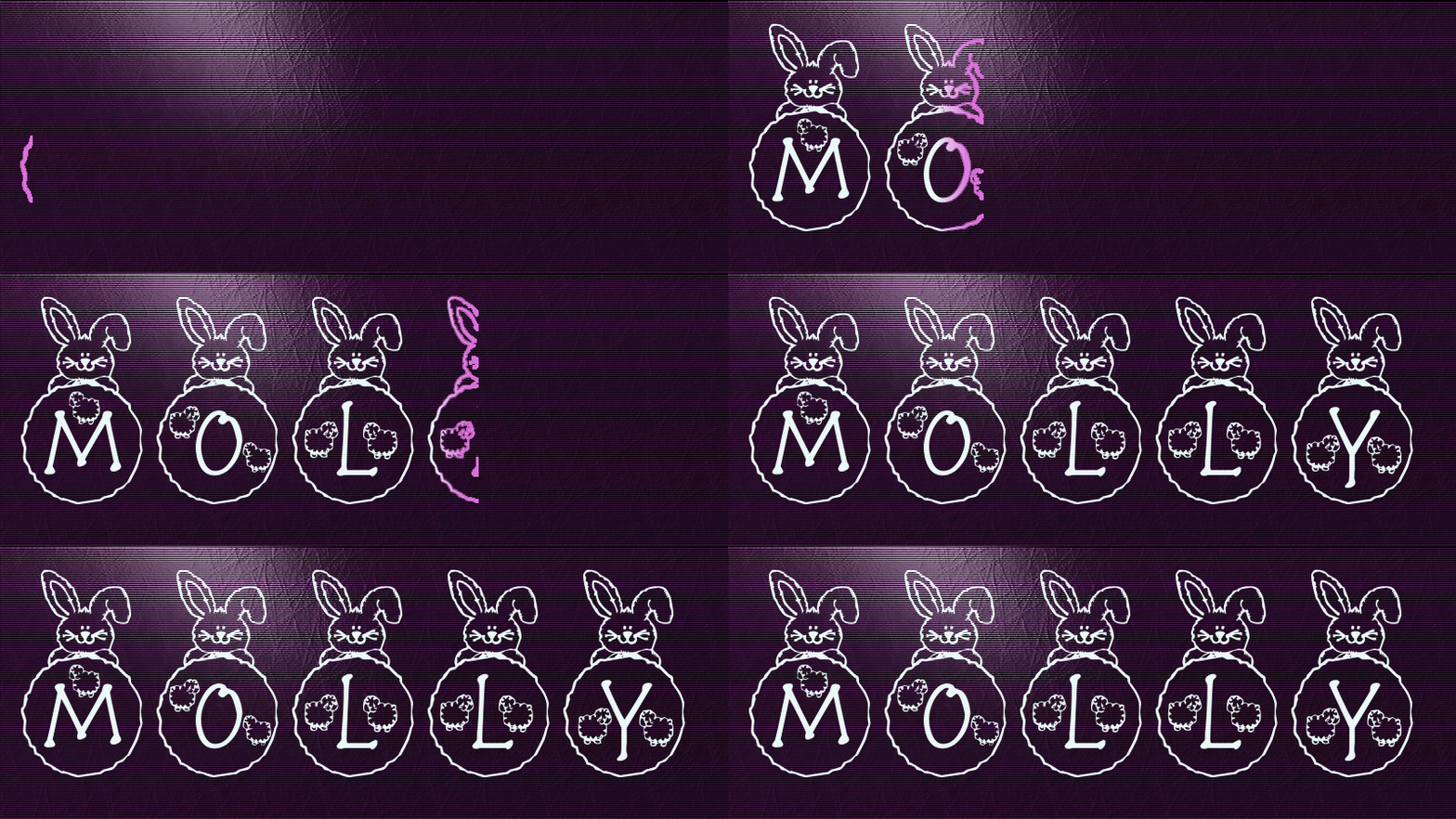
Issabella, turn all your layers on and delete the bottom three pink layers then playback.
Image

_________________
Image


Top
 Post subject: Re: Basic animation (beginner)
PostPosted: Fri Nov 14, 2014 9:53 am  (#30) 
Offline
GimpChat Member
User avatar

Joined: Mar 01, 2014
Posts: 14198
Location: Spain, Aragón
molly wrote:
Issabella, turn all your layers on and delete the bottom three pink layers then playback.
[ Image ]


Thank you Molly, you have repaired my outcome! that is!!!! :tyspin :bump

_________________
Image

Gimp 2.10.36 (samj) portable _ OS Windows 10 Home_ 64bits
Don’t be afraid to start over. It’s a new chance to rebuild what you want.


Top
 Post subject: Re: Basic animation (beginner)
PostPosted: Fri Nov 14, 2014 10:04 am  (#31) 
Offline
GimpChat Member
User avatar

Joined: Apr 07, 2010
Posts: 14182
You are welcome Issabella, Mine has finally worked
Image

_________________
Image


Top
 Post subject: Re: Basic animation (beginner)
PostPosted: Fri Nov 14, 2014 10:17 am  (#32) 
Offline
GimpChat Member
User avatar

Joined: Mar 01, 2014
Posts: 14198
Location: Spain, Aragón
Well done Molly! I like your typography and colour. :coolthup

_________________
Image

Gimp 2.10.36 (samj) portable _ OS Windows 10 Home_ 64bits
Don’t be afraid to start over. It’s a new chance to rebuild what you want.


Top
 Post subject: Re: Basic animation (beginner)
PostPosted: Fri Nov 14, 2014 10:20 am  (#33) 
Offline
GimpChat Member
User avatar

Joined: Mar 10, 2014
Posts: 845
Molly & Issabella :jumpclap :bigthup


Top
 Post subject: Re: Basic animation (beginner)
PostPosted: Fri Nov 14, 2014 10:33 am  (#34) 
Offline
GimpChat Member
User avatar

Joined: Apr 07, 2010
Posts: 14182
Thanks Marcello and Issabella.
BTW, Marcello, how did you come up with those settings, they are so different than the default. Mine wouldn't come out right at all with the default ones and that is strange. Anyway, thanks.

_________________
Image


Top
 Post subject: Re: Basic animation (beginner)
PostPosted: Fri Nov 14, 2014 11:24 am  (#35) 
Offline
GimpChat Member
User avatar

Joined: Apr 07, 2010
Posts: 14182
Image

_________________
Image


Top
 Post subject: Re: Basic animation (beginner)
PostPosted: Fri Nov 14, 2014 12:03 pm  (#36) 
Offline
GimpChat Member
User avatar

Joined: Mar 10, 2014
Posts: 845
molly wrote:
Thanks Marcello and Issabella.
BTW, Marcello, how did you come up with those settings, they are so different than the default. Mine wouldn't come out right at all with the default ones and that is strange. Anyway, thanks.


I spent more than an hour to test!!!
here what I have found:

1. we need 2 layers

2. top layer MUST have an alpha channel and shoud be selected

3. with the FADEOUT checked the top layer fades revealing the bottom layer; the speed input is the FADEOUT WIDTH parameter
and if you add at the FADEOUT also the GLOWING you have a glow effect added to the transition in the color specified in the GLOW COLOR BOX (at the top of the menu)

4. Instead with the FADEOUT UNCHECHED the top layer will disappear

I was not able to understand the CORONA WIDTH :jumpclap

UPDATING ; Corona is the dimension of the glow!!

pls if some of my conclusions are wrong let me know


Last edited by Marcello on Fri Nov 14, 2014 7:33 pm, edited 1 time in total.

Top
 Post subject: Re: Basic animation (beginner)
PostPosted: Fri Nov 14, 2014 12:09 pm  (#37) 
Offline
GimpChat Member
User avatar

Joined: May 17, 2014
Posts: 1571
Marcello, I can’t help you. Didn’t try it myself.
But I like the animations very much. The bunny’s are really funny, molly :kpix

_________________
Ella's gallery - YouTube


Top
 Post subject: Re: Basic animation (beginner)
PostPosted: Fri Nov 14, 2014 6:19 pm  (#38) 
Offline
GimpChat Member
User avatar

Joined: Apr 07, 2010
Posts: 14182
Marcello wrote:
molly wrote:
Thanks Marcello and Issabella.
BTW, Marcello, how did you come up with those settings, they are so different than the default. Mine wouldn't come out right at all with the default ones and that is strange. Anyway, thanks.


I spent more than an hour to test!!!
here what I have found:

1. we need 2 layers

2. top layer MUST have an alpha channel and shoud be selected

3. with the FADEOUT checked the top layer fades revealing the bottom layer; the speed input is the FADEOUT WIDTH parameter
and if you add at the FADEOUT also the GLOWING you have a glow effect added to the transition in the color specified in the GLOW COLOR BOX (at the top of the menu)

4. Instead with the FADEOUT UNCHECHED the top layer will disappear

I was not able to understand the CORONA WIDTH :gaah

pls if some of my conclusions are wrong let me know

If you can understand this, it is what corona means.
http://docs.coronalabs.com/api/type/Dis ... width.html

_________________
Image


Top
 Post subject: Re: Basic animation (beginner)
PostPosted: Fri Nov 14, 2014 7:38 pm  (#39) 
Offline
GimpChat Member
User avatar

Joined: Mar 10, 2014
Posts: 845
Thank Ella Louise and Molly( Corona is the dimension of the glow)
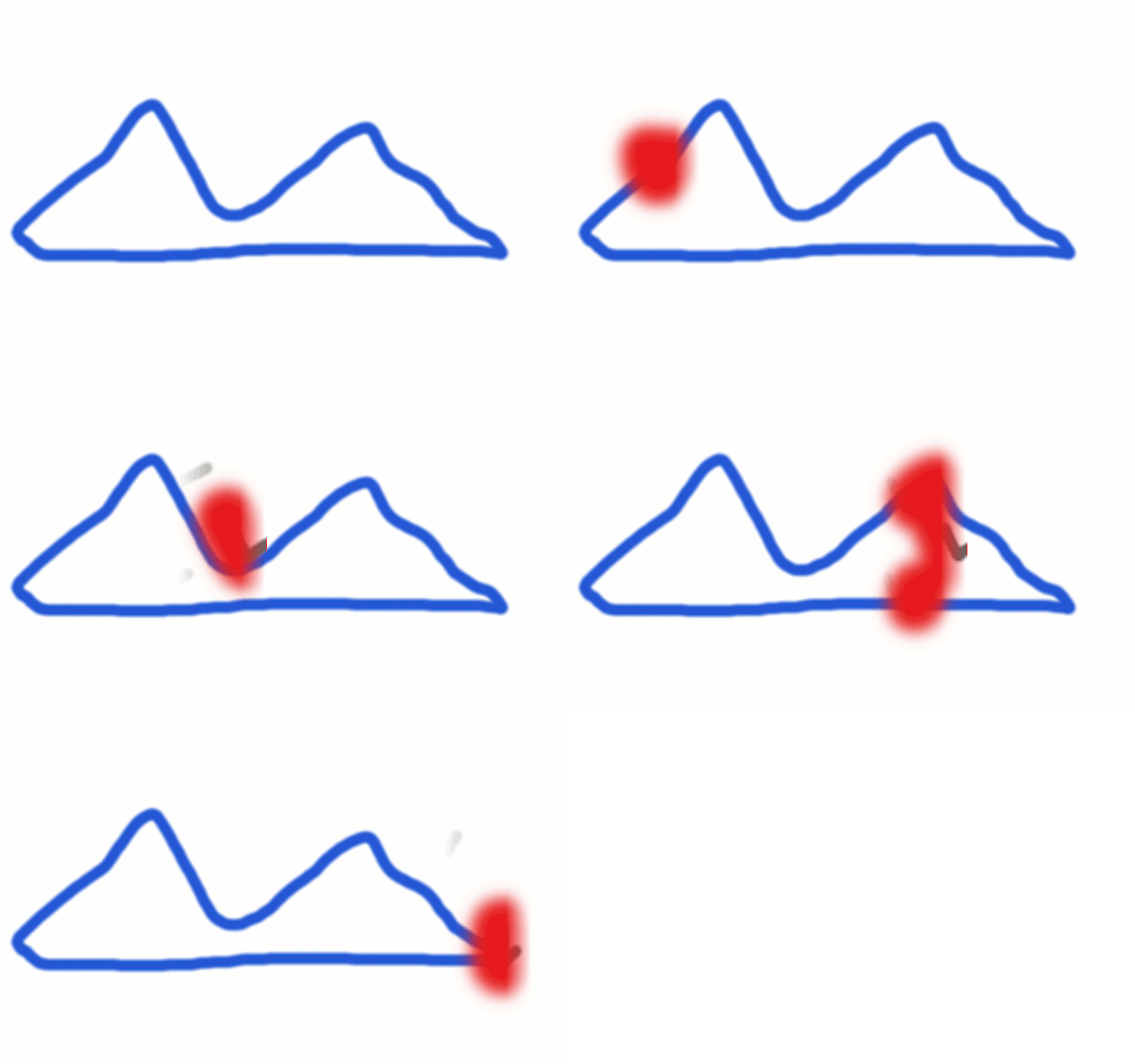
here a basic demo
Image

Image

Image


Top
 Post subject: Re: Basic animation (beginner)
PostPosted: Sun Nov 16, 2014 11:24 am  (#40) 
Offline
GimpChat Member

Joined: Jan 11, 2012
Posts: 62
Location: Gainesville, Florida
been obsessed with this for days but I think I've got it

Image


Top
Post new topic Reply to topic  [ 62 posts ]  Go to page Previous  1, 2, 3, 4  Next

All times are UTC - 5 hours [ DST ]


* Login  


Powered by phpBB3 © phpBB Group