It is currently Mon Aug 17, 2026 7:39 pm


All times are UTC - 5 hours [ DST ]


Post new topic Reply to topic  [ 31 posts ]  Go to page Previous  1, 2
Author Message
 Post subject: Re: Cloth
PostPosted: Fri Apr 10, 2015 8:53 pm  (#21) 
Offline
GimpChat Member
User avatar

Joined: Sep 24, 2010
Posts: 12832
Check my tutorial for Rodilius Organic flow for what I mean then I say convolution map (even though I didn't use it as such for the tut, it's the very first step in the tut). For displacement mapping, there's plenty of tuts out there so I'm not going to explain that. :)

viewtopic.php?f=11&t=12178&start=10#p165129

_________________
Lyle

Psalm 109:8

Image


Top
 Post subject: Re: Cloth
PostPosted: Sun Apr 12, 2015 10:16 pm  (#22) 
Offline
GimpChat Member
User avatar

Joined: Sep 24, 2010
Posts: 12832
Still having fun. :)

flag: http://upload.wikimedia.org/wikipedia/e ... States.svg

displacement map: http://www.textureonline.com/silk-fabric-texture-03

Image

_________________
Lyle

Psalm 109:8

Image


Top
 Post subject: Re: Cloth
PostPosted: Fri Apr 24, 2015 2:40 pm  (#23) 
Offline
GimpChat Member
User avatar

Joined: Apr 08, 2015
Posts: 13
hi so i went to the google link and save some cloth like materials i will love to make in to cloth textures ,but my question is before we get to upload my image and follow all these step where do i drop my save images i wanna use, is it in the pattern file, or image file, or textures


Top
 Post subject: Re: Cloth
PostPosted: Fri Apr 24, 2015 4:03 pm  (#24) 
Offline
GimpChat Member
User avatar

Joined: Nov 16, 2011
Posts: 5127
Location: Metro Vancouver, BC
gina wrote:
hi so i went to the google link and save some cloth like materials i will love to make in to cloth textures ,but my question is before we get to upload my image and follow all these step where do i drop my save images i wanna use, is it in the pattern file, or image file, or textures
What is the current format(s) of the images?

_________________
Image
Gimp 2.8.18, Linux, median user
Gimp Chat Tutorials Index
Spirit Bear (Kermode)


Top
 Post subject: Re: Cloth
PostPosted: Fri Apr 24, 2015 5:14 pm  (#25) 
Offline
GimpChat Member
User avatar

Joined: Apr 07, 2010
Posts: 14182
That is a real nice silky texture on that flag Lyle. I like it.

_________________
Image


Top
 Post subject: Re: Cloth
PostPosted: Sat Apr 25, 2015 12:47 am  (#26) 
Offline
Script Coder
User avatar

Joined: Feb 18, 2011
Posts: 4826
Location: Bendigo Vic. Australia
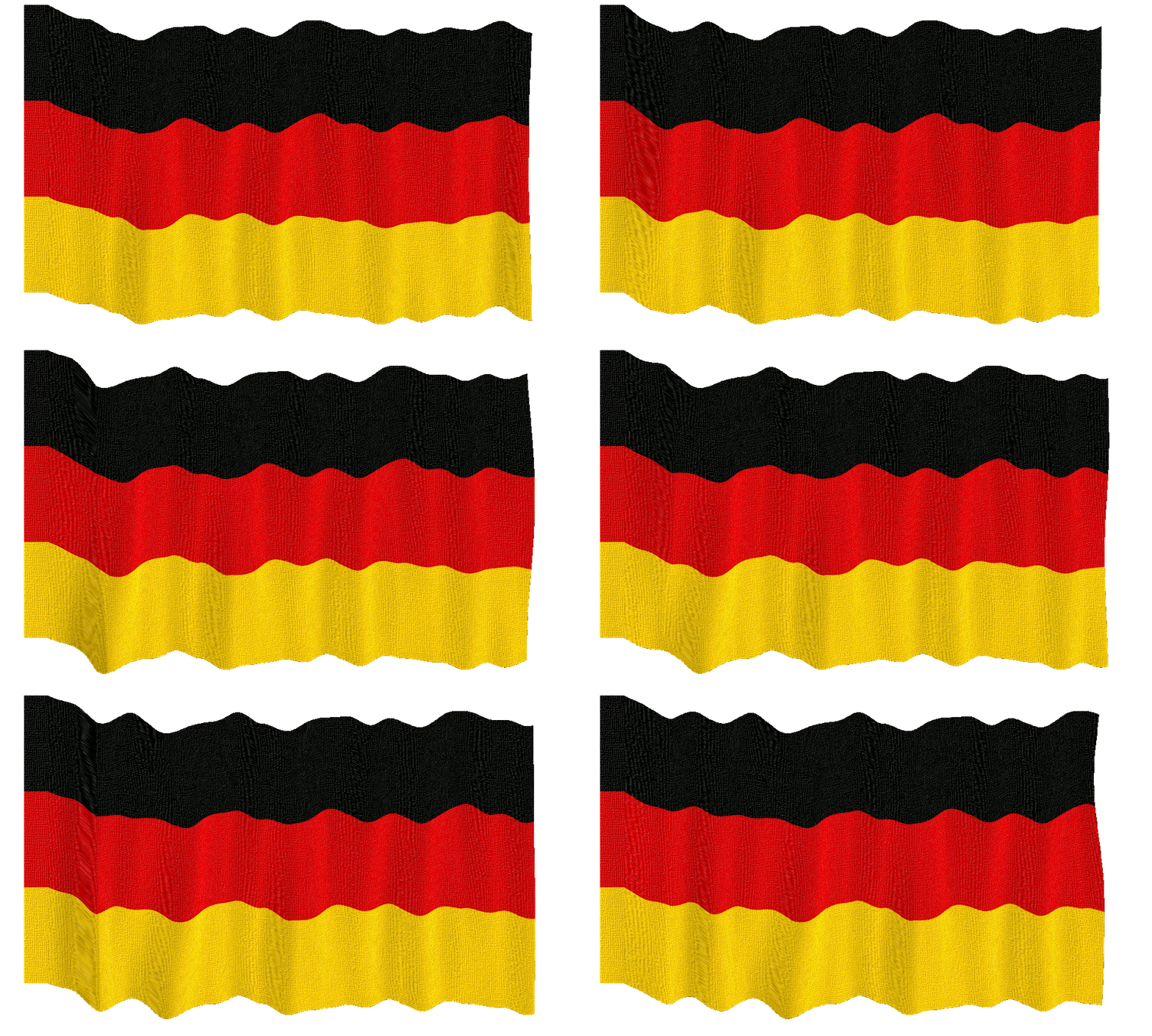
This Image uses GimPressionist 'Apply Canvas' then Flag Wave from Saulgoode
Image

_________________
Image
No matter how much you push the envelope, it'll still be stationery.


Top
 Post subject: Re: Cloth
PostPosted: Sat Apr 25, 2015 6:00 am  (#27) 
Offline
GimpChat Member
User avatar

Joined: Apr 07, 2010
Posts: 14182
cool Graechan

_________________
Image


Top
 Post subject: Re: Cloth
PostPosted: Sat Apr 25, 2015 6:41 am  (#28) 
Offline
GimpChat Member
User avatar

Joined: Apr 07, 2010
Posts: 14182
Where do I find that flag wave by Saulgoode. I found a flag waving but it isn't a script or a plug-in.

_________________
Image


Top
 Post subject: Re: Cloth
PostPosted: Sat Apr 25, 2015 6:54 am  (#29) 
Offline
GimpChat Member
User avatar

Joined: Sep 24, 2010
Posts: 12832
Thanks Molly.

Now that's a cool wave Graechan. :)

_________________
Lyle

Psalm 109:8

Image


Top
 Post subject: Re: Cloth
PostPosted: Sat Apr 25, 2015 9:10 am  (#30) 
Offline
Script Coder
User avatar

Joined: Feb 18, 2011
Posts: 4826
Location: Bendigo Vic. Australia
I searched Salgoodes repository but could not find so I decided to post for everyone
Menu Location is Video/Animated FX/Flag wave

Attachment:
anim-flag.scm [5.04 KiB]
Downloaded 141 times

_________________
Image
No matter how much you push the envelope, it'll still be stationery.


Top
 Post subject: Re: Cloth
PostPosted: Sat Apr 25, 2015 9:26 am  (#31) 
Offline
GimpChat Member
User avatar

Joined: Apr 07, 2010
Posts: 14182
:pengy Thank you Graechan... works great :flirt :sun
I started with a transparent layer so why did the script add a white background?
Image

_________________
Image


Top
Post new topic Reply to topic  [ 31 posts ]  Go to page Previous  1, 2

All times are UTC - 5 hours [ DST ]


* Login  


Powered by phpBB3 © phpBB Group