Back in late 2022 I developed a GIMP plugin called GEGL Polygons; found here -
https://github.com/LinuxBeaver/GEGL_Polygons - however if its code is slightly tweaked it becomes "GEGL rock surface texture" a new plugin that will be released soon.
As seen here they are very similar (pics attached of Polygons and Rock Surface Texture)
Attachment:
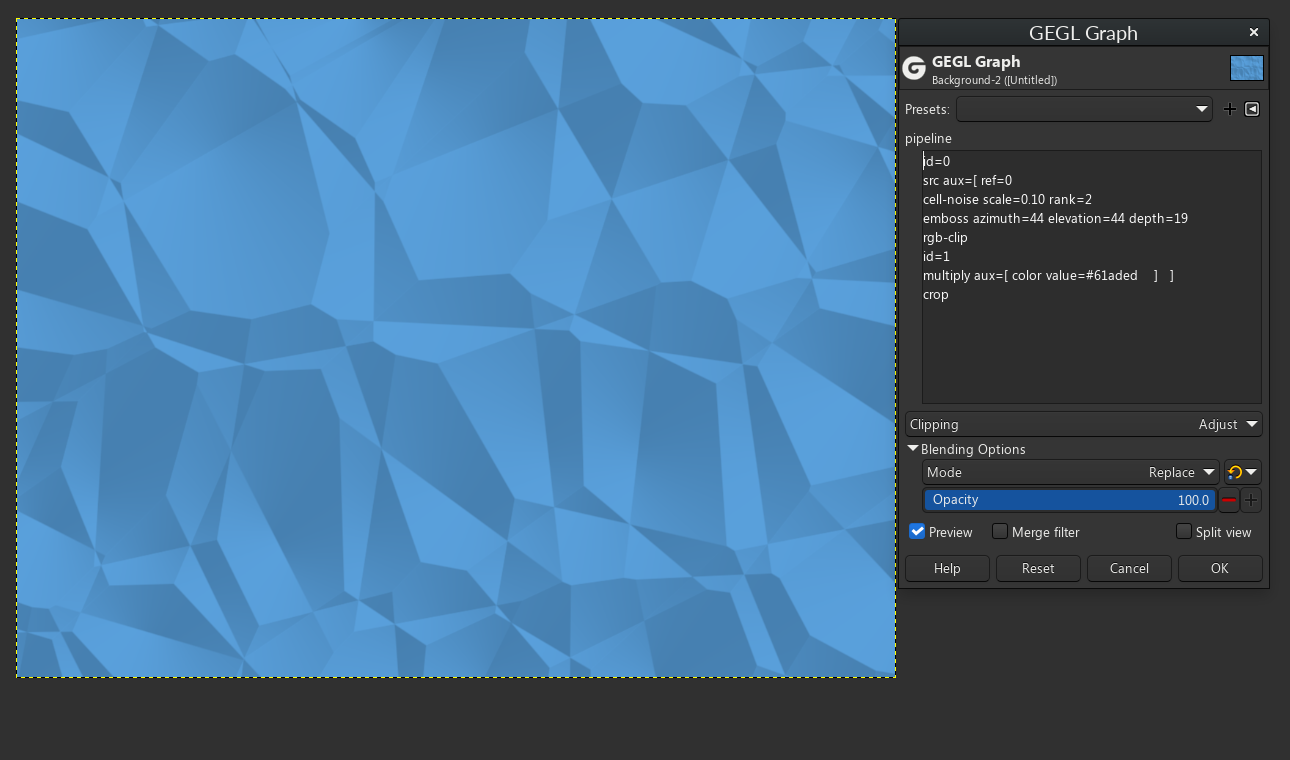 polygons.png [ 231.16 KiB | Viewed 13914 times ]
Graph of Polygonsid=0
src aux=[ ref=0
cell-noise scale=0.10 rank=2
emboss azimuth=44 elevation=44 depth=19
rgb-clip
id=1
multiply aux=[ color value=#61aded ] ]
crop
Attachment:
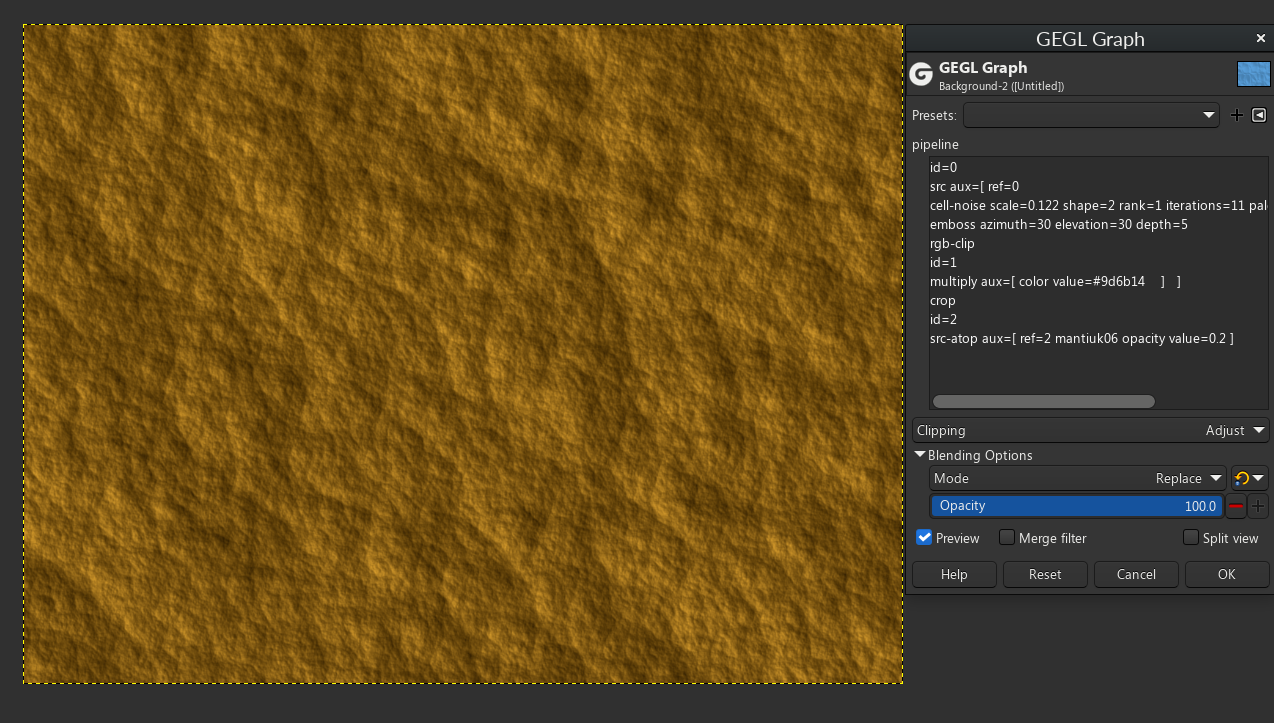 rock_texture.png [ 897.27 KiB | Viewed 13914 times ]
Graph of Rock Surface Textureid=0
src aux=[ ref=0
cell-noise scale=0.122 shape=2 rank=1 iterations=11 palettize=no seed=211950323
emboss azimuth=30 elevation=30 depth=5
rgb-clip
id=1
multiply aux=[ color value=#9d6b14 ] ]
crop
id=2
src-atop aux=[ ref=2 mantiuk06 opacity value=0.2 ]
Notice how the only differences are
1. Cell Noise has different parameters
2. Emboss has different parameters
3. Color is a different color
4. In rock surface texture - gegl:Mantiuk06 is inside a normal alpha locked blend mode at 20% opacity
Other then that the filters are ALMOST EXACTLY THE SAME which means it would be easy for me to make Polygons and Rock Surface Texture one plugin that has a drop down list to select one or the other. But from a users perspective it would be confusing. But the code is so similar that it would be easier on me to do this.
 Login
Login Register
 Tweets
 FAQ
FAQ Advanced Search


