It is currently Fri Aug 14, 2026 8:02 am


All times are UTC - 5 hours [ DST ]


Post new topic Reply to topic  [ 9 posts ] 
Author Message
 Post subject: introduction
PostPosted: Wed Feb 06, 2019 3:47 am  (#1) 
Offline
New Member

Joined: Feb 06, 2019
Posts: 3
Hi, my name is Terry and I am from New Zealand. I used to do gimp a lot, and teach it to seniors, but over the last few years I haven't been doing it much, except for the occasional personal photo. I do have a gimp you tube channel though -terryow100- and I get questions about gimp. Last week I was asked a question about gimp 2.10 and I didn't even know it existed, so now I am on a steep learning curve. Please what are the most obvious changes.


Share on Facebook Share on Twitter Share on Orkut Share on Digg Share on MySpace Share on Delicious Share on Technorati
Top
 Post subject: Re: introduction
PostPosted: Wed Feb 06, 2019 3:55 am  (#2) 
Offline
GimpChat Member
User avatar

Joined: Apr 09, 2011
Posts: 1764
Perhaps to download it and try it out might be the best way and then go from there with questions

welcome by the way to our world


Top
 Post subject: Re: introduction
PostPosted: Wed Feb 06, 2019 4:09 am  (#3) 
Offline
New Member

Joined: Feb 06, 2019
Posts: 3
Thanks Pauline. Yes I have downloaded it. So far I have found the tools don't automatically reset, I need to double click inside or press enter to activate a free select selection, and my layers panels are at the bottom of the dock. But I'd love to know what more surprises I am in for
Cheers, Terry


Top
 Post subject: Re: introduction
PostPosted: Wed Feb 06, 2019 5:03 am  (#4) 
Offline
GimpChat Member

Joined: Sep 23, 2016
Posts: 317
terryow wrote:
Last week I was asked a question about gimp 2.10 and I didn't even know it existed, so now I am on a steep learning curve. Please what are the most obvious changes.


This link
https://www.gimp.org/release-notes/gimp-2.10.html
shows a few (not all) of the new features.


Top
 Post subject: Re: introduction
PostPosted: Wed Feb 06, 2019 5:34 am  (#5) 
Offline
Global Moderator
User avatar

Joined: Apr 01, 2012
Posts: 8457
Location: On the other side of your screen
Welcome to Gimp Chat terryow.
Depends on the last version of Gimp you had. If you had one a while back you will notice a big improvement in a few things.

_________________
Image
Free Fun Photo Editing & resources
Poems from the Lord
Gimp Newby
Gimp version 3.2.4 and GMIC-Qt 4.0.2 OS :- Windows 10 Home 64


Top
 Post subject: Re: introduction
PostPosted: Wed Feb 06, 2019 6:23 am  (#6) 
Offline
GimpChat Member
User avatar

Joined: Oct 12, 2016
Posts: 377
Image

_________________
Image


Top
 Post subject: Re: introduction
PostPosted: Wed Feb 06, 2019 6:51 am  (#7) 
Offline
GimpChat Member
User avatar

Joined: Mar 01, 2014
Posts: 14127
Location: Spain, Aragón
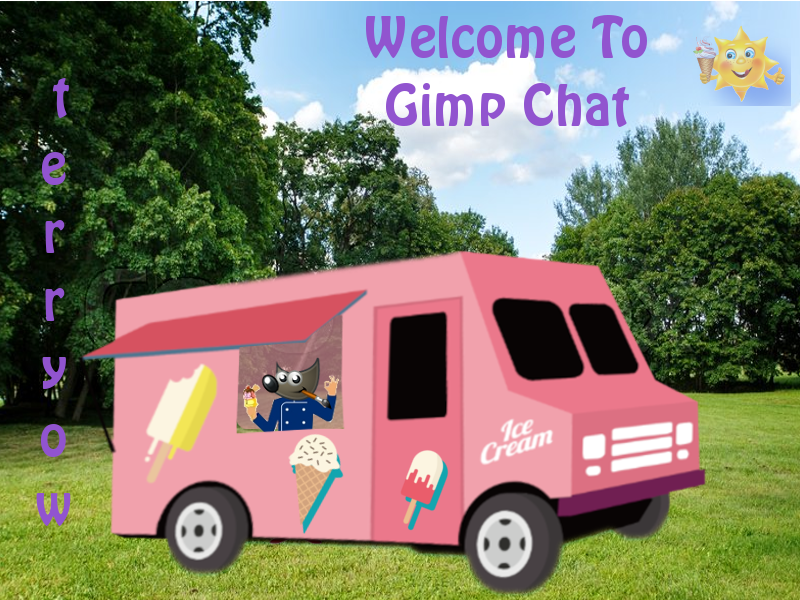
Welcome terryow to Gimp Chat. :)


Attachments:
Welcome to Gimp Chat.JPG
Welcome to Gimp Chat.JPG [ 423.91 KiB | Viewed 3510 times ]

_________________
Image

Gimp 2.10.30(samj) portable _ OS Windows 10 Home_ 64bits
Don’t be afraid to start over. It’s a new chance to rebuild what you want.
Top
 Post subject: Re: introduction
PostPosted: Wed Feb 06, 2019 9:06 am  (#8) 
Hi terryow, welcome to Gimpchat. If you wnt to learn the basic for the 2.120 version go to youtube video from Davies media design here: https://www.youtube.com/watch?v=2EPIUyFJ4ag

His videos explain in details from the new version.


Top
 Post subject: Re: introduction
PostPosted: Thu Feb 07, 2019 3:28 am  (#9) 
Offline
New Member

Joined: Feb 06, 2019
Posts: 3
Thank you all for your help.


Top
Post new topic Reply to topic  [ 9 posts ] 

All times are UTC - 5 hours [ DST ]


* Login  


Powered by phpBB3 © phpBB Group