Quote:
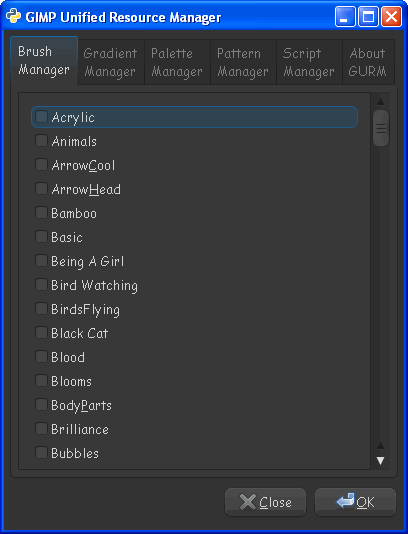
How exactly does GURM access these resources? Can they be stored outside of the 2.0 and 2.6 folders?
Yes, you create your paths to the outside folders using the GURM.ini file. It's really simple to set up and use, and the most beneficial part of its use is to keep the GIMP boot time to a minimum, by not having to load HUGE user dialog folders (brushes, patterns, gradients, palettes, etc.) because they are no longer in the path when GIMP loads.
Naturally, you have to keep the non-used dialog folders de-activated (brushes not in use, for example), otherwise if you have GURM set up, and ALL your dialogs active at the same time, that wouldn't be an effective use of GURM.
On the other hand, GURM allows you to set up sub-folders to help you identify the content of the folders, like I have a snowflake folder with all my snowflake brushes. When I need the brushes, I activate the snowflake folder. When done, I deactivate it.
_________________
"In order to attain the impossible, one must attempt the absurd."
~ Miguel de Cervantes
 Login
Login Register
 Tweets
 FAQ
FAQ Advanced Search



 to Gimp Chat!