Welcome to Gimp Chat!

If you want to run some Adobe plug-ins through GIMP try PSPI. Unfortunately all the plugin download sites are no longer in existence BUT...
You can download it here from GimpChat.com
-
Attachment:
 pspi.zip [19.46 KiB]
Downloaded 141 times
pspi.zip [19.46 KiB]
Downloaded 141 times
Place the executable in the plug-ins folder example
c:\users\YOURNAME\.gimp-2.8\plug-ins
RESTART GIMP
Go to Filters>Photoshop Plugin Settings a new dialog window will open.

Point to the directory where your 8bf files are located click ok or save
RESTART GIMP
All your Photoshop plug-ins will be listed under Filters>
Try opening one at a time to see if their are any errors.
These are just a few of the Adobe 8bf plug-ins i have working in GIMP (all commercial)


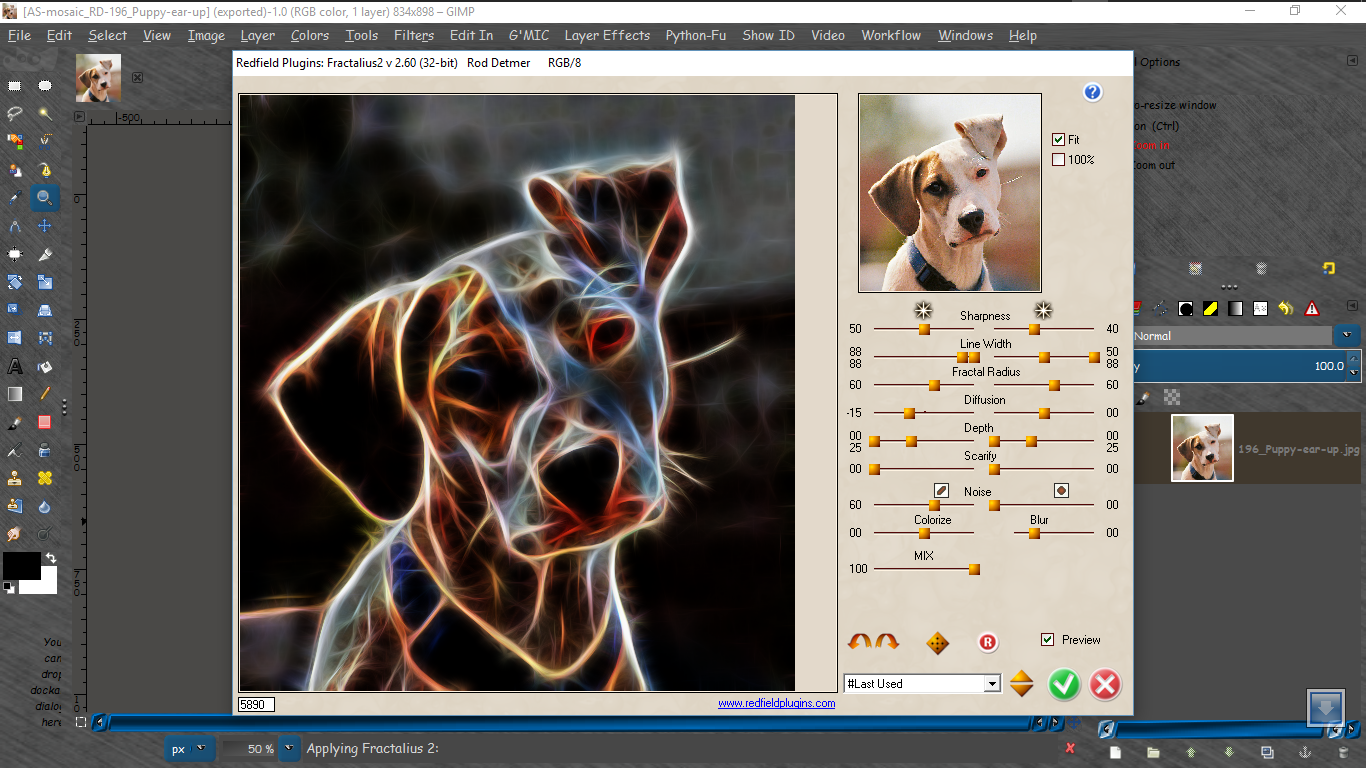
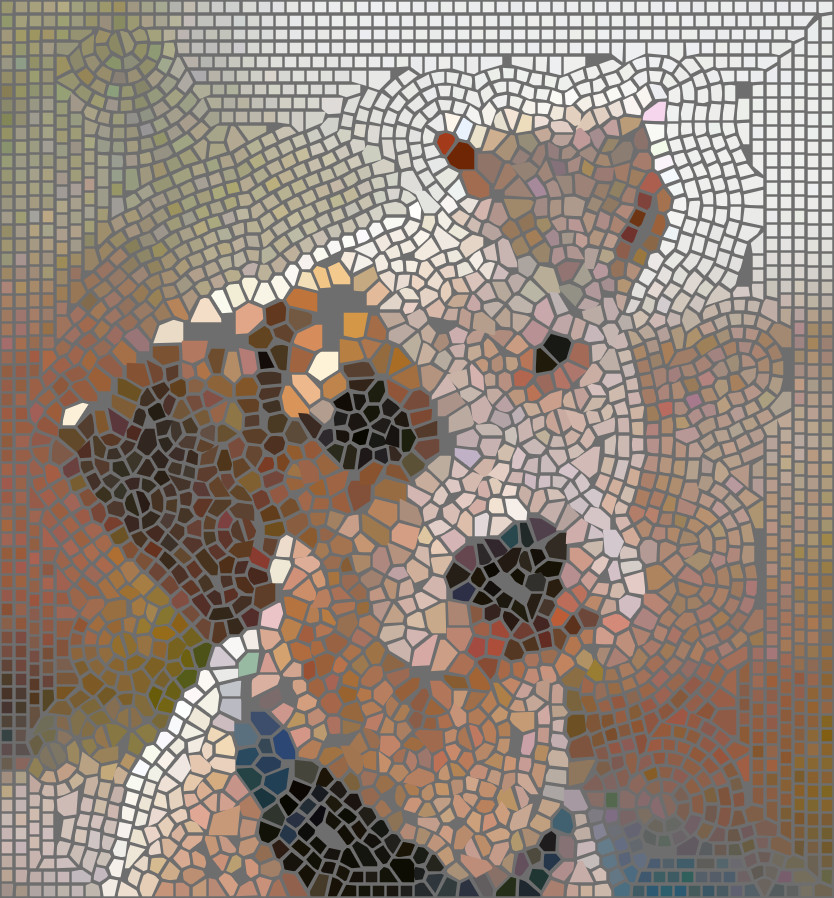
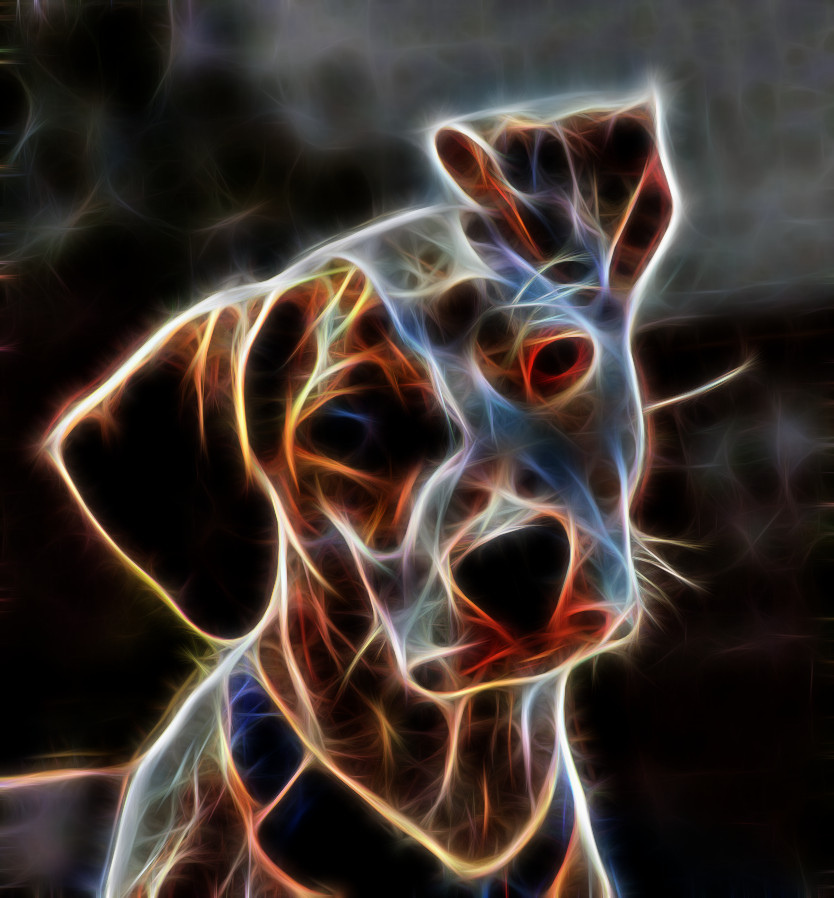
There are MANY plugins out there for FREE that will work also.Just Google FREE Photoshop plug-ins.
My 8bf directory is configured as such -
c:\users\Rod\Desktop\FILES\8bf\ SUBFOLDERS to add to PSPI are located here. ADD each subfolder separately with the Photoshop Plug-in Settings dialog.

If ypu have any questions just ask. I would be happy to help any way i can

 Login
Login Register
 Tweets
 FAQ
FAQ Advanced Search


 to Gimp Chat Magic













