It is currently Tue Aug 11, 2026 2:32 am


All times are UTC - 5 hours [ DST ]


Post new topic Reply to topic  [ 17 posts ] 
Author Message
 Post subject: mathmap kaleidoscope not working
PostPosted: Fri Oct 10, 2014 12:25 am  (#1) 
Offline
GimpChat Member

Joined: Oct 10, 2014
Posts: 36
For some reason I am able to use every expressions in Mathmap (Gimp 2.8) except kaleidoscope. All I get is a solid black picture. I used this expression before (on other computers). Tried different pictures and the result is the same. Any ideas?


Share on Facebook Share on Twitter Share on Orkut Share on Digg Share on MySpace Share on Delicious Share on Technorati
Top
 Post subject: Re: mathmap kaleidoscope not working
PostPosted: Fri Oct 10, 2014 8:55 am  (#2) 
Offline
Script Coder
User avatar

Joined: Apr 23, 2010
Posts: 1553
Location: not from Guildford after all
Try setting the center X and Y to 0.5

_________________
Any sufficiently primitive technology is indistinguishable from a rock.


Top
 Post subject: Re: mathmap kaleidoscope not working
PostPosted: Fri Oct 10, 2014 9:07 am  (#3) 
Offline
Global Moderator
User avatar

Joined: May 16, 2010
Posts: 16155
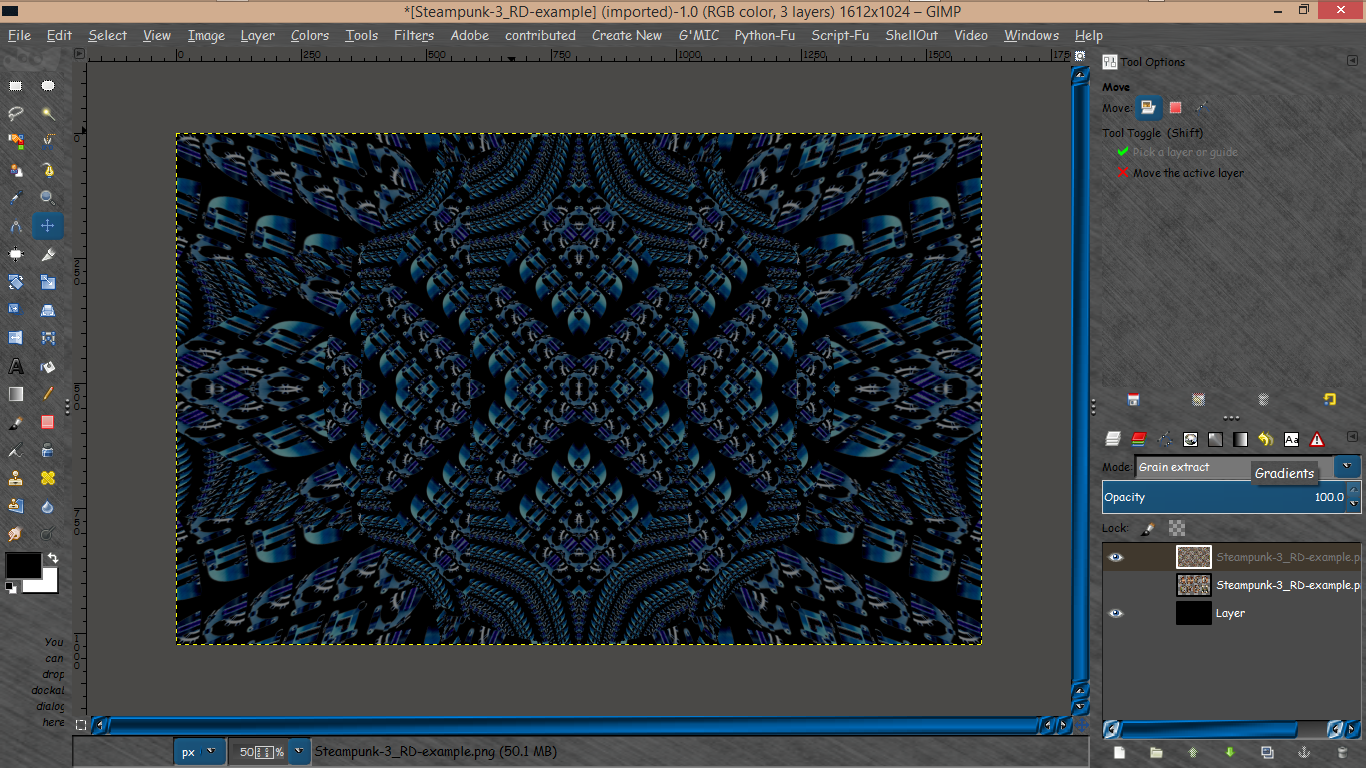
Seems to be fine with the 64 bit plugin.

Image

_________________
Image


Top
 Post subject: Re: mathmap kaleidoscope not working
PostPosted: Fri Oct 10, 2014 11:20 am  (#4) 
Offline
GimpChat Member
User avatar

Joined: Mar 10, 2014
Posts: 845
some tips
1. in user value the setting RAD shoud be other then ZERO (better 0.5><1.5)
2.you can use also Gmic>Deformations>Kaleindoscope ( 3 types)


Top
 Post subject: Re: mathmap kaleidoscope not working
PostPosted: Fri Oct 10, 2014 11:25 am  (#5) 
Offline
GimpChat Member

Joined: Oct 10, 2014
Posts: 36
saulgoode wrote:
Try setting the center X and Y to 0.5


Same result.


Top
 Post subject: Re: mathmap kaleidoscope not working
PostPosted: Fri Oct 10, 2014 11:40 am  (#6) 
Offline
GimpChat Member

Joined: Oct 10, 2014
Posts: 36
Marcello wrote:
some tips
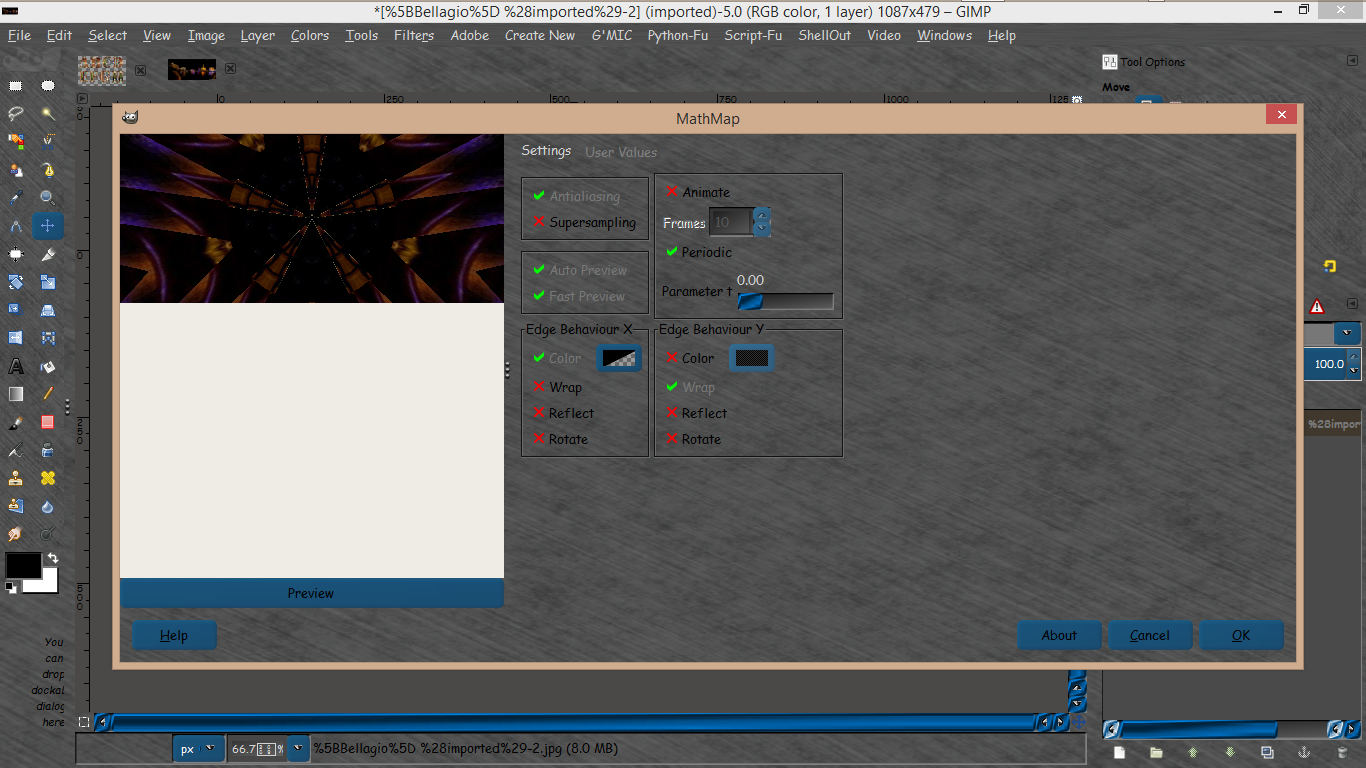
1. in user value the setting RAD shoud be other then ZERO (better 0.5><1.5)
2.you can use also Gmic>Deformations>Kaleindoscope ( 3 types)


For 1, no effect - still black (see screen capture). For 2, I don't have a Gmic. I've been using Gimp -> Filter -> Generic -> Mathmap -> Animation (or Map) -> Kaleindoscope. I tried all 3, same result.

Attachment:
[Bellagio] (imported)-2.jpg
[Bellagio] (imported)-2.jpg [ 67.74 KiB | Viewed 5918 times ]

Attachment:
[Bellagio] (imported)-2-mathmap.jpg
[Bellagio] (imported)-2-mathmap.jpg [ 38.26 KiB | Viewed 5918 times ]


Last edited by ecs1749 on Fri Oct 10, 2014 1:25 pm, edited 1 time in total.

Top
 Post subject: Re: mathmap kaleidoscope not working
PostPosted: Fri Oct 10, 2014 12:26 pm  (#7) 
Offline
GimpChat Member
User avatar

Joined: Mar 10, 2014
Posts: 845
updating
1. that picture (Bellagio) is not working also in my PC
2. but is working in Gmic
3. other pictures are working in Mathmap kaleind.


Top
 Post subject: Re: mathmap kaleidoscope not working
PostPosted: Fri Oct 10, 2014 12:32 pm  (#8) 
Offline
GimpChat Member

Joined: Mar 04, 2011
Posts: 2610
With the image as you posted I get a black image as well.

Adjusting the aspect ratio to nearer square (and rotating) I get a result

Image

but probably not what you are looking for


Top
 Post subject: Re: mathmap kaleidoscope not working
PostPosted: Fri Oct 10, 2014 12:48 pm  (#9) 
Offline
GimpChat Member

Joined: Oct 10, 2014
Posts: 36
rich2005 wrote:
With the image as you posted I get a black image as well.

Adjusting the aspect ratio to nearer square (and rotating) I get a result

but probably not what you are looking for


I was able to get the attached screenshot before. For the current purpose, I need to redo the picture but all I get is a "black"

Attachment:
2014-10-10 10_42_05-Bellagio.jpg
2014-10-10 10_42_05-Bellagio.jpg [ 65.72 KiB | Viewed 5902 times ]


Top
 Post subject: Re: mathmap kaleidoscope not working
PostPosted: Fri Oct 10, 2014 12:49 pm  (#10) 
Offline
GimpChat Member

Joined: Oct 10, 2014
Posts: 36
Marcello wrote:
updating
1. that picture (Bellagio) is not working also in my PC
2. but is working in Gmic
3. other pictures are working in Mathmap kaleind.


What's Gmic?


Top
 Post subject: Re: mathmap kaleidoscope not working
PostPosted: Fri Oct 10, 2014 12:54 pm  (#11) 
Offline
GimpChat Member
User avatar

Joined: Mar 10, 2014
Posts: 845
ecs1749 wrote:
Marcello wrote:
updating
1. that picture (Bellagio) is not working also in my PC
2. but is working in Gmic
3. other pictures are working in Mathmap kaleind.


What's Gmic?

viewtopic.php?f=28&t=1477


Top
 Post subject: Re: mathmap kaleidoscope not working
PostPosted: Fri Oct 10, 2014 6:42 pm  (#12) 
Offline
GimpChat Member

Joined: Oct 10, 2014
Posts: 36
Marcello wrote:
ecs1749 wrote:
Marcello wrote:
updating
1. that picture (Bellagio) is not working also in my PC
2. but is working in Gmic
3. other pictures are working in Mathmap kaleind.


What's Gmic?

viewtopic.php?f=28&t=1477


Ok, the Kaleidoscope from Gmic does work - but with a different result. At least it works.


Top
 Post subject: Re: mathmap kaleidoscope not working
PostPosted: Fri Oct 10, 2014 7:54 pm  (#13) 
Offline
GimpChat Founder
User avatar

Joined: May 22, 2008
Posts: 5241
Location: Gimpville
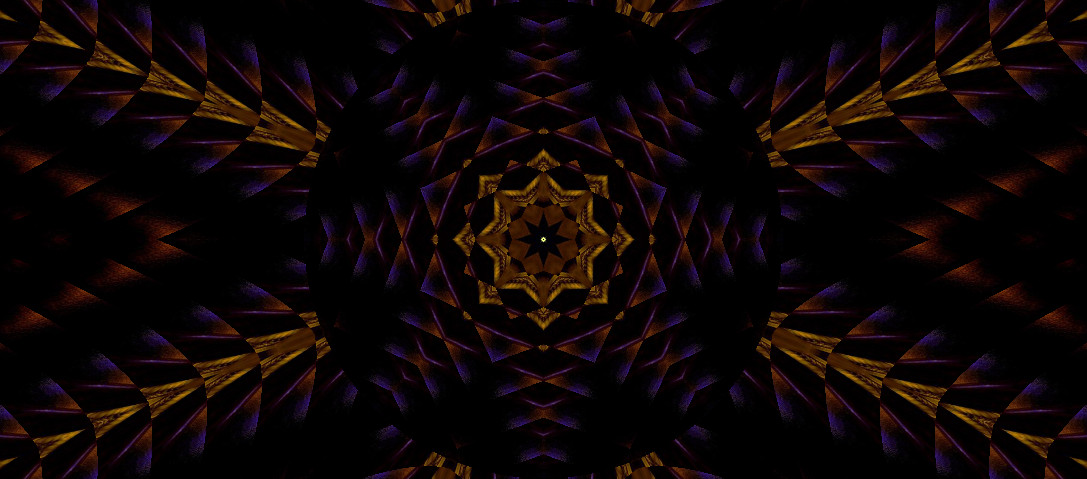
It seems to work OK with a small amount of cropping, then setting the Edge Behavior Y to Wrap.

Image

_________________
“If you reach for the stars, you just might land on a decently sized hill.” - Stuart Hill


Top
 Post subject: Re: mathmap kaleidoscope not working
PostPosted: Fri Oct 10, 2014 8:06 pm  (#14) 
Offline
GimpChat Member

Joined: Oct 10, 2014
Posts: 36
GnuTux wrote:
It seems to work OK with a small amount of cropping, then setting the Edge Behavior Y to Wrap.


By "It", I presume that's MathMap, not Gmic, correct?

I don't have MathMap at work. Will try it when I get home.

Thanks,


Top
 Post subject: Re: mathmap kaleidoscope not working
PostPosted: Fri Oct 10, 2014 9:29 pm  (#15) 
Offline
GimpChat Founder
User avatar

Joined: May 22, 2008
Posts: 5241
Location: Gimpville
ecs1749 wrote:
By "It", I presume that's MathMap

You would presume correctly. :)

_________________
“If you reach for the stars, you just might land on a decently sized hill.” - Stuart Hill


Top
 Post subject: Re: mathmap kaleidoscope not working
PostPosted: Sat Oct 11, 2014 11:17 am  (#16) 
Offline
Global Moderator
User avatar

Joined: May 16, 2010
Posts: 16155
Try setting the edge behavior y to wrap.

Image

Then try these values.

Image

That worked for me.

_________________
Image


Top
 Post subject: Re: mathmap kaleidoscope not working
PostPosted: Sat Oct 11, 2014 11:21 am  (#17) 
Offline
Global Moderator
User avatar

Joined: May 16, 2010
Posts: 16155
Cool image to play with in this filter by the way.
Sorry Tux didn't see your post before mine. :)
Image

_________________
Image


Top
Post new topic Reply to topic  [ 17 posts ] 

All times are UTC - 5 hours [ DST ]


* Login  


Powered by phpBB3 © phpBB Group