It is currently Tue Aug 25, 2026 10:55 pm


All times are UTC - 5 hours [ DST ]


Post new topic Reply to topic  [ 29 posts ]  Go to page Previous  1, 2
Author Message
 Post subject: Re: Magic Mix (Center Position) Script for GIMP
PostPosted: Fri Jul 28, 2017 5:23 pm  (#21) 
Offline
GimpChat Member
User avatar

Joined: Sep 24, 2010
Posts: 12838
Ran a 1002X1065 image with a few options disabled and it ran for aroun 80% of the image and then GIMP itself crashed. I then ran with size of 30 and it finished properly. Like the options, but it is noticeably slower. Not sure why. Still happy, Tran. :)

_________________
Lyle

Psalm 109:8

Image


Top
 Post subject: Re: Magic Mix (Center Position) Script for GIMP
PostPosted: Fri Jul 28, 2017 5:25 pm  (#22) 
Offline
Script Coder
User avatar

Joined: May 07, 2014
Posts: 4528
Location: Canada
not sure why it's slower. Maybe the if check makes it slow..the logic is the same.

_________________
TinT


Top
 Post subject: Re: Magic Mix (Center Position) Script for GIMP
PostPosted: Fri Jul 28, 2017 6:47 pm  (#23) 
Offline
GimpChat Member
User avatar

Joined: Sep 24, 2010
Posts: 12838
It's still much (like extremely) faster than your first pass, Tran. lol

My PC might have been doing some background operations that slowed the script (who knows). Will try more play later. :)

_________________
Lyle

Psalm 109:8

Image


Top
 Post subject: Re: Magic Mix (Center Position) Script for GIMP
PostPosted: Fri Jul 28, 2017 9:08 pm  (#24) 
Offline
Script Coder
User avatar

Joined: May 07, 2014
Posts: 4528
Location: Canada
Now, I will try and work in a base color.
So that for example if you choose base color as skin tone, it'll try to use that color or a shade of that color as the base where it can then R G B layers will be on top of that so that you'll variation of shapes on top of a somewhat common base feel...
I think it'll be interesting to finish...
I am excited to try and see this see if it's cooler than what we have right now.

_________________
TinT


Top
 Post subject: Re: Magic Mix (Center Position) Script for GIMP
PostPosted: Fri Jul 28, 2017 9:23 pm  (#25) 
Offline
GimpChat Member
User avatar

Joined: Sep 24, 2010
Posts: 12838
Look forward to the new result, Tran. :)

_________________
Lyle

Psalm 109:8

Image


Top
 Post subject: Re: Magic Mix (Center Position) Script for GIMP
PostPosted: Sat Jul 29, 2017 12:23 am  (#26) 
Offline
Script Coder
User avatar

Joined: May 07, 2014
Posts: 4528
Location: Canada
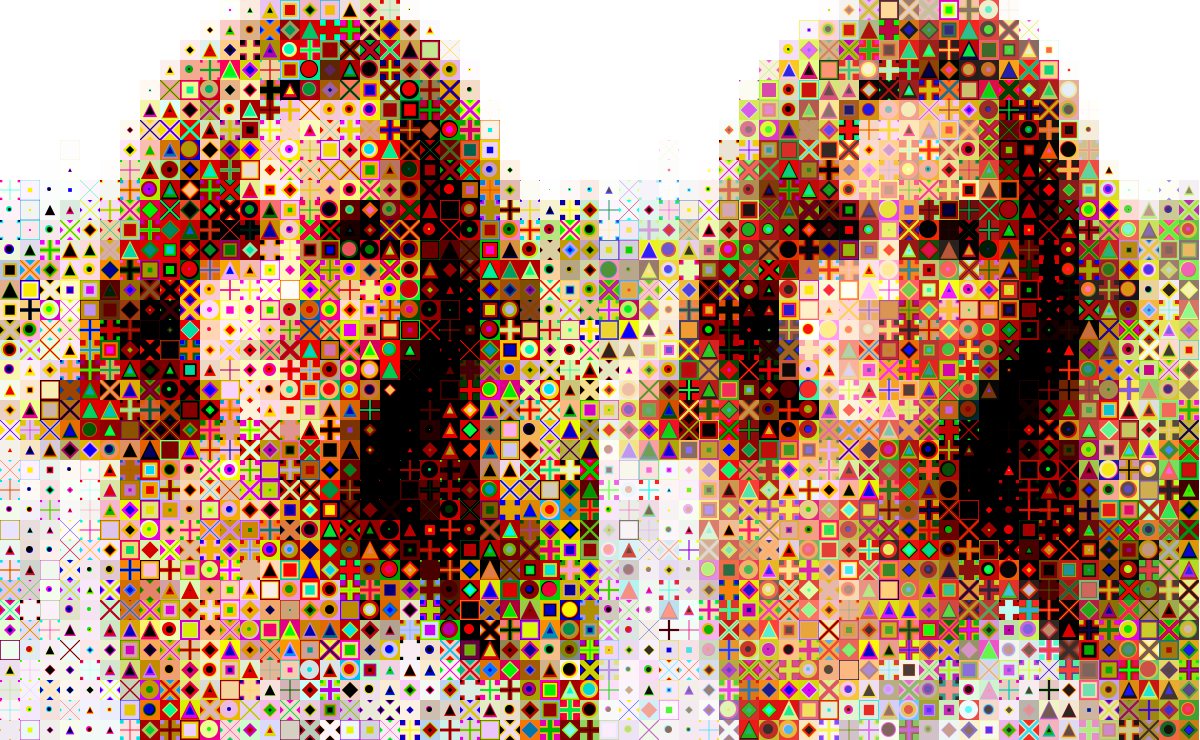
Here's the comparison between having base color and not.
On the left, old version with no base color.
On the right, with base color (default skintone ish).
I don't see much difference other than the fact that the left (old version) looks like it's got more dark shapes in light areas more often than the right (with base color).
Image

_________________
TinT


Top
 Post subject: Re: Magic Mix (Center Position) Script for GIMP
PostPosted: Sat Jul 29, 2017 5:50 am  (#27) 
Offline
GimpChat Member
User avatar

Joined: Sep 24, 2010
Posts: 12838
Still, noticeable more contrast, Tran. Anyway, have a 14 hour shift soon; may not be until next week before I play. You all have a great weekend. :)

_________________
Lyle

Psalm 109:8

Image


Top
 Post subject: Re: Magic Mix (Center Position) Script for GIMP
PostPosted: Sat Jul 29, 2017 11:35 pm  (#28) 
Offline
GimpChat Member
User avatar

Joined: Sep 24, 2010
Posts: 12838
Noticed 2 more updates since I last downloaded, so just downloaded the new update and then played of course. :)

ref: https://openclipart.org/detail/109537/africa-01


Attachments:
africa_01.PNg
africa_01.PNg [ 315.34 KiB | Viewed 1360 times ]

_________________
Lyle

Psalm 109:8

Image
Top
 Post subject: Re: Magic Mix (Center Position) Script for GIMP
PostPosted: Sun Jul 30, 2017 12:14 am  (#29) 
Offline
Script Coder
User avatar

Joined: May 07, 2014
Posts: 4528
Location: Canada
Yeah i upload version way too often but that's because i like to keep back up of it somewhere and I don't trust myself and my factory resetting habit with my laptop so i use the site like my back up space too :D

_________________
TinT


Top
Post new topic Reply to topic  [ 29 posts ]  Go to page Previous  1, 2

All times are UTC - 5 hours [ DST ]


* Login  


Powered by phpBB3 © phpBB Group