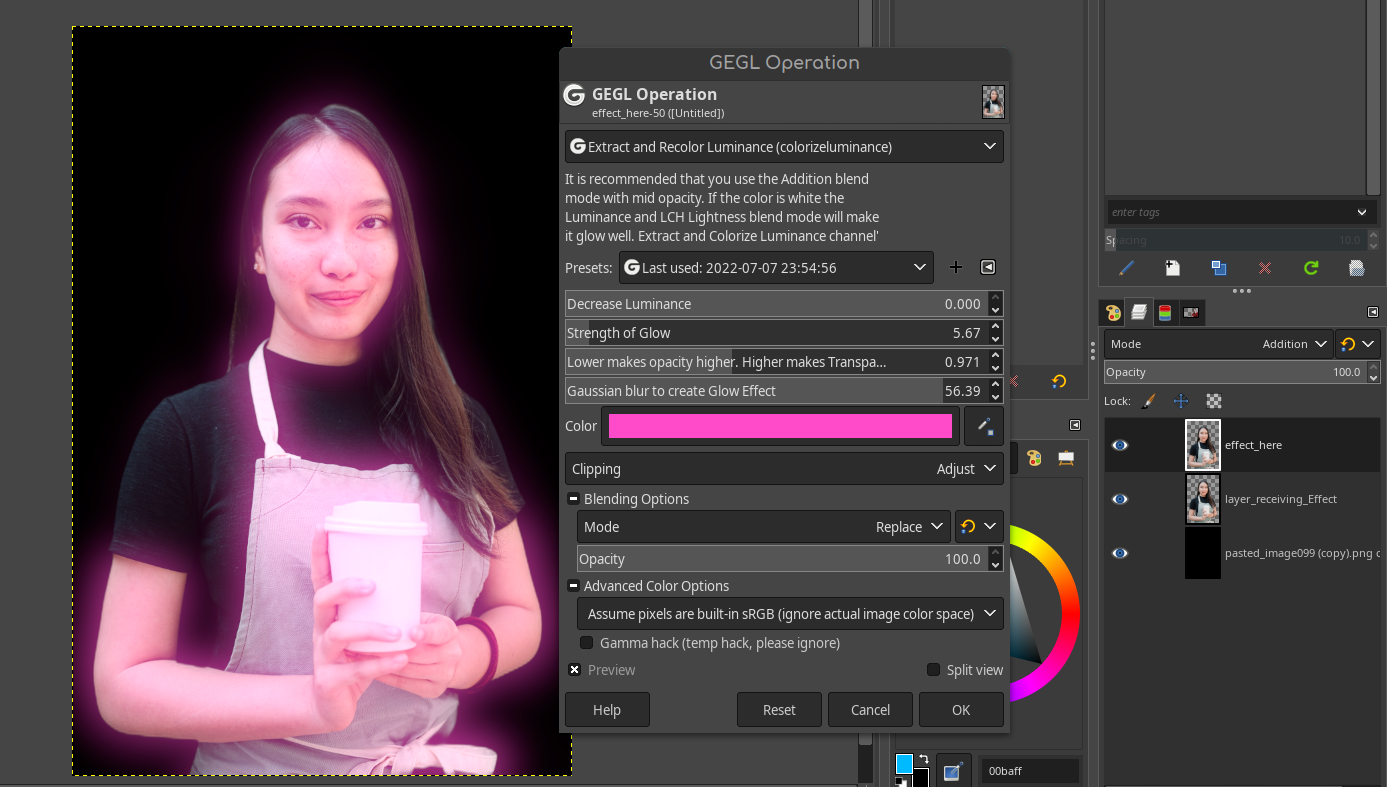
GEGL is getting competitive! We have a new filter to extract, re-color and blur brightness channels. This is similar to Gimp's bloom filter but it does not edit non-destructive, nor have an orton effect and bloom is locked to only one color. (White). Where as this filter works well with all bright colors and encourages non-destructive editing with blend modes. This filter was inspired by Gimp/GEGL's "Bloom" and Pixelitor's "Extract channel" filter. It shows that GEGL has the ability to extract channels.
This filter has three rules
(which of course you can break for a lower quality result)1. Filter requires an alpha channel
2. It is highly recommended you use the blend mode addition.
3.Gimp's layer blend modes will support an external glow effect on transparency. GEGL's layer blend modes will NOT support an external glow effect on transparency.

 Login
Login Register
 Tweets
 FAQ
FAQ Advanced Search


