Hi germallon
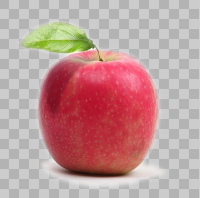
Cut-out your fruit images and add an 'alpha channel' or a transparent background so you can use a common background.
Then 'Open as layers' for each fruit.
All layers should be the same size.
So now they are layers with the transparent hatching behind each fruit.
Then put your background at the bottom. (open as layer)
You will have to move it below the bottom layer of the stack.
Then Filters > Animation > combine background.
Finally,
File > 'Export Layers' and use PNG which will give each layer a different file name.
Rename as necessary.
 Login
Login Register
 Tweets
 FAQ
FAQ Advanced Search