This is a very old solution (experimental):
ShellOut.py (was XNViewShell) - Call external programs
viewtopic.php?f=9&t=970&hilit=shellout&start=180#p48738now supported by iiey.
This plugin opens a image from Gimp 3 in Gimp-2.10 where you can further edit it (e.g. with your favorite plugins like Mathmat, Userfilter) and return the result to Gimp 3.
The assumption is that Gimp 2.10 is installed by default in Program Files\Gimp 2 (if not - you need to edit option.bat files, which may require administrator privileges and Gimp-2_plugin.py).
The options.bat file should be placed in Program Files\Gimp 2\bin.
The Gimp-2_plugin.py file in ... 'UserHome'\plug-ins\Gimp-2_plugin.
After first launching Gimp-2.10 you need to check the settings in Edit/Preferences/Directories...
The temporary file is not deleted and is overwritten after each use in Gimp 2: "Overwrite tmpgimp.png".
Temporary files are saved in:
C:Users\YOUR_USERNAME\AppData\Local\Temp\tmpgimp.png.
In menu:
Filters ➤ ShelOut ➤ Gimp-2


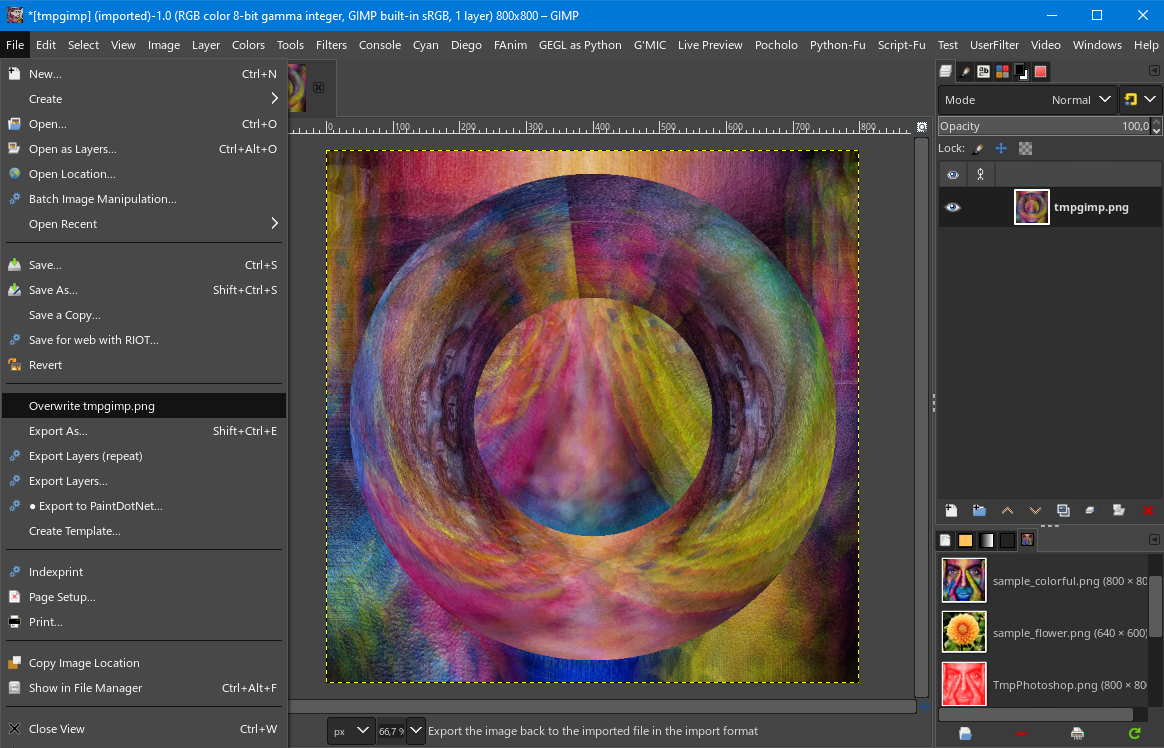
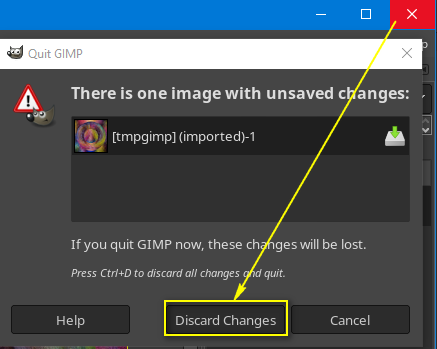
By editing options.bat you can also specify in which language Gimp 2 should start (default - English).

By clicking options.bat you can start Gimp 2 alongside Gimp 3 (but in this case without image transfer).
 Login
Login Register
 Tweets
 FAQ
FAQ Advanced Search





