It is currently Fri Aug 07, 2026 11:26 am


All times are UTC - 5 hours [ DST ]


Post new topic Reply to topic  [ 82 posts ]  Go to page 1, 2, 3, 4, 5  Next
Author Message
 Post subject: What Can You Do With This Photo?
PostPosted: Mon Jul 08, 2013 6:05 pm  (#1) 
Offline
GimpChat Member
User avatar

Joined: Jun 02, 2013
Posts: 2090
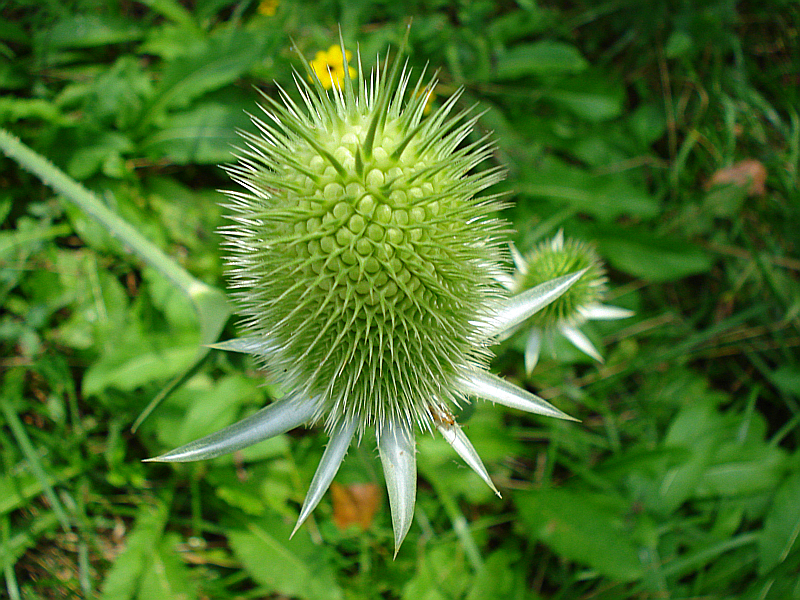
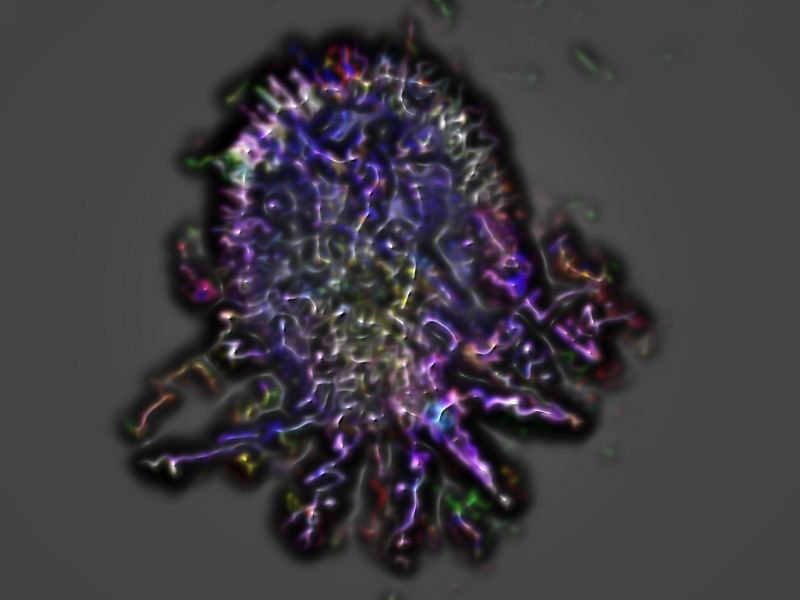
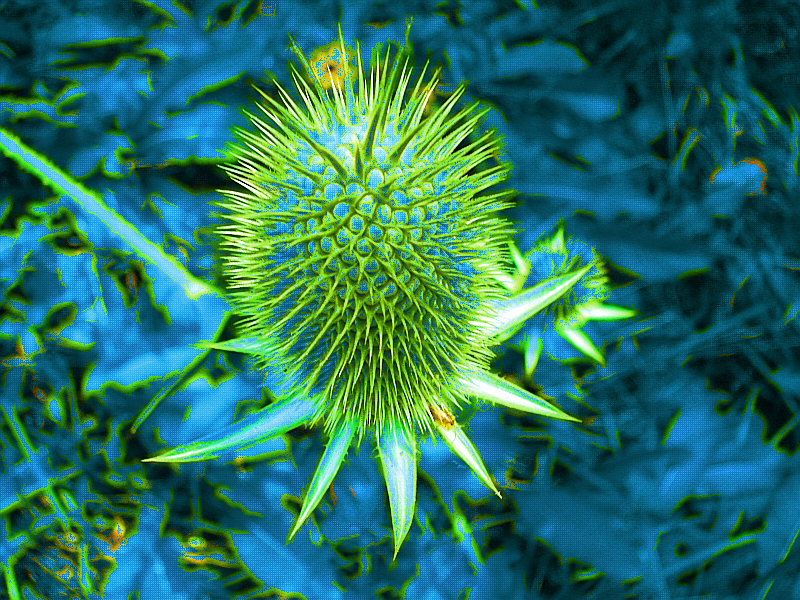
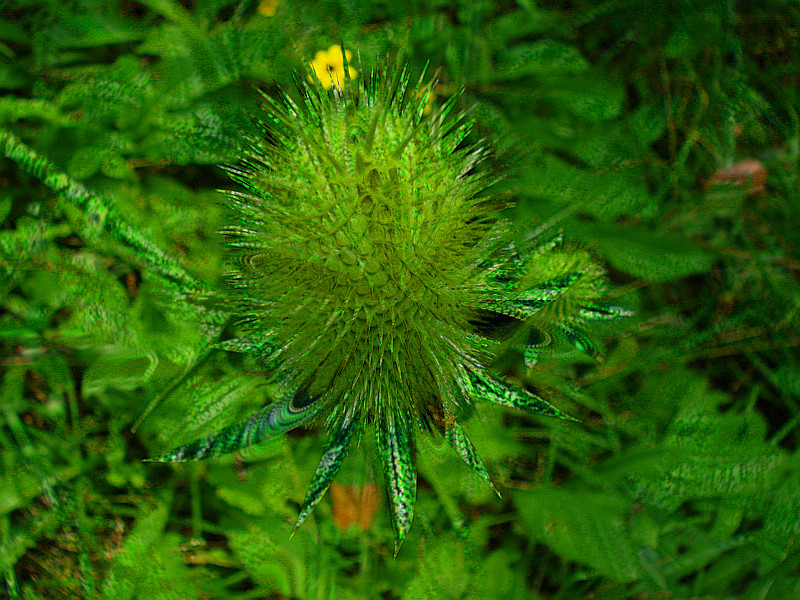
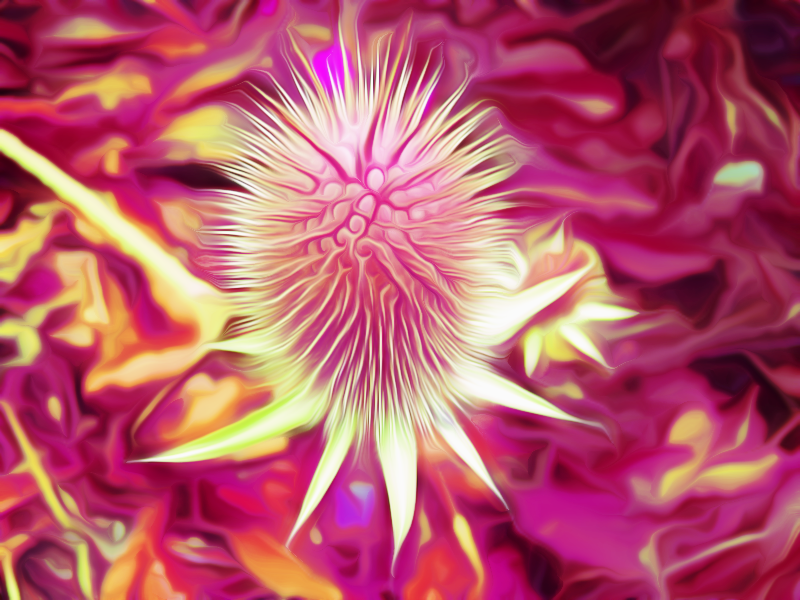
Thought it would be kind of cool to introduce a photo, and see what everyone can do with the same photo. Doesn't matter what you do, whether it's to enhance, make look like a painting, etc. Please post what you do, as this can be a good learning experience for us all. Here's the photo, of some kind of plant I took last year or so. Have always liked this photo:

Image

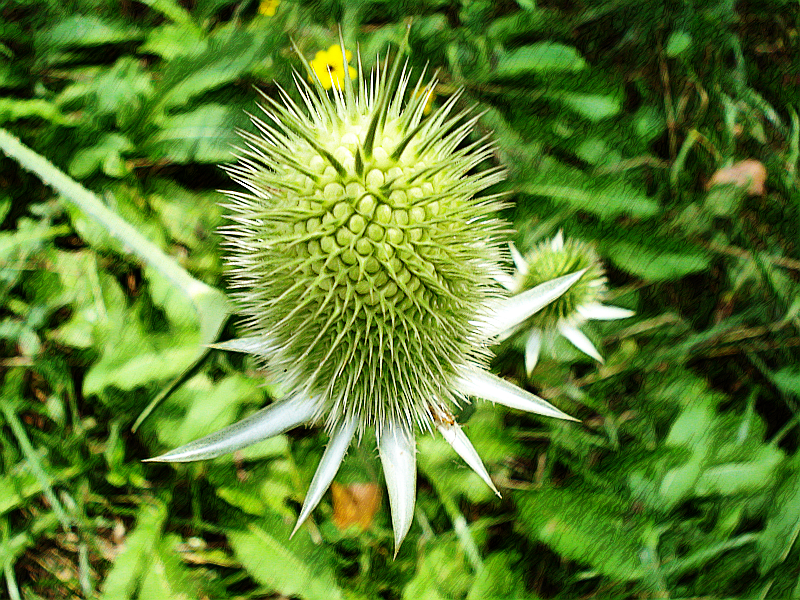
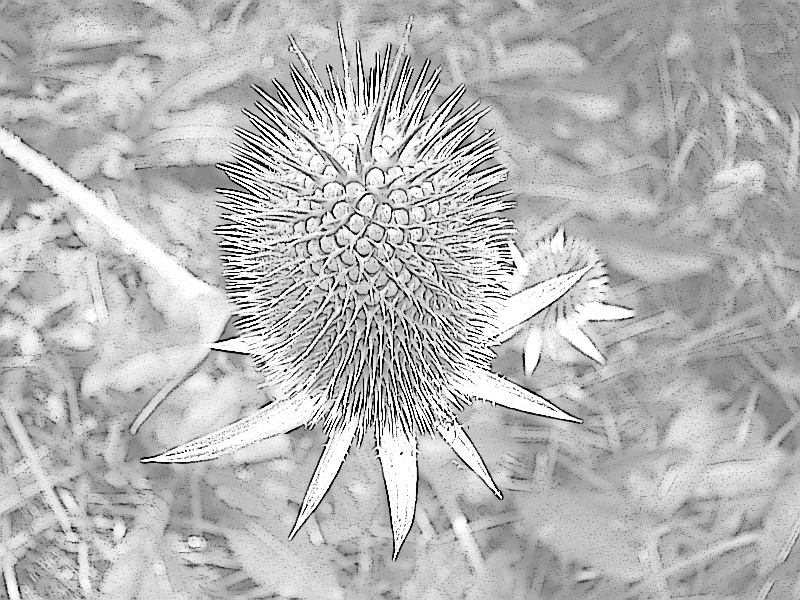
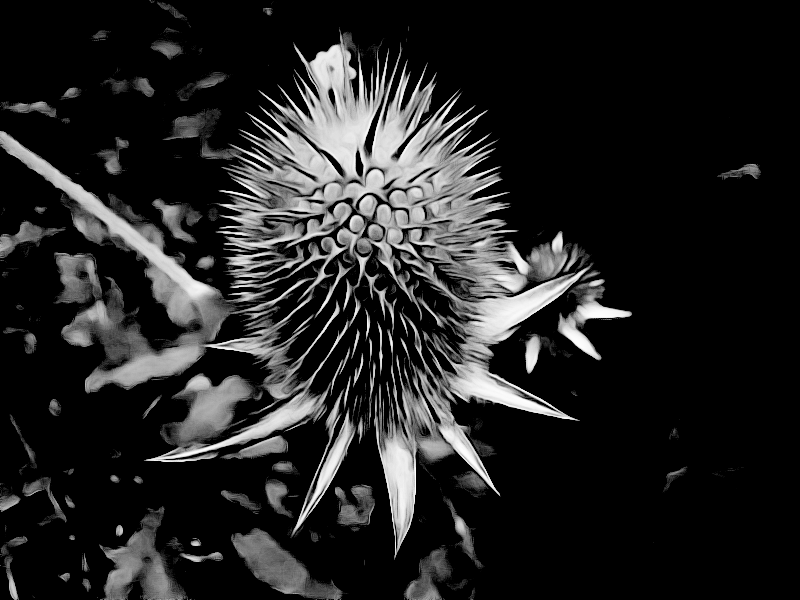
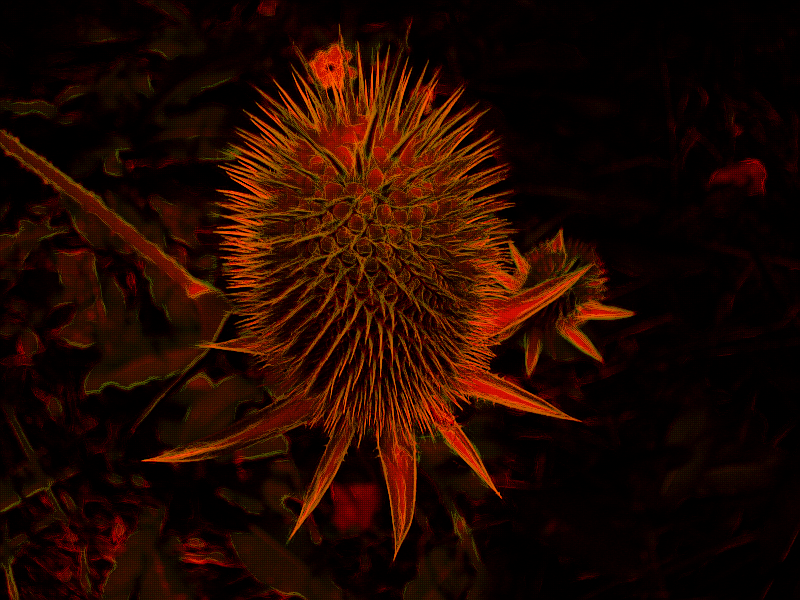
Here's what I did with it. Duplicated the layer, G'MIC>Black & White>Pencil Portrait, stroke length set to 21.75, and mode set to overlay:

Image

Let's have fun with this, and see what we can come up with. Feel free to make several posts of your results.

_________________
Image


Share on Facebook Share on Twitter Share on Orkut Share on Digg Share on MySpace Share on Delicious Share on Technorati
Top
 Post subject: Re: What Can You Do With This Photo?
PostPosted: Mon Jul 08, 2013 8:07 pm  (#2) 
Offline
GimpChat Member
User avatar

Joined: May 27, 2011
Posts: 707
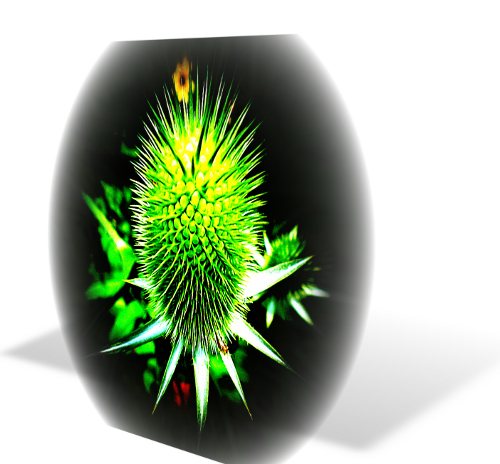
distort,Lens distortion(tweak as You want it to look)
then scriptfu: 3d screenshot

Image


Top
 Post subject: Re: What Can You Do With This Photo?
PostPosted: Mon Jul 08, 2013 8:27 pm  (#3) 
Offline
GimpChat Member
User avatar

Joined: Jul 17, 2012
Posts: 2769
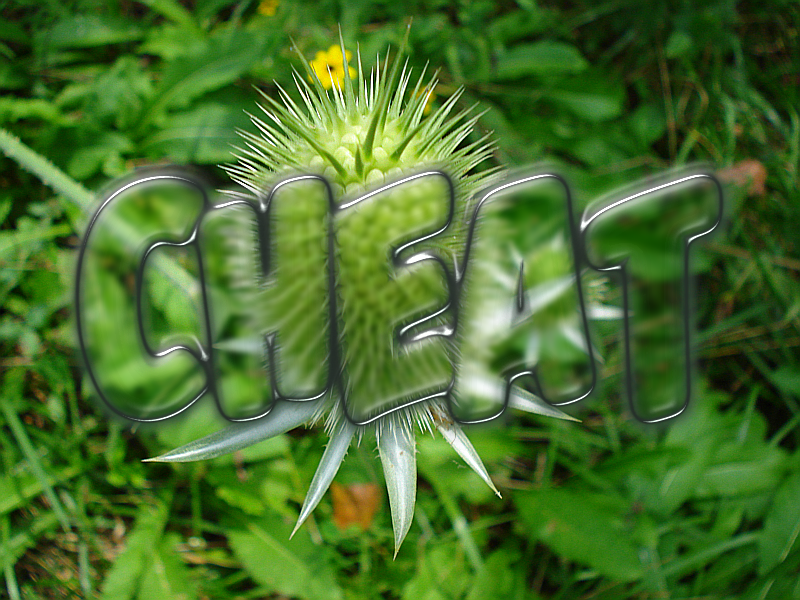
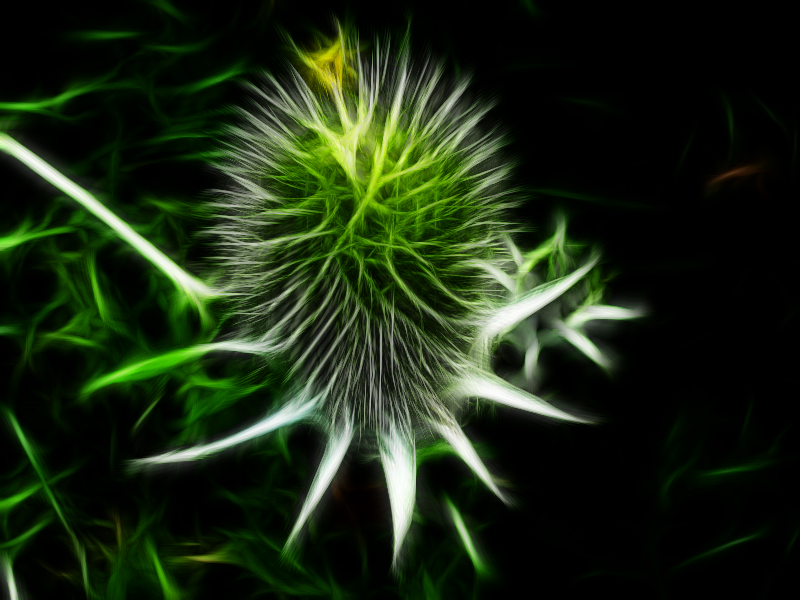
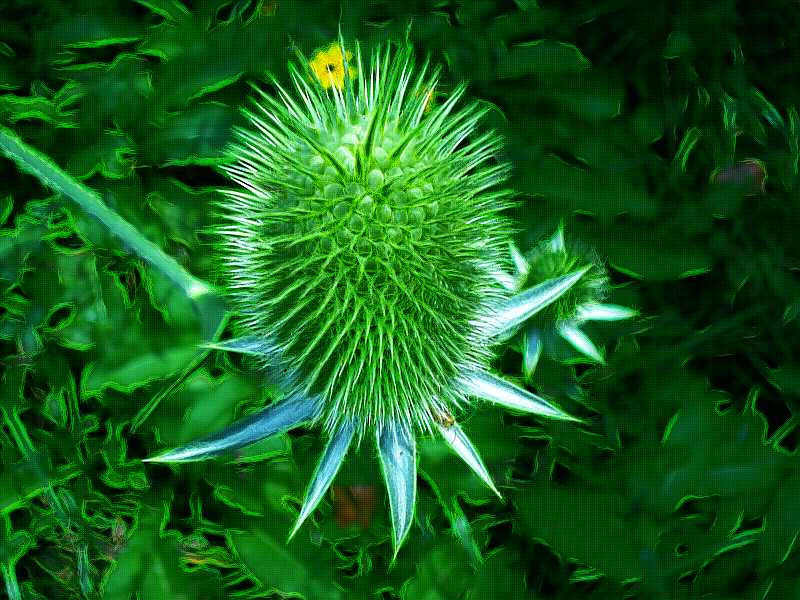
im not good at photomanipulation but Photoadvanced2 just posted a new IS tutorial that i wanted to try ;)

Image


Top
 Post subject: Re: What Can You Do With This Photo?
PostPosted: Mon Jul 08, 2013 8:32 pm  (#4) 
Offline
GimpChat Member
User avatar

Joined: Sep 22, 2012
Posts: 2089
Location: US
nice job Esper!

the best i could come up with without spending much time


Image


Top
 Post subject: Re: What Can You Do With This Photo?
PostPosted: Mon Jul 08, 2013 8:38 pm  (#5) 
Offline
Global Moderator
User avatar

Joined: May 16, 2010
Posts: 16152
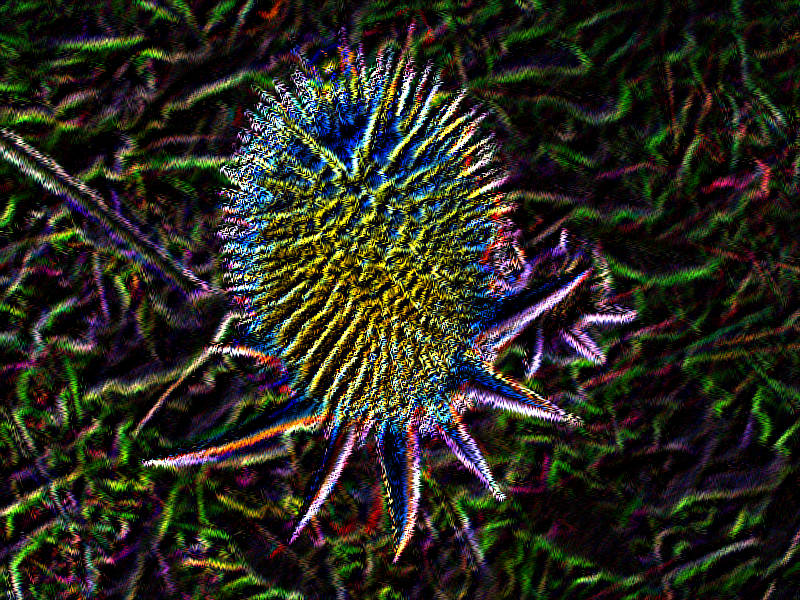
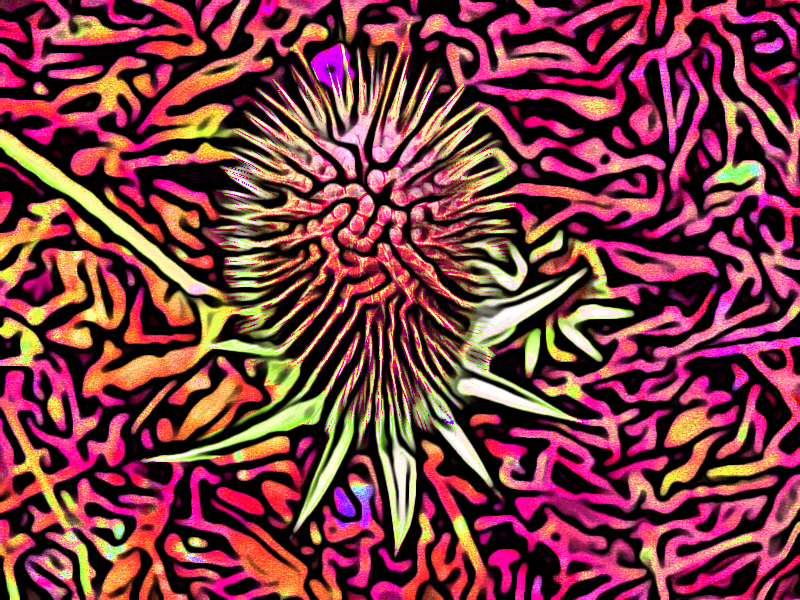
Pencil Shader with a twist.

I duplicated the image. This allows you to keep an original as the bottom layer.
I ran the filter with 100% shade, line opacity, kept the layers and the rest of the settings stayed as default.
After running the filter.
Switch line and shade layers so the shade layer is on top.
Set the shade layer to COLOR mode.
Set the line layer to GRAIN MERGE mode.
Image :ninja

_________________
Image


Top
 Post subject: Re: What Can You Do With This Photo?
PostPosted: Mon Jul 08, 2013 8:51 pm  (#6) 
Offline
Global Moderator
User avatar

Joined: May 16, 2010
Posts: 16152
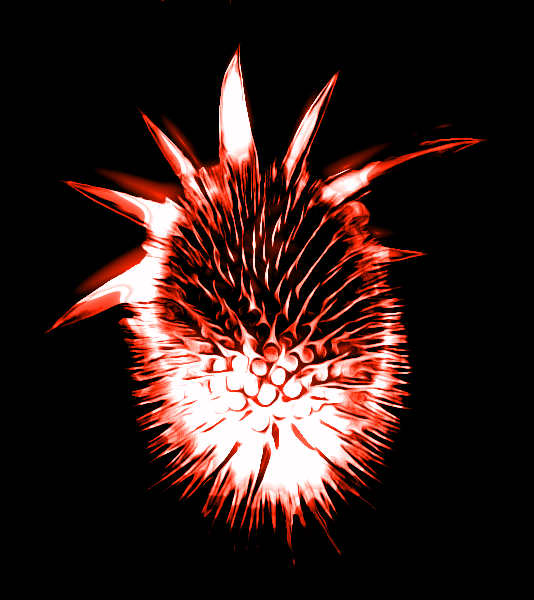
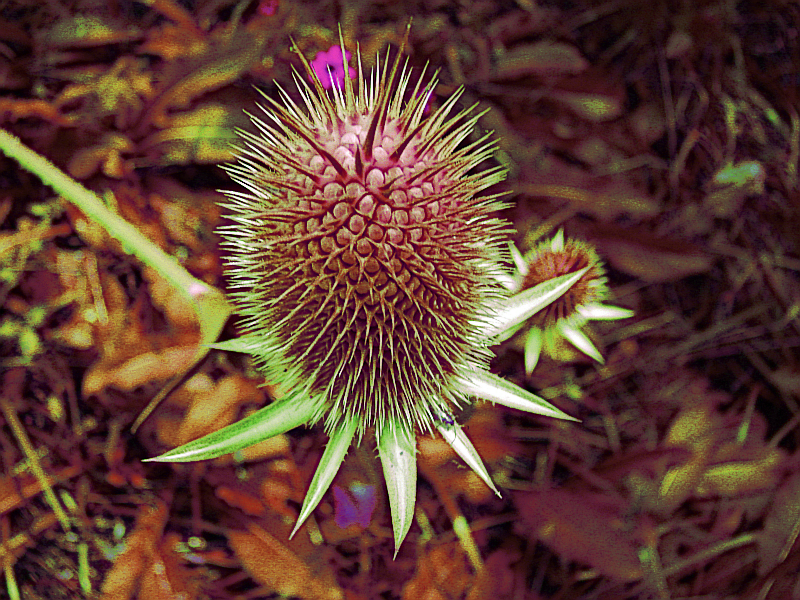
Embroider-Stitcher-with another twist.
I first rendered out the center cactus, and ran color balance on the new render.
All settings shadows, midtones, and highlights, set to max red and max yellow.
Then i merged down and ran Embroider Stitcher filter.

Image

_________________
Image


Top
 Post subject: Re: What Can You Do With This Photo?
PostPosted: Mon Jul 08, 2013 8:57 pm  (#7) 
Offline
GimpChat Member
User avatar

Joined: Jun 02, 2013
Posts: 2090
Awesome stuff, keep em coming. I have to go hang out with the wifers for awhile, :hoh will give it more goes when I return. Dang woman takin' up my GIMP time, grrr... :gaah :mrgreen:

_________________
Image


Top
 Post subject: Re: What Can You Do With This Photo?
PostPosted: Mon Jul 08, 2013 9:06 pm  (#8) 
Offline
GimpChat Founder
User avatar

Joined: May 22, 2008
Posts: 5241
Location: Gimpville
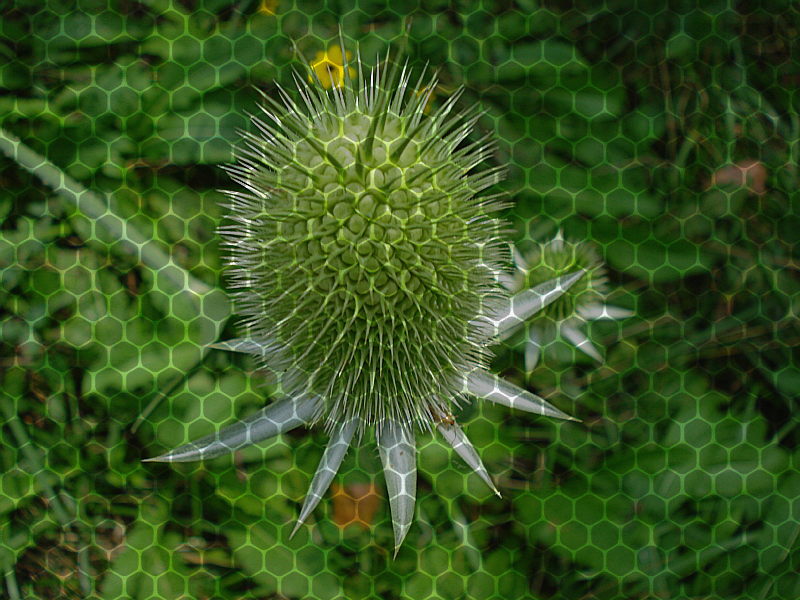
My quickie offering. Slight cartoon effect and burned honeycomb overlay, with contrast adjust.

Image

_________________
“If you reach for the stars, you just might land on a decently sized hill.” - Stuart Hill


Top
 Post subject: Re: What Can You Do With This Photo?
PostPosted: Mon Jul 08, 2013 9:11 pm  (#9) 
Offline
GimpChat Member
User avatar

Joined: Jul 17, 2012
Posts: 2769
this is a combination of the G'MIC Water filter and Relief Light

Image


Last edited by Esper on Mon Jul 08, 2013 10:47 pm, edited 1 time in total.

Top
 Post subject: Re: What Can You Do With This Photo?
PostPosted: Mon Jul 08, 2013 10:02 pm  (#10) 
Offline
GimpChat Member
User avatar

Joined: Jul 06, 2013
Posts: 2662
Location: California
here's what I came up with:
Image

I duplicated the layer twice
changed the mode to screen
then I went to G'MIC black & white: ink wash.. changed a few settings


Top
 Post subject: Re: What Can You Do With This Photo?
PostPosted: Mon Jul 08, 2013 10:14 pm  (#11) 
Offline
GimpChat Member
User avatar

Joined: Sep 24, 2010
Posts: 12825
K1Te beat me to the Rodilius so went book illustration instead. :)


Attachments:
2834_016.png
2834_016.png [ 434.61 KiB | Viewed 2402 times ]

_________________
Lyle

Psalm 109:8

Image
Top
 Post subject: Re: What Can You Do With This Photo?
PostPosted: Mon Jul 08, 2013 10:17 pm  (#12) 
Offline
GimpChat Member
User avatar

Joined: Jun 02, 2013
Posts: 2090
Awesome stuff peeps.

_________________
Image


Top
 Post subject: Re: What Can You Do With This Photo?
PostPosted: Mon Jul 08, 2013 10:34 pm  (#13) 
Offline
GimpChat Member
User avatar

Joined: Jun 02, 2013
Posts: 2090
Original:

Image

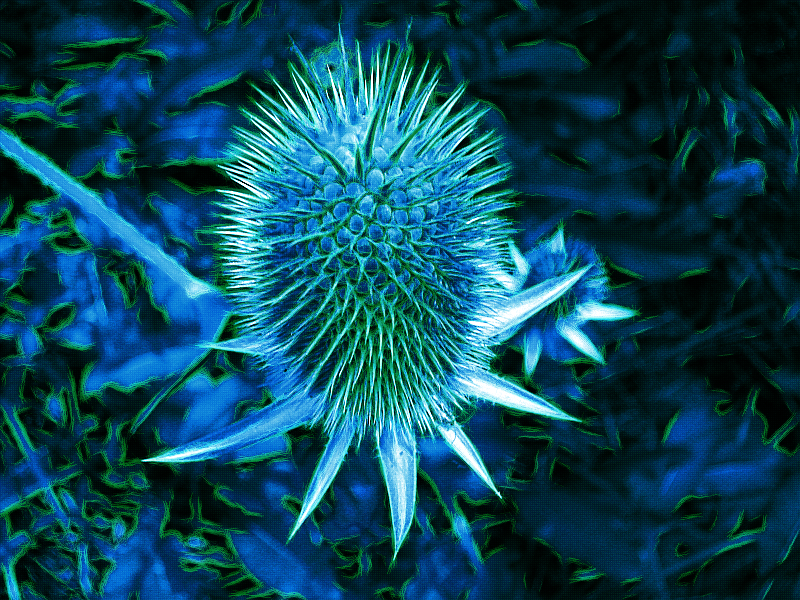
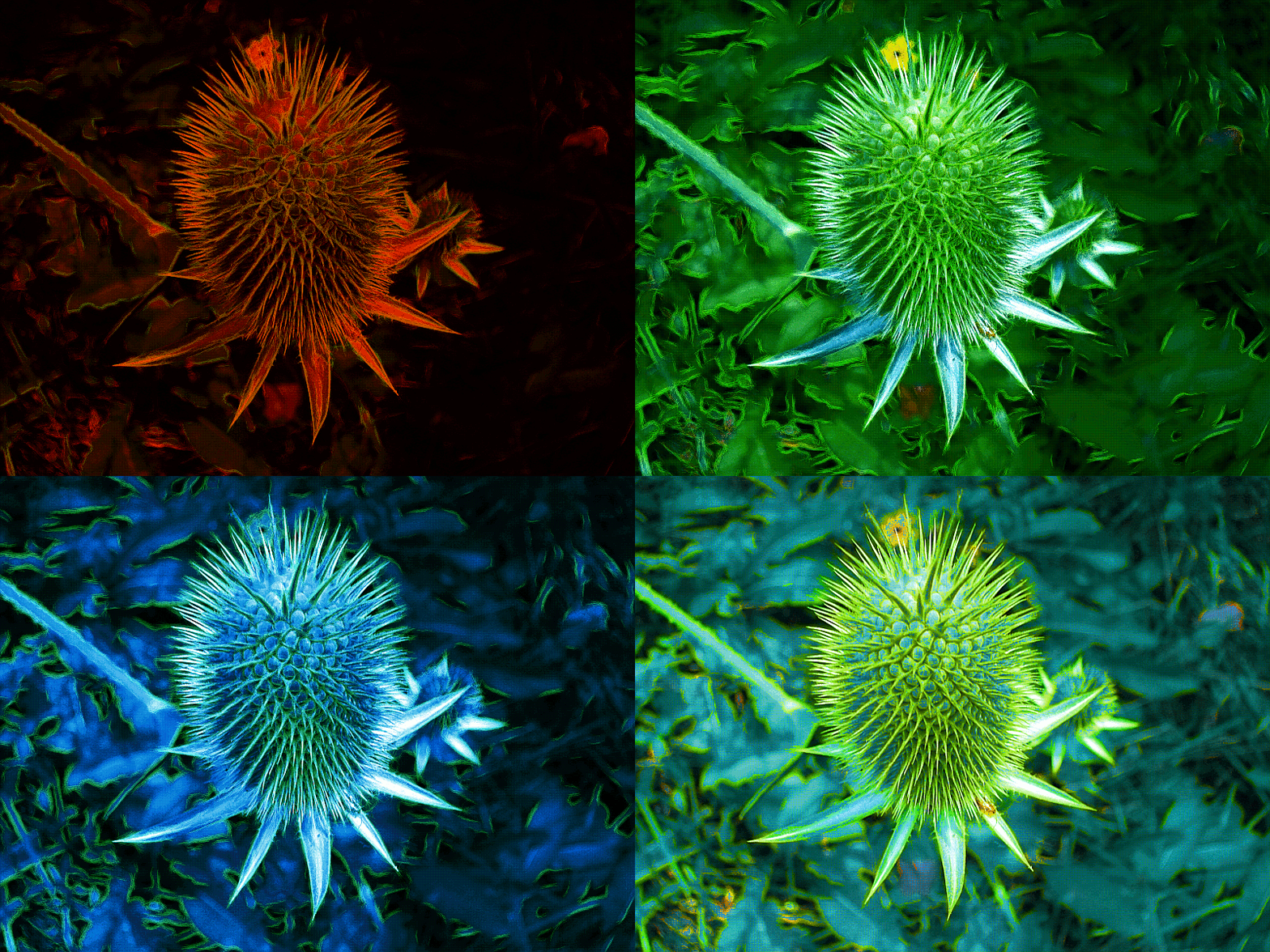
Duplicate layer twice. Top layer G'MIC>Artistic>Black Crayon Graffiti, layer set on hue, second layer gradient mapped with a blue and black gradient, mode set to color over the original layer:

Image

Same as above, with upper layer set to soft light:

Image

Duplicate layer twice. Top layer G'MIC>Artistic>Black Crayon Graffiti, layer set on soft light, second layer gradient mapped with a blue and black gradient, mode set to overlay over the original layer:

Image

Same as above, with second layer set to subtract:

Image

Animated:

Image

_________________
Image


Top
 Post subject: Re: What Can You Do With This Photo?
PostPosted: Mon Jul 08, 2013 10:45 pm  (#14) 
Offline
GimpChat Member
User avatar

Joined: Jul 17, 2012
Posts: 2769
my favorite so far is mackenzieh's version :bigthup

its an improvement of the original without any "weirdness"


another mutation

Image


Top
 Post subject: Re: What Can You Do With This Photo?
PostPosted: Tue Jul 09, 2013 12:19 am  (#15) 
Offline
GimpChat Member
User avatar

Joined: Apr 30, 2010
Posts: 1937
Location: Missouri
Yeah, I know. I'm sick.


Attachments:
fallen.png
fallen.png [ 1.06 MiB | Viewed 2384 times ]

_________________
Image
The last time I kept an open mind,
my brain fell out and the dog grabbed it.
Now it's full of dirt, toothmarks, and dog slobber.
No more open minds or dogs for me.
Top
 Post subject: Re: What Can You Do With This Photo?
PostPosted: Tue Jul 09, 2013 1:06 am  (#16) 
Offline
GimpChat Member
User avatar

Joined: Apr 30, 2010
Posts: 1937
Location: Missouri
Another warped idea


Attachments:
burrhead.png
burrhead.png [ 432.33 KiB | Viewed 2379 times ]

_________________
Image
The last time I kept an open mind,
my brain fell out and the dog grabbed it.
Now it's full of dirt, toothmarks, and dog slobber.
No more open minds or dogs for me.
Top
 Post subject: Re: What Can You Do With This Photo?
PostPosted: Tue Jul 09, 2013 1:26 am  (#17) 
Offline
GimpChat Member
User avatar

Joined: Apr 30, 2010
Posts: 1937
Location: Missouri
Couldn't help it.


Attachments:
burr4.png
burr4.png [ 1.3 MiB | Viewed 2378 times ]
burr3.png
burr3.png [ 898.25 KiB | Viewed 2378 times ]
burr2.png
burr2.png [ 785.31 KiB | Viewed 2378 times ]

_________________
Image
The last time I kept an open mind,
my brain fell out and the dog grabbed it.
Now it's full of dirt, toothmarks, and dog slobber.
No more open minds or dogs for me.
Top
 Post subject: Re: What Can You Do With This Photo?
PostPosted: Tue Jul 09, 2013 1:39 am  (#18) 
Offline
Global Moderator
User avatar

Joined: Apr 01, 2012
Posts: 8448
Location: On the other side of your screen
I used two layers of the same photo.
On 1 I applied Wild cartoonizer, Dynamic range increase, Half tone, circle transform, kaleidescope then flower.
On the other I colour to alpha it and merged it onto the 1st one. First time it wouldn't let me post png pics!
Image

_________________
Image
Free Fun Photo Editing & resources
Poems from the Lord
Gimp Newby
Gimp version 3.2.4 and GMIC-Qt 4.0.2 OS :- Windows 10 Home 64


Top
 Post subject: Re: What Can You Do With This Photo?
PostPosted: Tue Jul 09, 2013 2:06 am  (#19) 
Offline
Global Moderator
User avatar

Joined: Apr 01, 2012
Posts: 8448
Location: On the other side of your screen
Another
Image
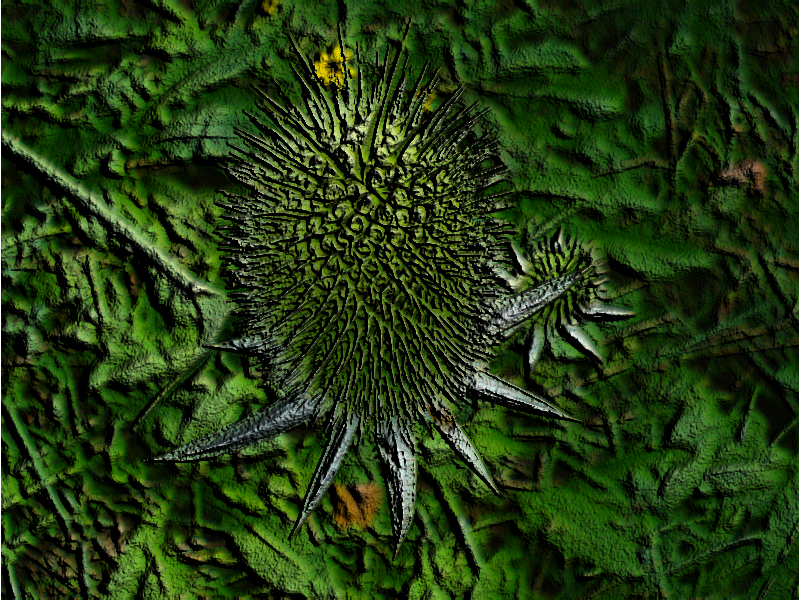
Filters > distort > emboss > bumpmap with defaults

_________________
Image
Free Fun Photo Editing & resources
Poems from the Lord
Gimp Newby
Gimp version 3.2.4 and GMIC-Qt 4.0.2 OS :- Windows 10 Home 64


Top
 Post subject: Re: What Can You Do With This Photo?
PostPosted: Tue Jul 09, 2013 2:20 am  (#20) 
Offline
GimpChat Founder
User avatar

Joined: May 22, 2008
Posts: 5241
Location: Gimpville
Impressionistic GMIC inkwash + Paint
Image

Colors & Contrast
Image

Above with GMIC dream smoothing
Image

_________________
“If you reach for the stars, you just might land on a decently sized hill.” - Stuart Hill


Top
Post new topic Reply to topic  [ 82 posts ]  Go to page 1, 2, 3, 4, 5  Next

All times are UTC - 5 hours [ DST ]


cron

* Login  


Powered by phpBB3 © phpBB Group