It is currently Sun Aug 30, 2026 2:53 pm


All times are UTC - 5 hours [ DST ]


Post new topic Reply to topic  [ 172 posts ]  Go to page Previous  1, 2, 3, 4, 5, 6 ... 9  Next
Author Message
 Post subject: Re: Pencil Shade script Rel4[Bugfix to fix typo 'oops!']
PostPosted: Sat Jul 13, 2013 10:14 pm  (#41) 
Offline
GimpChat Member
User avatar

Joined: Jan 10, 2013
Posts: 863
Rod wrote:
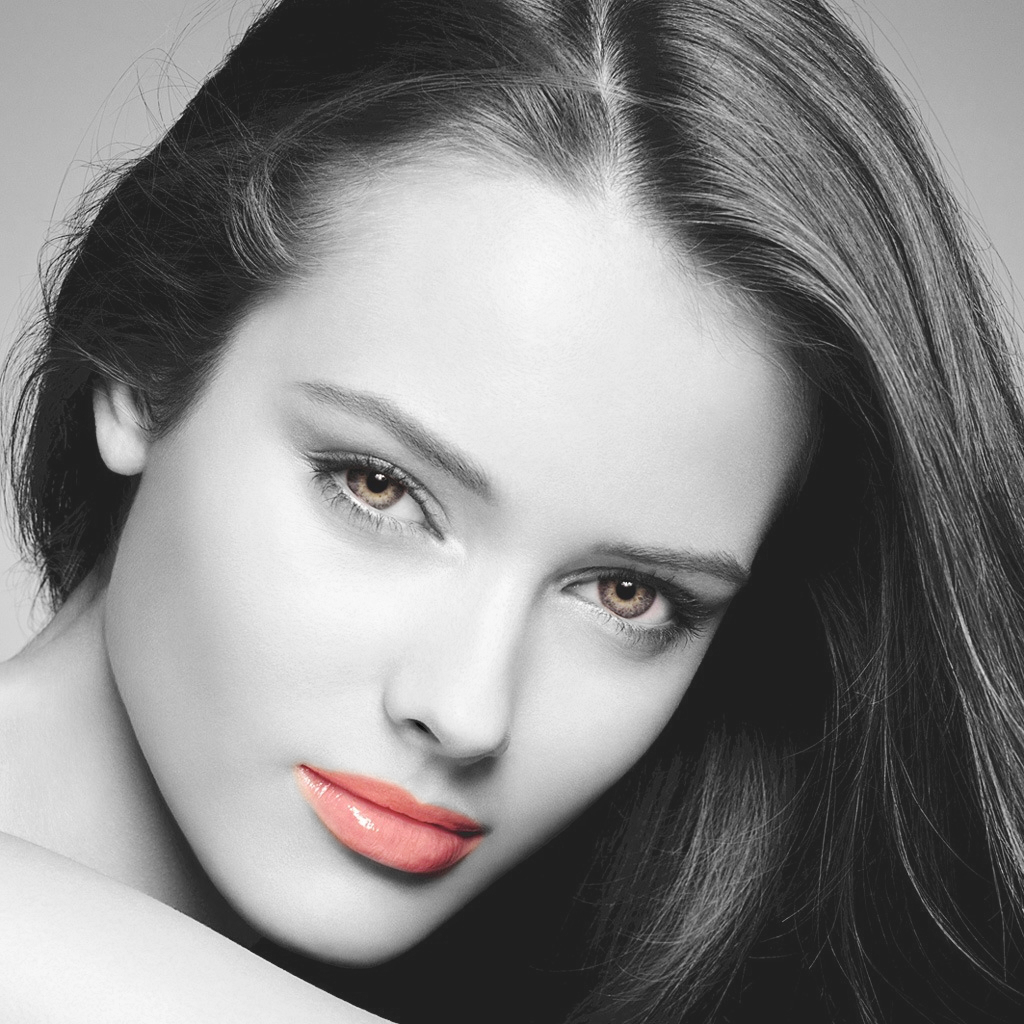
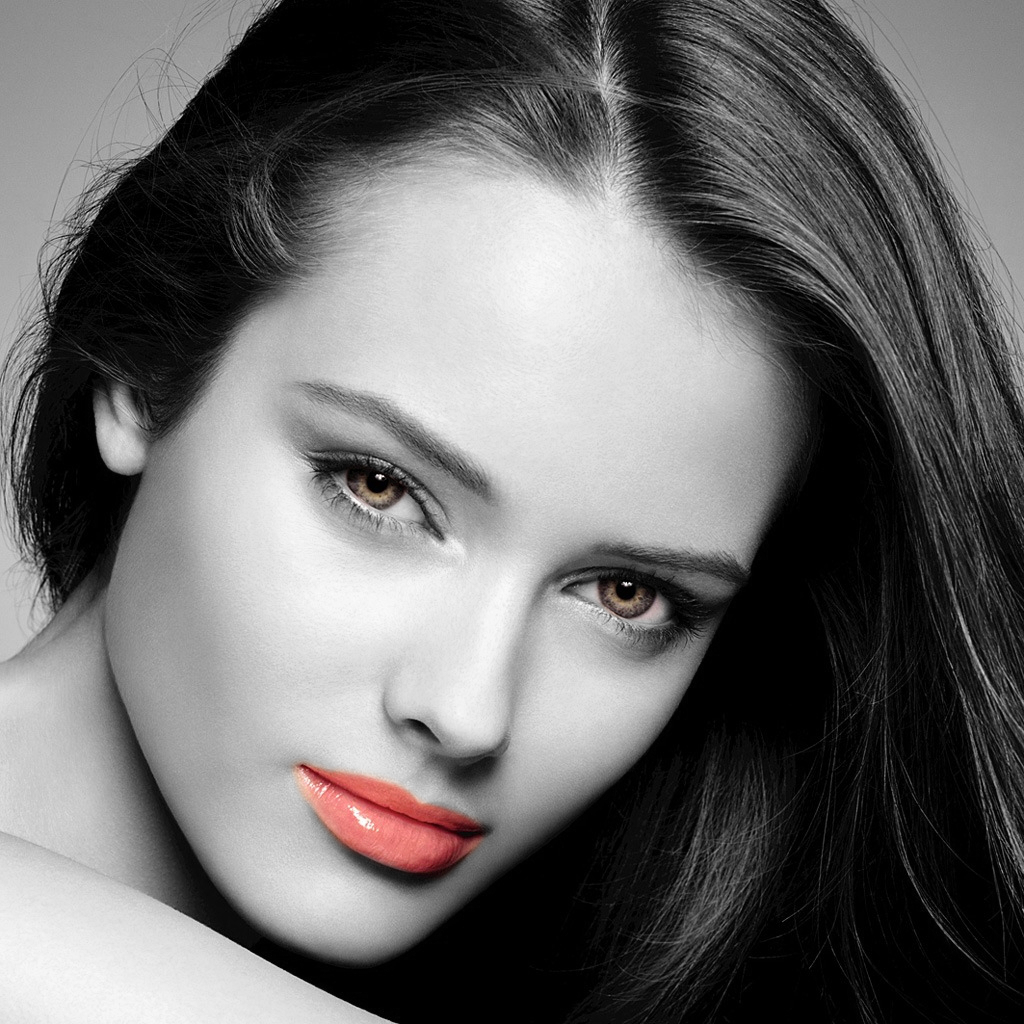
Graechan here is another use for your script. :)
[ [url]Image[/url] ]
[ [url]Image[/url] ]

Rod that's interesting!
This same effect is achieved by desaturate the image and apply a mask to specify the areas to be colored. Pretty simple.

So I decided to compare the results using the two techniques, and the same mask.
By Pencil Shade - Rod's Tecnique
Image
By Dessaturation Tecnique
Image
The large difference seems to be the opacity (lower contrast). But it is very subtle.

I'm still using version Rel1, has not given any error in my Gimp.

_________________
bbbbbbbbbbbImage
bbbbbbbbbbb Be patient, English is not my language.


Top
 Post subject: Re: Pencil Shade script Rel4[Bugfix to fix typo 'oops!']
PostPosted: Sun Jul 14, 2013 1:29 am  (#42) 
Offline
Global Moderator
User avatar

Joined: May 16, 2010
Posts: 16168
Graechan wrote:
Nice result Rod, what type of mask did you add to the 'line layer'


White - full opacity. :)

_________________
Image


Top
 Post subject: Re: Pencil Shade script Rel4
PostPosted: Sun Jul 14, 2013 3:28 am  (#43) 
Offline
Script Coder
User avatar

Joined: Feb 18, 2011
Posts: 4826
Location: Bendigo Vic. Australia
Akros the 'Pencil Shade script' initially desaturates the layers before adjusting them

Rod thanks for the info

_________________
Image
No matter how much you push the envelope, it'll still be stationery.


Top
 Post subject: Re: Pencil Shade script Rel3[now OK all bugfixes done]
PostPosted: Sun Jul 14, 2013 12:35 pm  (#44) 
Offline
GimpChat Founder
User avatar

Joined: May 22, 2008
Posts: 5241
Location: Gimpville
PhotoComix wrote:
GnuTux wrote:
maybe Graechan would be willing to add this effect to the script, as an option. :cool

bit difficult :
that cool effect you all get may be difficult to hardcode, because it will change much depending on image size (with same setting a very dramatic and strong effect on relatively little images, MUCH softer if very large .

So i guess or the script should call GMIC> anisotropic mode in iterative mode , or should be advised that also the image size will influence much the effect

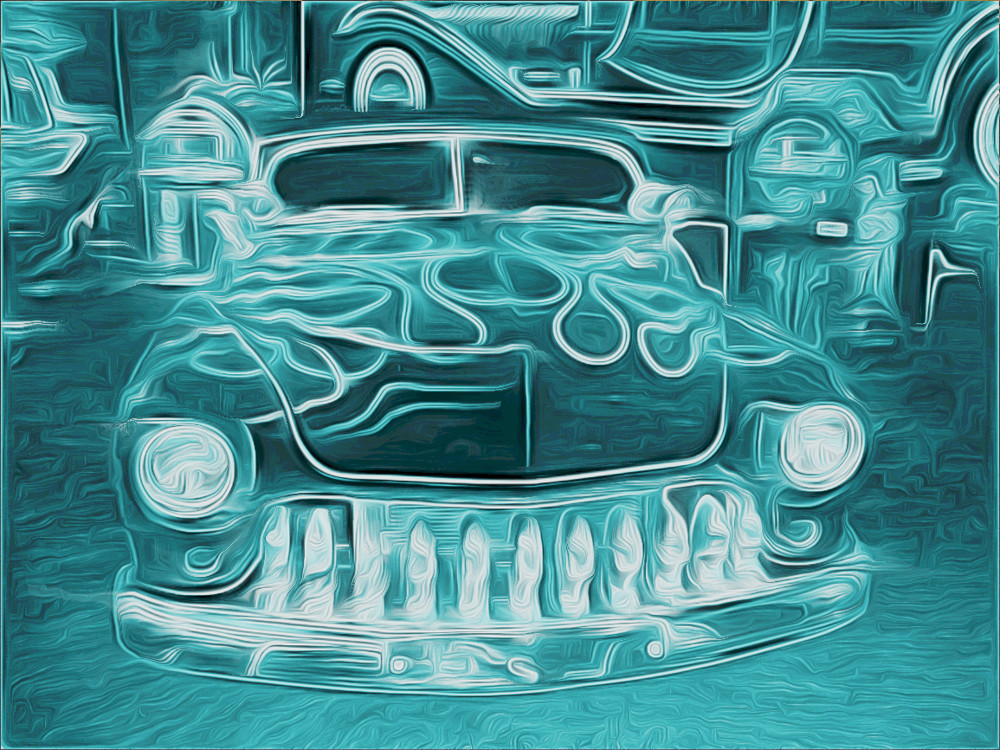
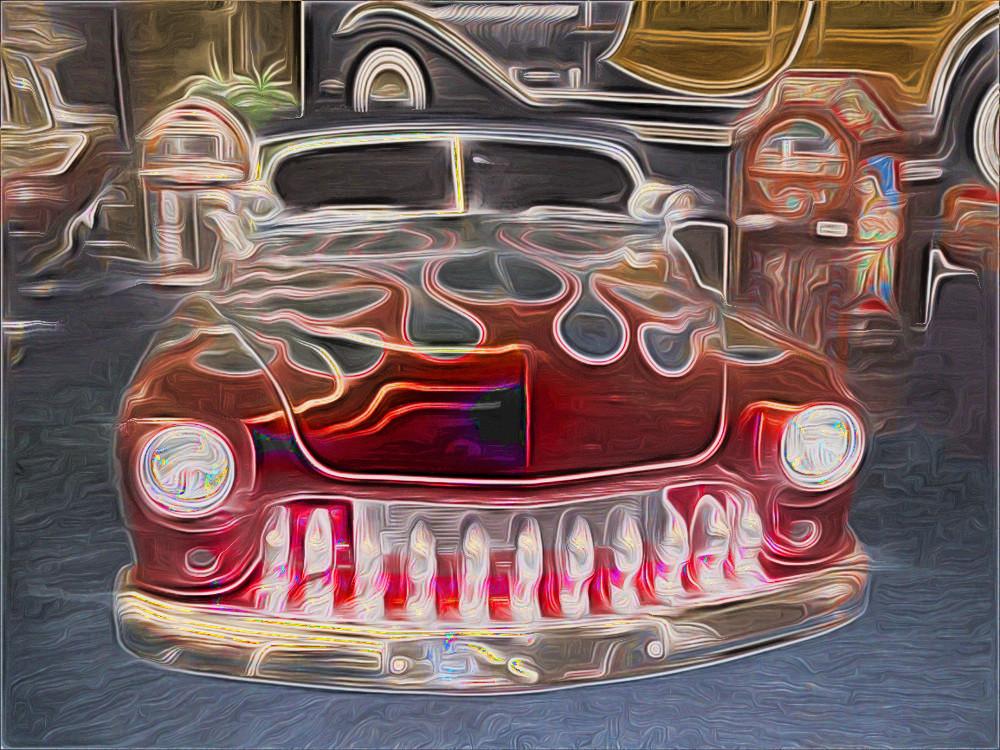
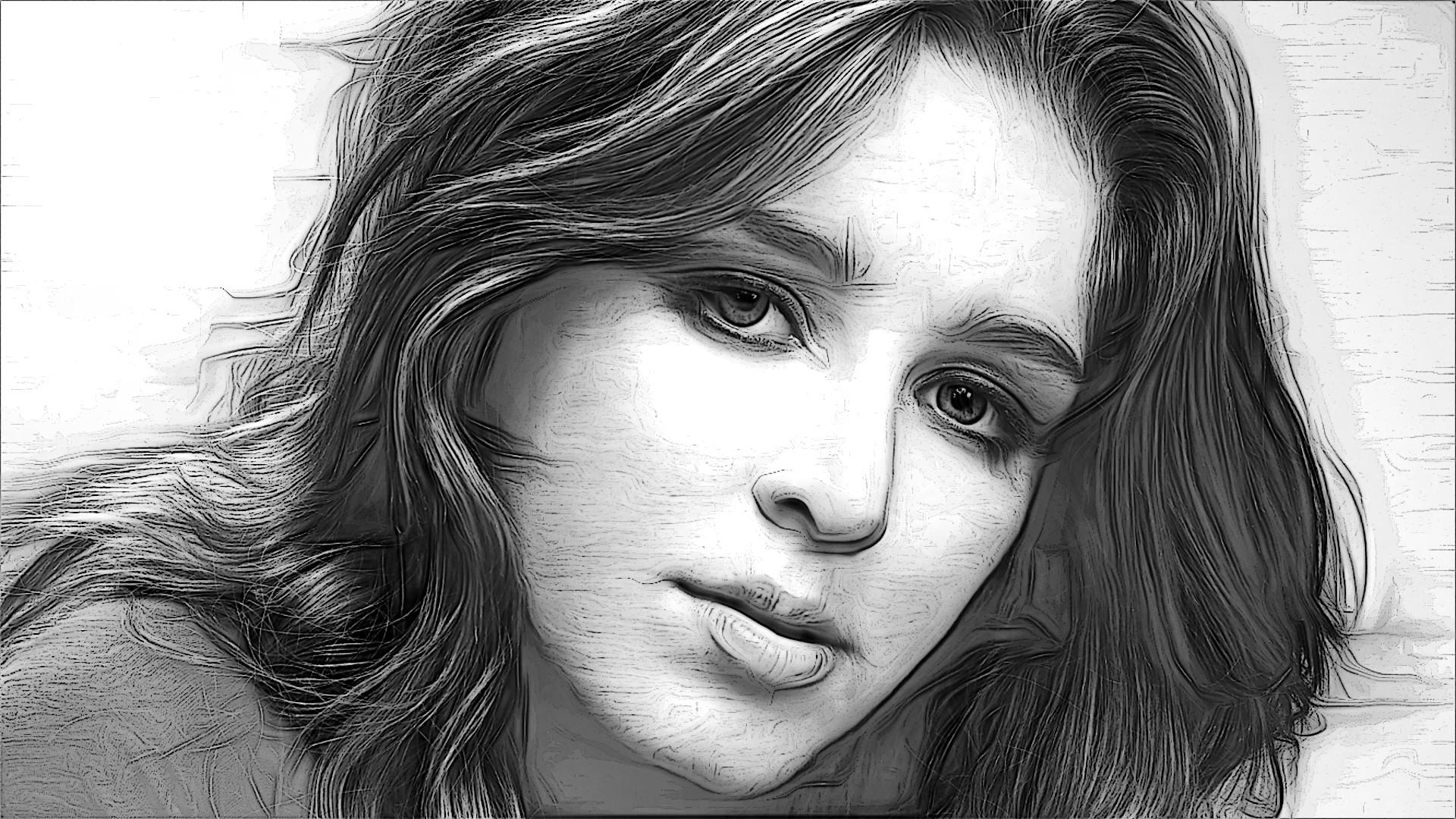
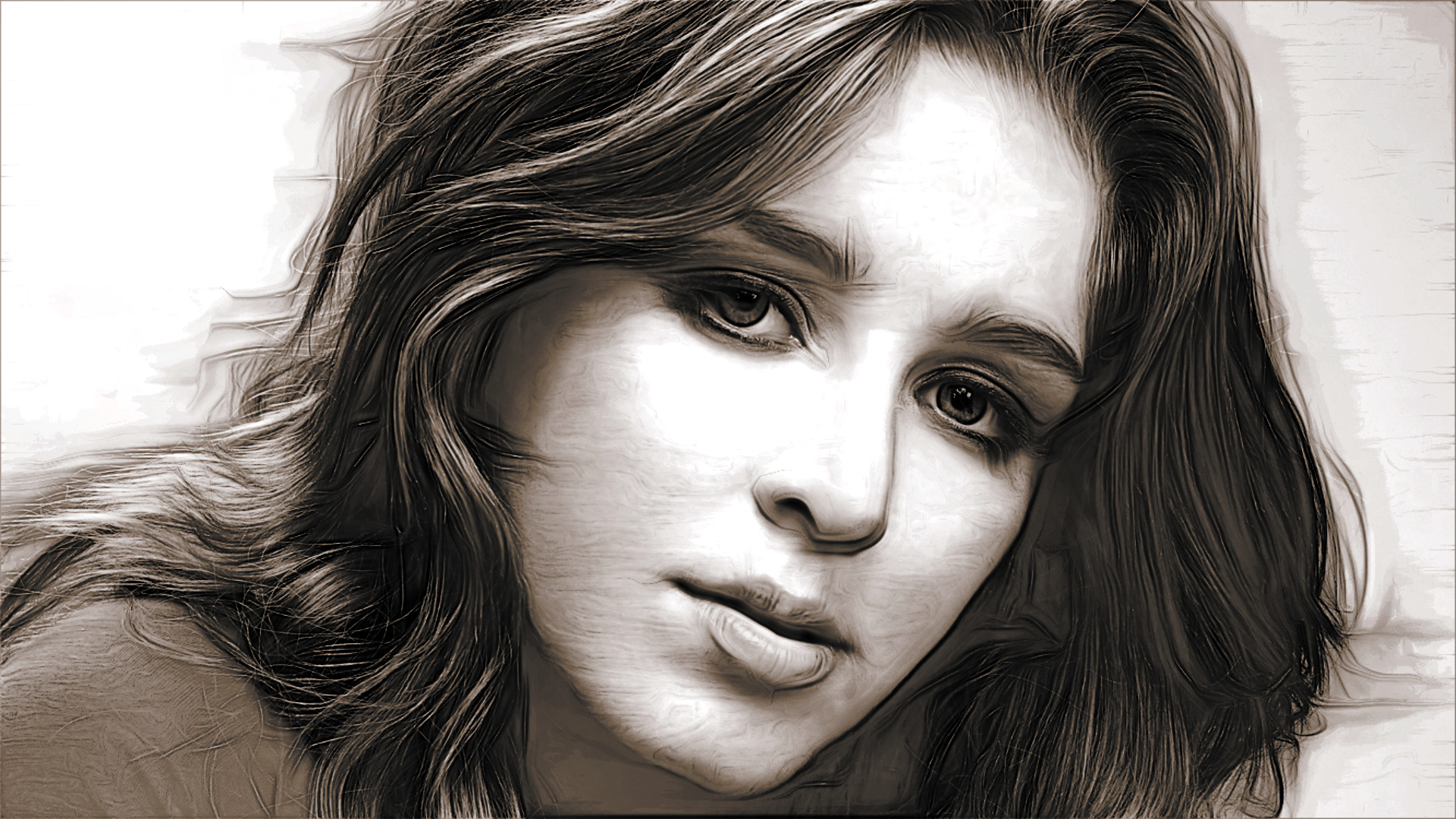
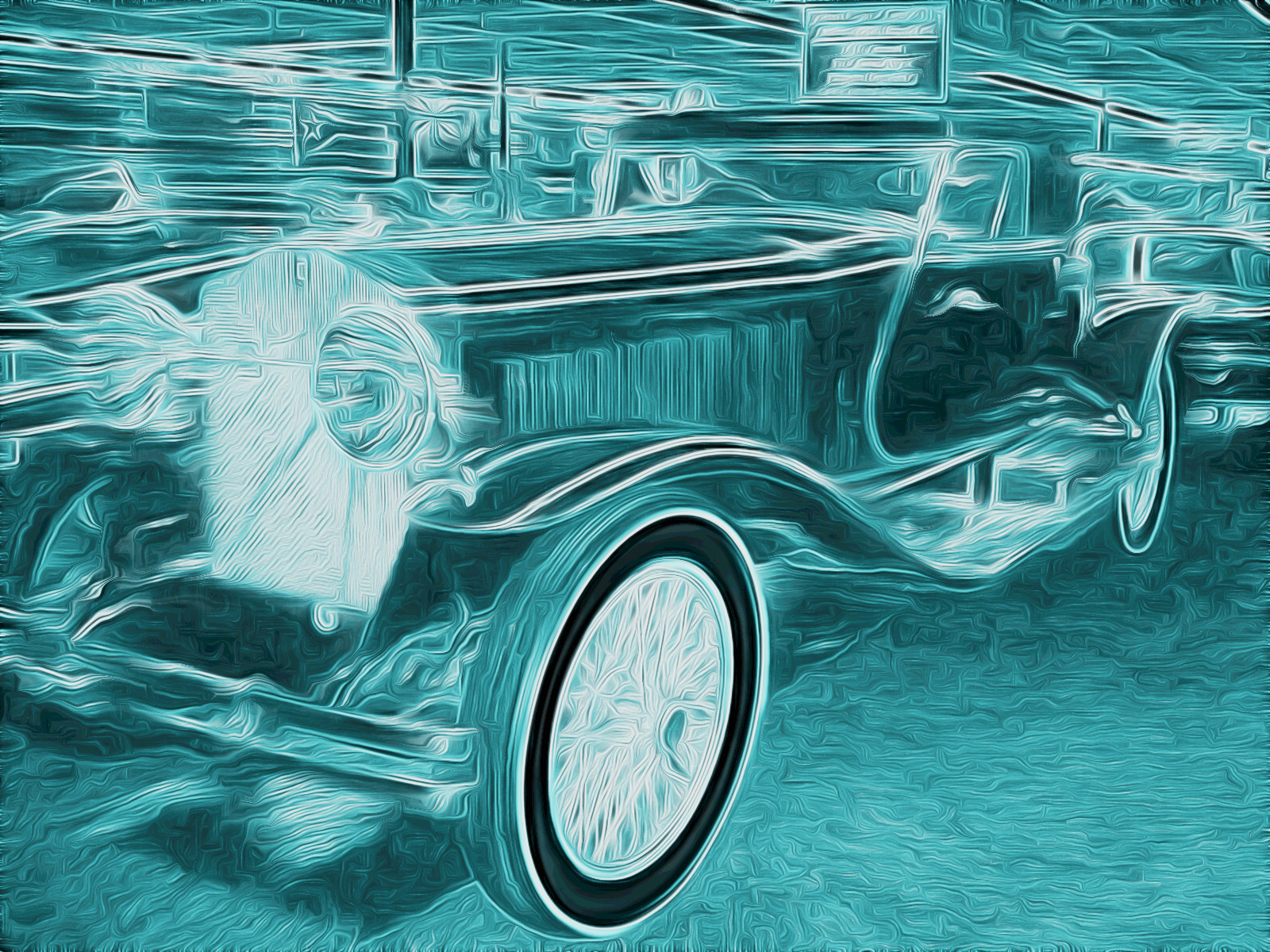
Well, I suppose that could be said for lots of different filters. Some filters just work better with certain kinds of images, or certain size images, than others. For proof of concept, I was able to implement the effect with just a few lines of code added to the script. The effect looks good, at least with the photos I tested out. There really isn't many parameters to change in the filter and those options could be easily added, if needed.
;====================================================
; Add Effect to Pencil Script (GnuTux)
;=====================================================
        (gimp-layer-set-mode lineLayer NORMAL-MODE)
        (gimp-layer-set-opacity lineLayer 100)
        (gimp-image-raise-layer image shadeLayer)
        (gimp-layer-set-mode shadeLayer DIFFERENCE-MODE)
        (set! lineLayer (car (gimp-image-merge-down image shadeLayer EXPAND-AS-NECESSARY)))
        (gimp-colorize lineLayer 187 70 -15) ; +7 to blue, +20 sat, -15 lightness

        ; Call GMIC
        (plug-in-gmic
                        1 ; Mode: interacive=0, non-interactive=1
                    image ; Input Image
                lineLayer ; Inout Drawable (not used)
                        1 ; Input layers mode, when non-interactive (see below)
                          ; 0=none, 1=active, 2=all, 3=active & below
                          ; 4=active & above, 5=all visibles, 6=all invisibles
                          ; 7=all visibles (decr.), 8=all invisibles (decr.), 9=all (decr.)
        ; GMIC Command String (Run GIMP from terminal set GMIC to verbose to see command string)
                   (string-append
                   "-v - "                ; Required to work properly in Script-fu
                   "-gimp_dreamsmooth "   ; GMIC filter name
                   "2,1,1,0.8,0,0.8,0"    ; GMIC filter arguments
                   )
    );end GMIC call
;
;=========================================================
;


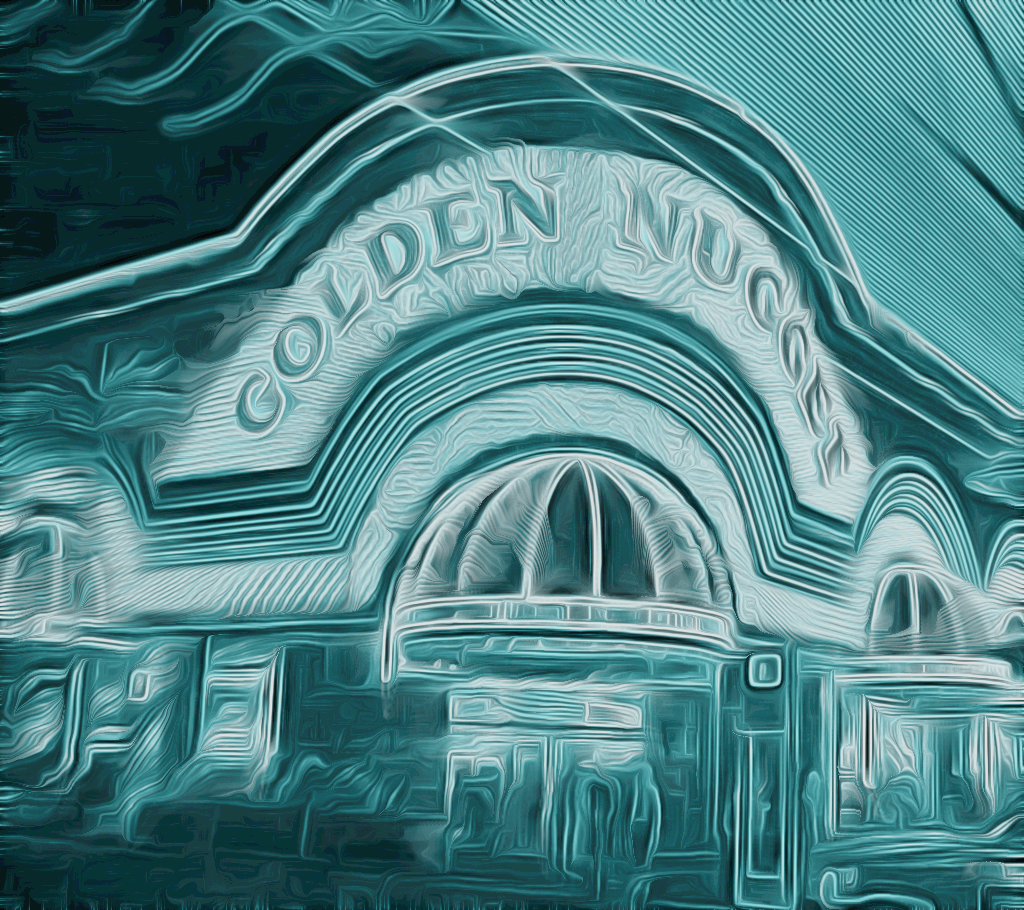
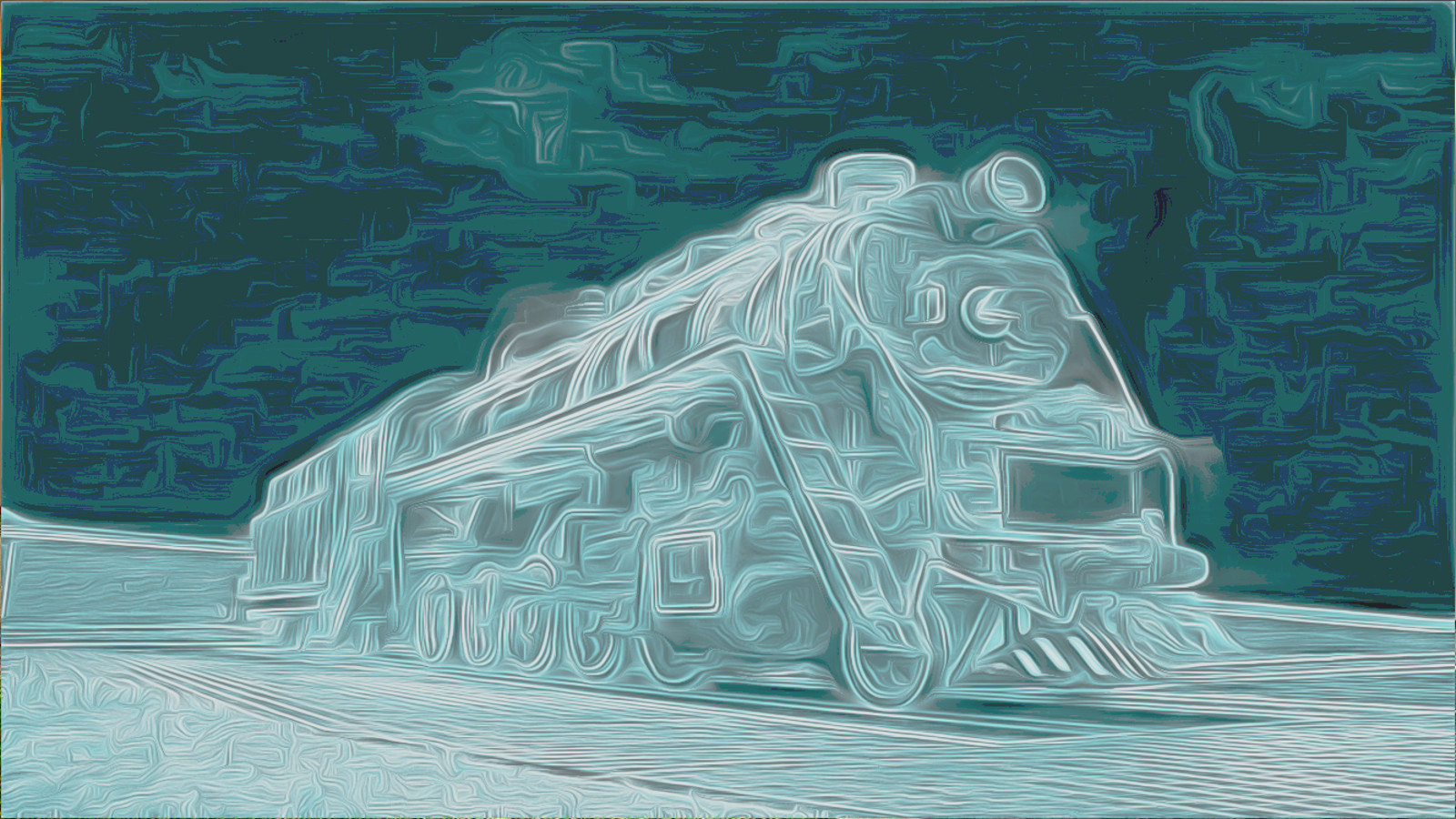
Classic Car
Image

Golden Nugget
Image

_________________
“If you reach for the stars, you just might land on a decently sized hill.” - Stuart Hill


Top
 Post subject: Re: Pencil Shade script Rel4
PostPosted: Sun Jul 14, 2013 12:38 pm  (#45) 
Offline
GimpChat Member
User avatar

Joined: Apr 07, 2010
Posts: 14182
Cool, I love the top one.

_________________
Image


Top
 Post subject: Re: Pencil Shade script Rel4
PostPosted: Sun Jul 14, 2013 2:26 pm  (#46) 
Offline
Global Moderator
User avatar

Joined: May 16, 2010
Posts: 16168
Nicely done Tux. :)

_________________
Image


Top
 Post subject: Re: Pencil Shade script Rel4
PostPosted: Mon Jul 15, 2013 3:14 am  (#47) 
Offline
Script Coder
User avatar

Joined: Feb 18, 2011
Posts: 4826
Location: Bendigo Vic. Australia
GnuTux I have created a script called Whisps (for want of a better name) using the parameters you posted
(thank you for the assist 'doc has me taking it easy till I brush off this head cold')

_________________
Image
No matter how much you push the envelope, it'll still be stationery.


Top
 Post subject: Re: Pencil Shade script Rel4
PostPosted: Mon Jul 15, 2013 4:01 pm  (#48) 
Offline
Global Moderator
User avatar

Joined: May 16, 2010
Posts: 16168
Graechan wrote:
GnuTux I have created a script called Whisps (for want of a better name) using the parameters you posted
(thank you for the assist 'doc has me taking it easy till I brush off this head cold')


Take it easy Graechan and get well soon. :)
Try chicken soup, it's the best for head colds. Also try some pine needle tea.

_________________
Image


Top
 Post subject: Re: Pencil Shade script Rel4
PostPosted: Tue Jul 16, 2013 1:10 am  (#49) 
Offline
GimpChat Founder
User avatar

Joined: May 22, 2008
Posts: 5241
Location: Gimpville
:ditto

Graechan, hope you start feeling better soon!

Wisps (without the h) is a great name for the effect. :bigthup

_________________
“If you reach for the stars, you just might land on a decently sized hill.” - Stuart Hill


Top
 Post subject: Re: Pencil Shade script Rel5 [now with wisps]
PostPosted: Tue Jul 16, 2013 2:48 am  (#50) 
Offline
Script Coder
User avatar

Joined: Feb 18, 2011
Posts: 4826
Location: Bendigo Vic. Australia
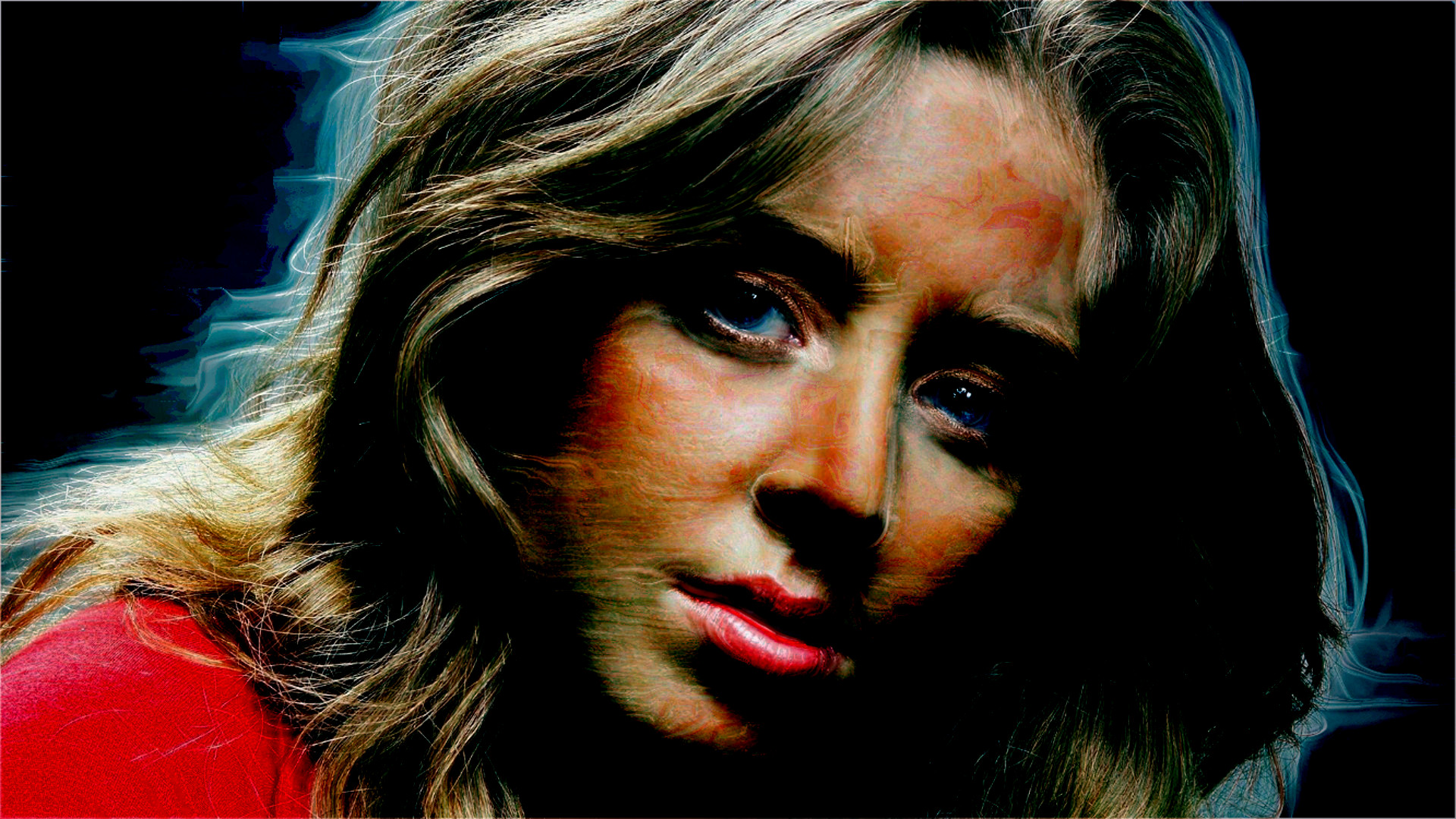
Rel5 has just been added containing the additional Wisps Script, see initial post(remember the GMIC Filter used by wisps takes time

Image

once again thank you GnuTux for the assistance

_________________
Image
No matter how much you push the envelope, it'll still be stationery.


Top
 Post subject: Re: Pencil Shade script Rel5 [now with wisps]
PostPosted: Tue Jul 16, 2013 12:20 pm  (#51) 
Offline
GimpChat Founder
User avatar

Joined: May 22, 2008
Posts: 5241
Location: Gimpville
Graechan wrote:
Rel5 has just been added containing the additional Wisps Script, see initial post(remember the GMIC Filter used by wisps takes time

Thanks, Graechan. Looks great!

Image

If you get the chance, it would be nice to be able to select the wisp color and to be able to set the GMIC iterations.

_________________
“If you reach for the stars, you just might land on a decently sized hill.” - Stuart Hill


Top
 Post subject: Re: Pencil Shade script Rel5 [now with wisps]
PostPosted: Tue Jul 16, 2013 1:46 pm  (#52) 
Offline
Global Moderator
User avatar

Joined: May 16, 2010
Posts: 16168
has anyone tried this with a burn overlay mode on top of the original image. Wow!
Image
Nice Graechan. Thanks for the new wisps filter.

_________________
Image


Top
 Post subject: Re: Pencil Shade script Rel5 [now with wisps]
PostPosted: Tue Jul 16, 2013 1:54 pm  (#53) 
Offline
Global Moderator
User avatar

Joined: May 16, 2010
Posts: 16168
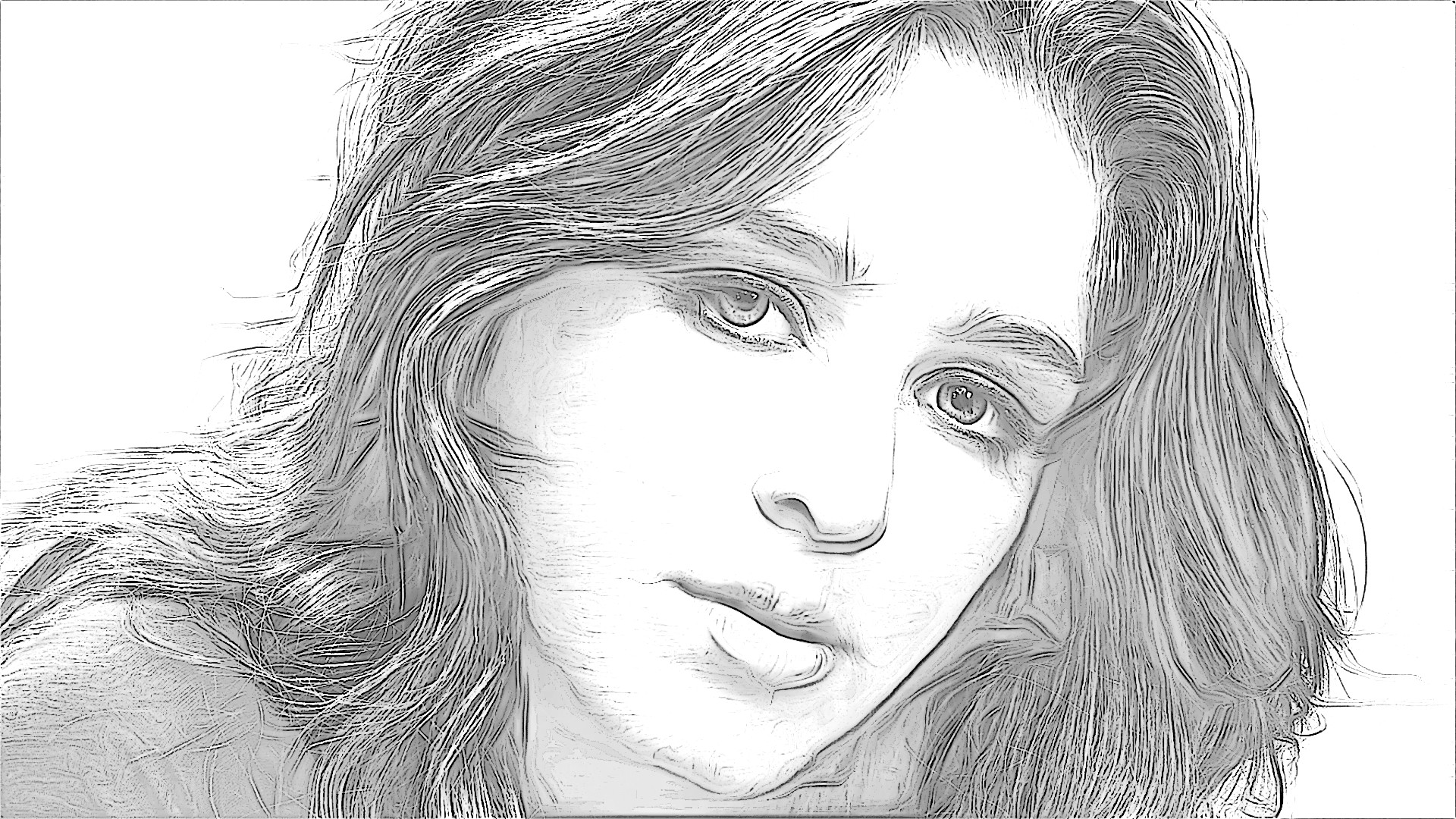
First run wisps-keep all layers
change mode to grain extract layer mode (bottom layer is original image) , flatten the layer (duplicate) , and run pencil-shade with defaults on the top layer. :)
Now
Place line layer in center and set to grain merge 100 percent opacity and set the shade layer on top to color mode. 100 percent opacity also.
Image

_________________
Image


Top
 Post subject: Re: Pencil Shade script Rel5 [now with wisps]
PostPosted: Tue Jul 16, 2013 2:02 pm  (#54) 
Offline
GimpChat Founder
User avatar

Joined: May 22, 2008
Posts: 5241
Location: Gimpville
Great effect, Rod! I also like placing the original on top and selecting color mode.

Image

_________________
“If you reach for the stars, you just might land on a decently sized hill.” - Stuart Hill


Top
 Post subject: Re: Pencil Shade script Rel5 [now with wisps]
PostPosted: Tue Jul 16, 2013 2:03 pm  (#55) 
Offline
Global Moderator
User avatar

Joined: May 16, 2010
Posts: 16168
Nice Tux! :bigthup

Here is the same thing but multiply mode for center layer.

Image

Then my color layer combo (secret ingredient cinematic effect). :P
Image

_________________
Image


Top
 Post subject: Re: Pencil Shade script Rel5 [now with wisps]
PostPosted: Tue Jul 16, 2013 2:10 pm  (#56) 
Offline
GimpChat Member
User avatar

Joined: Apr 07, 2010
Posts: 14182
Thank you guys. Gosh you keep a person busy just replacing these scripts. :teeth

_________________
Image


Top
 Post subject: Re: Pencil Shade script Rel5 [now with wisps]
PostPosted: Tue Jul 16, 2013 2:26 pm  (#57) 
Offline
GimpChat Member
User avatar

Joined: Jan 10, 2013
Posts: 863
molly wrote:
Thank you guys. Gosh you keep a person busy just replacing these scripts. :teeth
:rofl

I'm still with Rel1!
But now I'm convinced ... I will update!

_________________
bbbbbbbbbbbImage
bbbbbbbbbbb Be patient, English is not my language.


Top
 Post subject: Re: Pencil Shade script Rel5 [now with wisps]
PostPosted: Tue Jul 16, 2013 9:53 pm  (#58) 
Offline
Script Coder
User avatar

Joined: Feb 18, 2011
Posts: 4826
Location: Bendigo Vic. Australia
Nice results GnuTux and Rod, sorry about the updates Molly and Akros please update as rel1 was just a test of theory, Only 1 more day of rest and then back to the garden (while the ground is soft :rofl )

_________________
Image
No matter how much you push the envelope, it'll still be stationery.


Top
 Post subject: Re: Pencil Shade script Rel5 [now with wisps]
PostPosted: Tue Jul 16, 2013 10:38 pm  (#59) 
Offline
Script Coder
User avatar

Joined: Feb 18, 2011
Posts: 4826
Location: Bendigo Vic. Australia
Please Note! 2 Important changes were made in Gmic 1-5-6-1 to the way the plugin works when used in a script

1/ the Gmic output mode is automatically set to 'In place (default)' for the duration of the script.
This will give the script writer more control

2/ The progress bar Text will display what is happening within Gmic, instead of the confusing
"Updating Filters"

I would like to thank David for Implementing these changes so quickly :hi5 :jumpclap :bigthup

_________________
Image
No matter how much you push the envelope, it'll still be stationery.


Top
 Post subject: Re: Pencil Shade script Rel5 [now with wisps]
PostPosted: Tue Jul 16, 2013 10:59 pm  (#60) 
Offline
Retired Staff
User avatar

Joined: May 22, 2008
Posts: 6946
Location: Somewhere in GIMP
.
.

What fun!
Image

_________________
Image
World War IV will be fought with sticks and stones. - Albert Einstein


Top
Post new topic Reply to topic  [ 172 posts ]  Go to page Previous  1, 2, 3, 4, 5, 6 ... 9  Next

All times are UTC - 5 hours [ DST ]


* Login  


Powered by phpBB3 © phpBB Group