Quote:
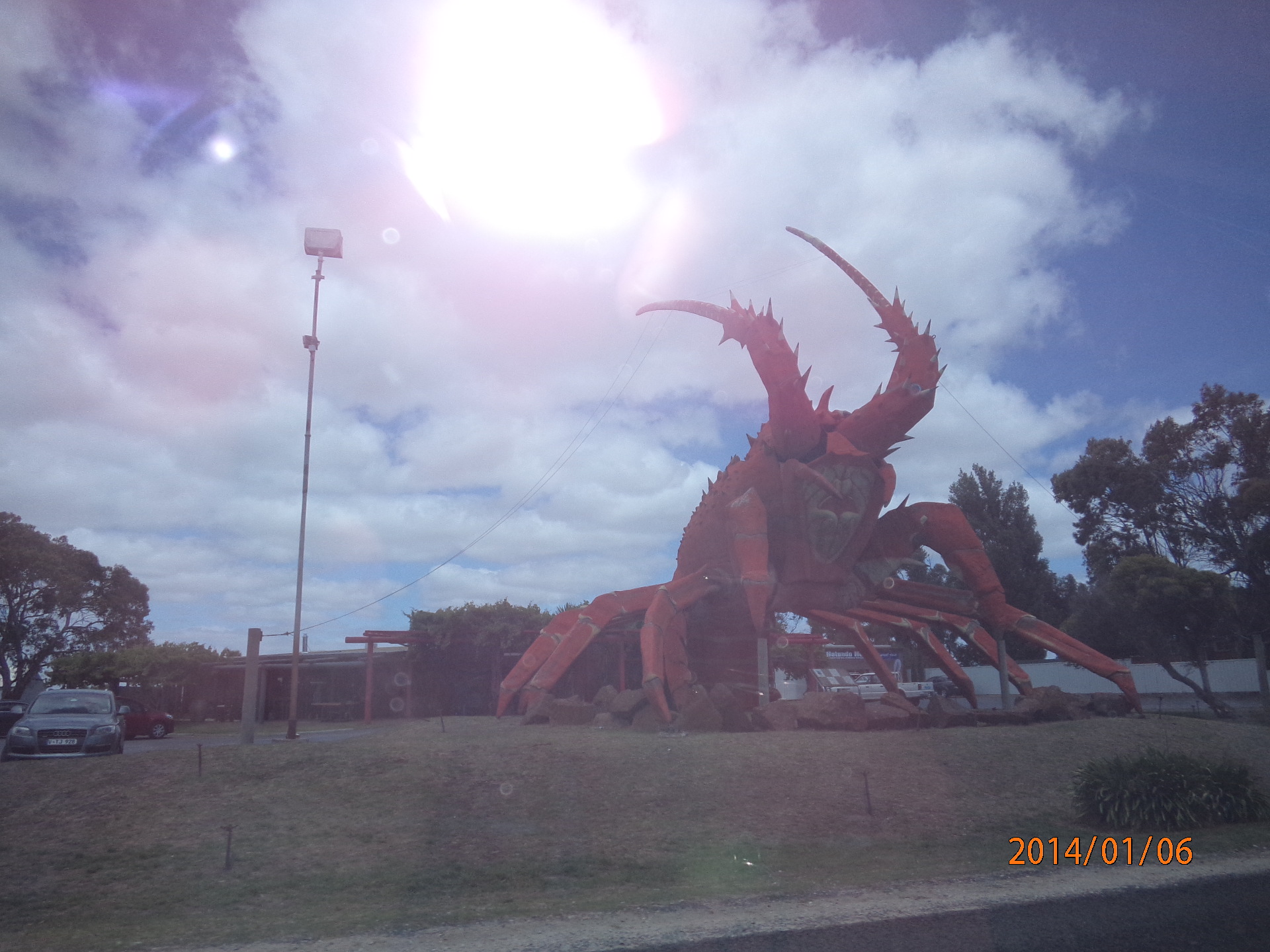
es I am ek22. Thanks for the tip saulgoode. Does it matter where the threshhold settings are? I ran it the second time and the clouds in the centre went pink
Yes sure , it does matter
But if you are satisfied with the sharpening and is only the color shift your problem that is really easy :
instead to work on the original , copy on 2 layer , apply unsharp as you already did
now change the layer mode to Value you will get the same effect but without change of hue
Result may be already good but for some reason usually improve if you now apply to the other duplicate of the original, that below a slight gaussian blur, for slight i intend about 2 ,image size here is not too relevant 2 pt of gaussion blur would merge any ..disturbing sprayed pixel noise... well is not exactly noise but just try , you would be maybe surprise to notice that blurring (slightly) that layer you will not blur the visible , because the sensation of sharpness derive mainly by the greyscale , not by the hue or saturation.
instead that subtle blur may have a very nice effect on the color
Sorry i wrote too much but concept is simple ,in few words
1) duplicate 2 times the original
2) unsharp the dup on top, then change its Layer mode to Value
3) now activate the layer below,
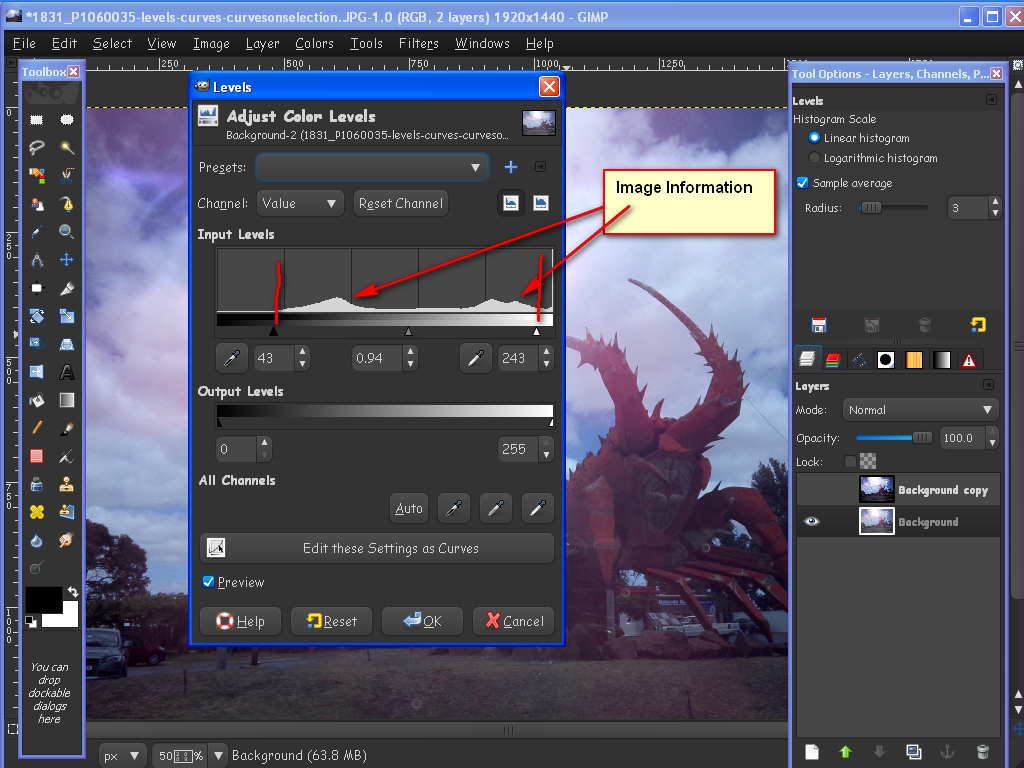
Filter> blur> Gaussian Blur , DO NOT use the default , that is 5pt,
LOWER TO 2 or max 3 are usually sufficent
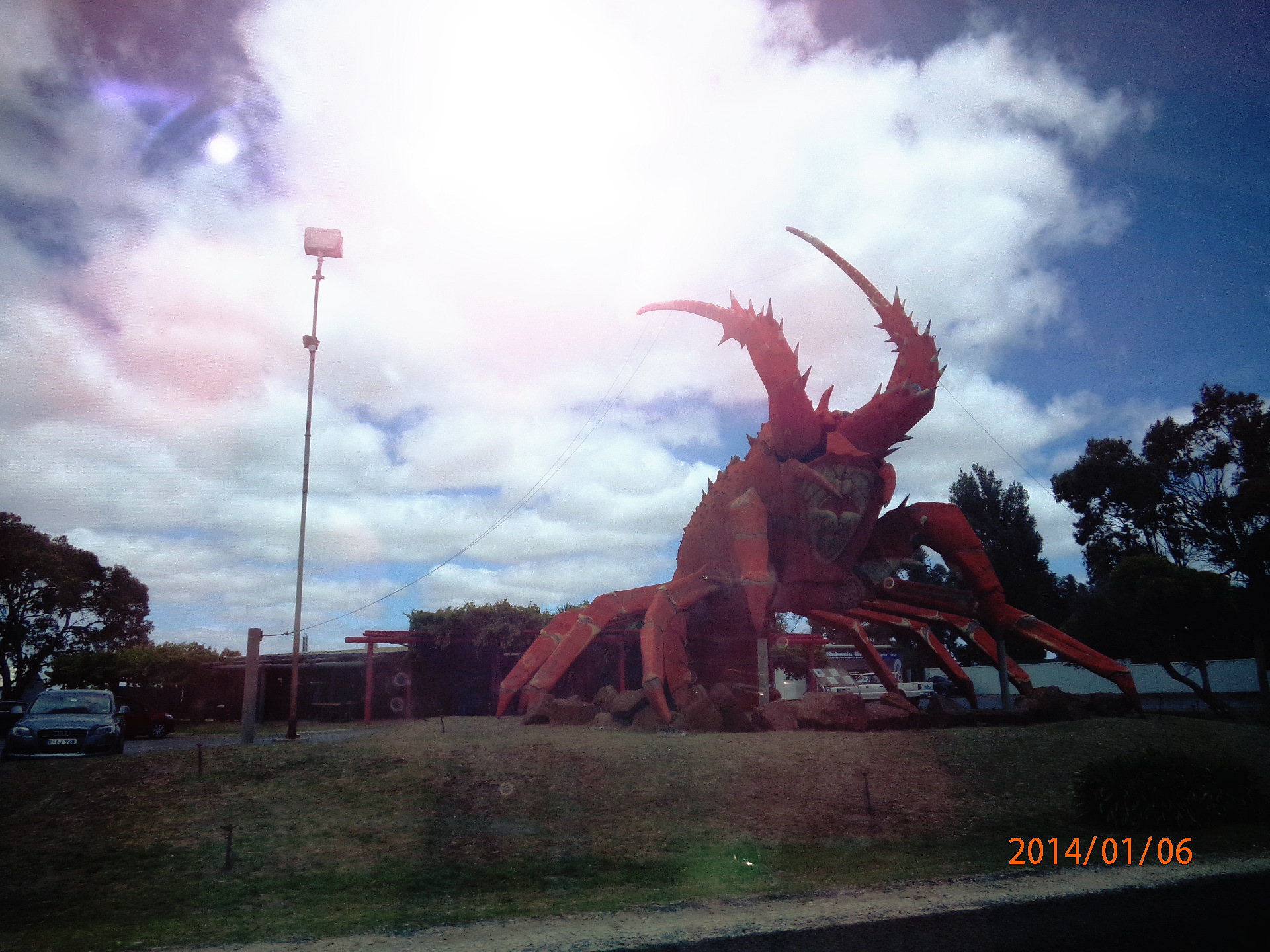
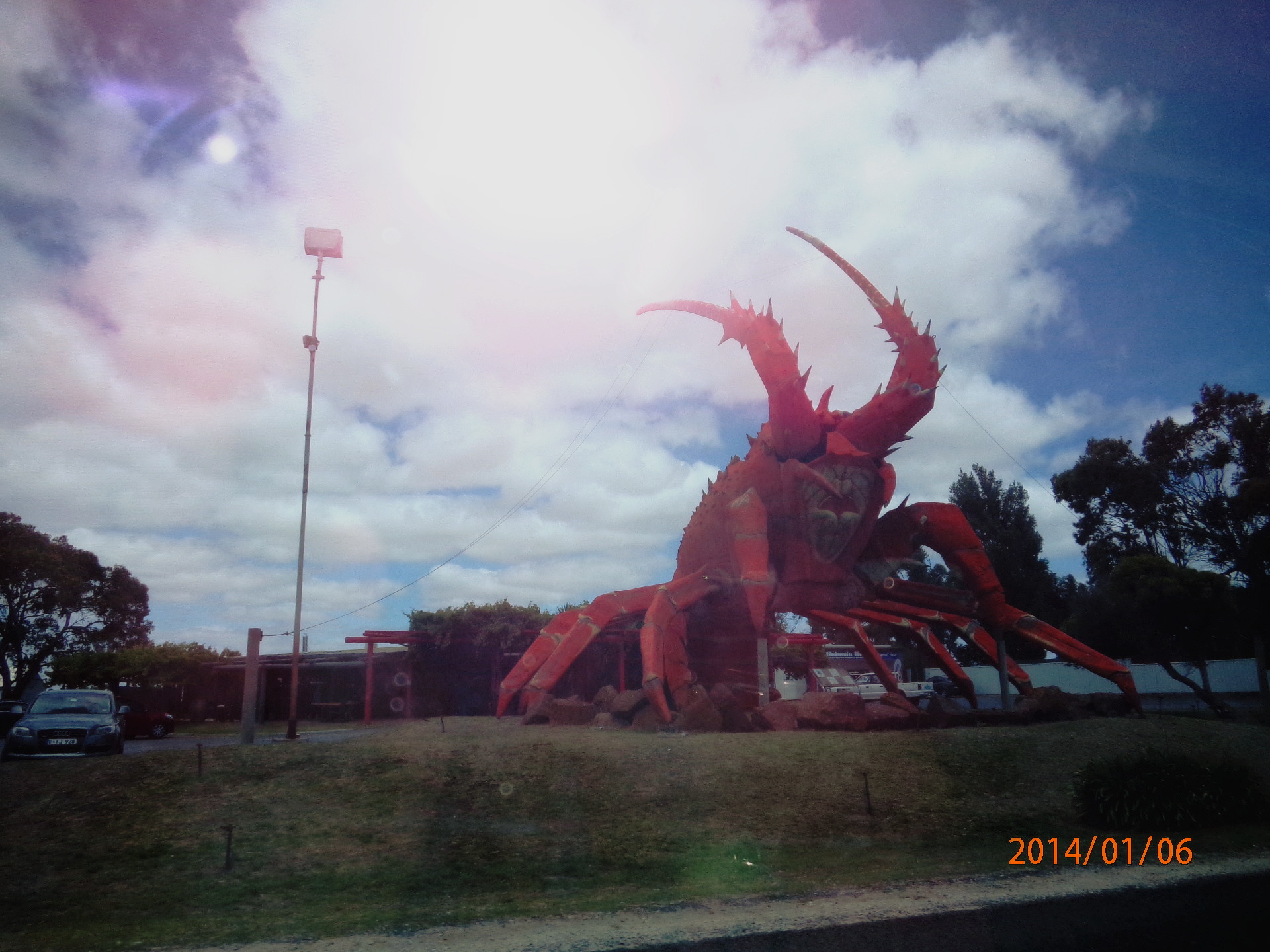
here just check the before/ after :
According to the images to edit step 3 may even be superfluous , but i found always worth try it, are only 2 clicks that may have a surprisingly good effect on colors
 Login
Login Register
 Tweets
 FAQ
FAQ Advanced Search









 ek22 Thanks
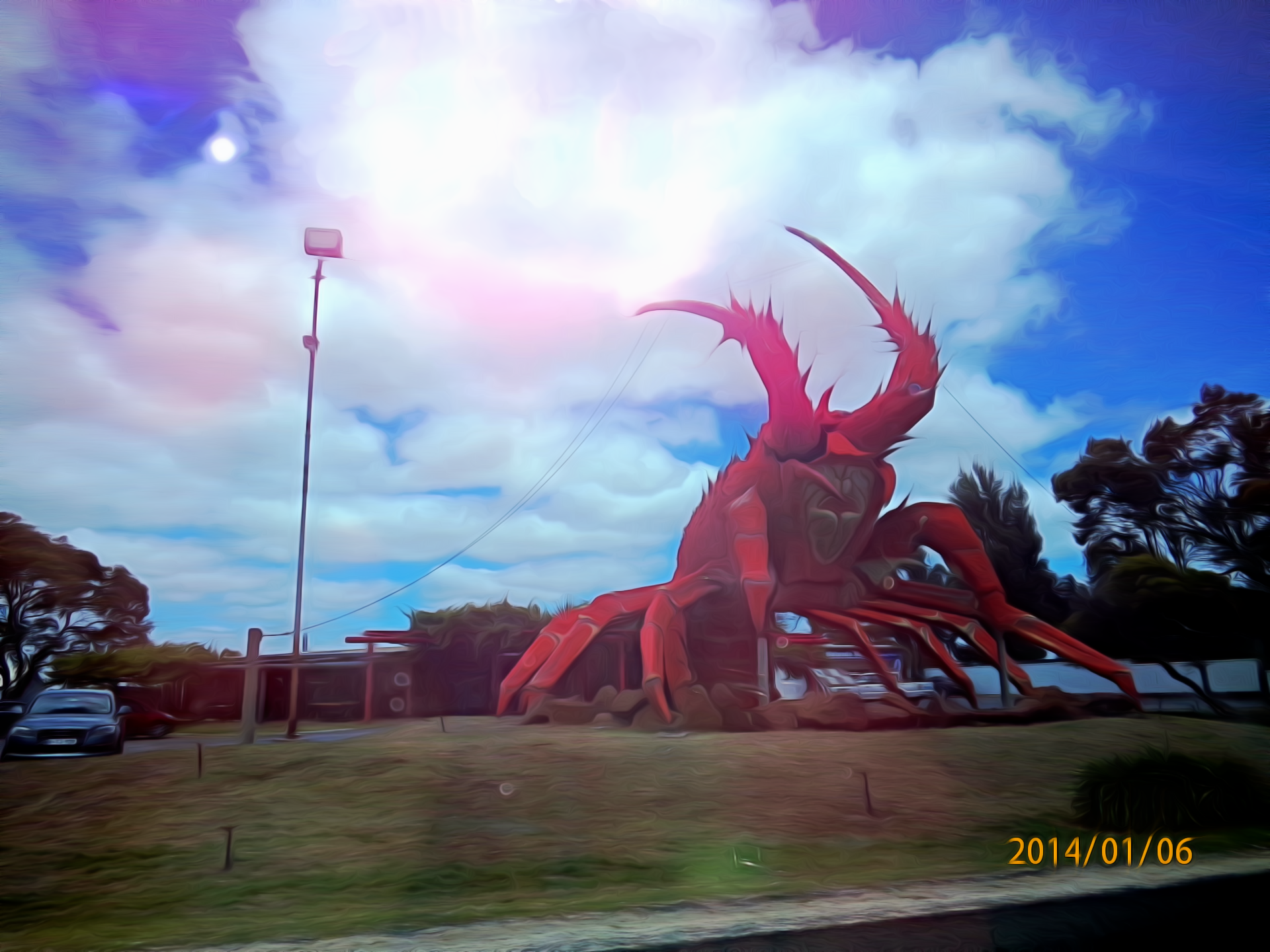
 . in fact, after i had got some more detail in the picture i started to think it looked rather nice and friendly!
 you're a real master at this! my attempt looks overdone and amateurish in comparison.








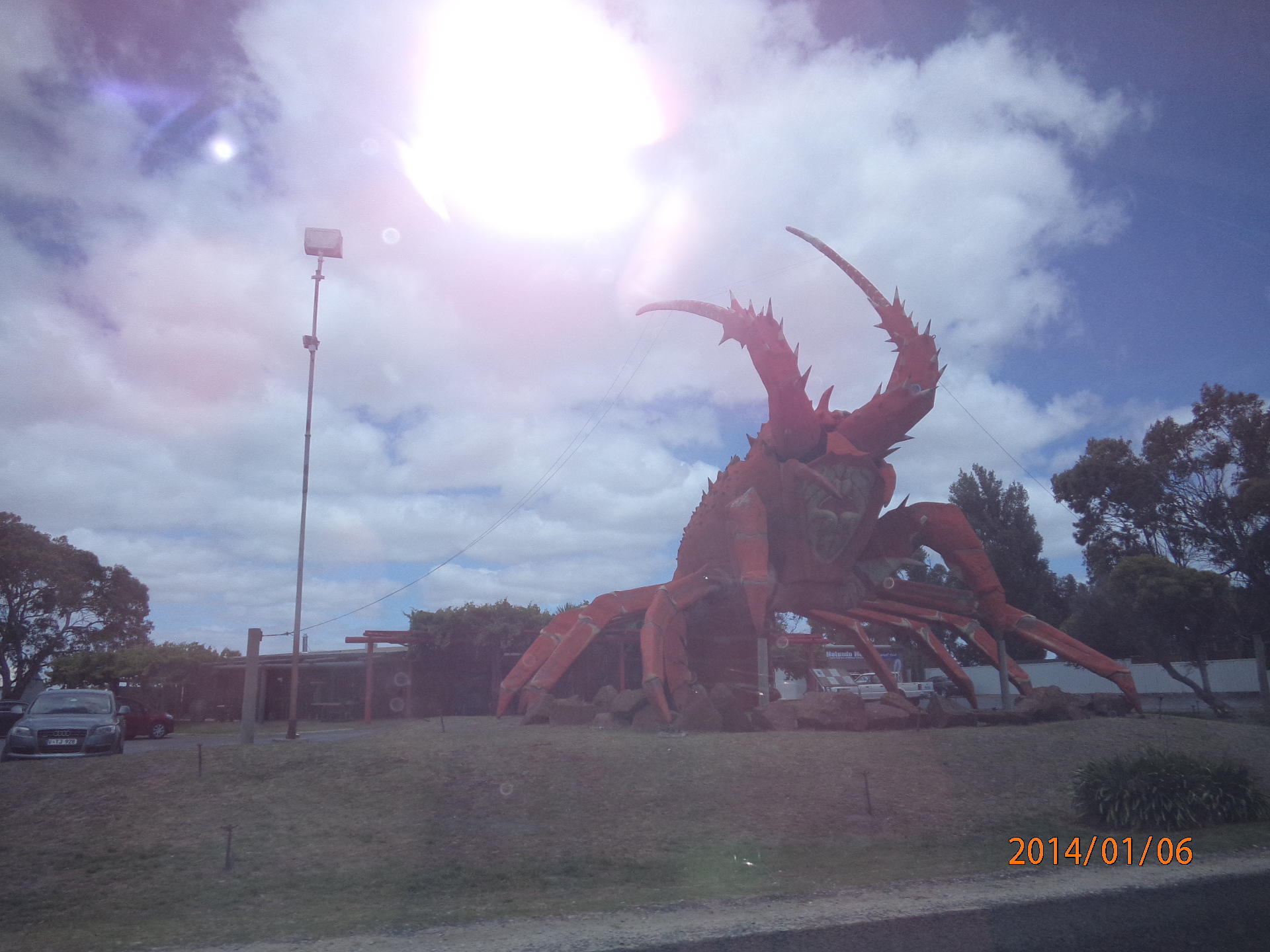


 I stopped and got a photo of it and we had fun acting like it was chasing us!