It is currently Mon Oct 12, 2026 8:08 am


All times are UTC - 5 hours [ DST ]


Post new topic Reply to topic  [ 90 posts ]  Go to page Previous  1, 2, 3, 4, 5  Next
Author Message
 Post subject: Re: Manhattan City
PostPosted: Sat Mar 08, 2014 5:49 pm  (#21) 
Offline
GimpChat Member
User avatar

Joined: Apr 08, 2010
Posts: 5420
Location: Northwest Ohio
map to sphere question….what ratio of h to w is needed to make a sphere without any flat edges? I wanted to try to take out a selection from a photo for the sphere, rather than just shrink the pic, and no matter how tall and skinny I made it, the top of the sphere still came out flat. so i have to have it exactly as tall as the main pic and cut off from both sides?


Top
 Post subject: Re: Manhattan City
PostPosted: Sat Mar 08, 2014 5:59 pm  (#22) 
Offline
GimpChat Member
User avatar

Joined: Aug 16, 2012
Posts: 4271
Location: Göteborg, Sweden
2-ton: if you have a selection on a layer that's the same size as your image, the sphere will be rendered from the whole layer, not just the selection. you need to autocrop the layer first. then scale that layer to get the proportions issabella has.

_________________


Top
 Post subject: Re: Manhattan City
PostPosted: Sat Mar 08, 2014 6:00 pm  (#23) 
Offline
GimpChat Member
User avatar

Joined: Mar 23, 2012
Posts: 7388
Location: Göteborg at last!
AnMal wrote:
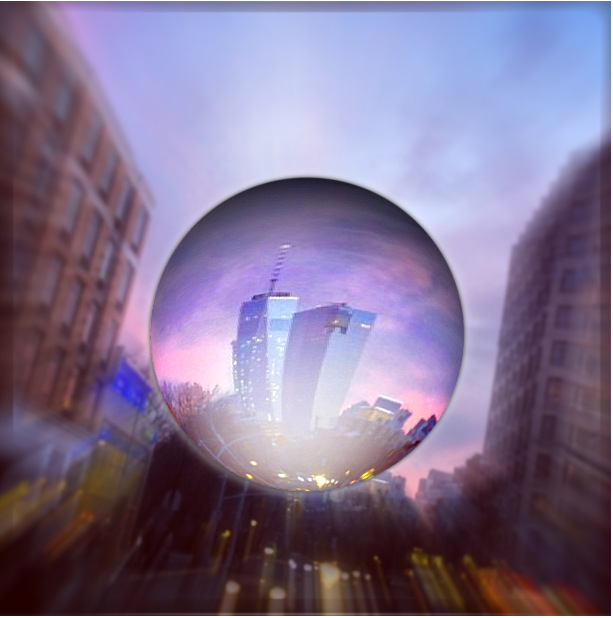
here's my take on this - i tweaked it to be a bit more of a bubble.
Image

Lovely bubble AnMal!


Top
 Post subject: Re: Manhattan City
PostPosted: Sat Mar 08, 2014 6:01 pm  (#24) 
Offline
GimpChat Member
User avatar

Joined: Apr 07, 2010
Posts: 14182
@2-ton, the length and width have to be exactly the same size to make a perfect sphere, is that what you were asking If they aren't the same, you will end up with an oval.

_________________
Image


Top
 Post subject: Re: Manhattan City
PostPosted: Sat Mar 08, 2014 6:30 pm  (#25) 
Offline
GimpChat Member
User avatar

Joined: Apr 08, 2010
Posts: 5420
Location: Northwest Ohio
I 'think' I get it, gonna give it a try.

*wait, you mean it has to be a square or it has to be the same proportion as the tutorial…which was not a square.


Top
 Post subject: Re: Manhattan City
PostPosted: Sat Mar 08, 2014 6:35 pm  (#26) 
Offline
GimpChat Member
User avatar

Joined: Apr 08, 2010
Posts: 5420
Location: Northwest Ohio
I tried it with the gmic filter. Had to mess around a lot to get it right side up, and I don't like how the building is wider at the top. Problem with the original is that the central building is not in the center vertically speaking, so when you map to sphere either way, the sphere is mostly sky with the building way down at the bottom. Played around too much with different lighting and it could have looked sharper. I also have a problem getting the blurring just right, but at least I have a handle on the general process, which is very cool.
Image


Top
 Post subject: Re: Manhattan City
PostPosted: Sat Mar 08, 2014 7:10 pm  (#27) 
Offline
GimpChat Member
User avatar

Joined: Apr 07, 2010
Posts: 14182
You better stick with the tute, I haven't read it yet but normally you have to have a square to get a round sphere. Try doing map to object with a rectangle and you will get a beautiful Easter egg.

_________________
Image


Top
 Post subject: Re: Manhattan City
PostPosted: Sat Mar 08, 2014 7:17 pm  (#28) 
Offline
GimpChat Member
User avatar

Joined: Mar 23, 2012
Posts: 7388
Location: Göteborg at last!
Yaaaay 2-ton - I really like that one!


Top
 Post subject: Re: Manhattan City
PostPosted: Sat Mar 08, 2014 8:56 pm  (#29) 
Offline
GimpChat Member
User avatar

Joined: May 27, 2011
Posts: 707
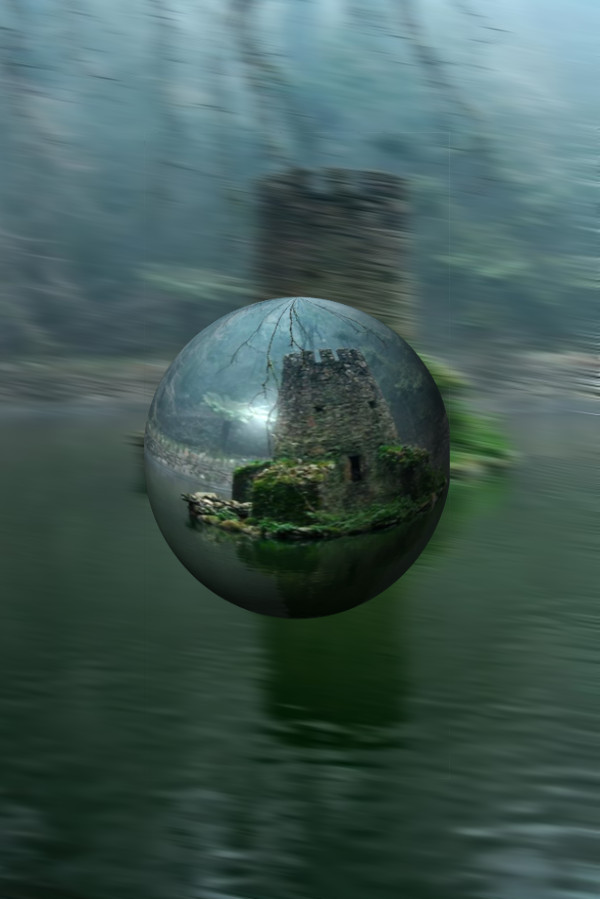
Thank You Issabella

Image


Top
 Post subject: Re: Manhattan City
PostPosted: Sat Mar 08, 2014 9:26 pm  (#30) 
Offline
GimpChat Member
User avatar

Joined: Apr 08, 2010
Posts: 5420
Location: Northwest Ohio
NIce one, great subject. Picking the right photo makes a big difference.


Top
 Post subject: Re: Manhattan City
PostPosted: Sat Mar 08, 2014 9:35 pm  (#31) 
Offline
GimpChat Member
User avatar

Joined: May 27, 2011
Posts: 707
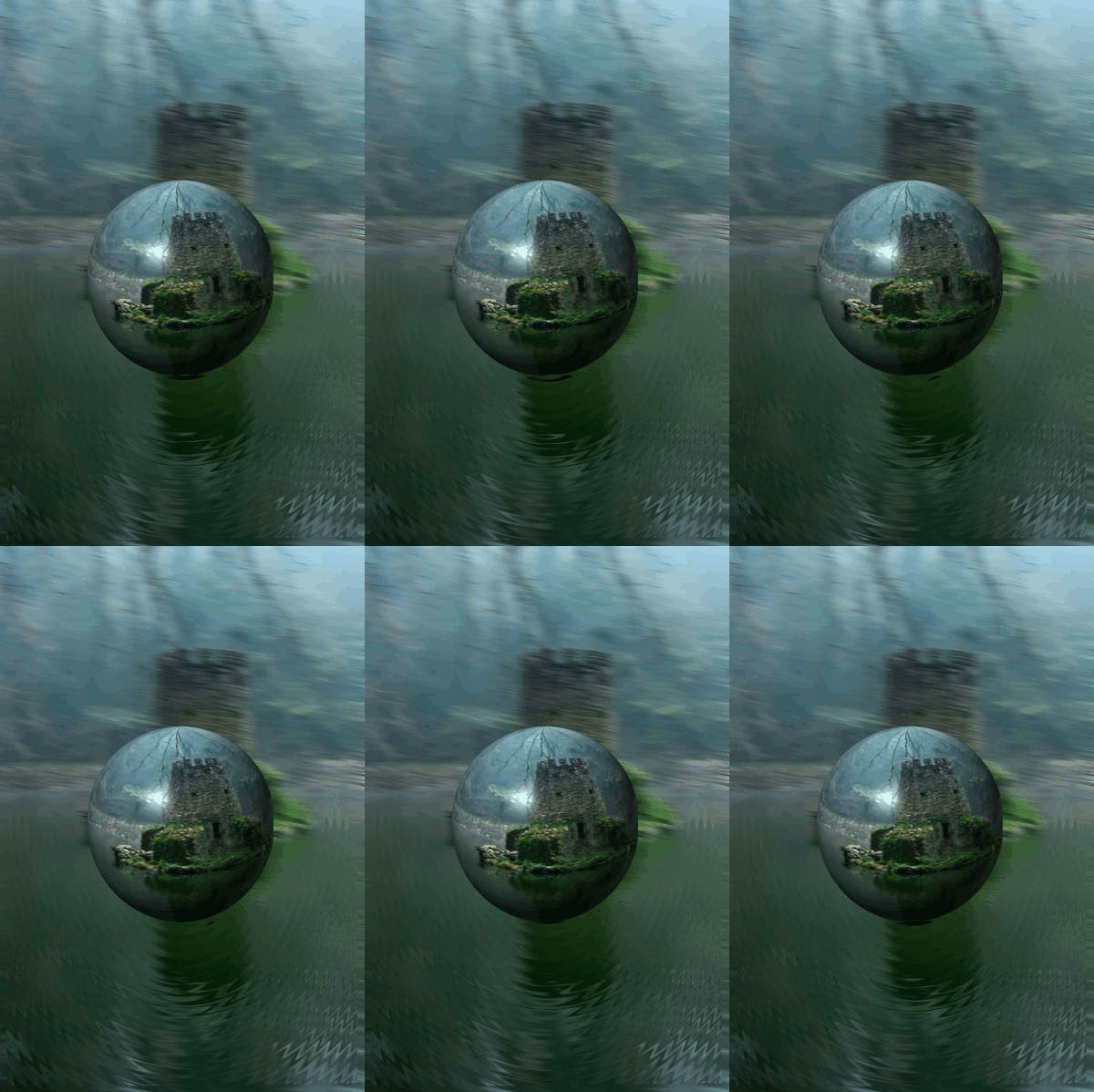
here's another with animation


Image


Top
 Post subject: Re: Manhattan City
PostPosted: Sat Mar 08, 2014 9:55 pm  (#32) 
Offline
GimpChat Member
User avatar

Joined: Apr 08, 2010
Posts: 5420
Location: Northwest Ohio
beautiful!


Top
 Post subject: Re: Manhattan City
PostPosted: Sat Mar 08, 2014 9:57 pm  (#33) 
Offline
GimpChat Member
User avatar

Joined: May 27, 2011
Posts: 707
Thank You thank You 2-ton


Top
 Post subject: Re: Manhattan City
PostPosted: Sat Mar 08, 2014 10:20 pm  (#34) 
Offline
GimpChat Member
User avatar

Joined: Dec 10, 2013
Posts: 1004
pirate541 - it took my breath away!

_________________
Image
Macbook Air - MacOS Sierra 10.12
McGimp 2.8.14
G'mic 1.6.5


Top
 Post subject: Re: Manhattan City
PostPosted: Sat Mar 08, 2014 10:25 pm  (#35) 
Offline
GimpChat Member
User avatar

Joined: May 27, 2011
Posts: 707
Dalia
That is very sweet of You

:tyspin


Top
 Post subject: Re: Manhattan City
PostPosted: Sat Mar 08, 2014 11:09 pm  (#36) 
Offline
GimpChat Member
User avatar

Joined: Apr 08, 2010
Posts: 5420
Location: Northwest Ohio
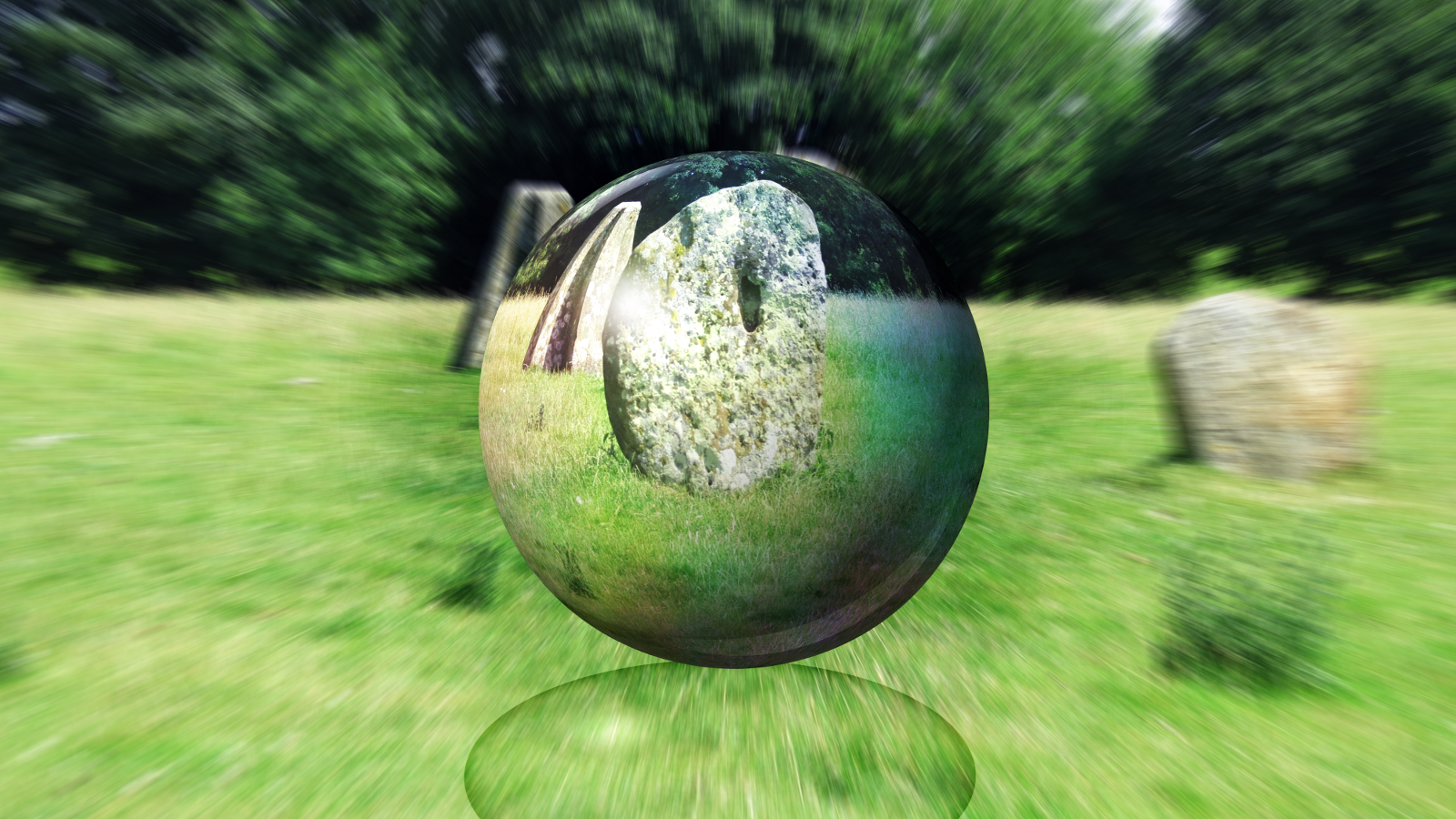
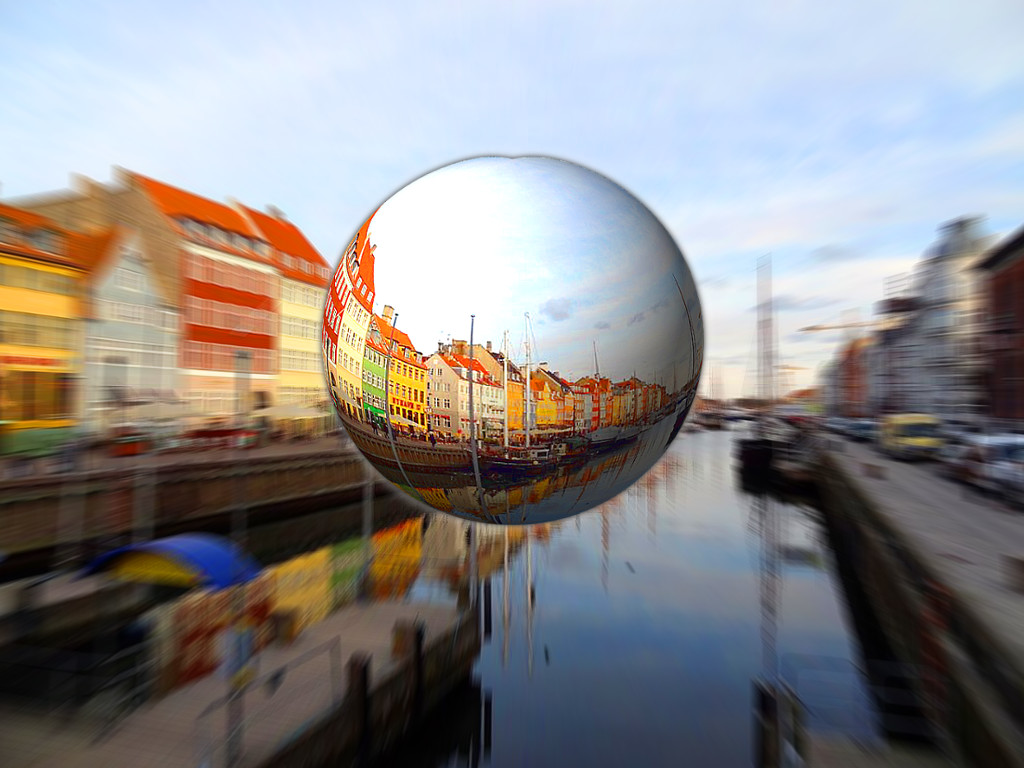
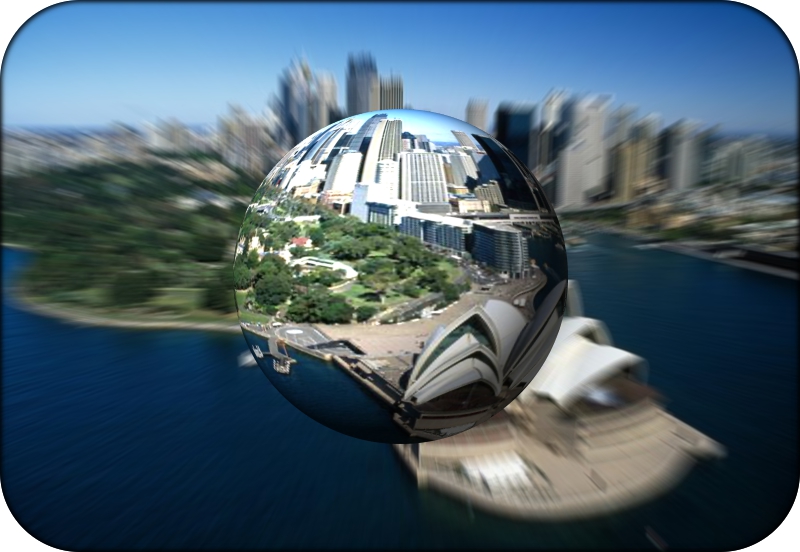
One more for tonight. Hard for me to find a good pic on my computer, also I seem to want to make the orb too big.
Image


Top
 Post subject: Re: Manhattan City
PostPosted: Sun Mar 09, 2014 12:56 am  (#37) 
Offline
GimpChat Member
User avatar

Joined: Jun 25, 2013
Posts: 142
Location: Wyoming, Michigan
Nice animation pirate541.

_________________
Image
http://tonysteeleebw.deviantart.com/


Top
 Post subject: Re: Manhattan City
PostPosted: Sun Mar 09, 2014 1:44 am  (#38) 
Offline
Script Coder
User avatar

Joined: Feb 18, 2011
Posts: 4826
Location: Bendigo Vic. Australia
It was a must do tutorial, shouldn't be to hard to guess the city location
Image

_________________
Image
No matter how much you push the envelope, it'll still be stationery.


Top
 Post subject: Re: Manhattan City
PostPosted: Sun Mar 09, 2014 3:13 am  (#39) 
Offline
GimpChat Member
User avatar

Joined: Mar 01, 2014
Posts: 14209
Location: Spain, Aragón
Thank you 2-Ton, your job is fantastic! I like it very much. You have given it a nice touch.
Erisian, your photo is so nice! I love it!
AnMal, your outcome is very nice too. with its shadow which makes it be a bubble. I like it a lot.
Thanks friends to make the tutorial. :clap :hi5

_________________
Image

Gimp 2.10.36 (samj) portable _ OS Windows 10 Home_ 64bits
Don’t be afraid to start over. It’s a new chance to rebuild what you want.


Top
 Post subject: Re: Manhattan City
PostPosted: Sun Mar 09, 2014 3:20 am  (#40) 
Offline
GimpChat Member
User avatar

Joined: Mar 01, 2014
Posts: 14209
Location: Spain, Aragón
WOW! pitate 541, you have got it! it's great! I like your job. Please, I ask you all how you make so marvellous outcomes! :coolthup :tyspin :clap

_________________
Image

Gimp 2.10.36 (samj) portable _ OS Windows 10 Home_ 64bits
Don’t be afraid to start over. It’s a new chance to rebuild what you want.


Top
Post new topic Reply to topic  [ 90 posts ]  Go to page Previous  1, 2, 3, 4, 5  Next

All times are UTC - 5 hours [ DST ]


* Login  


Powered by phpBB3 © phpBB Group