Hi all
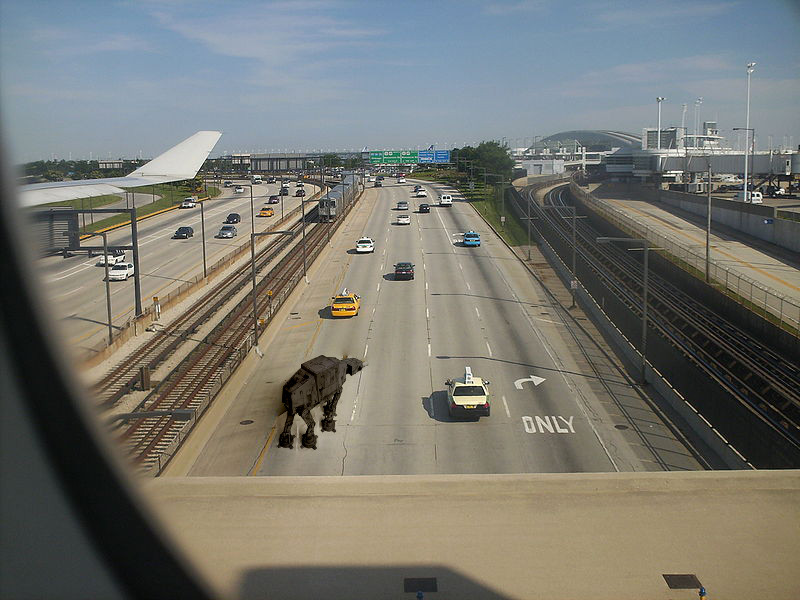
Could you help me to merge properly a little pattern image into a bigger one using blend_seamless option of command line at custom position?
With this basic command-line, I cannot select the position: pattern is copied at the center of bigger one.
$> gmic -i road.jpg -i car.png --blend_seamless[0,1] 0,10%,4% -display
Except position, it works well!
I tried this (put pattern into big empty image before seamless blending), but it fails:
$> gmic -i road.jpg -i 800,600,1,4 -i car.png --blend[1,2] alpha --blend_seamless[0,3] 0,10%,4%
It seems the seamless blending can not operate on largely empty image pattern.
road.jpg and car.png are attached.
Thanks for help!
 Login
Login Register
 Tweets
 FAQ
FAQ Advanced Search