It is currently Mon Aug 10, 2026 6:15 pm


All times are UTC - 5 hours [ DST ]


Post new topic Reply to topic  [ 12 posts ] 
Author Message
 Post subject: Newish to very old
PostPosted: Thu Nov 14, 2019 5:31 am  (#1) 
Offline
New Member

Joined: Nov 14, 2019
Posts: 2
Hi All
I"d like to introduce myself as a total novice to GIMP, I have used Gimp in the past to restore old vintage photographs I needed for a book of memoirs i created for my partner. I mainly used clone and and filters but all very basic.
I now have a problem that I would like help with if possible. I have a perfectly good portrait of a friend when he was about three or four years old. I need to make the photograph look old, antique, cracked and creased and even torn if possible.
I do a quiz night with a photo quiz of stars and celebrities when they were younger one of the quizzer is the owner of the photograph and obviously i would like to trick him into not knowing it is himself.
Hope that makes sense? Can anybody help me as I have a time limit of Saturday the 30th of November.

Any help would be gratefully appreciated
Many thanks


Share on Facebook Share on Twitter Share on Orkut Share on Digg Share on MySpace Share on Delicious Share on Technorati
Top
 Post subject: Re: Newish to very old
PostPosted: Thu Nov 14, 2019 7:47 am  (#2) 
Offline
GimpChat Member
User avatar

Joined: Oct 12, 2016
Posts: 377
Method utilized on ensuing graphic-

1) Colors/Curves
2) Filters\Noise\HSV Noise
3) Filters\GMIC-Qt\Frames\Old Photograph
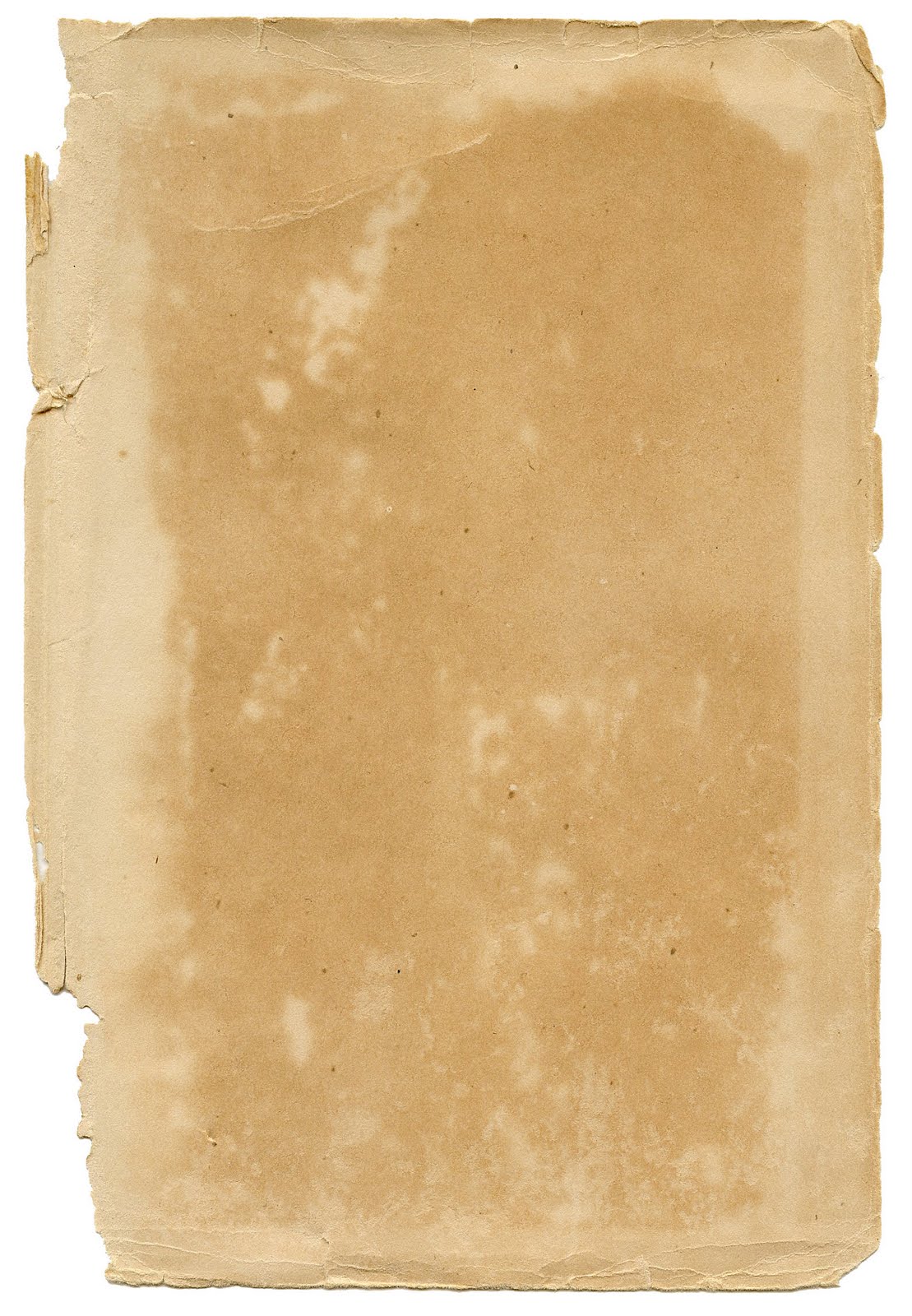
4) Obtain black Folded Paper texture
5) Scale texture to Size of graphic
6) Change mode of black paper layer to Screen
7) Set opacity of black paper layer to amount desired
8) Export graphic to desired format

There are other techniques within gimp that
would yield more refinement of the graphic.

Mainah_Ayuh


Image

_________________
Image


Top
 Post subject: Re: Newish to very old
PostPosted: Thu Nov 14, 2019 12:15 pm  (#3) 
Offline
GimpChat Member
User avatar

Joined: May 10, 2013
Posts: 1431
Location: FInland
Here's my most precious snap. I'll put it immediately back in the hermetically sealed insulation bag, to protect it from the detrimental effects of pollution particles and light.

Image

The workflow was like this:
1. Duplicated original image.
2. Used Bakumato Photo (edo era) script on the first image. It's a japanese script that creates 5 layers: The art image on bottom, contrast adjustment layer and on top 3 layers that can be used to change the level of cracks and dirtyness: dirt, white wounds, black wounds.
3. On another copy of the original I used the Elsamuko Lomo. The outcome was copied on the Bakumato Photo image, placed under the cracks and dirt layers, Blending mode LCh Lightness, 90% opacity.

Image

For a more recent (70s-80s style) I like to use the elsamuko lomo script.
It includes various presets and settings. On this preset "redscale" + G'mic filter polaroid.

Image

I have translated the japanese script to english, and fixed both for 2.10, attached if you want to try them.
Menu entry is Filters/Artistic/


Attachments:
old-photo-bakumatu.scm [5.84 KiB]
Downloaded 184 times
elsamuko-lomo.scm [25.57 KiB]
Downloaded 164 times


Last edited by Nidhogg on Thu Nov 14, 2019 3:10 pm, edited 1 time in total.
Top
 Post subject: Re: Newish to very old
PostPosted: Thu Nov 14, 2019 1:30 pm  (#4) 
Offline
Administrator
User avatar

Joined: Aug 10, 2012
Posts: 14149
Location: Native to NYC living in Arizona, Gimp 2.8 - 3.0, Win 11 PC.
Hello Handyandy180 and welcome to Gimp Chat!
:jumpclap

_________________
Image
"A wise man learns more from a foolish question than a fool can learn from a wise answer"
Image


Top
 Post subject: Re: Newish to very old
PostPosted: Thu Nov 14, 2019 1:46 pm  (#5) 
Offline
GimpChat Member
User avatar

Joined: Aug 16, 2012
Posts: 4271
Location: Göteborg, Sweden
Handyandy180: Welcome to GimpChat! That sounds like a fun project, I hope you get back and tell us after quiz night if you tricked them or not :)!

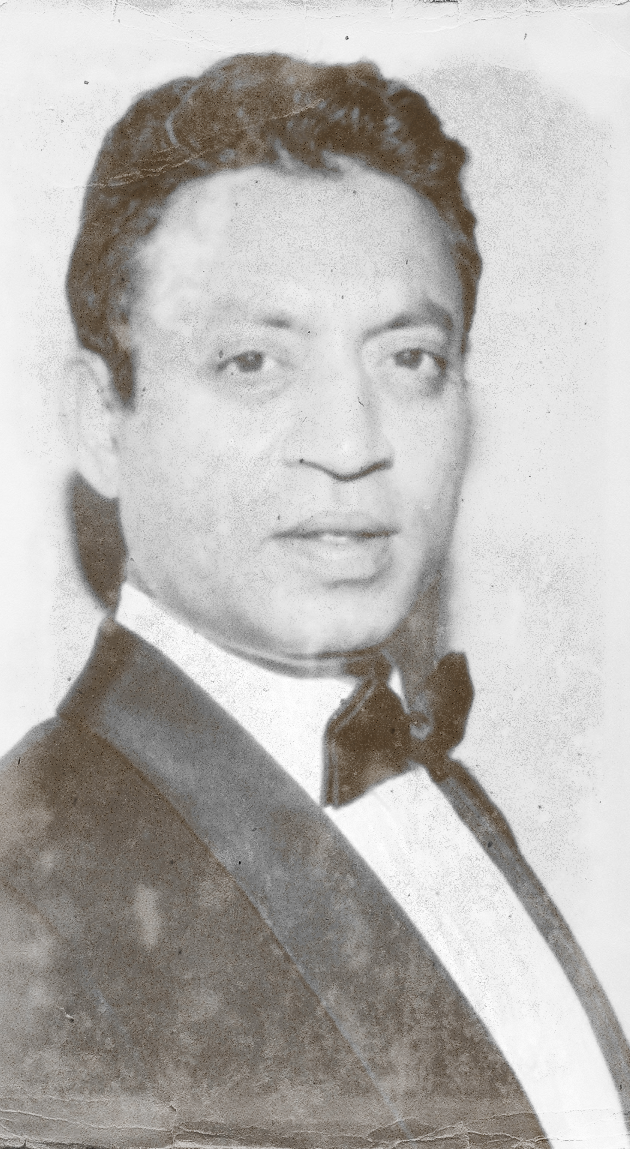
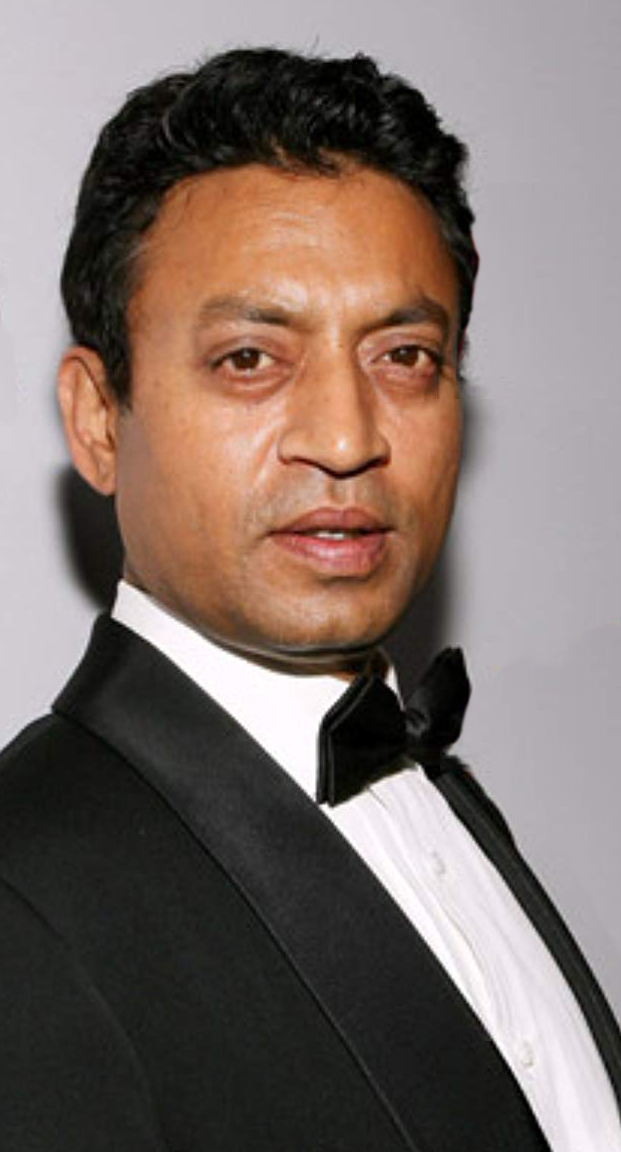
Here is my try. I tried to keep the process at beginner level but it's hard - I honestly don't know how to get a good result using just filters or something.

Photo I started with:
Image
Result:
Image


Process:
1. Desaturate by luminosity.
2. Duplicate layer. Set layer mode of new layer to "screen".
3. On new layer, add layer mask. Select "greyscale copy of layer" in the menu, and then go Colour -> Invert. This brightens just the darker tones in the photo, so you get a lower contrast in a controlled way. Shortcut by just going Colour - Brightness/Contrast, pull up brightness a little and pull down contrast a little. Easier, but the result won't be as good.
4. Duplicate layer. Set layer mode of duplicate to "dissolve". Pull down opacity to around 25% or according to taste.
5. Go Layer -> New from visible.
6.Delete the layer you made in step 4, but keep layer from step 5. Now you can play with opacity on step 5 layer to control the intensity of the dissolve effect.
7. Merge down layers so you have just one, then duplicate that layer twice.
8. On one duplicate layer, go Artistic - Oilify (default settings. Control effect by pulling down opacity on layer.
9. On the other duplicate layer, gaussian blur at maximum 20%. Control effect by pulling down opacity on blurred layer.
10. When you're happy with blurring and softening of details, you can merge all layers so you have just one again.
11. Go Decor -> Old photo and run filter with border set to 0. The defaut setting gives you the result in a new image. Paste that image in as a new layer. Set layer mode to "colour".
12. Merge layers. Duplicate layer once.
13. On the new layer, go Artistic -> Softglow. Control effect of the filter by pulling down opacity on layer. When you're happy with the effect, merge down.
14. Use this image or similar by pasting it in as a new layer.
15. Desaturate the new layer by luminosity and set layer mode to "overlay". Finally done!

Maina_Ayuh & Nidhogg: Well done on those images!
.

_________________


Top
 Post subject: Re: Newish to very old
PostPosted: Thu Nov 14, 2019 3:50 pm  (#6) 
Offline
GimpChat Member
User avatar

Joined: May 10, 2013
Posts: 1431
Location: FInland
Nice result AnMal! I'll give you a half :bowdown and copy the process steps to try it out later.

I just realized, after browsing some old photos that my result is way too sharp for antique photo.


Top
 Post subject: Re: Newish to very old
PostPosted: Thu Nov 14, 2019 4:03 pm  (#7) 
Offline
GimpChat Member
User avatar

Joined: Jan 13, 2011
Posts: 2648
Location: Poland
When time is running out - quick effect thanks to G'mic / Frames / Old Photografer.
Horizontal reflection - for additional confusion...


Attachments:
Old Photograph Gmic.png
Old Photograph Gmic.png [ 197.75 KiB | Viewed 7373 times ]

_________________
Image
Top
 Post subject: Re: Newish to very old
PostPosted: Fri Nov 15, 2019 8:27 am  (#8) 
Offline
New Member

Joined: Nov 14, 2019
Posts: 2
Oh my, honestly I am really in awe at some of the results and really wasn't expecting anything like this! My oh my are you chaps way ahead of me. So as a way of thanks I wanted to give you all some feed back on your hard work and please don't be offended if my chosen type isn't yours as they are all fantastic.
Okay here we go
Mainah_Ayuh Brilliant! I really like what looks like water stained or mildew stains to the edge of the paper. The way the paper looks damaged on the lefthand side, not quite square and a little bent with age. It is probably a little too old looking or more aged, for what I had in mind. Honestly I love it

Nidhogg
I really appreciate your effort and agree with you ithe final image is too sharp. This is where I think i may come unstuck as the the photograph I am trying to alter is only 25years old and therefore quite sharp in appearance due to the technology at the time.

Wallace many thanks for the welcome, I am sure I'm not very far for a while as this is something I really enjoy.

AnMal, ya nailed it my friend! Period perfect for what I was looking for. I particularly like the crease in the paper just above the hair line on the left (not sure if this is in the tutorial but would really appreciate the info) the damage to the bottom of the photo looks amazing. The whole photograph looks like it has been in your grandma's bed side cabinet for years and years. Excellent work, really well done. I LOVE IT!

MareroQ, This is sort of where I am at the mo, which I don't mind. however I've always been of the mindset that's okay is just not good enough and always want to excel in all i do. Many thanks for you very valid input but i have decided to aim as high as AnMal

As I said I was amazed by the response and so impressed by the answers, you all, obviously have a passion. Maybe peoples attempts at helping others could be incorporated into the forum? It may already be there, I'm not sure as I am a total newby in shock by the superb replies to my request.
Many thanks to all, all I have to do now is try and work out what AnMal's recipe is on about. I am sure there will be more question before the quiz.
Cheers


Top
 Post subject: Re: Newish to very old
PostPosted: Fri Nov 15, 2019 10:08 am  (#9) 
Offline
GimpChat Member
User avatar

Joined: May 10, 2013
Posts: 1431
Location: FInland
Handyandy180 wrote:
Maybe peoples attempts at helping others could be incorporated into the forum? It may already be there, I'm not sure as I am a total newby in shock by the superb replies to my request.
Cheers

There is the help forum if you run into any problems with Gimp.

viewforum.php?f=8

You may have to wait for awhile sometimes, but everything will be solved.
I always recommend to read basics (like the official doc/features) go through pinned threads if your problem is related and do some beginner tutorials if you don't have much prior experience about graphics editors.
Welcome to the forum!


Top
 Post subject: Re: Newish to very old
PostPosted: Fri Nov 15, 2019 4:03 pm  (#10) 
Offline
GimpChat Member
User avatar

Joined: Mar 01, 2014
Posts: 14119
Location: Spain, Aragón
Welcome to Gimp Chat, Handyandy180. :)


Attachments:
Welcome to Gimp Chat.JPG
Welcome to Gimp Chat.JPG [ 380.42 KiB | Viewed 7290 times ]

_________________
Image

Gimp 2.10.30(samj) portable _ OS Windows 10 Home_ 64bits
Don’t be afraid to start over. It’s a new chance to rebuild what you want.
Top
 Post subject: Re: Newish to very old
PostPosted: Mon Nov 18, 2019 5:05 am  (#11) 
Offline
New Member

Joined: Nov 18, 2019
Posts: 1
Hello!
Very cool!
I can't seem to post a new topic as I've just registered but had a similar issue!


Top
 Post subject: Re: Newish to very old
PostPosted: Mon Nov 18, 2019 5:31 am  (#12) 
Offline
GimpChat Member
User avatar

Joined: Aug 16, 2012
Posts: 4271
Location: Göteborg, Sweden
krystians: Welcome to Gimp Chat! :) Are you also trying to make a new photo look old? Can you get any help from the earlier posts in the thread?

_________________


Top
Post new topic Reply to topic  [ 12 posts ] 

All times are UTC - 5 hours [ DST ]


* Login  


Powered by phpBB3 © phpBB Group