It is currently Wed Aug 12, 2026 3:48 pm


All times are UTC - 5 hours [ DST ]


Post new topic Reply to topic  [ 187 posts ]  Go to page Previous  1 ... 6, 7, 8, 9, 10  Next
Author Message
 Post subject: Re: 3D Extrusion V2.4
PostPosted: Fri Dec 13, 2019 1:00 am  (#161) 
Offline
GimpChat Member
User avatar

Joined: Apr 08, 2010
Posts: 5420
Location: Northwest Ohio
Good to see you back at GC, GnuTux, and glad you are feeling better.


Top
 Post subject: Re: 3D Extrusion V2.3
PostPosted: Fri Dec 13, 2019 1:04 am  (#162) 
Offline
Administrator
User avatar

Joined: Aug 10, 2012
Posts: 14153
Location: Native to NYC living in Arizona, Gimp 2.8 - 3.0, Win 11 PC.
GnuTux wrote:
Thought I would post some updates for GIMP 2.10.x Script-fu (Scheme):

3D Extrusion V2.4

;V2.4 - For GIMP 2.10.x (Procedures Deprecated)
; (gimp-layer-set-mode

I'm currently using Fedora 31 (MATE) /w GIMP 2.10.12 (Not sure what's up with 2.10.14).

[ Image ]

What do you know!?
Looks like GnuTux is up to his old tricks again.
:jumpclap :jumpclap :jumpclap

Image

_________________
Image
"A wise man learns more from a foolish question than a fool can learn from a wise answer"
Image


Top
 Post subject: Re: 3D Extrusion V2.4
PostPosted: Fri Dec 13, 2019 1:09 am  (#163) 
Offline
GimpChat Member

Joined: Aug 26, 2019
Posts: 49
Soo... good to see you back Gnutux. I used your scripts and took advice for years before coming a member of Gimpchat. Welcome Home, Merry Christmas.


Top
 Post subject: Re: 3D Extrusion V2.4
PostPosted: Fri Dec 13, 2019 1:20 am  (#164) 
It's working for Windows OS GIMP 2.10.14 :bigthup Your old version 3D extrusion it's working as well for 2.10.14 :coolthup

Image


Top
 Post subject: Re: 3D Extrusion V2.4
PostPosted: Fri Dec 13, 2019 1:44 am  (#165) 
Offline
GimpChat Member

Joined: May 12, 2015
Posts: 4693
Really nice to seei You post again! Thanks for updating 3D Extrusion. So glad that you are feeling better.


Top
 Post subject: Re: 3D Extrusion V2.4
PostPosted: Fri Dec 13, 2019 4:53 am  (#166) 
Offline
GimpChat Member

Joined: Apr 09, 2018
Posts: 1888
Location: France
GnuTux :wvy
Glad to see you again because I am a recent addict of GC and in the tutorials that I make from GC, I often noted your advice always judicious.And I like your Emaps. Thank you for sharing them with us :)

_________________
Les parfums, les couleurs et les sons se répondent.Baudelaire (Les fleurs du mal)
2.10.36/(Samj) Gimp 2.10.38 OS Windows 10 Home 64 bits


Top
 Post subject: Re: 3D Extrusion V2.4
PostPosted: Fri Dec 13, 2019 10:14 am  (#167) 
Offline
GimpChat Founder
User avatar

Joined: May 22, 2008
Posts: 5241
Location: Gimpville
Glad to see you again, 2-ton, Pocholo & Pat625. :yes

Happy to meet you, P1937 & level_0. :wvy

_________________
“If you reach for the stars, you just might land on a decently sized hill.” - Stuart Hill


Top
 Post subject: Re: 3D Extrusion V2.4
PostPosted: Sat Dec 14, 2019 12:25 am  (#168) 
Offline
GimpChat Member
User avatar

Joined: Jul 06, 2013
Posts: 2662
Location: California
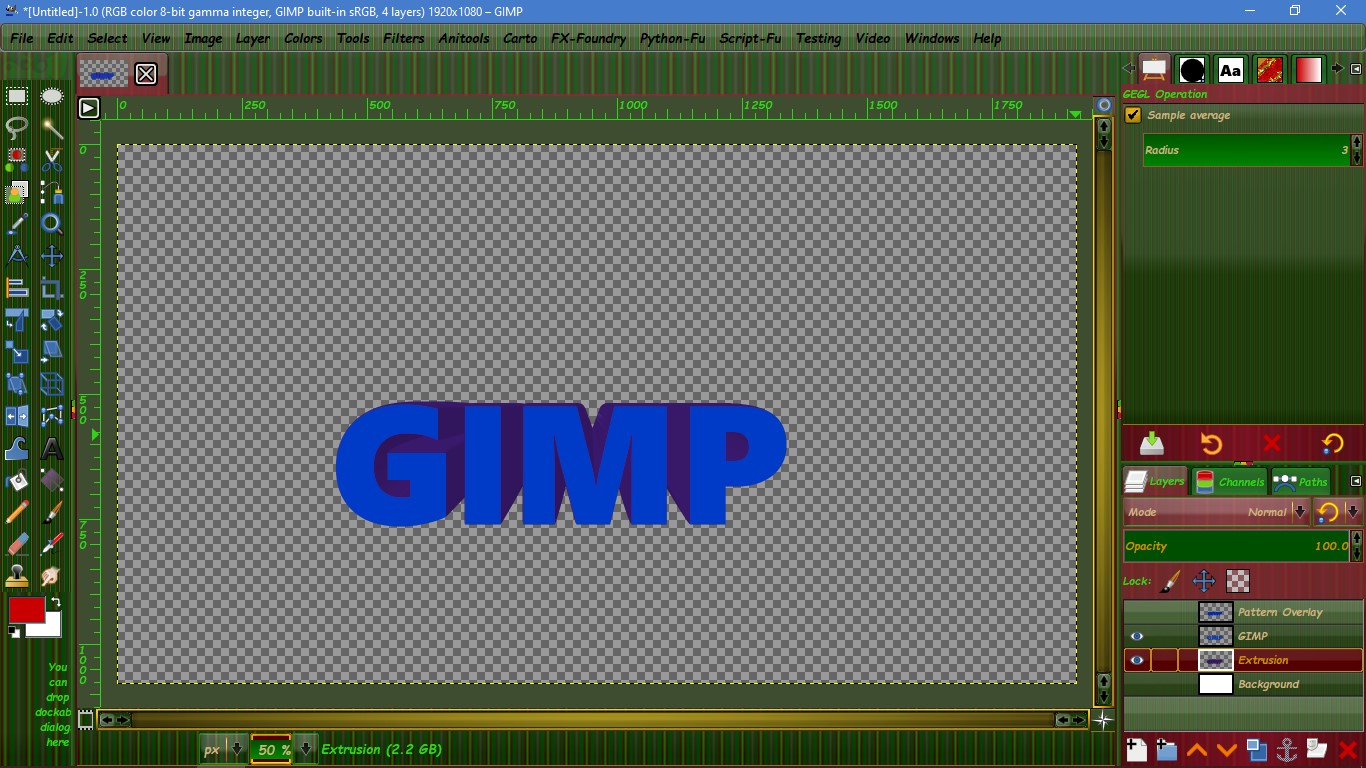
Here's what I get when I use Grow or grow with x axis options.

Image


Top
 Post subject: Re: 3D Extrusion V2.4
PostPosted: Sat Dec 14, 2019 1:07 am  (#169) 
Offline
Administrator
User avatar

Joined: Aug 10, 2012
Posts: 14153
Location: Native to NYC living in Arizona, Gimp 2.8 - 3.0, Win 11 PC.
mackenzieh wrote:
Here's what I get when I use Grow or grow with x axis options.

Image


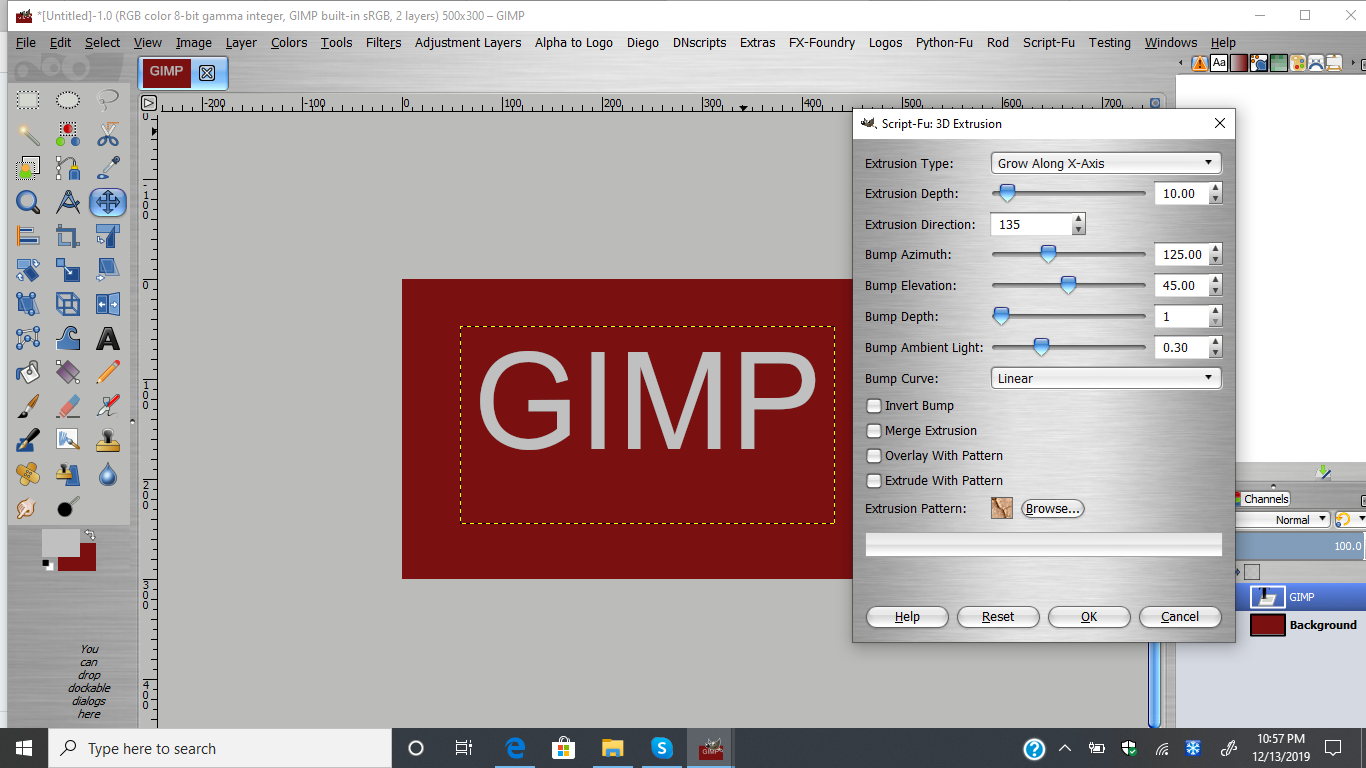
Can you reproduce this,
or show us the dialog for the script before you ran it?
:)

_________________
Image
"A wise man learns more from a foolish question than a fool can learn from a wise answer"
Image


Top
 Post subject: Re: 3D Extrusion V2.4
PostPosted: Sat Dec 14, 2019 1:54 am  (#170) 
Offline
GimpChat Member
User avatar

Joined: Jul 06, 2013
Posts: 2662
Location: California
Wallace wrote:
mackenzieh wrote:
Here's what I get when I use Grow or grow with x axis options.

Image


Can you reproduce this,
or show us the dialog for the script before you ran it?
:)


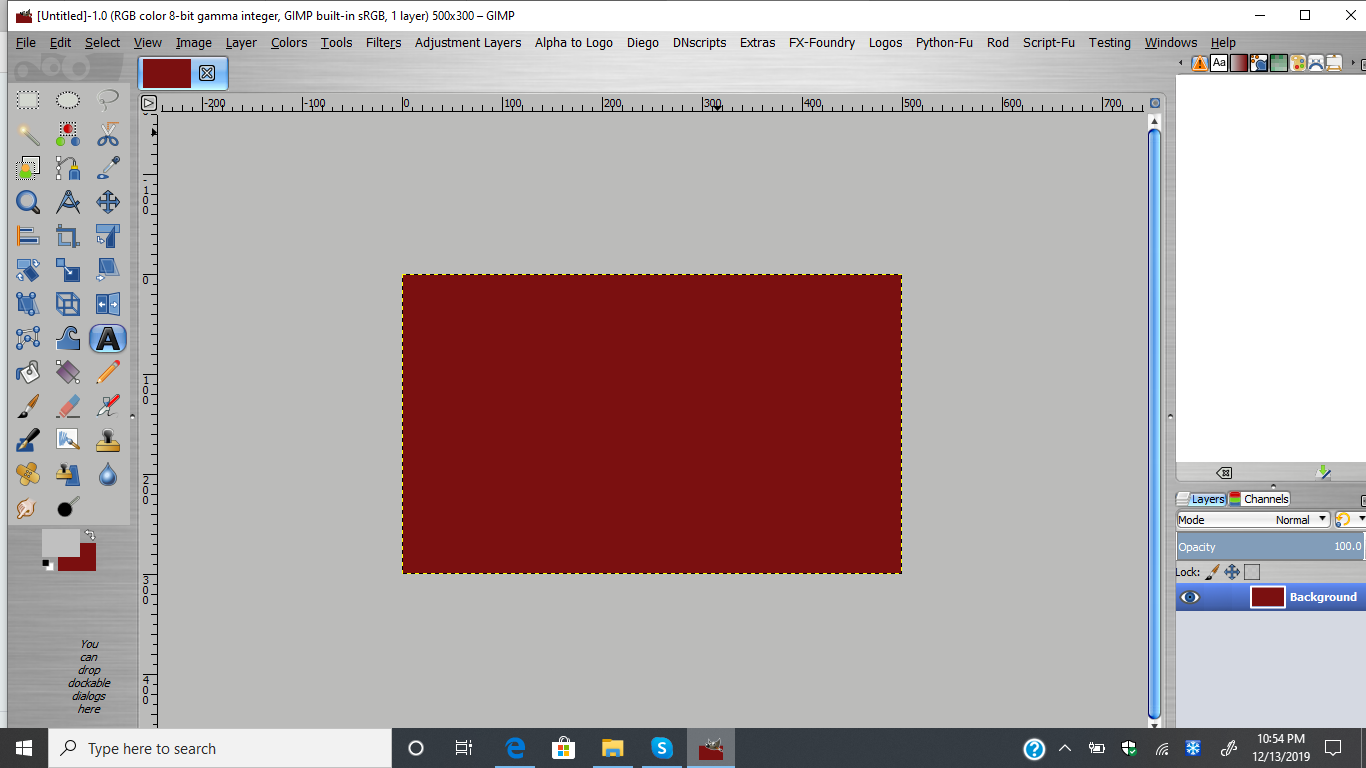
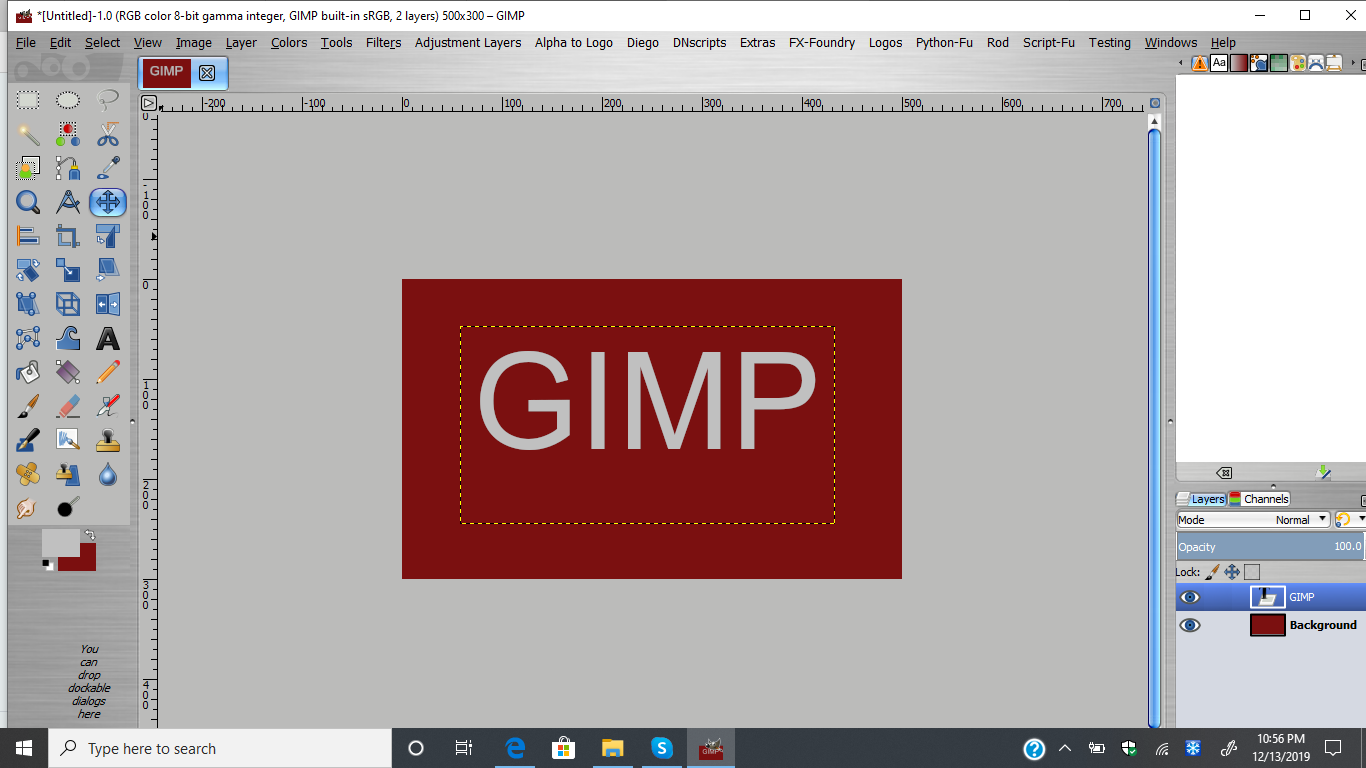
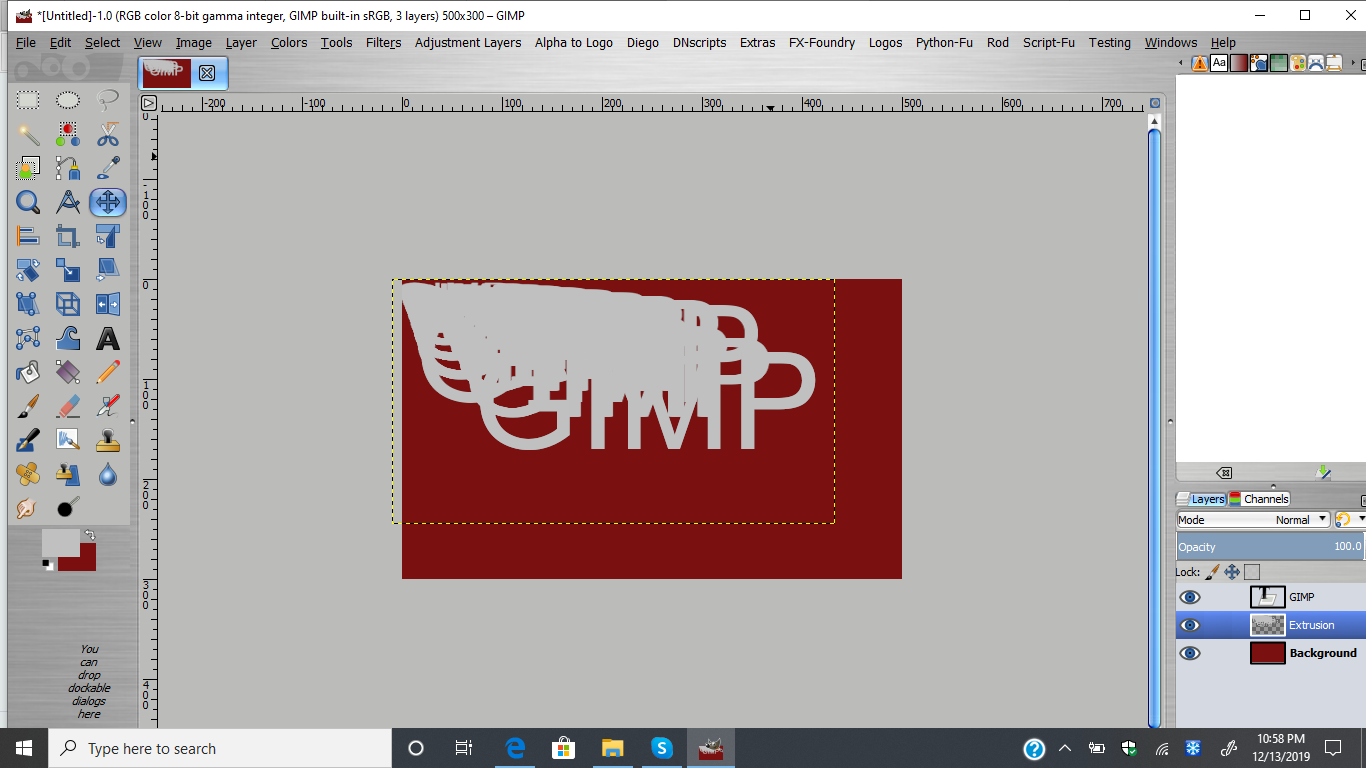
I didn't get any errors when producing the result but I can provide screenshots of how I did it.
Image
Image
Image
Image


Top
 Post subject: Re: 3D Extrusion V2.4
PostPosted: Sun Dec 15, 2019 10:31 am  (#171) 
mackenzieh wrote:
Wallace wrote:
mackenzieh wrote:
Here's what I get when I use Grow or grow with x axis options.

Image


Can you reproduce this,
or show us the dialog for the script before you ran it?
:)


I didn't get any errors when producing the result but I can provide screenshots of how I did it.
[ Image ]
[ Image ]
[ Image ]
[ Image ]


Hi mackenzieh. You need to make the Text, "Layer to image size" before you apply the script. This script or any other scripts do not work outside the layer's boundary.


Top
 Post subject: Re: 3D Extrusion V2.4
PostPosted: Sun Dec 15, 2019 2:26 pm  (#172) 
Offline
GimpChat Member
User avatar

Joined: Jul 06, 2013
Posts: 2662
Location: California
Oh. I knew I was missing something. I just couldn't figure it out. Thanks, Pocholo. :)


Top
 Post subject: Re: 3D Extrusion V2.4
PostPosted: Fri Dec 20, 2019 7:05 am  (#173) 
Offline
Global Moderator
User avatar

Joined: Apr 01, 2012
Posts: 8457
Location: On the other side of your screen
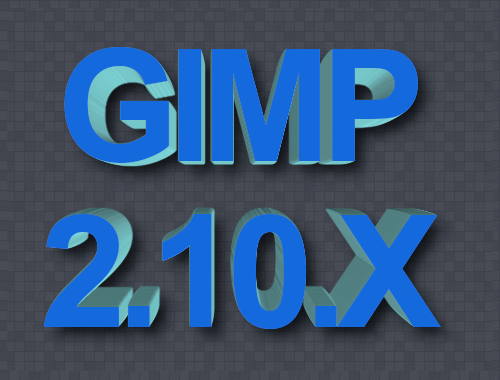
Works fine with text and line art
Image
Image
Thank you GT

_________________
Image
Free Fun Photo Editing & resources
Poems from the Lord
Gimp Newby
Gimp version 3.2.4 and GMIC-Qt 4.0.2 OS :- Windows 10 Home 64


Top
 Post subject: Re: 3D Extrusion V2.4
PostPosted: Fri Dec 20, 2019 11:21 pm  (#174) 
Offline
Global Moderator
User avatar

Joined: Apr 01, 2012
Posts: 8457
Location: On the other side of your screen
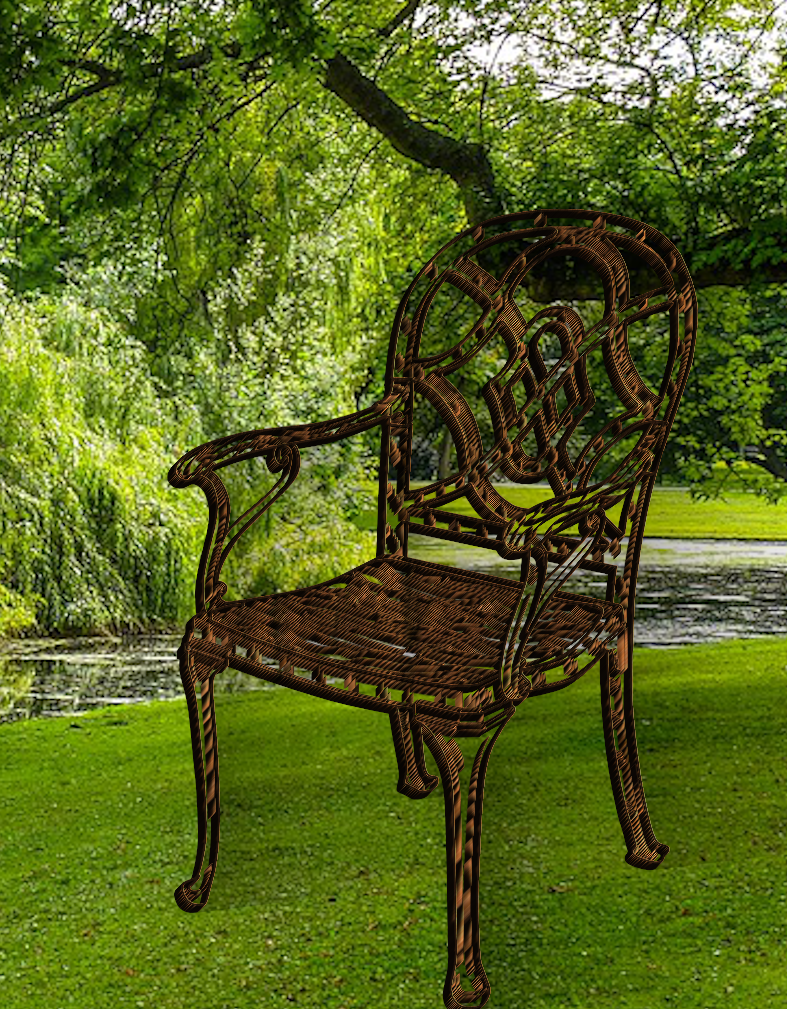
Gave it another go today.
3D'd a chair and put on a background
Image

_________________
Image
Free Fun Photo Editing & resources
Poems from the Lord
Gimp Newby
Gimp version 3.2.4 and GMIC-Qt 4.0.2 OS :- Windows 10 Home 64


Top
 Post subject: Re: 3D Extrusion V2.4
PostPosted: Sun Jun 12, 2022 11:24 am  (#175) 
Offline
GimpChat Member
User avatar

Joined: Oct 31, 2020
Posts: 2013
Okay I might be able to make a 3d extrusion using GEGL by linking dozens of gimp:offset commands in a GEGL graph. But I don't know how to limit or add more of them.


Top
 Post subject: Re: 3D Extrusion V2.4
PostPosted: Sun Jun 12, 2022 11:43 am  (#176) 
Offline
GimpChat Member
User avatar

Joined: Oct 31, 2020
Posts: 2013
okay I found a shortcut. Zoom motion blur set to behind, + threshold alpha make a extrusion effect. The user can also brighten it with a third filter. Due the the fact that it is only three steps I don't think I need to make a GEGL filter of this as my minimal policy is four steps.

However if I get at least two request I will make it into a filter.
Image

Image


Top
 Post subject: Re: 3D Extrusion V2.4
PostPosted: Sun Jun 12, 2022 9:05 pm  (#177) 
Offline
GimpChat Member
User avatar

Joined: Oct 31, 2020
Posts: 2013
Image
GEGL's own 3d extrusion abilities exist but are poor.


Top
 Post subject: Re: 3D Extrusion V2.3
PostPosted: Sun Jun 12, 2022 10:43 pm  (#178) 
Offline
GimpChat Member
User avatar

Joined: Oct 31, 2020
Posts: 2013
trandoductin wrote:
[ Image ]

GEGL can't really do this at all. The closest thing is recursive transform.


Top
 Post subject: Re: 3D Extrusion V2.4
PostPosted: Mon Jun 13, 2022 12:36 am  (#179) 
Offline
GimpChat Member
User avatar

Joined: Oct 06, 2010
Posts: 4050
Image

motion-blur-zoom
   center-x=1
   center-y=.1
   factor=.05
gimp:threshold-alpha
   value=.1


Fairly simple extrude.

_________________
"In order to attain the impossible, one must attempt the absurd."
~ Miguel de Cervantes


Top
 Post subject: Re: 3D Extrusion V2.4
PostPosted: Mon Jun 13, 2022 12:58 am  (#180) 
Thank you Mahvin, for sharing the GEGL commands for the extrusion, I like it. :clap


Top
Post new topic Reply to topic  [ 187 posts ]  Go to page Previous  1 ... 6, 7, 8, 9, 10  Next

All times are UTC - 5 hours [ DST ]


* Login  


Powered by phpBB3 © phpBB Group