It is currently Sat Aug 08, 2026 9:55 am


All times are UTC - 5 hours [ DST ]


Post new topic Reply to topic  [ 72 posts ]  Go to page Previous  1, 2, 3, 4  Next
Author Message
 Post subject: Re: Spinning cube???
PostPosted: Fri Jul 22, 2011 2:13 pm  (#21) 
Offline
GimpChat Member
User avatar

Joined: Jul 08, 2011
Posts: 285
Image

_________________
Image

My Flickr
http://anaplus.deviantart.com/


Top
 Post subject: Re: Spinning cube???
PostPosted: Fri Jul 22, 2011 2:22 pm  (#22) 
Offline
GimpChat Member
User avatar

Joined: Apr 07, 2010
Posts: 14182
very nice ana, just a little jerky...

_________________
Image


Top
 Post subject: Re: Spinning cube???
PostPosted: Fri Jul 22, 2011 2:23 pm  (#23) 
Offline
GimpChat Member
User avatar

Joined: Apr 07, 2010
Posts: 14182
nixnine, I was able to find the 2D object and I made a box but I don't see any place in there to make it spin.. I tried the rotator script but that took it all apart.

_________________
Image


Last edited by molly on Fri Jul 22, 2011 2:35 pm, edited 1 time in total.

Top
 Post subject: Re: Spinning cube???
PostPosted: Fri Jul 22, 2011 2:27 pm  (#24) 
Offline
GimpChat Member
User avatar

Joined: Jul 08, 2011
Posts: 285
molly wrote:
very nice ana, just a little jerky...

i know

_________________
Image

My Flickr
http://anaplus.deviantart.com/


Top
 Post subject: Re: Spinning cube???
PostPosted: Fri Jul 22, 2011 6:43 pm  (#25) 
Offline
GimpChat Member
User avatar

Joined: Apr 07, 2010
Posts: 14182
I did this one with 30 frames, changed it to replace from keep, changed speed from 100 to 150. I find it a little jerky between frame #30 and frame #1.
Image

_________________
Image


Last edited by molly on Sat Jul 23, 2011 8:01 am, edited 4 times in total.

Top
 Post subject: Re: Spinning cube???
PostPosted: Fri Jul 22, 2011 6:55 pm  (#26) 
Offline
GimpChat Member
User avatar

Joined: Jul 08, 2011
Posts: 285
molly wrote:
I did this one with 30 frames, changed it to replace from keep, changed speed from 100 to 150. I find it a little jerky between frame #30 and frame #1.
Image

wow,Molly...this is perfect...i love it very much....how did you do it???

_________________
Image

My Flickr
http://anaplus.deviantart.com/


Top
 Post subject: Re: Spinning cube???
PostPosted: Fri Jul 22, 2011 7:01 pm  (#27) 
Offline
GimpChat Member
User avatar

Joined: Apr 07, 2010
Posts: 14182
I used GMIC. If you download and install it, we will help you with it, Practically everyone here uses it so you will get lots of help. For me it is a strictly experimental thingy, cuz I don't know too much about it yet.... It is a fun thing...

_________________
Image


Top
 Post subject: Re: Spinning cube???
PostPosted: Fri Jul 22, 2011 7:06 pm  (#28) 
Offline
GimpChat Member
User avatar

Joined: Jul 08, 2011
Posts: 285
molly wrote:
I used GMIC. If you download and install it, we will help you with it, Practically everyone here uses it so you will get lots of help. For me it is a strictly experimental thingy, cuz I don't know too much about it yet.... It is a fun thing...

i don't know about Gmic nothing at all.:( but i would like to know does it freeze computer,is it large plugin......i'm asking this because my computer starts to freeze when i use gimp.

_________________
Image

My Flickr
http://anaplus.deviantart.com/


Top
 Post subject: Re: Spinning cube???
PostPosted: Fri Jul 22, 2011 7:07 pm  (#29) 
Offline
GimpChat Member
User avatar

Joined: Oct 07, 2010
Posts: 439
Location: home/Nixnine/.gimp-2.0/scripts/nixnine.scm
May be a little late, but this is how I was set up to make my example earlier.


Attachments:
Screenshot-2.png
Screenshot-2.png [ 263.43 KiB | Viewed 3407 times ]

_________________
I refuse to be confused, but am often confused at this refusal.
Top
 Post subject: Re: Spinning cube???
PostPosted: Fri Jul 22, 2011 7:10 pm  (#30) 
Offline
GimpChat Member
User avatar

Joined: Jul 08, 2011
Posts: 285
nixnine wrote:
May be a little late, but this is how I was set up to make my example earlier.

thanks Nixnine :) it seems so easy and simple to do it ....

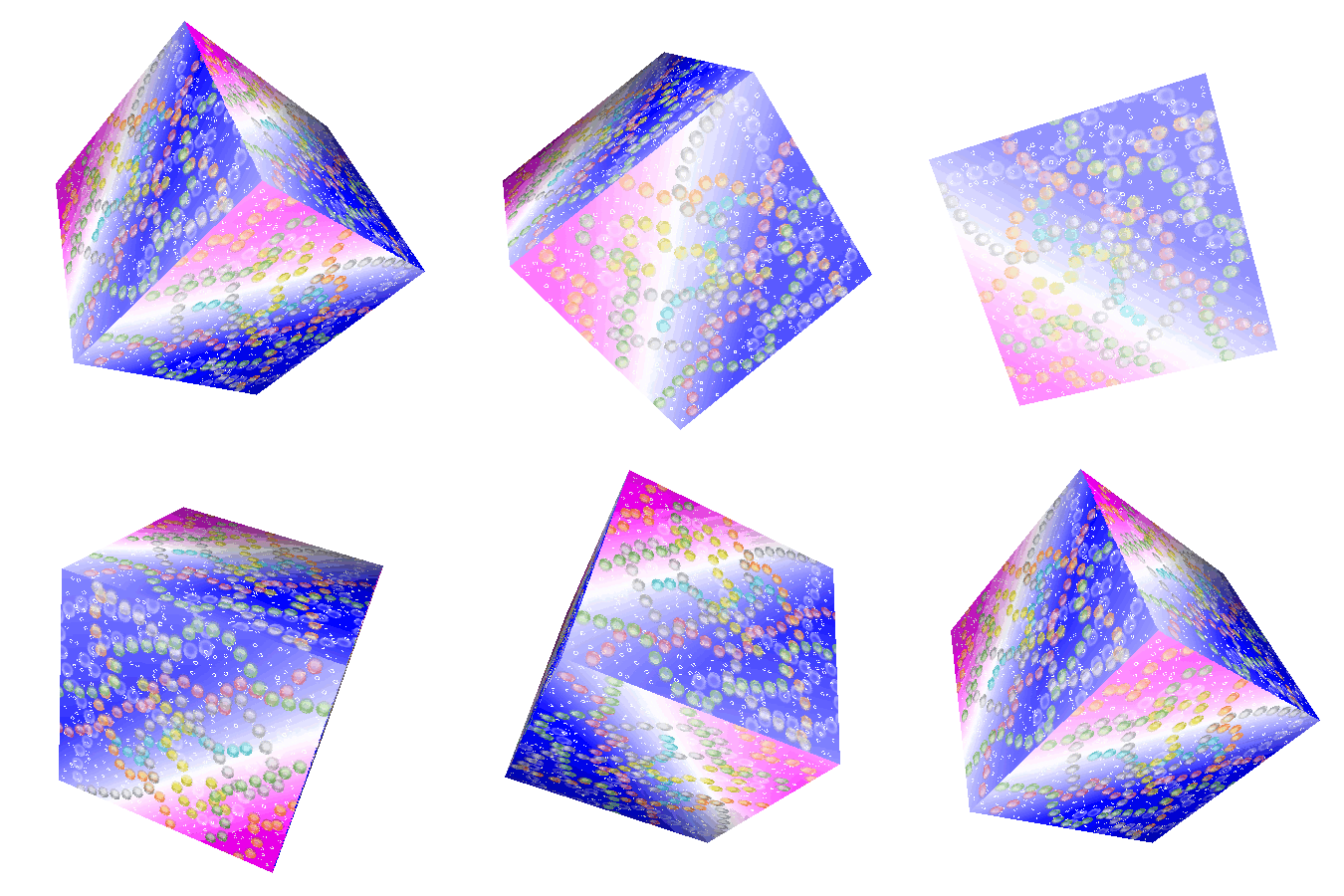
_________________
Image

My Flickr
http://anaplus.deviantart.com/


Top
 Post subject: Re: Spinning cube???
PostPosted: Fri Jul 22, 2011 7:14 pm  (#31) 
Offline
GimpChat Member
User avatar

Joined: Oct 07, 2010
Posts: 439
Location: home/Nixnine/.gimp-2.0/scripts/nixnine.scm
My computer never freezes up using gmic, but it does take some time depending on what I'm trying to do. What os are you running Ana and how many brushes do you have installed? Also, how many of those brushes are over 1 mb in size? I have around 700 brushes installed, with few over 1 mb. That used to be the prob I had: Too many large brushes.

_________________
I refuse to be confused, but am often confused at this refusal.


Top
 Post subject: Re: Spinning cube???
PostPosted: Fri Jul 22, 2011 7:17 pm  (#32) 
Offline
GimpChat Member
User avatar

Joined: Apr 07, 2010
Posts: 14182
thanks nixnine.
I did find it but I didn't see where the little box for the # of frames was. I see in your layers, they aren't all the same. Did you add some pics between the layers? I will try another one with more frames to see if it is still jerky. I see you used 100, I only used 30.

I guess what I am asking is, how did you place those pics so they would be in the center of each side of the cube

_________________
Image


Last edited by molly on Fri Jul 22, 2011 7:22 pm, edited 1 time in total.

Top
 Post subject: Re: Spinning cube???
PostPosted: Fri Jul 22, 2011 7:18 pm  (#33) 
Offline
Retired Staff
User avatar

Joined: May 22, 2008
Posts: 6946
Location: Somewhere in GIMP
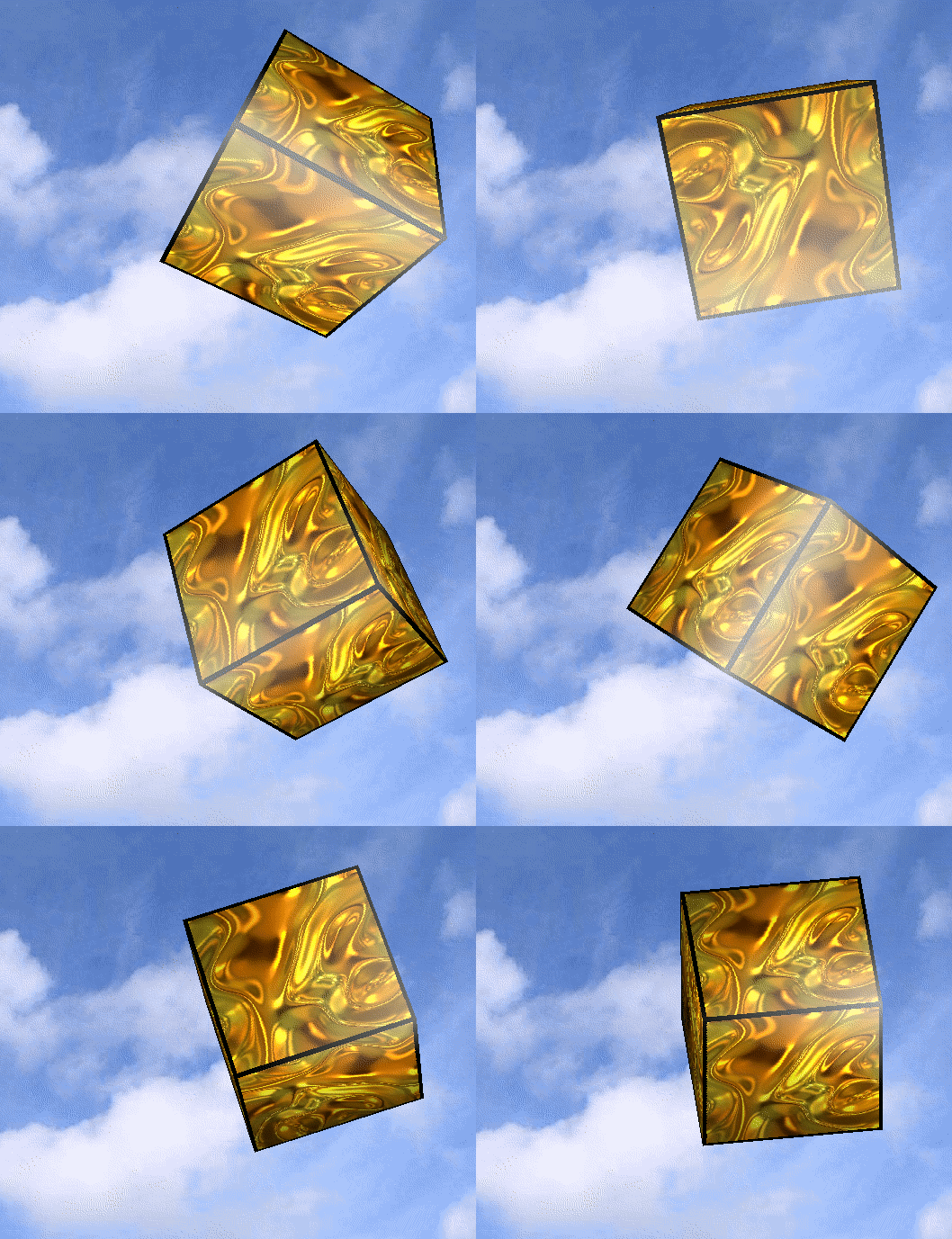
I tried a G'MIC'd one. I hate the light on it. I'd like to be able to turn off the light.

Image

_________________
Image
World War IV will be fought with sticks and stones. - Albert Einstein


Top
 Post subject: Re: Spinning cube???
PostPosted: Fri Jul 22, 2011 7:20 pm  (#34) 
Offline
GimpChat Member
User avatar

Joined: Jul 08, 2011
Posts: 285
nixnine wrote:
My computer never freezes up using gmic, but it does take some time depending on what I'm trying to do. What os are you running Ana and how many brushes do you have installed? Also, how many of those brushes are over 1 mb in size? I have around 700 brushes installed, with few over 1 mb. That used to be the prob I had: Too many large brushes.

i'm using windows xp...i have plenty brushes but few days ago i removed them from gimp file and left only few that i use

_________________
Image

My Flickr
http://anaplus.deviantart.com/


Top
 Post subject: Re: Spinning cube???
PostPosted: Fri Jul 22, 2011 7:23 pm  (#35) 
Offline
GimpChat Member
User avatar

Joined: Oct 07, 2010
Posts: 439
Location: home/Nixnine/.gimp-2.0/scripts/nixnine.scm
The screenshot was how I set up to do the spinning box. The image I had open in the screenshot was a different one. I used only one layer for the box I did. Sorry, didn't mean to confuse anyone.

_________________
I refuse to be confused, but am often confused at this refusal.


Top
 Post subject: Re: Spinning cube???
PostPosted: Fri Jul 22, 2011 7:25 pm  (#36) 
Offline
GimpChat Member
User avatar

Joined: Apr 07, 2010
Posts: 14182
very pretty O. That looks like the gold satin pattern. I see your favorite sky behind it. lol....

_________________
Image


Top
 Post subject: Re: Spinning cube???
PostPosted: Fri Jul 22, 2011 7:27 pm  (#37) 
Offline
GimpChat Member
User avatar

Joined: Jul 08, 2011
Posts: 285
Oregonian wrote:
I tried a G'MIC'd one. I hate the light on it. I'd like to be able to turn off the light.

Image

this is great "O"

_________________
Image

My Flickr
http://anaplus.deviantart.com/


Top
 Post subject: Re: Spinning cube???
PostPosted: Fri Jul 22, 2011 7:57 pm  (#38) 
Offline
GimpChat Member
User avatar

Joined: Oct 07, 2010
Posts: 439
Location: home/Nixnine/.gimp-2.0/scripts/nixnine.scm
You can adjust the lighting, can even remove it all. Just adjust x-, y-, and z- light settings, specularity, and shininess in the starting and ending parameters. This is with all the above turned down. Got a cool little wiggle to it too. Does run smoother as an avi file.


Attachments:
cube2.gif
cube2.gif [ 2.32 MiB | Viewed 3265 times ]

_________________
I refuse to be confused, but am often confused at this refusal.
Top
 Post subject: Re: Spinning cube???
PostPosted: Sat Jul 23, 2011 6:49 am  (#39) 
Offline
GimpChat Member
User avatar

Joined: Apr 22, 2010
Posts: 126
Image I did it in GIMP-GAP 2.2 Portable. In GIMP 2.4, 2.6 and 2.7 of Map Object filter works with errors. :gaah

_________________
Image


Top
 Post subject: Re: Spinning cube???
PostPosted: Sat Jul 23, 2011 6:53 am  (#40) 
Offline
GimpChat Member
User avatar

Joined: Apr 07, 2010
Posts: 14182
very nice Pogo. Love the grr-smily.... lol

_________________
Image


Top
Post new topic Reply to topic  [ 72 posts ]  Go to page Previous  1, 2, 3, 4  Next

All times are UTC - 5 hours [ DST ]


* Login  


Powered by phpBB3 © phpBB Group