Rod wrote:
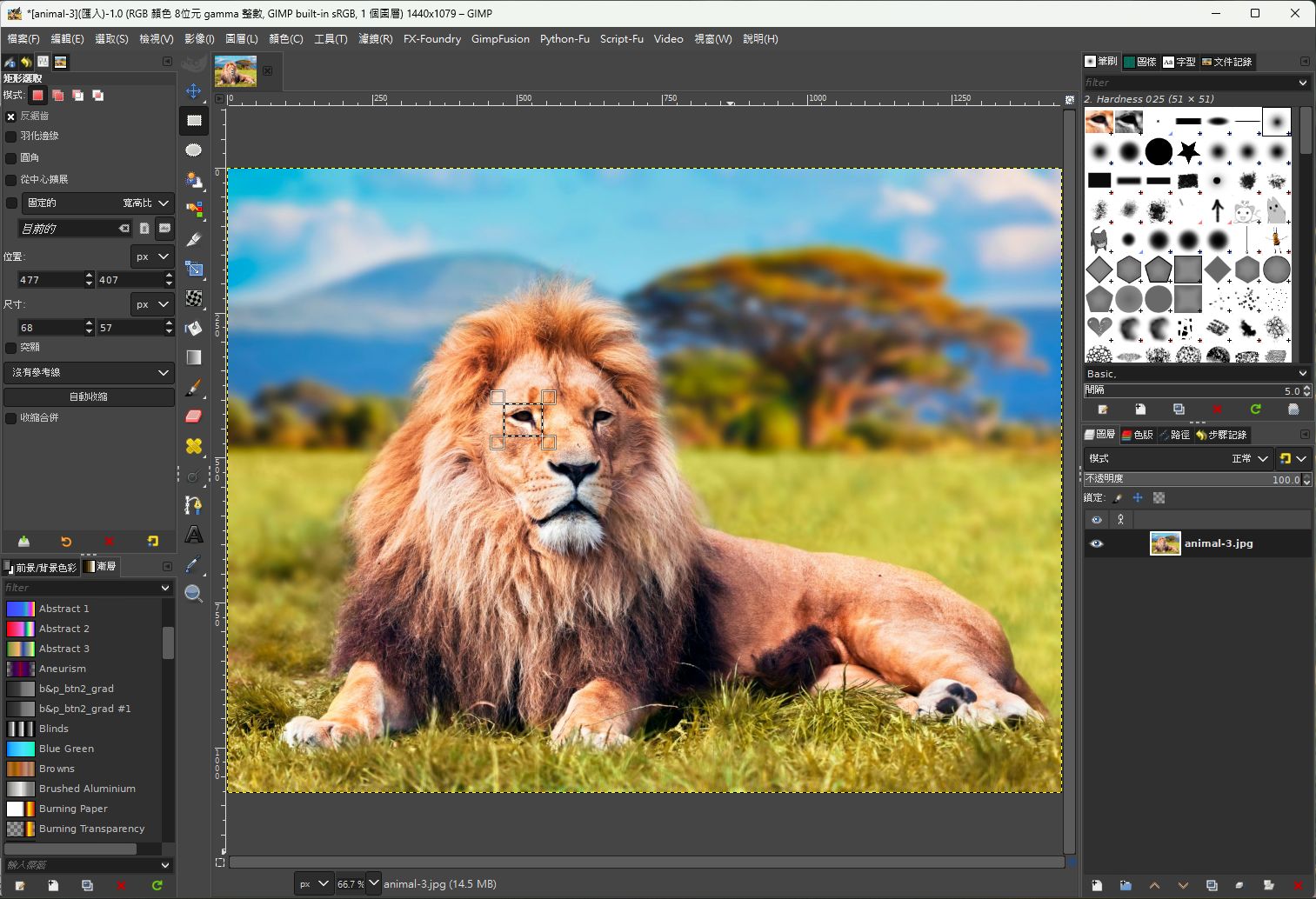
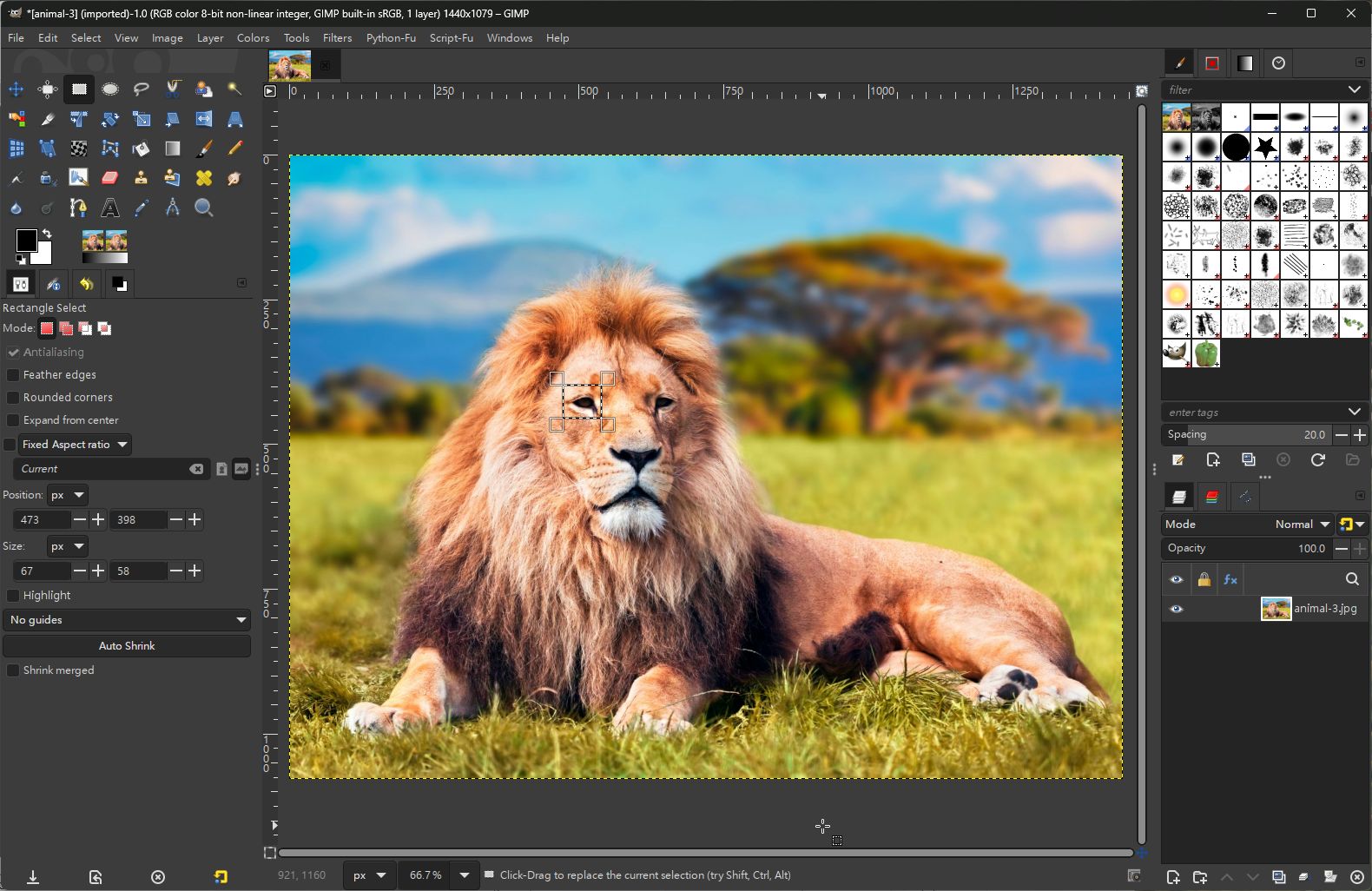
Edit>Copy>Edit>Paste as brush works ( Tested in the newest Windows x64 installer commit).
Then you could just name the brush use it, and then just delete the brush if you didn't need it after one use. I know creating a selection and then Edit> copy should create the selection as a brush in the clipboard but this could be a work around for now.
That is a work-around for a brush, Paste as -> New Brush is there in Gimp 2.10 as well.
For Gimp 3.0 and a clipboard brush pair, another work around is, Paste as -> New Image then copy that and back to original image.
This a 30 second example:
https://i.imgur.com/tNVdoeO.mp4 Login
Login Register
 Tweets
 FAQ
FAQ Advanced Search