It is currently Tue Oct 06, 2026 3:18 am


All times are UTC - 5 hours [ DST ]


Post new topic Reply to topic  [ 15 posts ] 
Author Message
 Post subject: Bubbles brush
PostPosted: Wed Sep 01, 2010 5:19 pm  (#1) 
Offline
GimpChat Member

Joined: Sep 01, 2010
Posts: 8
Image
Questa opera è pubblicata sotto una Licenza Creative Commons

Image

Link download in the info of this video


Attachments:
bubbles.zip [660.59 KiB]
Downloaded 1112 times


Last edited by Oregonian on Thu Nov 01, 2012 10:33 am, edited 1 time in total.
Added zipped bubble brush. Feared loss of link.
Share on Facebook Share on Twitter Share on Orkut Share on Digg Share on MySpace Share on Delicious Share on Technorati
Top
 Post subject: Re: Bubbles brush
PostPosted: Wed Sep 01, 2010 6:32 pm  (#2) 
Offline
Retired Staff
User avatar

Joined: May 22, 2008
Posts: 6946
Location: Somewhere in GIMP
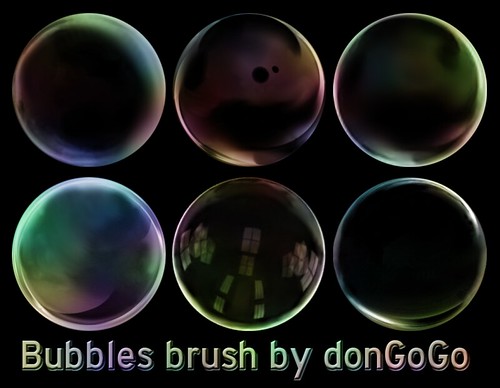
Thank you donGoGo for posting your beautiful bubble brushes here in Gimp Chat. Grazie tanto!!!

I have written the text of the video in English with input from PhotoComix.

Be sure to click donGoGo's link to the video to watch the video and to get the bubble brushes.

  1. New Image 878 x 681px (or whatever size you want)
  2. Fill Background layer with black.
  3. Make a new transparent layer. Name it bubbles.
  4. Paintbrush: bubble brushes. (bolle_1 through 6)
    Brush size: 0.66
    FG color = White (ffffff)
  5. Paint with bolle (bubble) brushes
  6. Make a new layer. Name it plasma
  7. Render > Clouds > Plasma
    Click New Seed until you get colors you like.
    Settings in Plasma:
    Check Randomize
    Turbulence = 3.0
    OK
  8. Filters > Distorts > Ripple
    Antialiased = checked
    Horizontal, Wrap and Sine are all selected
    Use default settings for the numbers
  9. Filters > Distorts > iWarp
    Deform Radius: 48
    Deform Amount: 0.30
    Check Bilinear

    Be gentle when working with the Deform Modes.
  10. Deform Mode: Swirl CW
    Work with Swirl CW
  11. Change Deform Mode to Move
    Work with Move
  12. Change Deform Mode to Swirl CCW
    Work with Swirl CCW
  13. Click OK
  14. Set Plasma layer mode to Overlay.

_________________
Image
World War IV will be fought with sticks and stones. - Albert Einstein


Top
 Post subject: Re: Bubbles brush
PostPosted: Wed Sep 01, 2010 8:30 pm  (#3) 
Offline
GimpChat Member

Joined: Aug 27, 2010
Posts: 491
Very Interesting

Image


Top
 Post subject: Re: Bubbles brush
PostPosted: Wed Sep 01, 2010 9:38 pm  (#4) 
Offline
Retired Staff
User avatar

Joined: May 22, 2008
Posts: 6946
Location: Somewhere in GIMP
Mike, that is soooooooo pretty. Nice.

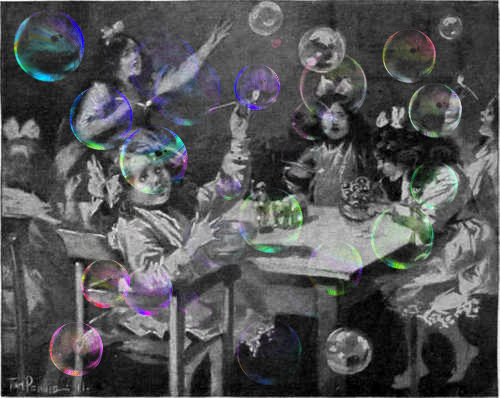
When using a bg other than black, the layer modes need to be explored. Here are two I did.

Bolle molto belle. Hopefully that's Italian for beautiful bubbles.

Image

Original image here.

Image

_________________
Image
World War IV will be fought with sticks and stones. - Albert Einstein


Top
 Post subject: Re: Bubbles brush
PostPosted: Wed Sep 01, 2010 9:54 pm  (#5) 
Offline
GimpChat Member

Joined: Aug 27, 2010
Posts: 491
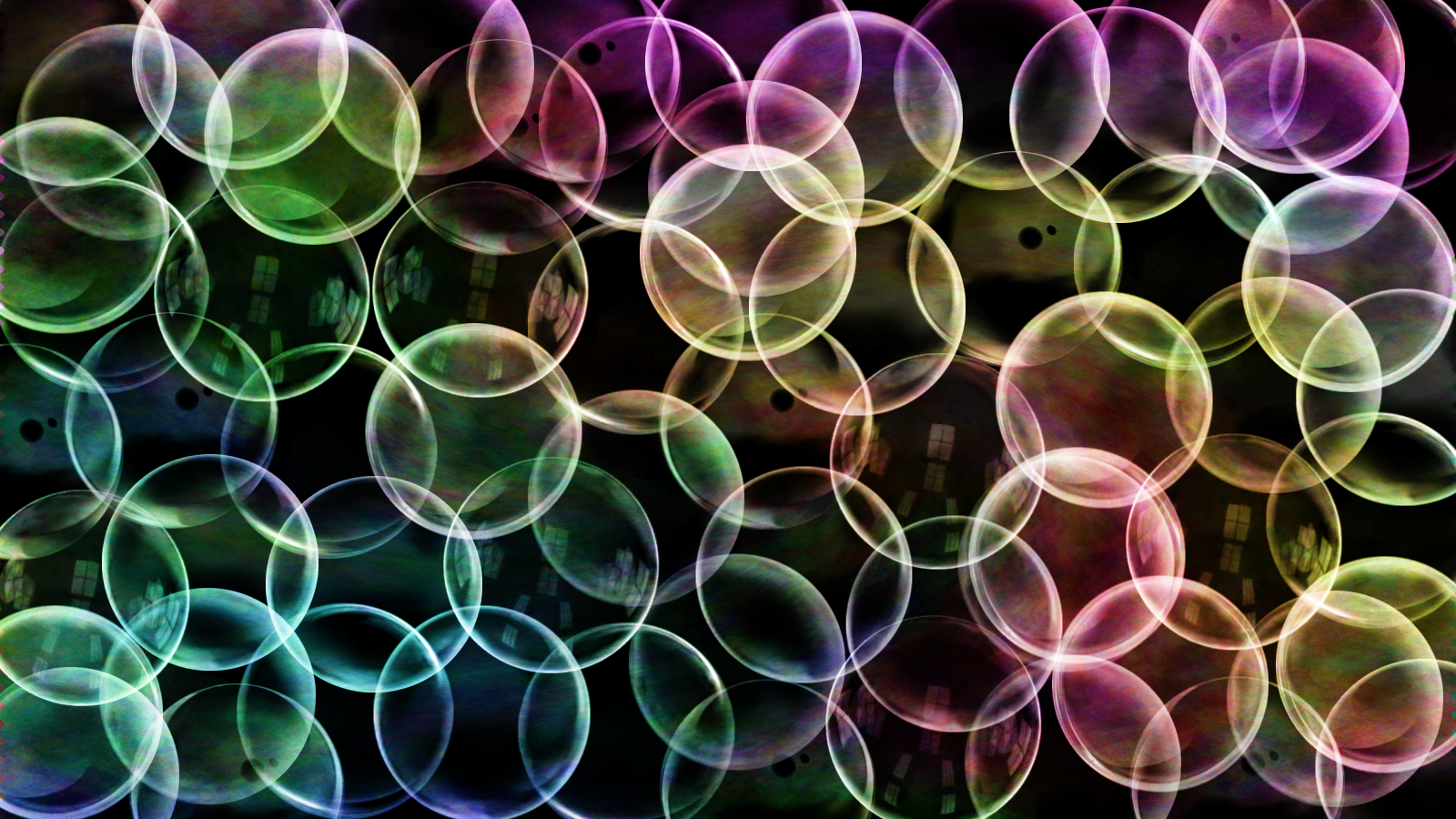
Those are very nice. I had no idea what the effect would be the first time around so I think I need to play with this one a few more times. I rather overdid it with the bubbles the first time around.


Top
 Post subject: Re: Bubbles brush
PostPosted: Wed Sep 01, 2010 10:20 pm  (#6) 
Offline
GimpChat Member

Joined: Aug 27, 2010
Posts: 491
This one came out better, I think ...

Image


Top
 Post subject: Re: Bubbles brush
PostPosted: Wed Sep 01, 2010 10:34 pm  (#7) 
Offline
Retired Staff
User avatar

Joined: May 22, 2008
Posts: 6946
Location: Somewhere in GIMP
That is absolutely gorgeous!!! I love it.

_________________
Image
World War IV will be fought with sticks and stones. - Albert Einstein


Top
 Post subject: Re: Bubbles brush
PostPosted: Thu Sep 02, 2010 2:48 am  (#8) 
Offline
GimpChat Member
User avatar

Joined: Jul 04, 2010
Posts: 2253
Location: Retired Moderator Slowly Returning to the Living.
Oooh! Shiney! I really need to take a look at these brushes!

_________________
Artists aren't crazy! We're eccentric! ~G.M. Ross

Image

My Sigs = My Photos
Check out my work at http://www.flickr.com/photos/photomastergreg.


Top
 Post subject: Re: Bubbles brush
PostPosted: Mon Feb 07, 2011 7:27 pm  (#9) 
Offline
GimpChat Member

Joined: Feb 06, 2011
Posts: 342
Oohh those look really neat will have to try them. Thanks :)


Top
 Post subject: Re: Bubbles brush
PostPosted: Mon Jul 11, 2011 6:49 am  (#10) 
Offline
GimpChat Member
User avatar

Joined: Jul 08, 2011
Posts: 285
thank you donGo Go :tyspin .....i love this brushes... :)
they are great and you can do so many lovely stuff with them.
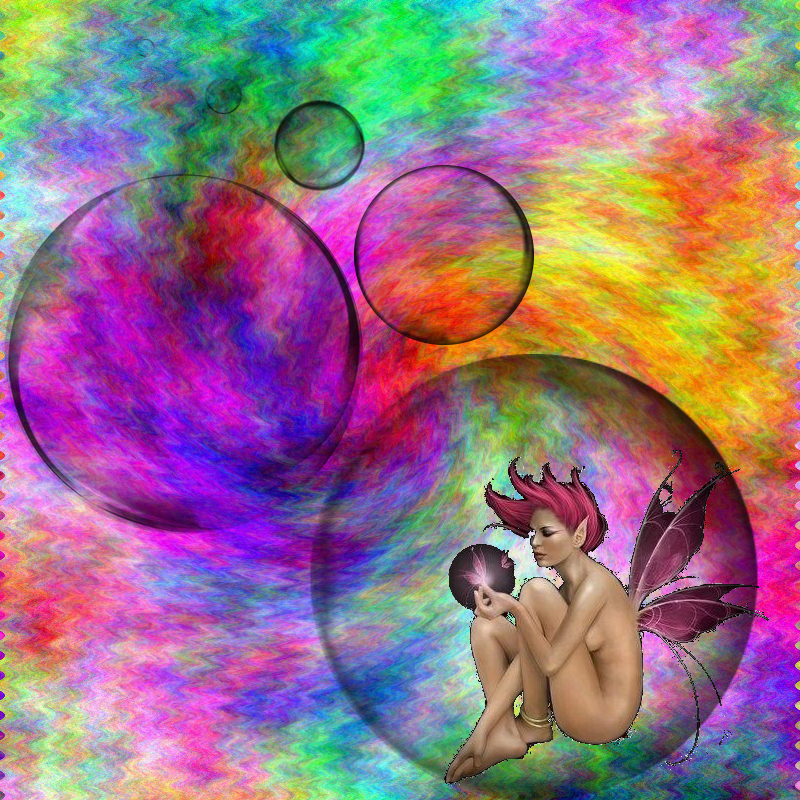
here are some of my examples:
Image

Image

_________________
Image

My Flickr
http://anaplus.deviantart.com/


Top
 Post subject: Re: Bubbles brush
PostPosted: Mon Jul 11, 2011 11:19 am  (#11) 
Offline
Global Moderator
User avatar

Joined: May 16, 2010
Posts: 16197
Thanks for the nice brushes! :)

Image


Top
 Post subject: Re: Bubbles brush
PostPosted: Mon Jul 11, 2011 6:16 pm  (#12) 
Offline
GimpChat Member
User avatar

Joined: Apr 09, 2011
Posts: 1764
I see the licence but I dont see the download..am I that daft???


Top
 Post subject: Re: Bubbles brush
PostPosted: Mon Jul 11, 2011 6:31 pm  (#13) 
Offline
GimpChat Member
User avatar

Joined: Mar 02, 2011
Posts: 1850
Location: Michigan
Akky it was in the description of the Video
Direct Link to download

_________________
Image
I'm back I think


Top
 Post subject: Re: Bubbles brush
PostPosted: Mon Jul 11, 2011 7:34 pm  (#14) 
Offline
GimpChat Member
User avatar

Joined: Apr 09, 2011
Posts: 1764
thanks Willy!! I'm a dumbo sometimes!


Top
 Post subject: Re: Bubbles brush
PostPosted: Mon Jul 11, 2011 7:35 pm  (#15) 
Offline
GimpChat Member
User avatar

Joined: Mar 02, 2011
Posts: 1850
Location: Michigan
No problem Akky :D

_________________
Image
I'm back I think


Top
Post new topic Reply to topic  [ 15 posts ] 

All times are UTC - 5 hours [ DST ]


* Login  


Powered by phpBB3 © phpBB Group