It is currently Wed Oct 21, 2026 6:01 pm


All times are UTC - 5 hours [ DST ]


Post new topic Reply to topic  [ 11 posts ] 
Author Message
 Post subject: Blender Question?
PostPosted: Sat Mar 16, 2013 4:55 pm  (#1) 
Offline
GimpChat Member
User avatar

Joined: Dec 11, 2011
Posts: 532
I posted about having a new hobby. But then said i was having problems with it. well i did delete blender out of my computer but have re added it. Here is my question.

Does anyone know of a good free video tutorial where i can learn how to do the car modeling that you can do in blender?

I have found a few on youtube but they are poor at best. There is one i can buy, but it cost $51.00. And i did not want to spend 51.00 on a tutorial video when i am not real sure if the blender will work right. I have been having problems with it so i was not sure about spending money for a tutorial video and not be able to use the software. here is a sample video of what i am looking for. http://www.youtube.com/watch?v=o9STM6bje9Y For some reason these people making these videos leave out the most important part for someone who is trying this for the first time. and that's how to load up the images to blender that they are working from. So far i have found only one video where the guy shows how this is done but i tried it and it did not work, So can anyone help me out with this. I so badly want to learn how to do this. i downloaded the newest verison 2.66a of blender. so i would love to have a tutorial for this verison if possible. thanks and have a bless day.

_________________
Image


Share on Facebook Share on Twitter Share on Orkut Share on Digg Share on MySpace Share on Delicious Share on Technorati
Top
 Post subject: Re: Blender Question?
PostPosted: Sat Mar 16, 2013 5:33 pm  (#2) 
Offline
GimpChat Member
User avatar

Joined: Feb 14, 2013
Posts: 462
Location: Stockholm
Welcome back. To start with the most complicated project, you ask for problem. Dont spend time on old version like the tutorial you mention. That tutorial ar made for Blender 2.5 Today we use 2.66.
If you expect to find good tutorials for free on YouTube, you vill be disappointed.

CG Cookie http://cgcookie.com/blender/category/tutorials/ have all tutorials you need. For beginners and advanced. Yes you need to pay for one month or for a year. Start with one month.

Good luck.

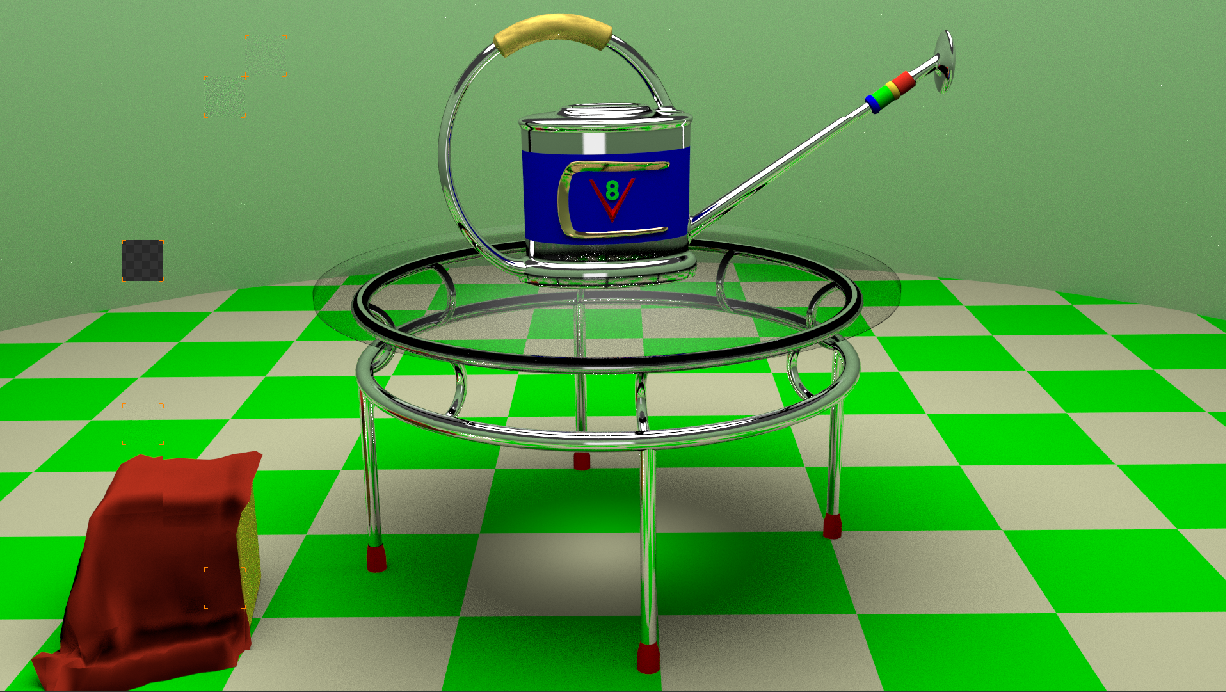
Here is one screenshot on my latest Cycle render.

Image

_________________
Late 2017 iMac Retina 4K 21,5 inch Mac OS High Sierra version 10.13.4
3,6 GHz Intel Core i7
16 GB Ram 2400 MHz DDR4
Graphic card Radeon Pro 560 4096 MB
Affinity Photo and Affinity Designers.


Top
 Post subject: Re: Blender Question?
PostPosted: Sat Mar 16, 2013 5:51 pm  (#3) 
Offline
GimpChat Member
User avatar

Joined: Sep 22, 2012
Posts: 2089
Location: US
rdgracer71 wrote:
Does anyone know of a good free video tutorial where i can learn how to do the car modeling that you can do in blender?

So can anyone help me out with this. I so badly want to learn how to do this. i downloaded the newest verison 2.66a of blender. so i would love to have a tutorial for this verison if possible. thanks and have a bless day.


First off, the video tutorial you linked is for Blender 2.49. Blender underwent a major change in both API and GUI since Blender v2.5.
Trying to follow a 2.49 tut in Blender 2.66 is an impossible task for beginner. It would be a challenge even for intermediate level Blender user, especially for complicated car modeling.

The reason you don't see much of good free tutorials on car modeling in 3D programs is because it takes a few days just to model it for advanced artists, writing or screencasting such a tutorial takes even more time.

To set background reference image in Blender 2.66 in order to trace it, simply open a new file, delete default cube, press N to open up Properties window and find there Background Images. Load the image(s) and press 1 and then 5 on your numpad. For some reason bg images are displayed only in Front Orthographic view. Now you can scale it, fit and change the opacity.
You can also import images as planes (Shift+A>Mesh>Images_as_planes) but it does display your image only in Texture paint mode and not suitable for tracing image.


Top
 Post subject: Re: Blender Question?
PostPosted: Sat Mar 16, 2013 6:09 pm  (#4) 
Offline
GimpChat Member
User avatar

Joined: Dec 11, 2011
Posts: 532
omg i wasn't saying that i was trying to follow this video. i fully understand the guy in the video is using a different verizon then i was or have. i was just using it to show what type of work i was trying to do. that is all. and i'm tired of people posting how hard something is, as to say i am not able to do it. You know what just forget the whole deal. i'm sick and tired of trying to find help and all i get is more questions then i get answers.

_________________
Image


Top
 Post subject: Re: Blender Question?
PostPosted: Sat Mar 16, 2013 6:20 pm  (#5) 
Offline
New Member

Joined: Mar 16, 2013
Posts: 3
I don't know how knowledgeable you are in using Blender, so forgive me if I assume you're relatively new to Blender.

Blender Cookie has two very good tutorials on car modelling, but both are more geared towards "advanced" modellers rather than beginners, and both are available through subscription only. However, you can get a month's subscription for ten bucks - personally what I do is take out the subscription, download the content I want to my computer, then cancel the subscription. I do this every three or four months. (Unethical, I know, but I'm on a budget.) Both tutorials were done for the earlier 2.5 version, but will still work fine if you're using 2.66.

If you're just beginning, the site has a free series for newbies on the basics of Blender. It was done in 2.5, but is still relevant for 2.66. They also have a lot of free content for 2.5 and even earlier versions in 2.6. Avoid anything prior to 2.5 - the interface changed so much between 2.4 and 2.5 that it's almost impossible for someone new to follow anything earlier than 2.5.

You can find car tutorials on YouTube, but the quality varies from good to bad. You just have to keep trying.


Top
 Post subject: Re: Blender Question?
PostPosted: Sat Mar 16, 2013 6:40 pm  (#6) 
Offline
GimpChat Member
User avatar

Joined: Sep 22, 2012
Posts: 2089
Location: US
rdgracer71 wrote:
omg i wasn't saying that i was trying to follow this video. i fully understand the guy in the video is using a different verizon then i was or have. i was just using it to show what type of work i was trying to do. that is all. and i'm tired of people posting how hard something is, as to say i am not able to do it. You know what just forget the whole deal. i'm sick and tired of trying to find help and all i get is more questions then i get answers.


I did answer your question on setting bg image, didn't I? You're welcome.
So far everyone who posted here was just trying to help you and spare you tons of wasted time and frustration.
Nobody questioned your ability to learn the program and be great at it. It just takes time, patience and determination. Right approach too.
And everyone at some point was a beginner, there's nothing to be ashamed of, no need to get offended.


Top
 Post subject: Re: Blender Question?
PostPosted: Sat Mar 16, 2013 10:57 pm  (#7) 
Offline
GimpChat Member
User avatar

Joined: Dec 11, 2011
Posts: 532
i'm sorry if i upset anyone here. i guess i am just a little frustrated..i did not expect to learn blender overnight or through youtube videos. i just didn't want to spend money trying to learn it and to realize that maybe i couldn't and then be out of the money. I'm sorry if i snapped at anyone and hope you will accept my apology. i bought a video on the car modeling it cost me 57.00 so i guess i will see if it helps or not. If i can't learn it then if anyone here wants the video(cd) i will be more then happy to send it to them. but i truly want to learn it.

_________________
Image


Top
 Post subject: Re: Blender Question?
PostPosted: Sat Mar 16, 2013 11:26 pm  (#8) 
Offline
GimpChat Member
User avatar

Joined: Nov 09, 2011
Posts: 726
If you're new with Blender, you can not start modeling cars. Sorry.
Start with basic tutorials for Blender 2.6x. Learn first about the Blender interface and hotkeys (note them on paper).
Search in youtube with the words: blender beginers
Here some tutorials that I liked:
https://www.youtube.com/watch?v=We_Hxa5AfpY
https://www.youtube.com/playlist?list=P ... zJ3dSCdYW3

============
@Lurifax73, nice render there!

_________________
Image
Be patient, English is not my language.


Top
 Post subject: Re: Blender Question?
PostPosted: Sat Mar 16, 2013 11:42 pm  (#9) 
Offline
GimpChat Member
User avatar

Joined: Sep 22, 2012
Posts: 2089
Location: US
rdgracer71 wrote:
i'm sorry if i upset anyone here. i guess i am just a little frustrated..i did not expect to learn blender overnight or through youtube videos. i just didn't want to spend money trying to learn it and to realize that maybe i couldn't and then be out of the money. I'm sorry if i snapped at anyone and hope you will accept my apology. i bought a video on the car modeling it cost me 57.00 so i guess i will see if it helps or not. If i can't learn it then if anyone here wants the video(cd) i will be more then happy to send it to them. but i truly want to learn it.


That is a great investment, rdgracer! You'll never regret that. You'll get very valuable experience no matter what.
If you have any questions I would gladly help you as far as my blender qualification allows (which I'm afraid isn't very high this far). But i find that answering questions is the best way of learning things, so it is going to benefit both sides and everyone interested.
It would be great if you post your intermediate render results here or screenshots of what you've done.
Happy blending!


Top
 Post subject: Re: Blender Question?
PostPosted: Sun Mar 17, 2013 4:55 am  (#10) 
Offline
GimpChat Member
User avatar

Joined: Dec 11, 2011
Posts: 532
K1TesseraEna wrote:
rdgracer71 wrote:
i'm sorry if i upset anyone here. i guess i am just a little frustrated..i did not expect to learn blender overnight or through youtube videos. i just didn't want to spend money trying to learn it and to realize that maybe i couldn't and then be out of the money. I'm sorry if i snapped at anyone and hope you will accept my apology. i bought a video on the car modeling it cost me 57.00 so i guess i will see if it helps or not. If i can't learn it then if anyone here wants the video(cd) i will be more then happy to send it to them. but i truly want to learn it.


That is a great investment, rdgracer! You'll never regret that. You'll get very valuable experience no matter what.
If you have any questions I would gladly help you as far as my blender qualification allows (which I'm afraid isn't very high this far). But i find that answering questions is the best way of learning things, so it is going to benefit both sides and everyone interested.
It would be great if you post your intermediate render results here or screenshots of what you've done.
Happy blending!


i think so to. i finally learned how to add the background images. i am learning as i go. sadly though it will take 2 to 3 weeks for it to come. but i will just have to wait. some may think I am crazy to start with car modeling but i think i can do it. The video stated it will take you through the process all the way to completion. so the way i look at it. if i can do what he says to do and do it time and time again i feel like it will sink in at some point.

_________________
Image


Top
 Post subject: Re: Blender Question?
PostPosted: Sun Mar 17, 2013 10:38 am  (#11) 
Offline
GimpChat Member
User avatar

Joined: Feb 14, 2013
Posts: 462
Location: Stockholm
You can always import/append previous object to the project you are currently working with. See the example on this GreenCube which also has a wheel and fender from a previous project.
The reason why the wheel and fender has no color, they were render with lux and GreenCub with Blender Internal and they can not mix.

http://player.vimeo.com/video/62006716

_________________
Late 2017 iMac Retina 4K 21,5 inch Mac OS High Sierra version 10.13.4
3,6 GHz Intel Core i7
16 GB Ram 2400 MHz DDR4
Graphic card Radeon Pro 560 4096 MB
Affinity Photo and Affinity Designers.


Top
Post new topic Reply to topic  [ 11 posts ] 

All times are UTC - 5 hours [ DST ]


* Login  


Powered by phpBB3 © phpBB Group