It is currently Thu Aug 13, 2026 6:33 am


All times are UTC - 5 hours [ DST ]


Post new topic Reply to topic  [ 7 posts ] 
Author Message
 Post subject: Gimp-Stable-Diffusion-Gimp-3.0
PostPosted: Thu Aug 28, 2025 4:26 am  (#1) 
Offline
Global Moderator
User avatar

Joined: May 16, 2010
Posts: 16158
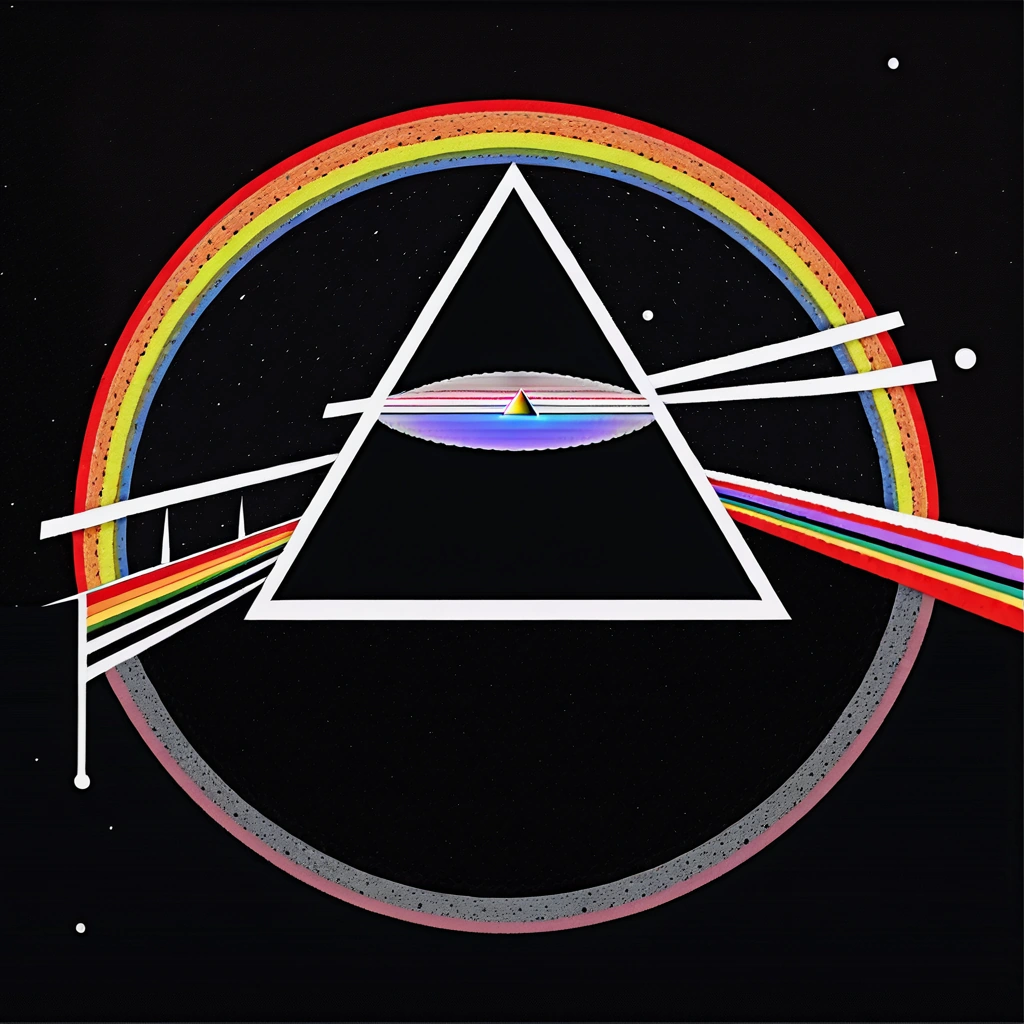
Model - Unstable Diffusers xl

Prompt - dark side of the moon.
Results
This could be a Pink Floyd copywrite. :)

Image

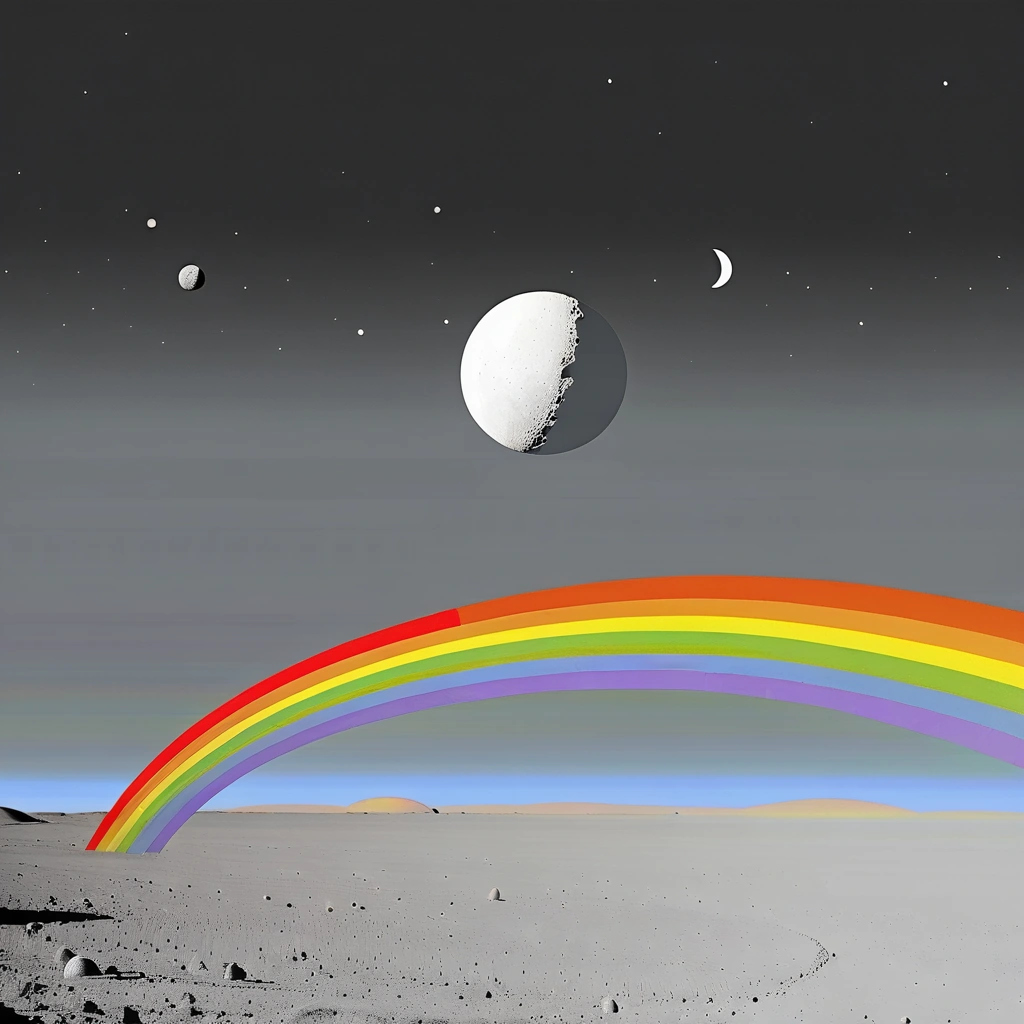
Same Model
Prompt - light side of the moon
Results
Image

_________________
Image


Share on Facebook Share on Twitter Share on Orkut Share on Digg Share on MySpace Share on Delicious Share on Technorati
Top
 Post subject: Re: Gimp-Stable-Diffusion-Gimp-3.0
PostPosted: Fri Aug 29, 2025 1:09 am  (#2) 
Offline
Global Moderator
User avatar

Joined: May 16, 2010
Posts: 16158
Prompt - bugs bunny on the dark side of the moon
Model - ICBINP ( I can't believe it's not photography)

Results -
Image

_________________
Image


Top
 Post subject: Re: Gimp-Stable-Diffusion-Gimp-3.0
PostPosted: Mon Sep 01, 2025 1:01 am  (#3) 
Offline
Global Moderator
User avatar

Joined: May 16, 2010
Posts: 16158
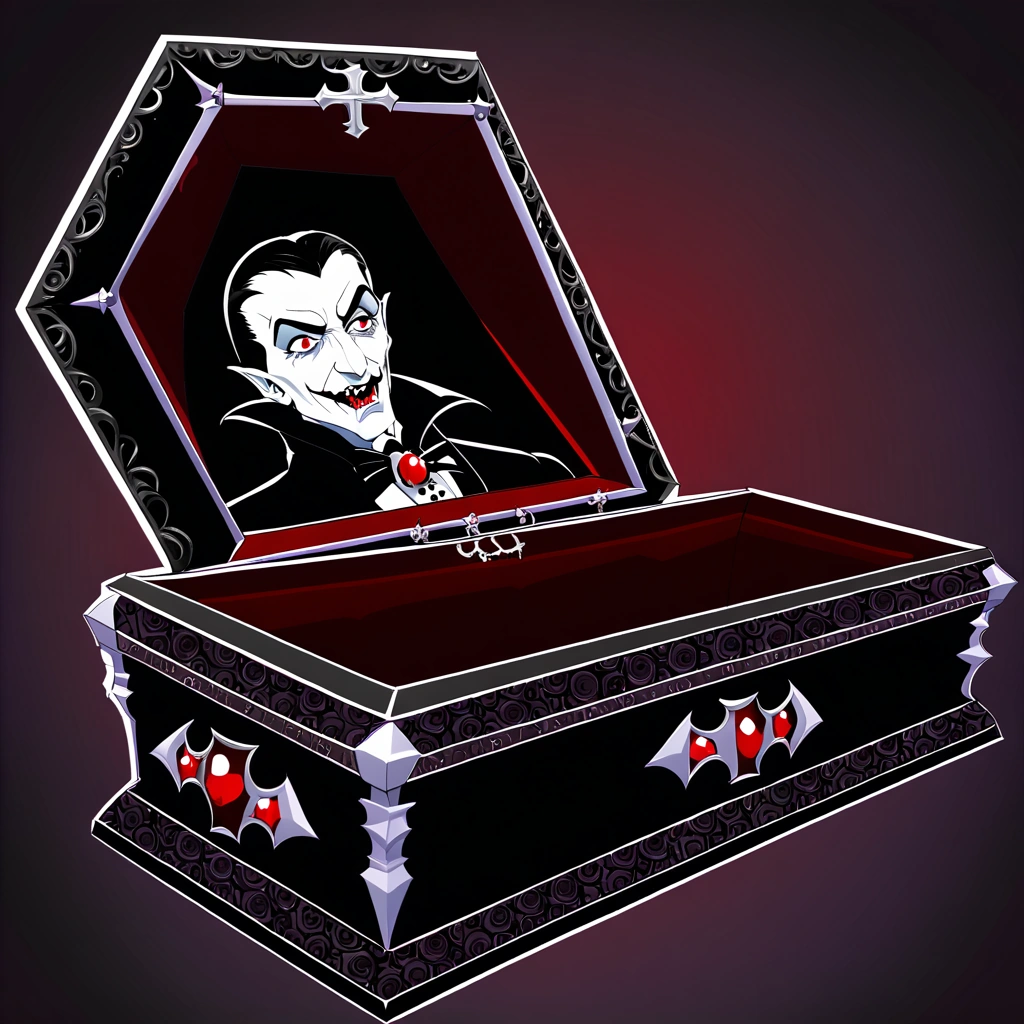
Prompt- draculas coffin
Results -

Image

_________________
Image


Top
 Post subject: Re: Gimp-Stable-Diffusion-Gimp-3.0
PostPosted: Mon Sep 01, 2025 11:18 pm  (#4) 
Offline
Global Moderator
User avatar

Joined: Apr 01, 2012
Posts: 8457
Location: On the other side of your screen
Rod, I understand text2image and upscale but not image to image or inpainting. Can you explain them to me please?

_________________
Image
Free Fun Photo Editing & resources
Poems from the Lord
Gimp Newby
Gimp version 3.2.4 and GMIC-Qt 4.0.2 OS :- Windows 10 Home 64


Top
 Post subject: Re: Gimp-Stable-Diffusion-Gimp-3.0
PostPosted: Mon Sep 01, 2025 11:29 pm  (#5) 
Offline
Global Moderator
User avatar

Joined: May 16, 2010
Posts: 16158
Inpainting you have to add an alpha channel to an image and make a selection. For instance select the eyes and delete that area ( keep the selection), and use a prompt like -
add glasses

The inpaint model will paint in glasses where you have your selection.

Image to image you open any image and use a prompt like -
mona lisa style painting.

Hope that explains it for you.
Currently text to image can only create 1 image.(in Gimp diffusion for Gimp-3.0), in Gimp-2.10 you can create 10 with text to image.
Inpaint and image to image can create up to 10 i believe.

_________________
Image


Top
 Post subject: Re: Gimp-Stable-Diffusion-Gimp-3.0
PostPosted: Tue Sep 02, 2025 12:43 am  (#6) 
Offline
Global Moderator
User avatar

Joined: Apr 01, 2012
Posts: 8457
Location: On the other side of your screen
Thank you :)

_________________
Image
Free Fun Photo Editing & resources
Poems from the Lord
Gimp Newby
Gimp version 3.2.4 and GMIC-Qt 4.0.2 OS :- Windows 10 Home 64


Top
 Post subject: Re: Gimp-Stable-Diffusion-Gimp-3.0
PostPosted: Tue Sep 02, 2025 11:39 pm  (#7) 
Offline
Global Moderator
User avatar

Joined: May 16, 2010
Posts: 16158
You are very welcome. I do not know if you need an alpha channel for image to image. You will have to test that. :)

_________________
Image


Top
Post new topic Reply to topic  [ 7 posts ] 

All times are UTC - 5 hours [ DST ]


* Login  


Powered by phpBB3 © phpBB Group