It is currently Fri Oct 02, 2026 10:32 pm


All times are UTC - 5 hours [ DST ]


Post new topic Reply to topic  [ 7 posts ] 
Author Message
 Post subject: Gimp-Stable-Diffusion-Gimp-3.0
PostPosted: Thu Aug 28, 2025 4:26 am  (#1) 
Offline
Global Moderator
User avatar

Joined: May 16, 2010
Posts: 16180
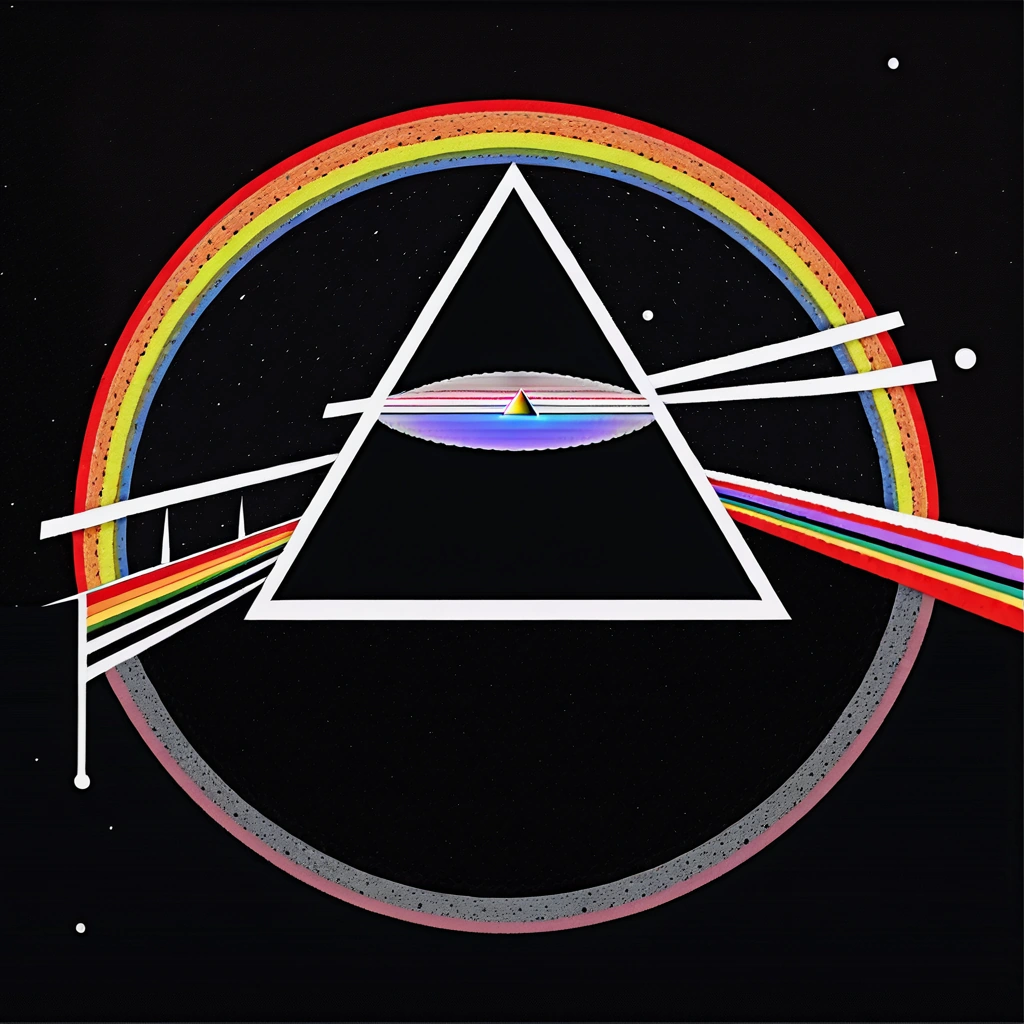
Model - Unstable Diffusers xl

Prompt - dark side of the moon.
Results
This could be a Pink Floyd copywrite. :)

Image

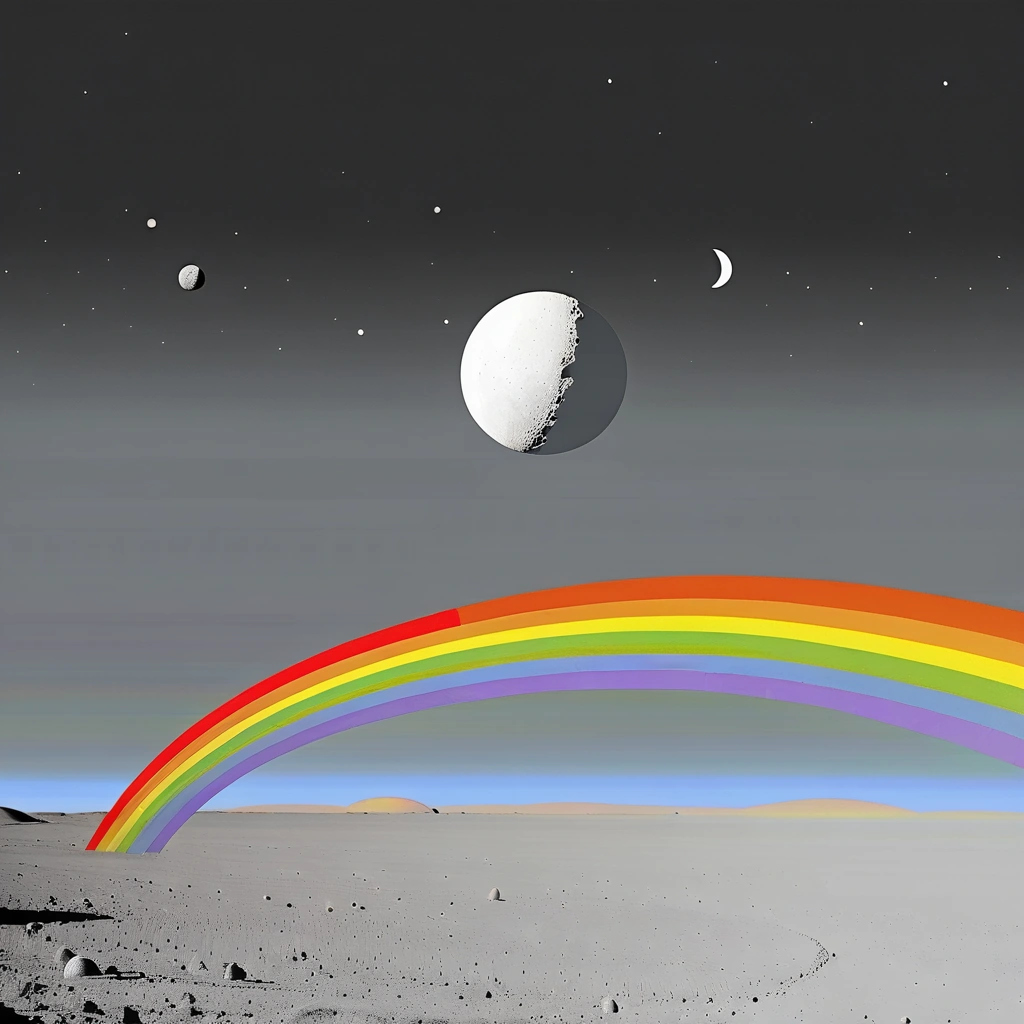
Same Model
Prompt - light side of the moon
Results
Image


Share on Facebook Share on Twitter Share on Orkut Share on Digg Share on MySpace Share on Delicious Share on Technorati
Top
 Post subject: Re: Gimp-Stable-Diffusion-Gimp-3.0
PostPosted: Fri Aug 29, 2025 1:09 am  (#2) 
Offline
Global Moderator
User avatar

Joined: May 16, 2010
Posts: 16180
Prompt - bugs bunny on the dark side of the moon
Model - ICBINP ( I can't believe it's not photography)

Results -
Image


Top
 Post subject: Re: Gimp-Stable-Diffusion-Gimp-3.0
PostPosted: Mon Sep 01, 2025 1:01 am  (#3) 
Offline
Global Moderator
User avatar

Joined: May 16, 2010
Posts: 16180
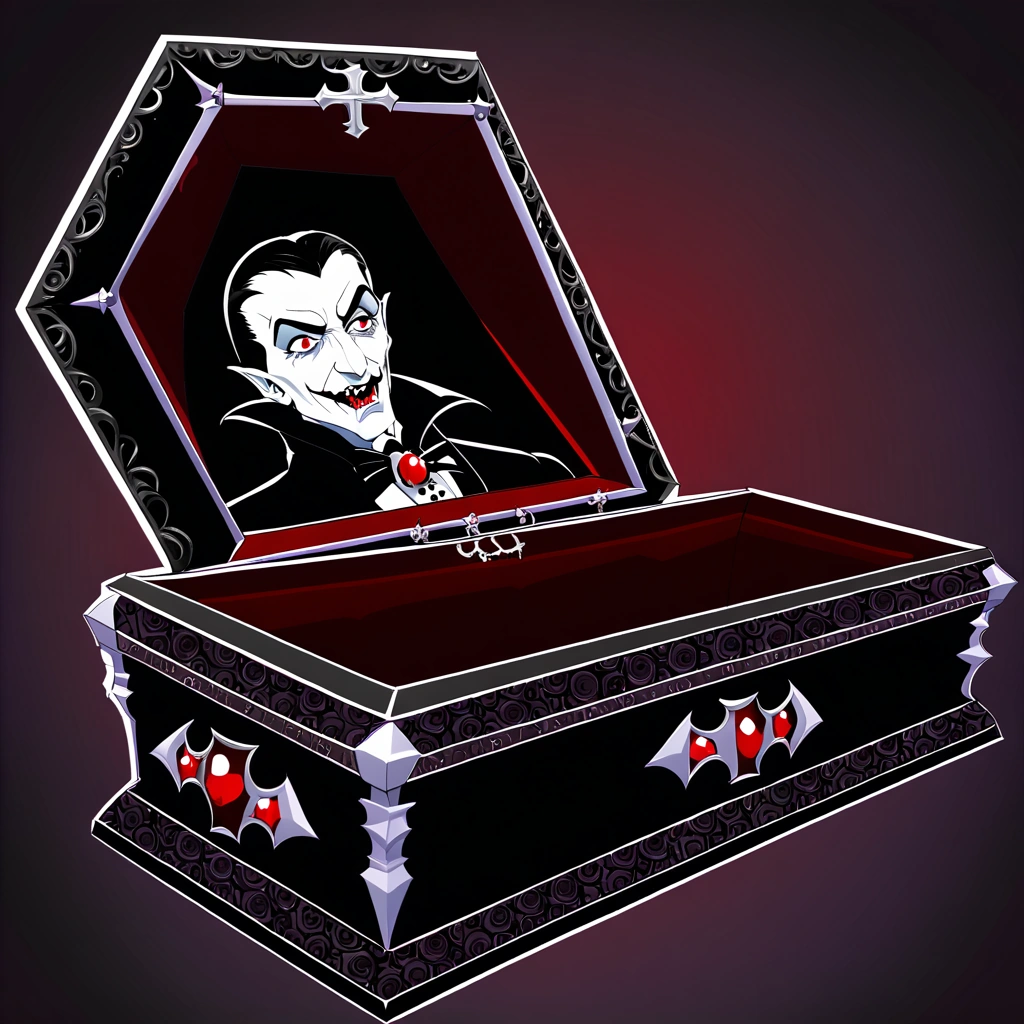
Prompt- draculas coffin
Results -

Image


Top
 Post subject: Re: Gimp-Stable-Diffusion-Gimp-3.0
PostPosted: Mon Sep 01, 2025 11:18 pm  (#4) 
Offline
Global Moderator
User avatar

Joined: Apr 01, 2012
Posts: 8475
Location: On the other side of your screen
Rod, I understand text2image and upscale but not image to image or inpainting. Can you explain them to me please?

_________________
Image
Free Fun Photo Editing & resources
Poems from the Lord
Gimp Newby
Gimp version 3.2.4 and GMIC-Qt 4.0.2 OS :- Windows 10 Home 64


Top
 Post subject: Re: Gimp-Stable-Diffusion-Gimp-3.0
PostPosted: Mon Sep 01, 2025 11:29 pm  (#5) 
Offline
Global Moderator
User avatar

Joined: May 16, 2010
Posts: 16180
Inpainting you have to add an alpha channel to an image and make a selection. For instance select the eyes and delete that area ( keep the selection), and use a prompt like -
add glasses

The inpaint model will paint in glasses where you have your selection.

Image to image you open any image and use a prompt like -
mona lisa style painting.

Hope that explains it for you.
Currently text to image can only create 1 image.(in Gimp diffusion for Gimp-3.0), in Gimp-2.10 you can create 10 with text to image.
Inpaint and image to image can create up to 10 i believe.


Top
 Post subject: Re: Gimp-Stable-Diffusion-Gimp-3.0
PostPosted: Tue Sep 02, 2025 12:43 am  (#6) 
Offline
Global Moderator
User avatar

Joined: Apr 01, 2012
Posts: 8475
Location: On the other side of your screen
Thank you :)

_________________
Image
Free Fun Photo Editing & resources
Poems from the Lord
Gimp Newby
Gimp version 3.2.4 and GMIC-Qt 4.0.2 OS :- Windows 10 Home 64


Top
 Post subject: Re: Gimp-Stable-Diffusion-Gimp-3.0
PostPosted: Tue Sep 02, 2025 11:39 pm  (#7) 
Offline
Global Moderator
User avatar

Joined: May 16, 2010
Posts: 16180
You are very welcome. I do not know if you need an alpha channel for image to image. You will have to test that. :)


Top
Post new topic Reply to topic  [ 7 posts ] 

All times are UTC - 5 hours [ DST ]


* Login  


Powered by phpBB3 © phpBB Group