AnMal wrote:
photo comix: that's so cool!

i've never tried recalling a g'mic effect by using the parameter figures before, but i will definitely start now.
i saved also as preset, let me find the preset file
ok this are for Anisotropic Smoothing , (finally i got how use "value precision")
{AS-PC_precise-smoothing}{PhotoComiX smoothing}{gimp_anisotropic_smoothing}{gimp_anisotropic_smoothing}{60}{0.216216}{0.718919}{0.6}{2.35}{0.8}{19.3838}
{0.444324}{0}{1}{1}{0}{1}
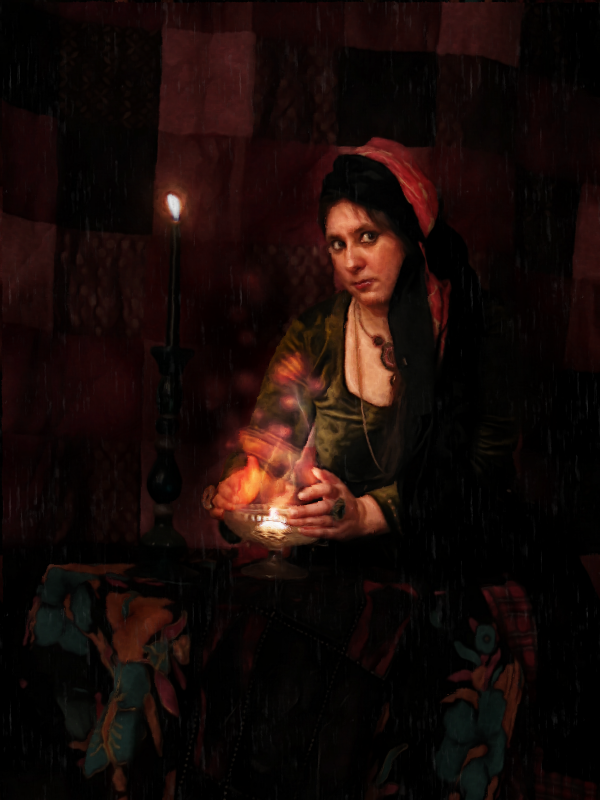
and this is what i used for PhotoIllustration ... not that this setting have something special i mean i just started to explore what may do and has so many different options.
anyway my setting (again as "FAV" ; to import the fav you may copy and paste the code at the end of your gmic_faves file )
[G'MIC] Photoillustration : -gimp_tk_photoillustration 0,0.25,6,0.3,0.5,0.5,1,3,5,6.09756,1.07724,0,0,1,0,0,1.36585,98.5,5,0.617886,0,0,1,0,0,1,0
PS this i did not use here but may be interesting
But i did to use in this way
1)copy the original on a new layer (or set gmic output to "new layer(s)" )
2 )run the preset
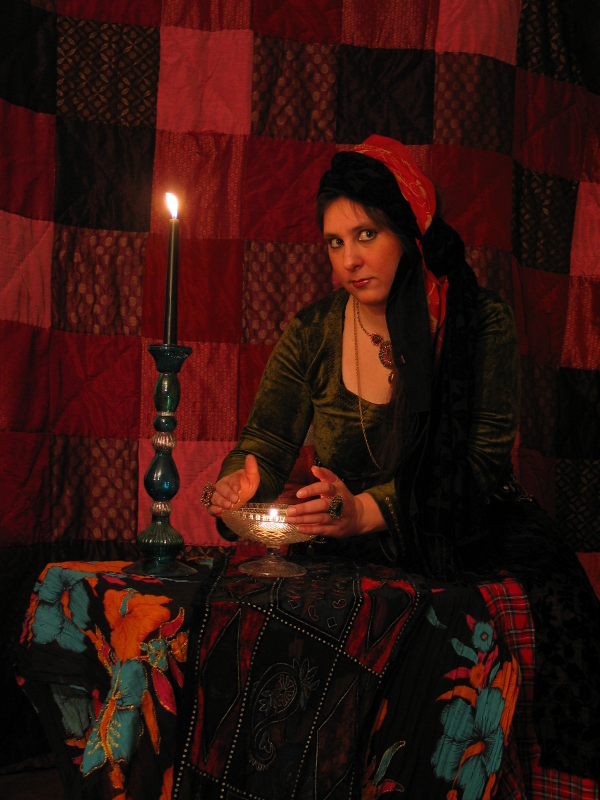
3 )now move the layer with the original on top and change mode to soft light , or if the image could be darkened to multiply...and lower opacity at taste
Effect change much according to image size :
bigger the image more will be soft and moderate
and vice versa
here the preset (it really wanted sneak in, before i posted by mistake with the other , but is something else...whatever is it seems that badly want be shared

)
[code]{GN-clean paint}{Graphic Novel}{gimp_graphic_novelfxl}{gimp_graphic_novelfxl}{1}{2}{6}{5}{20}{0}{0.24}{6}{0}{1}{0.34}{0.53}{3.3}{0}{0}{2}{1}{1}{1}{0.5}{0.8}{1.7}[/code]
 Login
 Register
 Tweets
 FAQ
 Advanced Search










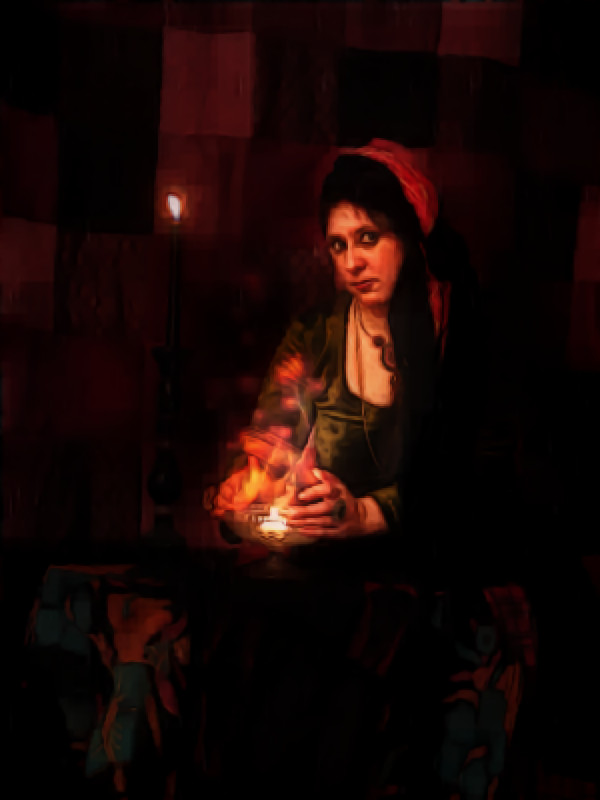


 :


 , she is a grown up girl, knows her ways around gimp