saulgoode wrote:
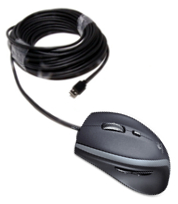
Two possibilities come immediately to mind: your mouse may be faulty or you have the wrong input driver for it installed.
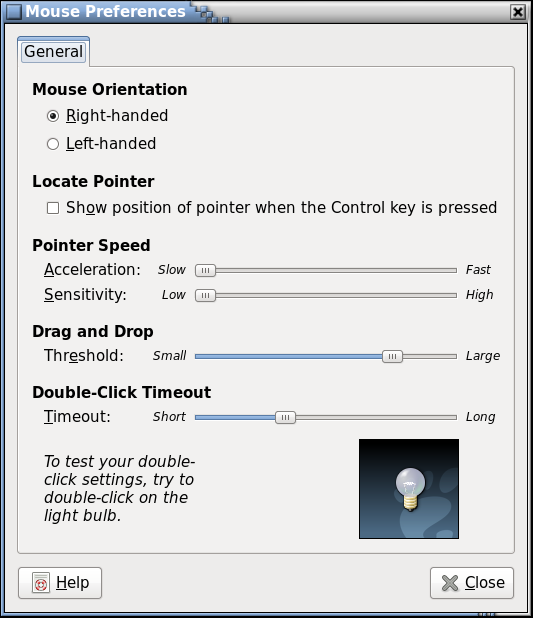
I don't know how one changes the mouse driver in Fedora but I doubt you have to do it the old fashioned way of editing your xorg.conf file (Slackware provides a utility called 'mouseconfig'). Once you figure out what program to use, try changing the configuration: if currently set to 'ps2' then try 'usb' and vice versa. If that does not work, try 'imps2'.
If the preceding does not work, you may have a faulty mouse. Try using it on a different machine or a different distro/operating system (even a Live disk of Fedora).
You could also try using a nice debugging program called 'xev' that will present a little square window with a black background and display a text description of all key and mouse button events that occur while in the window.
Alternate between clicking a mouse button and pressing a key, checking that for each mouse click there is only one button press event and one button release event reported (pressing a key on the keyboard is only done to separate the events from a mouse click). If more than one pair of mouse events occur per click then your mouse is most likely faulty (or at least its battery is).
Thank you very much Saul, I will try that first thing tomorrow morning when my patience is fresh. I will try it in reverse, I will take the other mouse that is the same that is being used on another computer, and switch without telling, lol shhhhhh.
 Login
Login Register
 Tweets
 FAQ
FAQ Advanced Search















 . It toggles between windowed and full screen mode.