It is currently Sat Nov 21, 2026 5:34 pm


All times are UTC - 5 hours [ DST ]


Post new topic Reply to topic  [ 81 posts ]  Go to page Previous  1, 2, 3, 4, 5  Next
Author Message
 Post subject: Re: GC Gold Star Challenge
PostPosted: Thu Aug 08, 2013 5:18 pm  (#21) 
Offline
GimpChat Member
User avatar

Joined: Jul 17, 2012
Posts: 2769
40 min (between my first post in this thread and the result) but theres nothing complicated about it, so really 10min if i had to do it again

tried something else in my first experiment which didnt work, so i went with the obvious route
which leads to question:

Wallace, how did you make your star ? :mrgreen:


Top
 Post subject: Re: GC Gold Star Challenge
PostPosted: Thu Aug 08, 2013 5:33 pm  (#22) 
Offline
GimpChat Member
User avatar

Joined: Jul 17, 2012
Posts: 2769
heres another one

Image


Top
 Post subject: Re: GC Gold Star Challenge
PostPosted: Thu Aug 08, 2013 6:10 pm  (#23) 
Offline
Administrator
User avatar

Joined: Aug 10, 2012
Posts: 14281
Location: Native to NYC living in Arizona, Gimp 2.8 - 3.0, Win 11 PC.
Esper wrote:
40 min (between my first post in this thread and the result) but theres nothing complicated about it, so really 10min if i had to do it again

tried something else in my first experiment which didnt work, so i went with the obvious route
which leads to question:

Wallace, how did you make your star ? :mrgreen:

I did it with paths and gradients mainly, but first I drew the star with the paint brush as a guide making sure I measured it all out.
Each point as 2 sides and I placed a different gradient into each section.
I also bump-maped it and used curves to make it shine. Then used a gradient overlay for the gold, duplicated that and set it to dodge and lowered the opacity of the dodge layer.
I also highlighted each 10 sections with a line through it of a lighter color. Come to think of it, I did it the hard way not the fast way.
I was looking for a faster way to replicate the star and I think you got it. :bigthup

_________________
Image
"A wise man learns more from a foolish question than a fool can learn from a wise answer"
Image


Top
 Post subject: Re: GC Gold Star Challenge
PostPosted: Thu Aug 08, 2013 6:24 pm  (#24) 
Offline
GimpChat Member
User avatar

Joined: Jul 17, 2012
Posts: 2769
Wallace wrote:
Each point has 2 sides and I placed a different gradient into each section.

that was my guess, because you can see it, the way the gradient behaves after the curve, but i still couldnt replicate it

my first try was filling a segment with a dimpled gradient as in the Lord of the Rings texteffect tutorial, but that didnt work for reason i dont understand

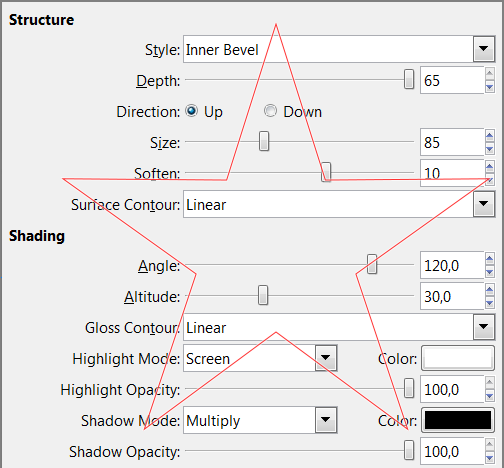
i finally did it by applying layerfx to my star, with max Depth and a size so big, the bevel meet in the middle
merge it all down then gradientmap with a golden gradient
next curves and anisotropic smoothing, really the same as in my Kitsch Chrome tutorial

Image

did you get inspiration from flufferbunnies Geometric Star thread ?
viewtopic.php?f=11&t=8198


i did another one that somehow escaped the Lovecraft zoo....

Image


Top
 Post subject: Re: GC Gold Star Challenge
PostPosted: Thu Aug 08, 2013 6:33 pm  (#25) 
Offline
GimpChat Member
User avatar

Joined: Feb 14, 2012
Posts: 426
I made a little tutorial on how I make beveled stars: viewtopic.php?f=23&t=8202

pegler


Top
 Post subject: Re: GC Gold Star Challenge
PostPosted: Thu Aug 08, 2013 7:45 pm  (#26) 
Offline
Administrator
User avatar

Joined: Aug 10, 2012
Posts: 14281
Location: Native to NYC living in Arizona, Gimp 2.8 - 3.0, Win 11 PC.
Esper wrote:
did you get inspiration from flufferbunnies Geometric Star thread ?


No I didn't, but I saw it and it was really cool.
I was making an 'American Football' wallpaper and wanted to add some 5 pointed stars to the image and the star I posted was how it cam about.

I also made a Gimp brush out of it.

_________________
Image
"A wise man learns more from a foolish question than a fool can learn from a wise answer"
Image


Top
 Post subject: Re: GC Gold Star Challenge
PostPosted: Thu Aug 08, 2013 8:41 pm  (#27) 
Offline
GimpChat Member
User avatar

Joined: Jul 17, 2012
Posts: 2769
Wallace wrote:
I did it with paths and gradients mainly, but first I drew the star with the paint brush as a guide making sure I measured it all out.
Each point as 2 sides and I placed a different gradient into each section.
i still dont quite get this

can you explain,pls

or post a picture to illustrate what you did ?!


Top
 Post subject: Re: GC Gold Star Challenge
PostPosted: Thu Aug 08, 2013 10:31 pm  (#28) 
Offline
Administrator
User avatar

Joined: Aug 10, 2012
Posts: 14281
Location: Native to NYC living in Arizona, Gimp 2.8 - 3.0, Win 11 PC.
Esper wrote:
can you explain,pls

or post a picture to illustrate what you did ?!


Here is another one I just finished using the same method. That didn't take forever to make...
Image
I'll put something together to try and illustrate basically what I did.

_________________
Image
"A wise man learns more from a foolish question than a fool can learn from a wise answer"
Image


Top
 Post subject: Re: GC Gold Star Challenge
PostPosted: Fri Aug 09, 2013 12:54 am  (#29) 
Offline
GimpChat Member

Joined: Apr 12, 2010
Posts: 5870
8 hours,4 hours, 2 hours ? :(
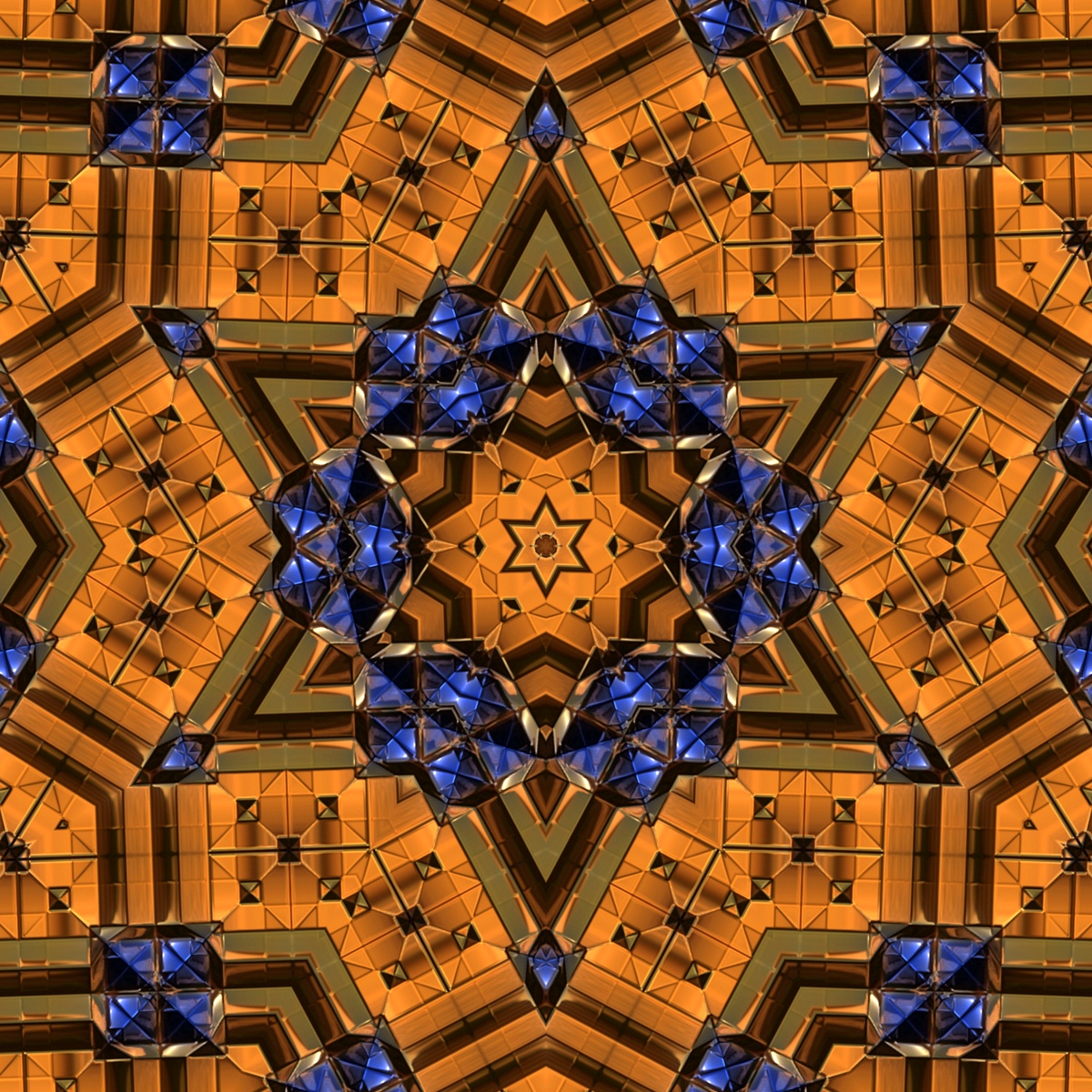
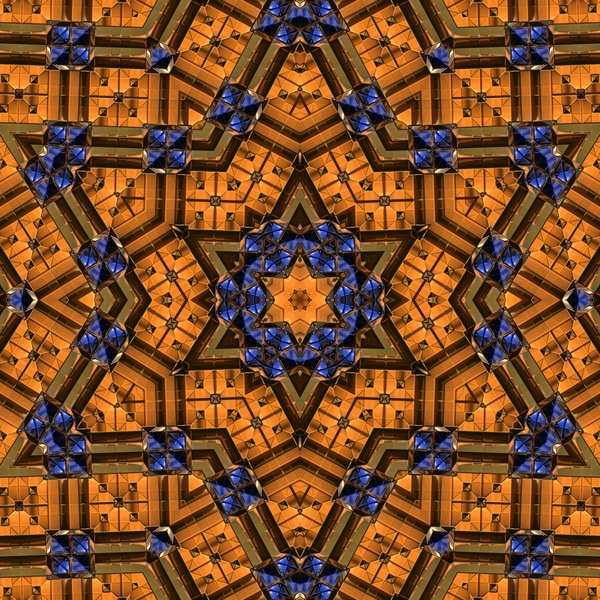
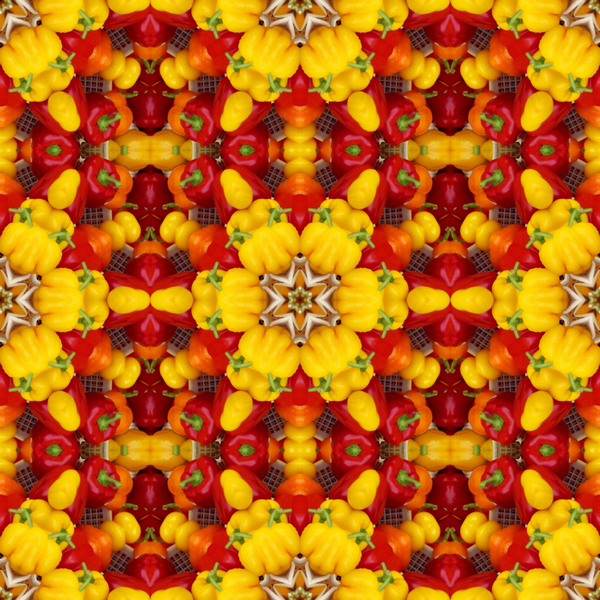
... few minutes with my magic mirrors, without bevel but with blue gems :paint

Image

Image

with mirrors any square may become a star :
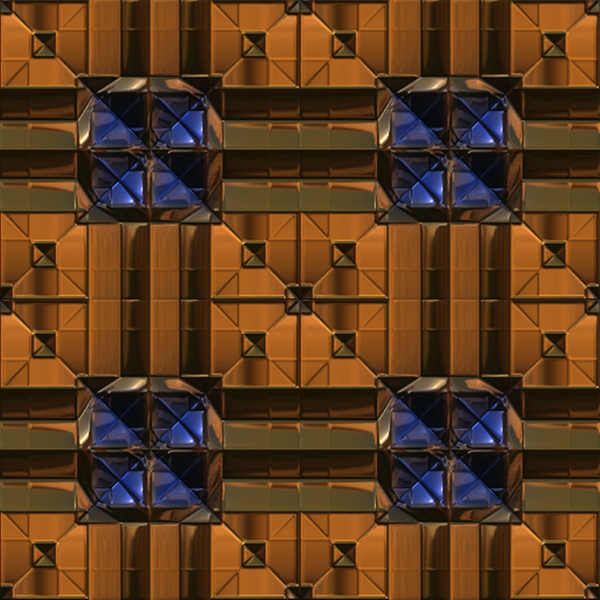
... this was the original a colour map for m3d

Image

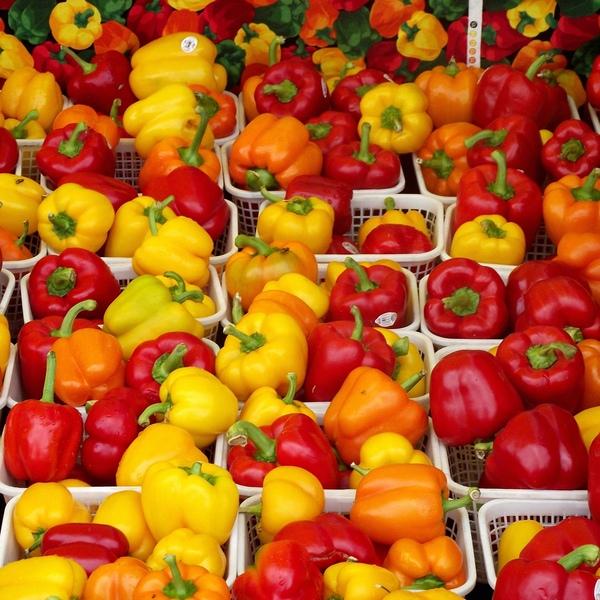
with squares is easier but you may do star with everything ... even pepperoni :cool

Image

Image

see before were just pepperoni on a market

Image

_________________
My 3D Gallery on Deviantart http://photocomix2.deviantart.com/
Main gallery http://www.flickriver.com/photos/photocomix-mandala/
Mandala and simmetry http://www.flickriver.com/photos/photocomix_mandala/

Image

Mrs Wilbress


Top
 Post subject: Re: GC Gold Star Challenge
PostPosted: Fri Aug 09, 2013 1:41 am  (#30) 
Offline
Administrator
User avatar

Joined: Aug 10, 2012
Posts: 14281
Location: Native to NYC living in Arizona, Gimp 2.8 - 3.0, Win 11 PC.
PhotoComix wrote:
8 hours,4 hours, 2 hours ? :(
... few minutes with my magic mirrors, without bevel but with blue gems :paint

[ Image ]

[ Image ]

with mirrors any square may become a star :
... this was the original a colour map for m3d

[ Image ]

with squares is easier but you may do star with everything ... even pepperoni :cool

[ Image ]

[ Image ]

see before were just pepperoni on a market

[ Image ]


That's cool and all, but where's your example of a 'beveled 5 pointed star' in all this?

_________________
Image
"A wise man learns more from a foolish question than a fool can learn from a wise answer"
Image


Top
 Post subject: Re: GC Gold Star Challenge
PostPosted: Fri Aug 09, 2013 1:51 am  (#31) 
Offline
GimpChat Member
User avatar

Joined: Aug 30, 2012
Posts: 2174
Couldn't resist having a go but wanted to try and approach this in a totally different way.

Draw the star elongated (Basically looked like a rectangle with 5 spikes sticking out of it.) and filled with a repeating black and white gradient.

Ran the polar distort filter to generate the star shape then blurred results by 25px

Create a new grey layer 808080 and ran the lighting effects tool but used the polar star as a bump map.

Croped and tidied up image with the curve tool also applied a metallic curve as well.

inverted colours and with gold palette selected ran map to palette to get colours

Finally duplicated layer and set mode to screen just brighten up a bit and added a drop shadow.

Image

Took me about 1/2 hour to get this far although more time spent playing could really improve the effect.

_________________
Image


Top
 Post subject: Re: GC Gold Star Challenge
PostPosted: Fri Aug 09, 2013 1:57 am  (#32) 
Offline
Global Moderator
User avatar

Joined: May 16, 2010
Posts: 16291
I think the best way to make the quickie star is by using the pentagon method but you still need the center bevels. :)

Image

_________________
Image


Top
 Post subject: Re: GC Gold Star Challenge
PostPosted: Fri Aug 09, 2013 1:58 am  (#33) 
Offline
Global Moderator
User avatar

Joined: May 16, 2010
Posts: 16291
example-
Image

_________________
Image


Top
 Post subject: Re: GC Gold Star Challenge
PostPosted: Fri Aug 09, 2013 2:08 am  (#34) 
Offline
GimpChat Member

Joined: Apr 12, 2010
Posts: 5870
Wallace wrote:

That's cool and all, but where's your example of a 'beveled 5 pointed star' in all this?


Opss 5 pointed not six and with compulsive :gaah bevel

I think i may do but i must try later, sorry

_________________
My 3D Gallery on Deviantart http://photocomix2.deviantart.com/
Main gallery http://www.flickriver.com/photos/photocomix-mandala/
Mandala and simmetry http://www.flickriver.com/photos/photocomix_mandala/

Image

Mrs Wilbress


Top
 Post subject: Re: GC Gold Star Challenge
PostPosted: Fri Aug 09, 2013 2:17 am  (#35) 
Offline
GimpChat Member
User avatar

Joined: Aug 30, 2012
Posts: 2174
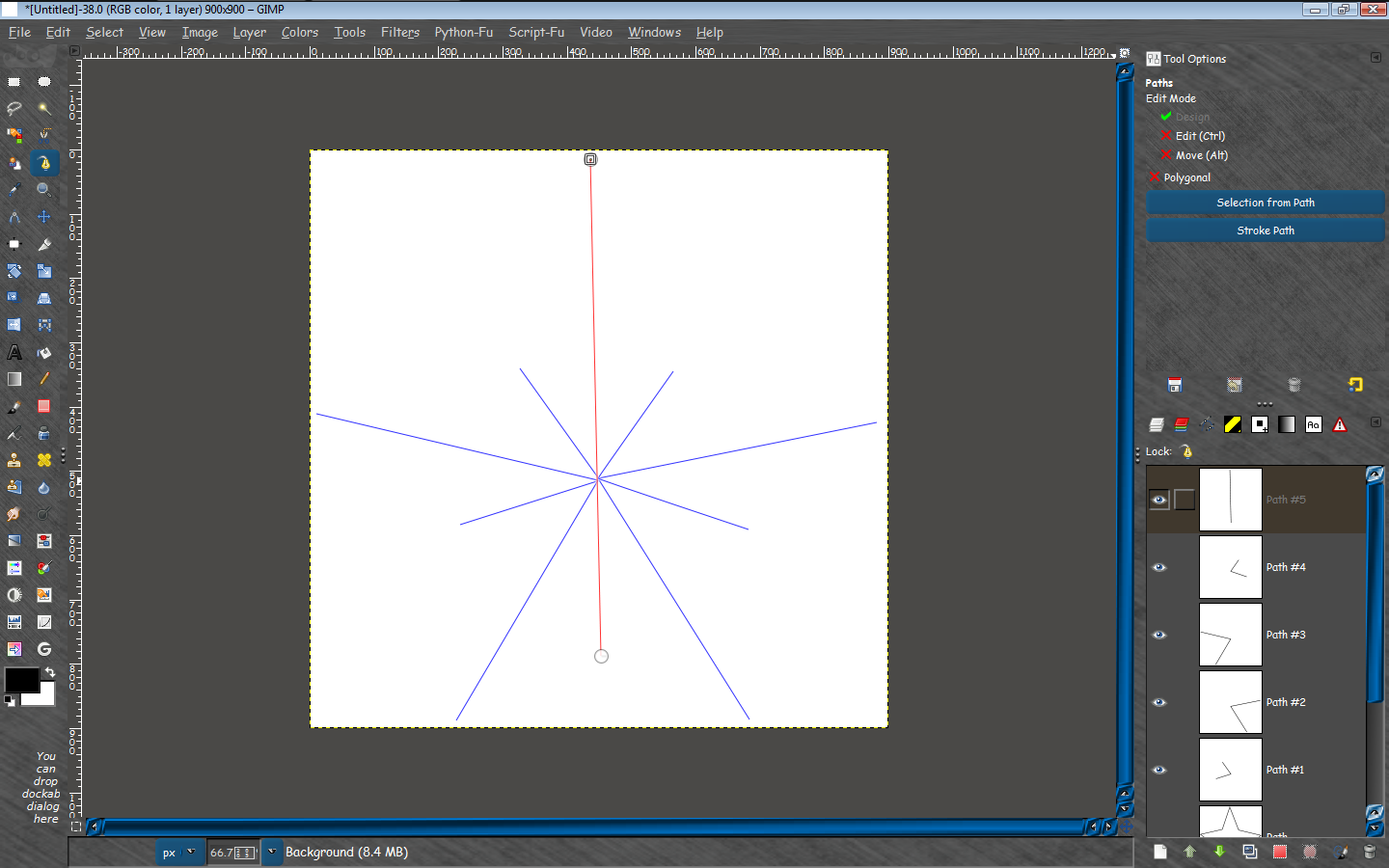
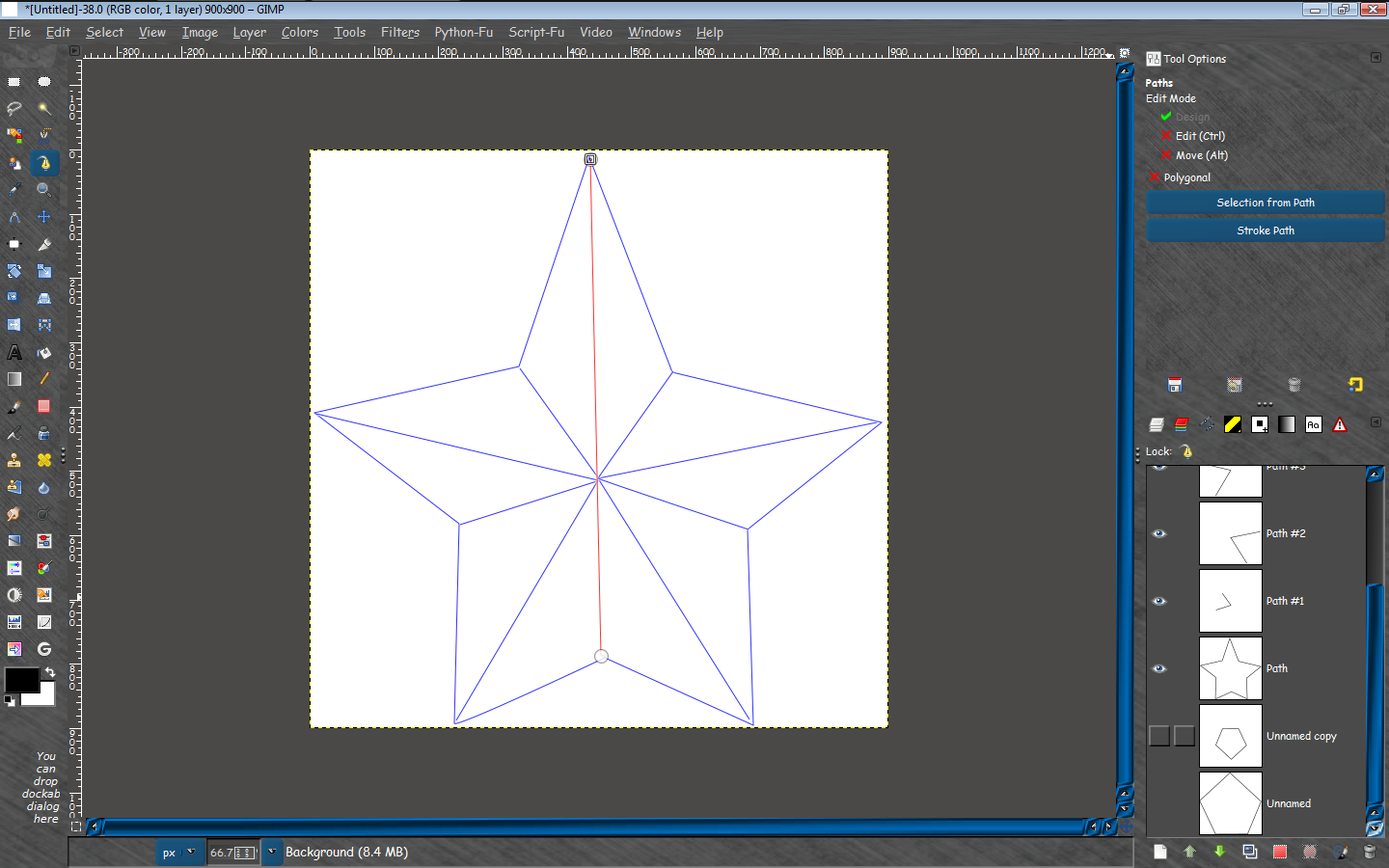
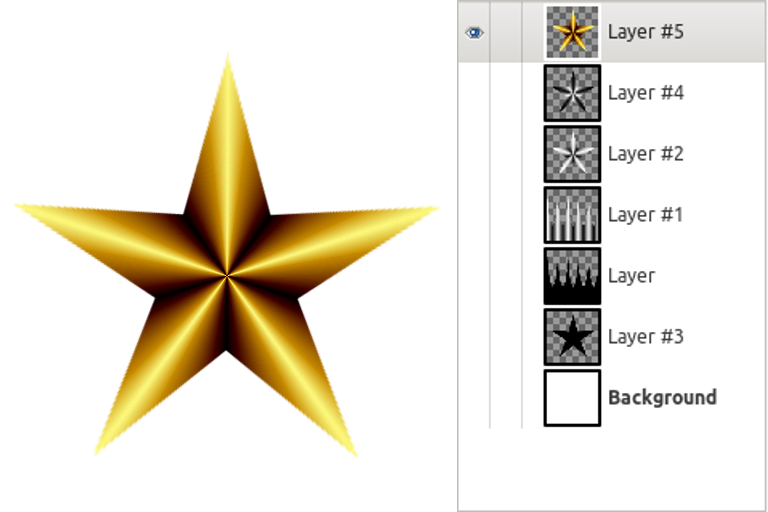
Here is a another method, use the script path to create a five pointed star, reverse engineer the star to a flat image using polar filter, fill selection with repeating gradient then using polar map back to star, invert colours and apply palette map.

Image

_________________
Image


Top
 Post subject: Re: GC Gold Star Challenge
PostPosted: Fri Aug 09, 2013 3:20 am  (#36) 
Offline
GimpChat Member
User avatar

Joined: Aug 30, 2012
Posts: 2174
Who would of thought playing with a star could be so much fun, what a sad life I must lead :mrgreen:

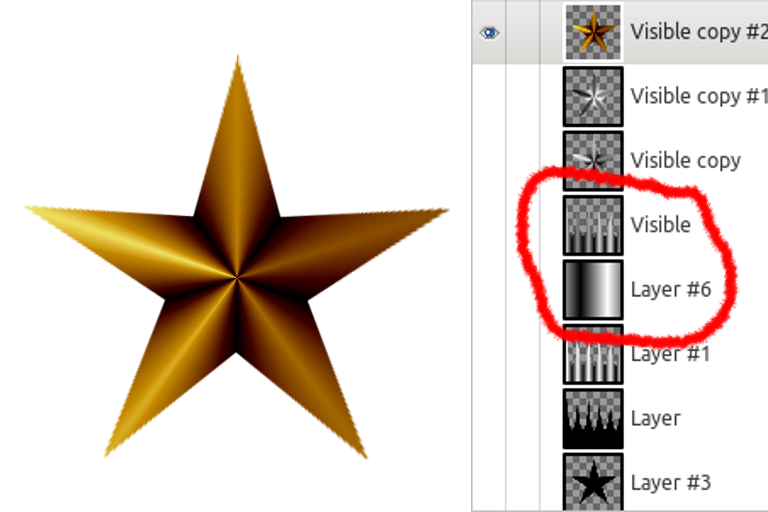
Anyways the post above was just a bevelled star, so I began thinking how I could create a lighting effect on the star, Simply answer add a new layer above my gradient filled flat star (Layer 1 in image below) and fill it with a bi-linear black to white gradient set layer mode to multiply and reduce opacity of layer to 50, then with this layer and the previous layer selected go new from visible and proceed as before, still failing miserable to get a good looking metal effect though.

Image

The red circle is just to highlight the two new layers created.

_________________
Image


Top
 Post subject: Re: GC Gold Star Challenge
PostPosted: Fri Aug 09, 2013 10:57 am  (#37) 
Offline
GimpChat Member
User avatar

Joined: Aug 28, 2012
Posts: 3060
Location: Idk where I am.
I'm a bigger cheater than anyone else here. I used the Star brush that came with GIMP 2.8, then used alpha to select>Shrink 2 px > delete> Get a normal brush make 2 px > Add the sections myself by eye > Add color > Done!


Image

_________________
Image
Reality is a lovely place...But I wouldn't wanna live there.


Top
 Post subject: Re: GC Gold Star Challenge
PostPosted: Fri Aug 09, 2013 4:17 pm  (#38) 
Offline
GimpChat Member
User avatar

Joined: Apr 08, 2010
Posts: 5420
Location: Northwest Ohio
I can easily make the star with that same brush, shrink selection 1 px, cut. Then 1 px straight lines from each point to the "V" across from it, and you have your center lines. I also was able to get decent gradient from dark to light in each section. But after that, I fail. I cannot figure out how to get it to look raised in the center and metallic and shiny.


Top
 Post subject: Re: GC Gold Star Challenge
PostPosted: Fri Aug 09, 2013 5:03 pm  (#39) 
Offline
Administrator
User avatar

Joined: Aug 10, 2012
Posts: 14281
Location: Native to NYC living in Arizona, Gimp 2.8 - 3.0, Win 11 PC.
2-ton wrote:
I can easily make the star with that same brush, shrink selection 1 px, cut. Then 1 px straight lines from each point to the "V" across from it, and you have your center lines. I also was able to get decent gradient from dark to light in each section. But after that, I fail. I cannot figure out how to get it to look raised in the center and metallic and shiny.


Sorry to hear that 2-ton.
Check out this thread/mini tutorial 'How I Made My Star..'... viewtopic.php?f=10&t=8203#p106039

_________________
Image
"A wise man learns more from a foolish question than a fool can learn from a wise answer"
Image


Top
 Post subject: Re: GC Gold Star Challenge
PostPosted: Fri Aug 09, 2013 5:09 pm  (#40) 
Offline
GimpChat Member
User avatar

Joined: Jul 17, 2012
Posts: 2769
Wallace wrote:
Sorry to hear that 2-ton.
Check out this thread/mini tutorial 'How I Made My Star..'... viewtopic.php?f=10&t=8203#p106039
dont tell her, Wallace
shes subscribed to my blog, yet she doesnt know about making stuff look metallic :mrgreen: :mrgreen: :mrgreen:


Top
Post new topic Reply to topic  [ 81 posts ]  Go to page Previous  1, 2, 3, 4, 5  Next

All times are UTC - 5 hours [ DST ]


* Login  


Powered by phpBB3 © phpBB Group