It is currently Sat Aug 15, 2026 1:19 pm


All times are UTC - 5 hours [ DST ]


Post new topic Reply to topic  [ 35 posts ]  Go to page 1, 2  Next
Author Message
 Post subject: New G'MIC filter : Frames / Frame [blur]
PostPosted: Sun Jan 19, 2014 3:46 pm  (#1) 
Offline
GimpChat Member
User avatar

Joined: Jan 03, 2011
Posts: 1656
Hello there,

I had some free time today for coding a new filter. This one is really simple and does not make miracles, it just create a blurred frame around your image,
with optional outlines and shadows.
It looks like this :

Attachment:
gmic_frame_blur2.png
gmic_frame_blur2.png [ 194.31 KiB | Viewed 5451 times ]


I hope this can help.


Share on Facebook Share on Twitter Share on Orkut Share on Digg Share on MySpace Share on Delicious Share on Technorati
Top
 Post subject: Re: New G'MIC filter : Frames / Frame [blur]
PostPosted: Sun Jan 19, 2014 4:37 pm  (#2) 
Offline
Global Moderator
User avatar

Joined: Apr 01, 2012
Posts: 8457
Location: On the other side of your screen
Image
Another great filter. Thank you!
Are we able to round corner in the settings? ( I could be blind, but didn't see where I could)

_________________
Image
Free Fun Photo Editing & resources
Poems from the Lord
Gimp Newby
Gimp version 3.2.4 and GMIC-Qt 4.0.2 OS :- Windows 10 Home 64


Top
 Post subject: Re: New G'MIC filter : Frames / Frame [blur]
PostPosted: Sun Jan 19, 2014 4:54 pm  (#3) 
Offline
GimpChat Member
User avatar

Joined: Apr 08, 2010
Posts: 5420
Location: Northwest Ohio
Awesome filter, and that would be great if we can round the corners and add borders on the pic part.

*Drat, I updated twice but it still isn't there for me.


Top
 Post subject: Re: New G'MIC filter : Frames / Frame [blur]
PostPosted: Sun Jan 19, 2014 5:23 pm  (#4) 
Offline
Global Moderator
User avatar

Joined: Apr 01, 2012
Posts: 8457
Location: On the other side of your screen
Ran this through again with a couple changes to the settings.
Image

_________________
Image
Free Fun Photo Editing & resources
Poems from the Lord
Gimp Newby
Gimp version 3.2.4 and GMIC-Qt 4.0.2 OS :- Windows 10 Home 64


Top
 Post subject: Re: New G'MIC filter : Frames / Frame [blur]
PostPosted: Mon Jan 20, 2014 3:20 am  (#5) 
Offline
GimpChat Member
User avatar

Joined: Aug 16, 2012
Posts: 4271
Location: Göteborg, Sweden
ronounours: :jumpclap that's a simple but great frame filter, thanks for adding.

_________________


Top
 Post subject: Re: New G'MIC filter : Frames / Frame [blur]
PostPosted: Mon Jan 20, 2014 3:36 am  (#6) 
Offline
GimpChat Member
User avatar

Joined: Jan 03, 2011
Posts: 1656
Thanks for the suggestions sallyanne. I've done some improvements to this filter, you can now add round outlines, as well as tweak the colors of the blurred frame a little bit more.
Something like that :

Attachment:
gmic_frame_blur3.png
gmic_frame_blur3.png [ 279.2 KiB | Viewed 5331 times ]


If you have other suggestions, please share your ideas :)


Top
 Post subject: Re: New G'MIC filter : Frames / Frame [blur]
PostPosted: Mon Jan 20, 2014 6:23 am  (#7) 
Offline
Global Moderator
User avatar

Joined: Apr 01, 2012
Posts: 8457
Location: On the other side of your screen
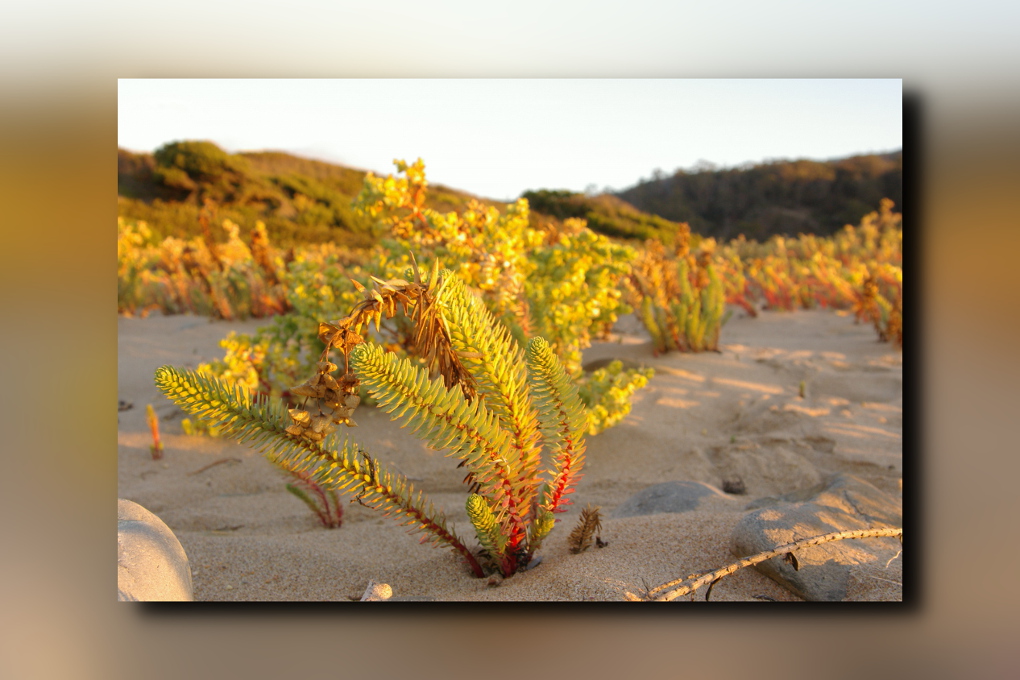
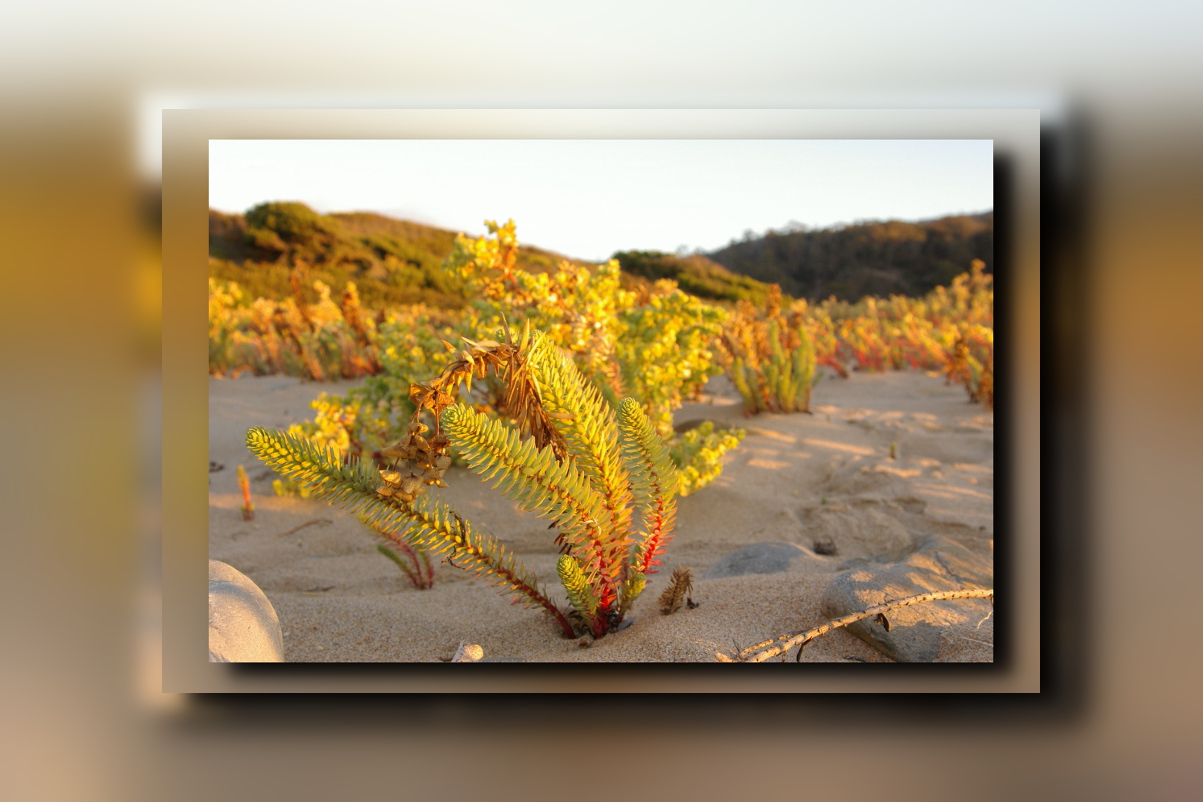
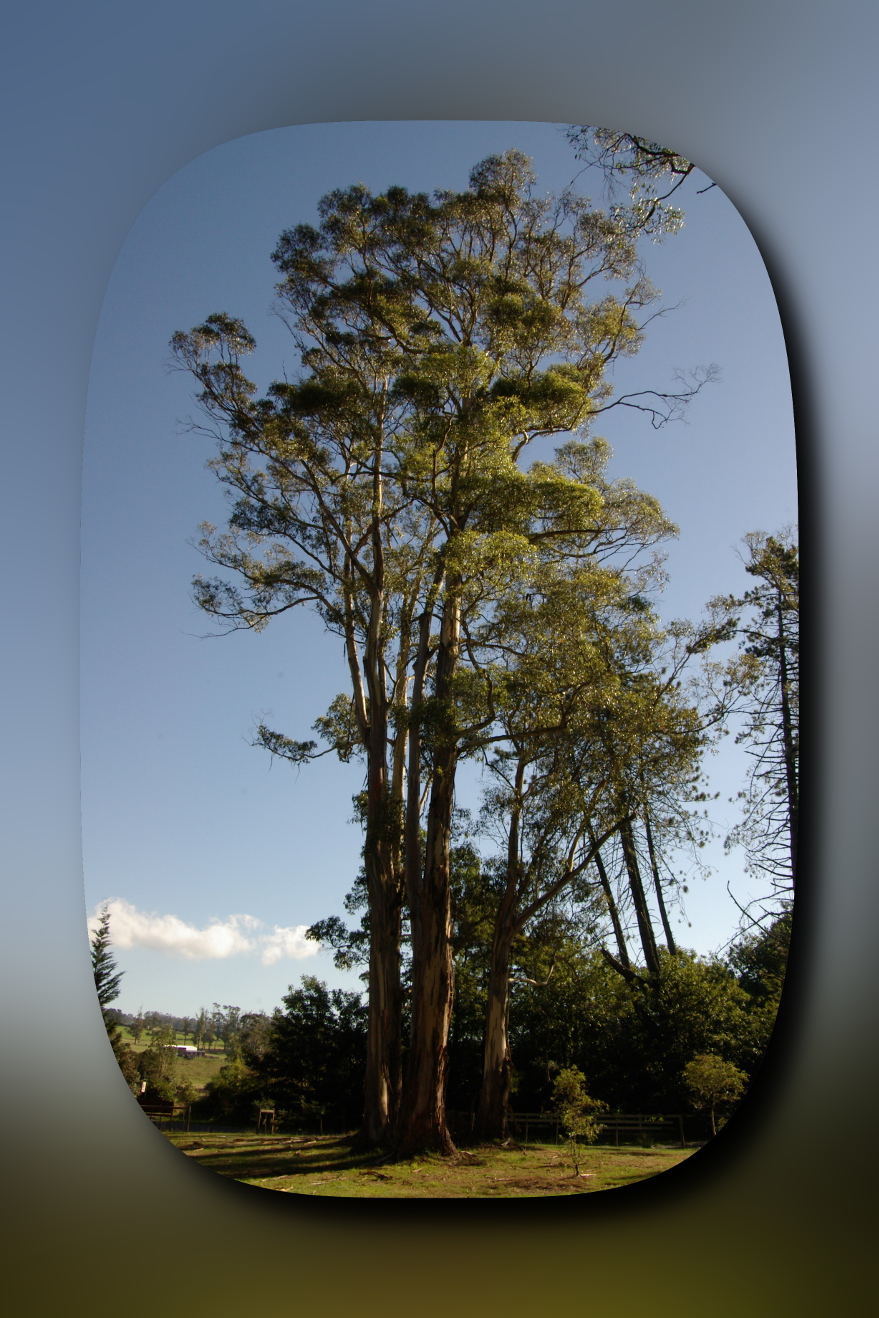
Thanks for the update
Image
Image

_________________
Image
Free Fun Photo Editing & resources
Poems from the Lord
Gimp Newby
Gimp version 3.2.4 and GMIC-Qt 4.0.2 OS :- Windows 10 Home 64


Top
 Post subject: Re: New G'MIC filter : Frames / Frame [blur]
PostPosted: Mon Jan 20, 2014 6:30 am  (#8) 
Offline
Global Moderator
User avatar

Joined: May 16, 2010
Posts: 16158
A nice addition to G'MIC David, thank you. :)

_________________
Image


Top
 Post subject: Re: New G'MIC filter : Frames / Frame [blur]
PostPosted: Mon Jan 20, 2014 6:48 am  (#9) 
Offline
Global Moderator
User avatar

Joined: Apr 01, 2012
Posts: 8457
Location: On the other side of your screen
Image

_________________
Image
Free Fun Photo Editing & resources
Poems from the Lord
Gimp Newby
Gimp version 3.2.4 and GMIC-Qt 4.0.2 OS :- Windows 10 Home 64


Top
 Post subject: Re: New G'MIC filter : Frames / Frame [blur]
PostPosted: Tue Jan 21, 2014 9:37 pm  (#10) 
Offline
GimpChat Member
User avatar

Joined: Apr 08, 2010
Posts: 5420
Location: Northwest Ohio
I still cannot update my g'mic. Any clue as to why I get no new updates when I refresh? I am using partha's mcgimp 2.8.6 containing gmic 1.5.6.0


Top
 Post subject: Re: New G'MIC filter : Frames / Frame [blur]
PostPosted: Wed Jan 22, 2014 12:42 am  (#11) 
Offline
GimpChat Member
User avatar

Joined: Nov 16, 2011
Posts: 5127
Location: Metro Vancouver, BC
2-ton wrote:
I still cannot update my g'mic. Any clue as to why I get no new updates when I refresh? I am using partha's mcgimp 2.8.6 containing gmic 1.5.6.0
You'll need to update G'MIC to get the new scripts.
Current release of G'MIC 1.5.8.2.

_________________
Image
Gimp 2.8.18, Linux, median user
Gimp Chat Tutorials Index
Spirit Bear (Kermode)


Top
 Post subject: Re: New G'MIC filter : Frames / Frame [blur]
PostPosted: Wed Jan 22, 2014 1:36 am  (#12) 
Offline
GimpChat Member

Joined: Apr 12, 2010
Posts: 5870
my post seems vanished...
nice frame filter ,it made me think that something similar, similar because are simple yet dramatic effect may be done using a pixel stretch effect , or a motion blur effect

The motion "blur" was the first it come in my mind, because the more related and so i thought could be a additional option

But thinking better i am not so sure about additional options, maybe is better keep simple and separate

I was thinking to a pixel stretch effect , where the pixels at the periphery of the image are stretched till the periphery of the frame

with control for

frame width
frame corners (rounded, sharp )
filling : continuous, fade to black (sort of vignetting) fade to transparency

and would be nice if could work on a selection allowing so any simple shape (ellipses, polygons ) and not only rectangles

For this i don't find useful different controls for width and height of the frames, they would make sense only for rectangular frames,(or become far too complex) , while a basic control for size , and a option to smooth or keep sharp corner is adapt to any polygonal or even stellar shape ("rounded corner" doesn't make much sense for elliptical shapes with no corner...in case may just do nothing )

What functions in gmic may be used for create a pixel stretch effect ?
and how to propagate the effect along oblique lines ...uh not even lines because they should enlarge and get thicker since the outside of a frame is always bigger then the inside

_________________
My 3D Gallery on Deviantart http://photocomix2.deviantart.com/
Main gallery http://www.flickriver.com/photos/photocomix-mandala/
Mandala and simmetry http://www.flickriver.com/photos/photocomix_mandala/

Image

Mrs Wilbress


Top
 Post subject: Re: New G'MIC filter : Frames / Frame [blur]
PostPosted: Wed Jan 22, 2014 1:04 pm  (#13) 
Offline
GimpChat Member
User avatar

Joined: Aug 16, 2012
Posts: 4271
Location: Göteborg, Sweden
maybe this is just a wild dream, but i would love to have this g'mic filter work on a selection and have the option to make the outer (blurred) frame follow the shape of the inner (bordered) frame or not, as i choose. the goal would be to make images like these:
outer frame follows shape of inner frame
Image
outer frame does not follow shape of inner frame
Image

_________________


Top
 Post subject: Re: New G'MIC filter : Frames / Frame [blur]
PostPosted: Wed Jan 22, 2014 6:47 pm  (#14) 
Offline
GimpChat Member
User avatar

Joined: Apr 07, 2010
Posts: 14182
molly wrote:
I can't find that blur frame in GMIC AnMal. I looked under frames and several others but don't see it.


:bump

_________________
Image


Top
 Post subject: Re: New G'MIC filter : Frames / Frame [blur]
PostPosted: Wed Jan 22, 2014 7:06 pm  (#15) 
Offline
GimpChat Member
User avatar

Joined: Aug 16, 2012
Posts: 4271
Location: Göteborg, Sweden
molly: i don't know why you don't find it, molly - it should be under frames. but have you got the latest g'mic version?

_________________


Top
 Post subject: Re: New G'MIC filter : Frames / Frame [blur]
PostPosted: Wed Jan 22, 2014 8:04 pm  (#16) 
Offline
GimpChat Member
User avatar

Joined: Apr 07, 2010
Posts: 14182
Yes and I refreshed it, o we'll, thanks

_________________
Image


Top
 Post subject: Re: New G'MIC filter : Frames / Frame [blur]
PostPosted: Wed Jan 22, 2014 8:47 pm  (#17) 
Offline
GimpChat Member

Joined: Aug 30, 2013
Posts: 63
I used this filter last night, but today I refreshed G'MIC filters and it disappeared. Perhaps it was removed while developers work on a new version? Or moved someplace other than the "Frames" section?

Is there a way to "un-refresh" and revert to a previous set of filters?


Top
 Post subject: Re: New G'MIC filter : Frames / Frame [blur]
PostPosted: Wed Jan 22, 2014 9:16 pm  (#18) 
Offline
Script Coder
User avatar

Joined: Feb 18, 2011
Posts: 4826
Location: Bendigo Vic. Australia
The filter is no longer available, hopefully David can fix soon or someone can post the filter here

_________________
Image
No matter how much you push the envelope, it'll still be stationery.


Top
 Post subject: Re: New G'MIC filter : Frames / Frame [blur]
PostPosted: Thu Jan 23, 2014 2:43 am  (#19) 
Offline
GimpChat Member
User avatar

Joined: Jan 03, 2011
Posts: 1656
I'm really sorry, I did something wrong yesterday, just before going to sleep :)
The filter should be back now.


Top
 Post subject: Re: New G'MIC filter : Frames / Frame [blur]
PostPosted: Thu Jan 23, 2014 4:29 am  (#20) 
Offline
Script Coder
User avatar

Joined: Feb 18, 2011
Posts: 4826
Location: Bendigo Vic. Australia
Thanks David I hoped it was easy to fix now OK :yes

_________________
Image
No matter how much you push the envelope, it'll still be stationery.


Top
Post new topic Reply to topic  [ 35 posts ]  Go to page 1, 2  Next

All times are UTC - 5 hours [ DST ]


* Login  


Powered by phpBB3 © phpBB Group