It is currently Sat Nov 21, 2026 7:43 am


All times are UTC - 5 hours [ DST ]


Post new topic Reply to topic  [ 178 posts ]  Go to page Previous  1, 2, 3, 4, 5, 6, 7 ... 9  Next
Author Message
 Post subject: Re: Lion Photo Manip
PostPosted: Tue Oct 21, 2014 5:14 pm  (#61) 
Offline
GimpChat Member
User avatar

Joined: Jun 02, 2013
Posts: 2090
Thanks everyone, appreciate it.

Wallace wrote:
:ninja by Ella Louise...
Hey Warrior, do you think you can post a screenshot of this Fractalius filters dialog.
I have a demo version of it for Photoshop and would like to view your settings used to make these images.

Also, are you removing the background from these images?

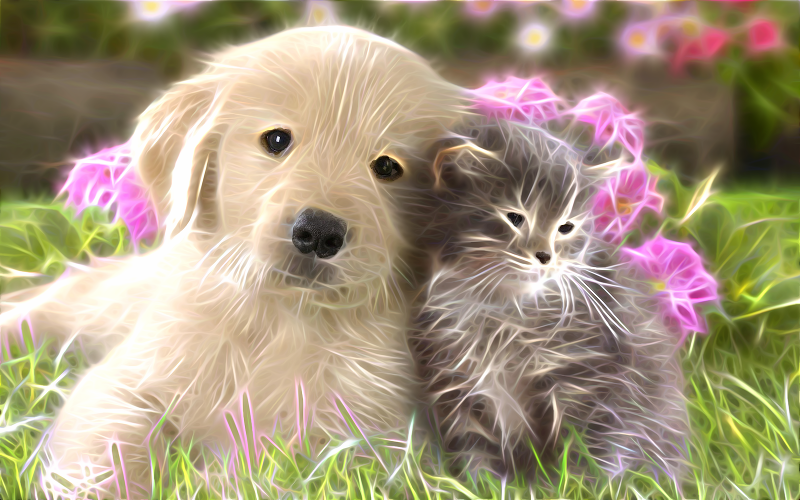
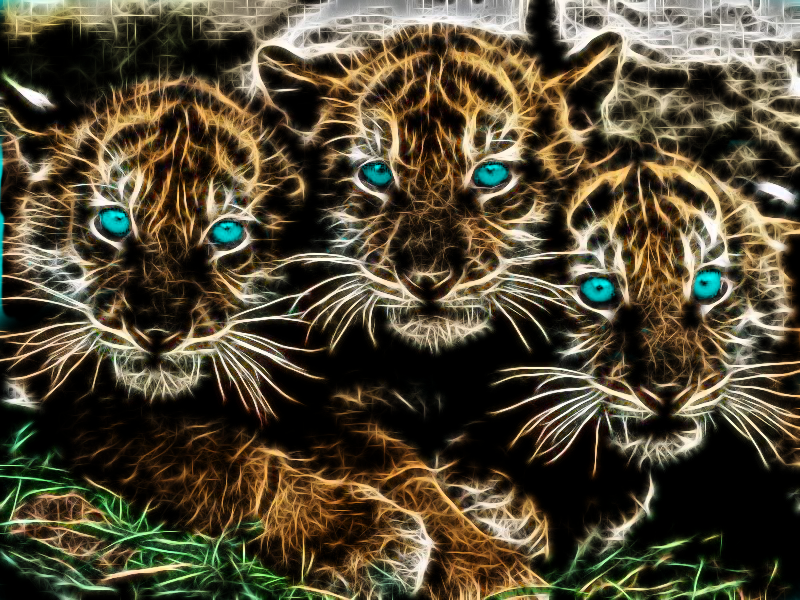
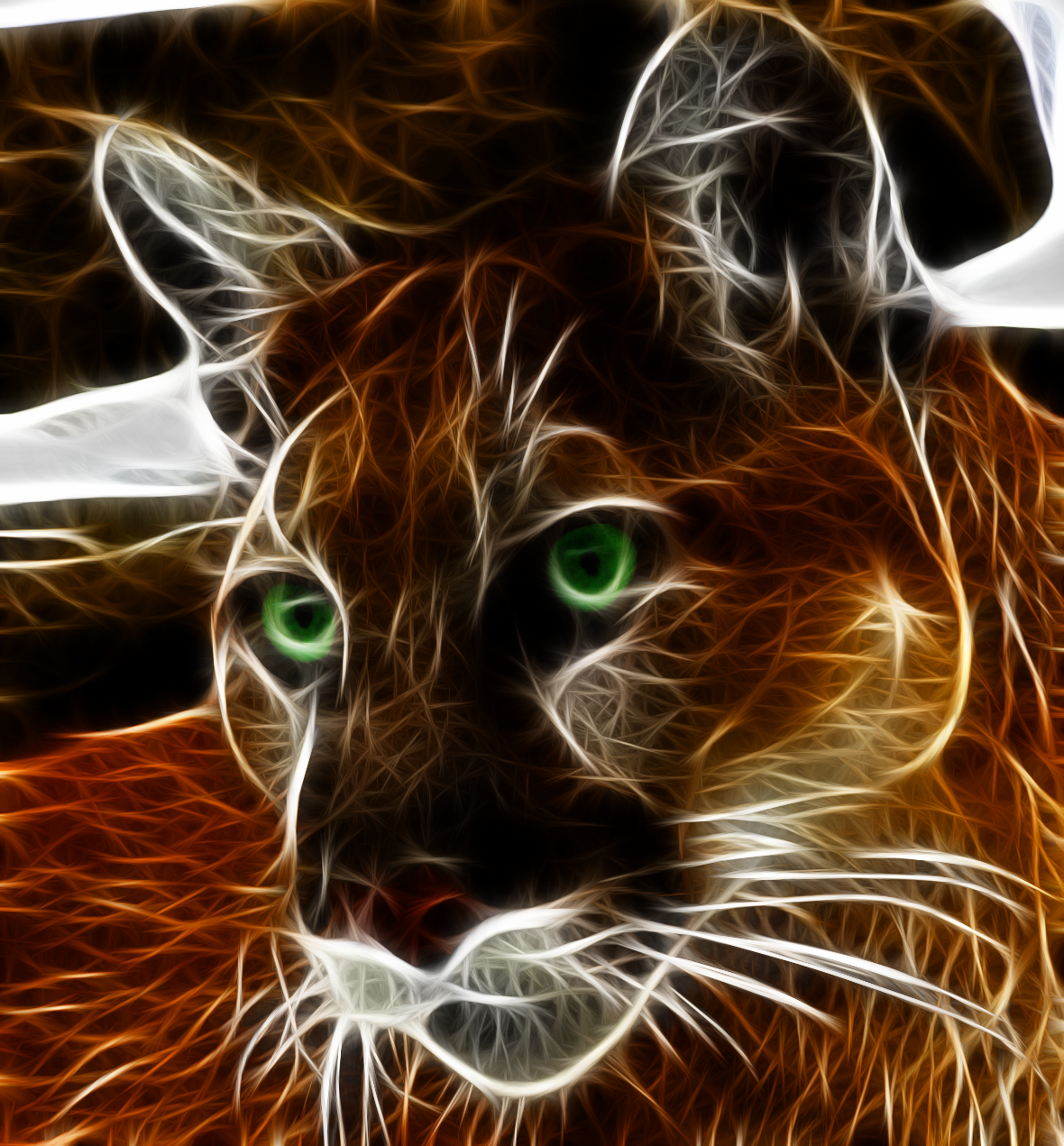
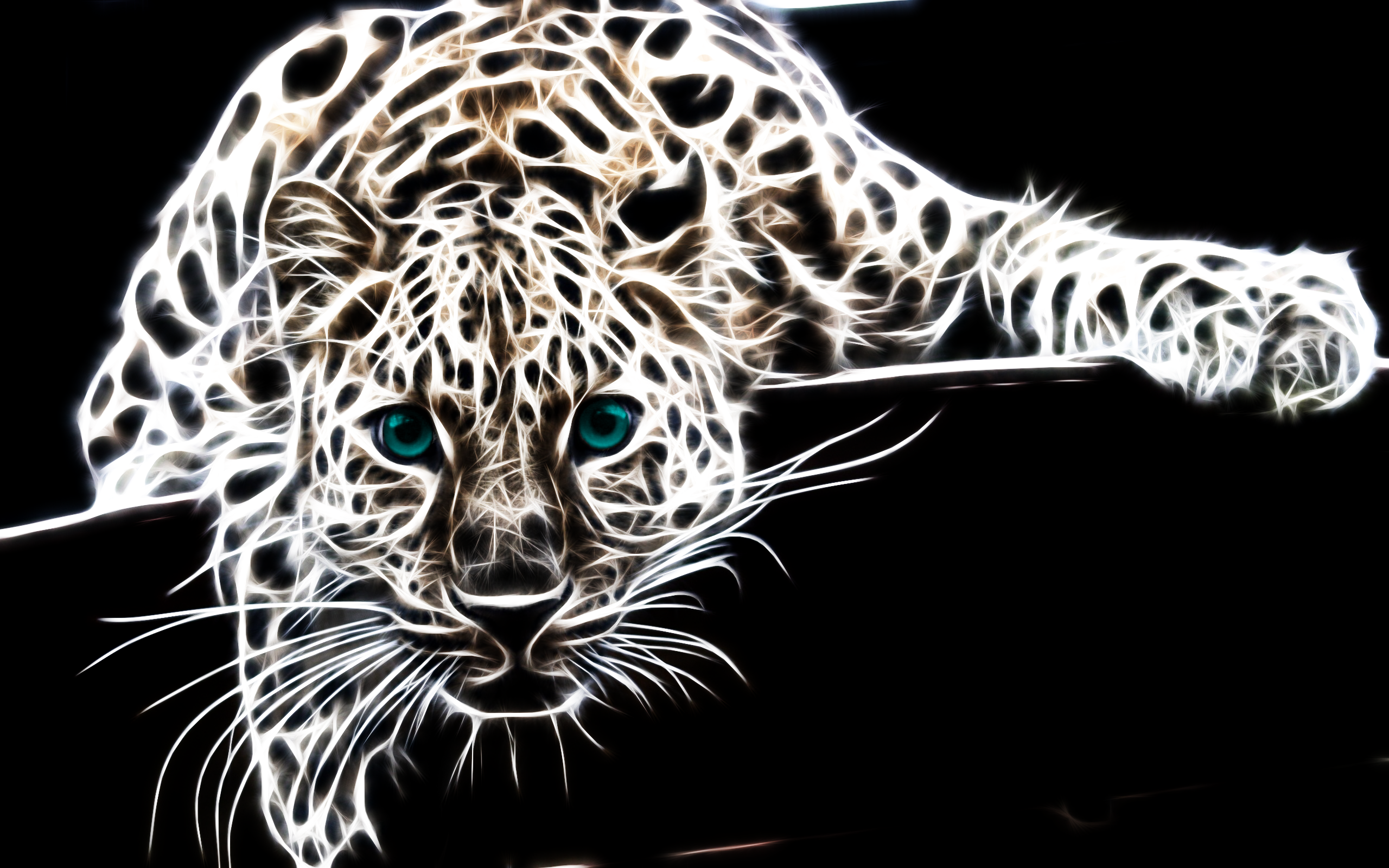
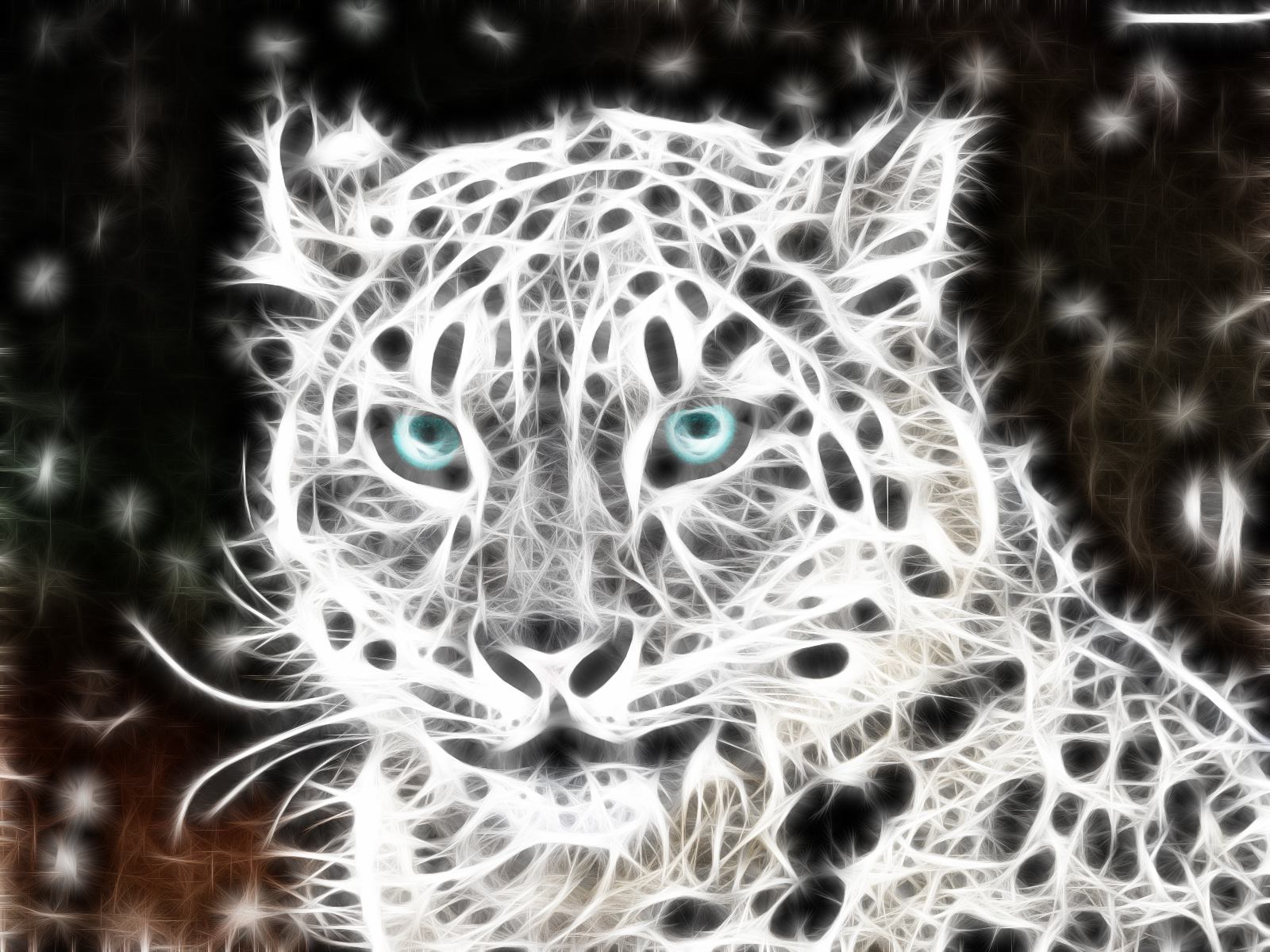
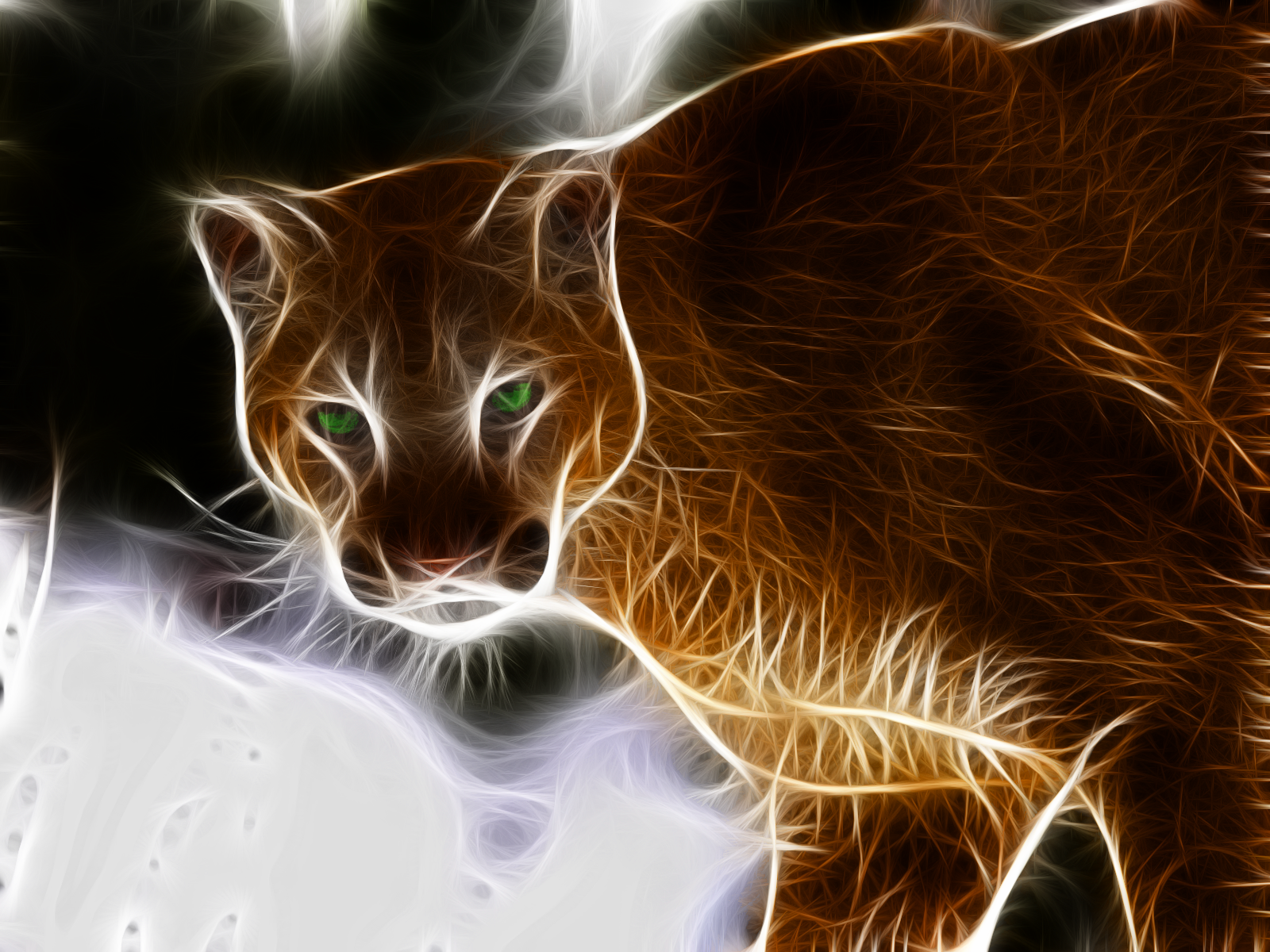
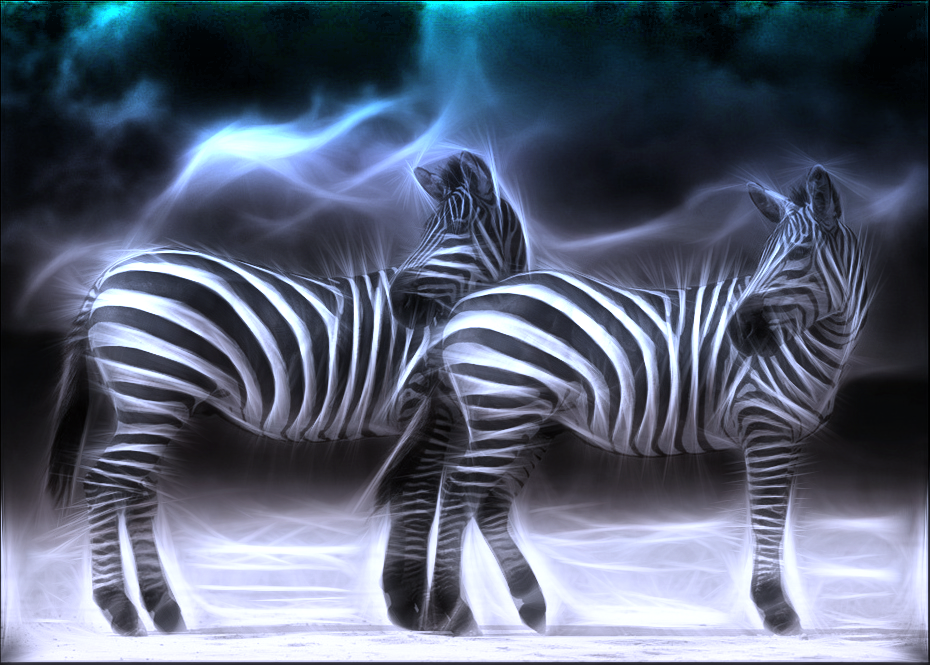
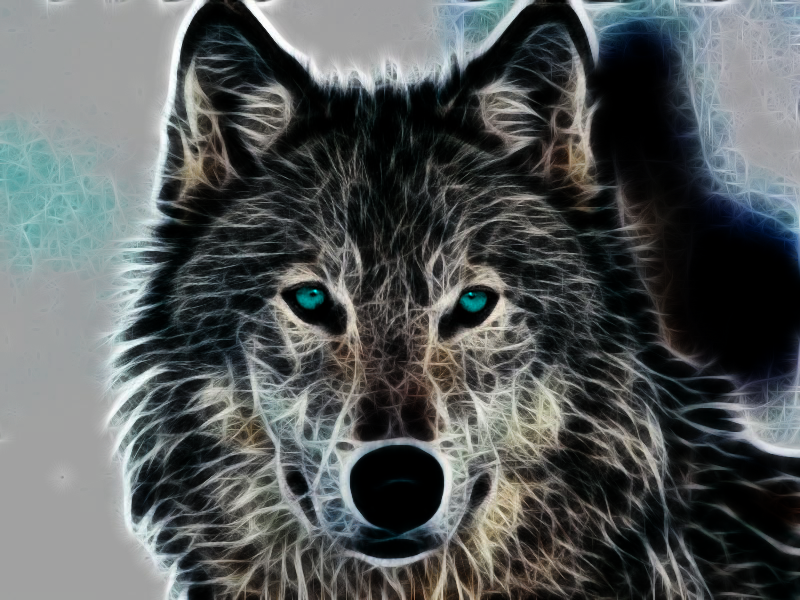
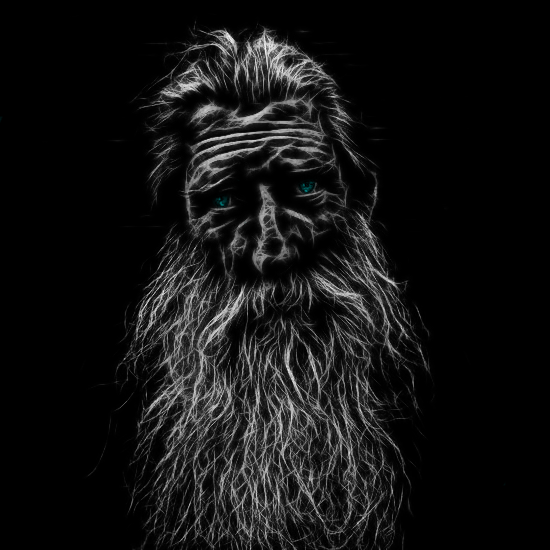
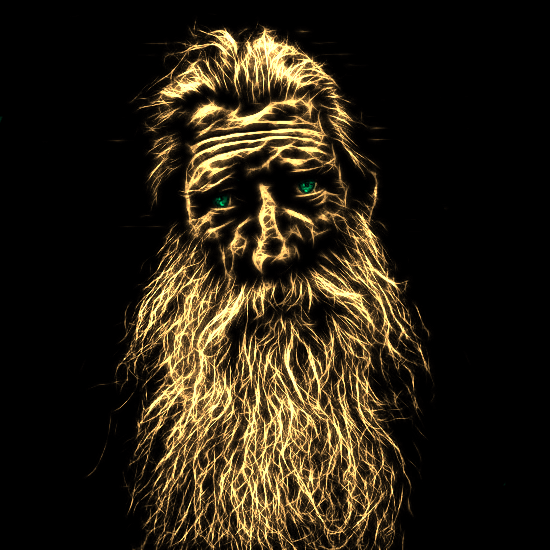
Since Ella Louise posted a link, it tells ya pretty much what you need to know. Haven't seen that video before. Fractalius has the option to save your settings. That's what I do. I have about 10 presets that I've saved. I go through them one at a time, to see which I like best, then perhaps make some minor adjustments. I've always done like the video, duplicate the layer before running it. Then you have he option for the layer modes. Plus, I use the lasso tool, and cut the eyes out of a duplicated layer, and use the colorify option to change the eye color. These had dark backgrounds to start with, but sometimes it does darken it some.

_________________
Image


Top
 Post subject: Re: Lion Photo Manip
PostPosted: Tue Oct 21, 2014 5:43 pm  (#62) 
Offline
GimpChat Member
User avatar

Joined: Jun 02, 2013
Posts: 2090
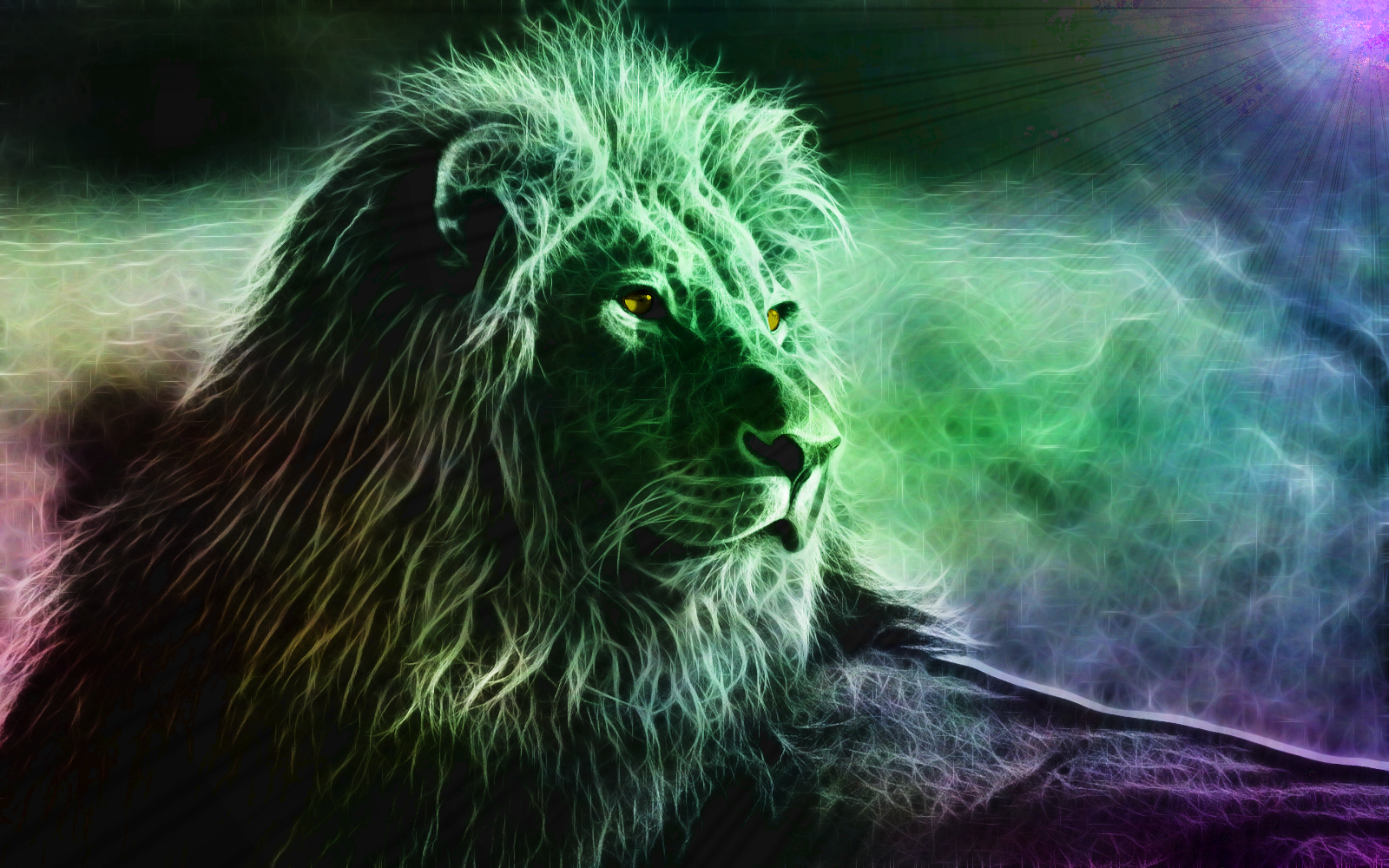
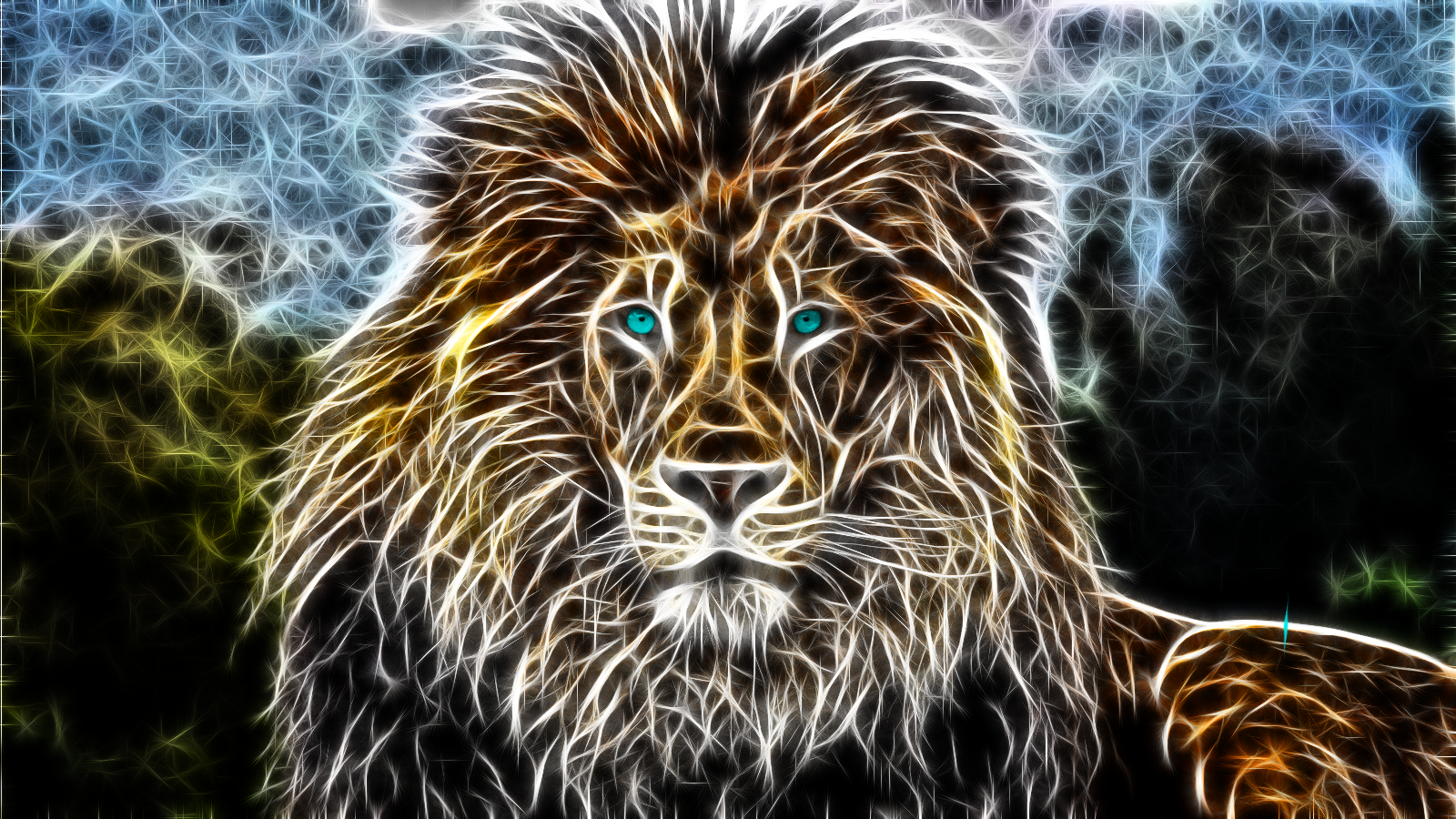
I kinda like the way this one turned out. Majestic. Click for resize:

Image

_________________
Image


Top
 Post subject: Re: Lion Photo Manip
PostPosted: Tue Oct 21, 2014 6:16 pm  (#63) 
Offline
Administrator
User avatar

Joined: Aug 10, 2012
Posts: 14281
Location: Native to NYC living in Arizona, Gimp 2.8 - 3.0, Win 11 PC.
The Warrior wrote:
Thanks everyone, appreciate it.

Wallace wrote:
:ninja by Ella Louise...
Hey Warrior, do you think you can post a screenshot of this Fractalius filters dialog.
I have a demo version of it for Photoshop and would like to view your settings used to make these images.

Also, are you removing the background from these images?

Since Ella Louise posted a link, it tells ya pretty much what you need to know. Haven't seen that video before. Fractalius has the option to save your settings. That's what I do. I have about 10 presets that I've saved. I go through them one at a time, to see which I like best, then perhaps make some minor adjustments. I've always done like the video, duplicate the layer before running it. Then you have he option for the layer modes. Plus, I use the lasso tool, and cut the eyes out of a duplicated layer, and use the colorify option to change the eye color. These had dark backgrounds to start with, but sometimes it does darken it some.

Yeah got it. :bigthup

_________________
Image
"A wise man learns more from a foolish question than a fool can learn from a wise answer"
Image


Top
 Post subject: Re: Lion Photo Manip
PostPosted: Wed Oct 22, 2014 1:49 pm  (#64) 
Offline
GimpChat Member
User avatar

Joined: May 17, 2014
Posts: 1575
When I first saw that video it fascinated me.
Don’t have Fractalius myself.
And didn’t know there was a topic about it here on GC.
So now I posted the link for those who do have it.

The lion is really beautiful, Warrior :bigthup :paint

_________________
Ella's gallery - YouTube


Top
 Post subject: Re: Lion Photo Manip
PostPosted: Wed Oct 22, 2014 6:12 pm  (#65) 
Offline
GimpChat Member
User avatar

Joined: Apr 07, 2010
Posts: 14182
Image

Image

_________________
Image


Top
 Post subject: Re: Lion Photo Manip
PostPosted: Wed Oct 22, 2014 6:33 pm  (#66) 
Offline
GimpChat Member
User avatar

Joined: Apr 07, 2010
Posts: 14182
Doesen't look like it is available for Gimp Wallace. I have been looking all over for it. It looks really cool the way they can manipulate the animal in sections. I want it.

_________________
Image


Top
 Post subject: Re: Lion Photo Manip
PostPosted: Wed Oct 22, 2014 6:52 pm  (#67) 
Offline
GimpChat Member
User avatar

Joined: Jun 02, 2013
Posts: 2090
Ella Louise wrote:
The lion is really beautiful, Warrior :bigthup :paint

Thanks Ella Louise, appreciate it.

_________________
Image


Top
 Post subject: Re: Lion Photo Manip
PostPosted: Wed Oct 22, 2014 7:45 pm  (#68) 
Offline
GimpChat Member
User avatar

Joined: Jun 02, 2013
Posts: 2090
A few more.Click to resize:

Image

Image

Image

_________________
Image


Top
 Post subject: Re: Lion Photo Manip
PostPosted: Wed Oct 22, 2014 7:46 pm  (#69) 
Offline
Administrator
User avatar

Joined: Aug 10, 2012
Posts: 14281
Location: Native to NYC living in Arizona, Gimp 2.8 - 3.0, Win 11 PC.
molly wrote:
Doesen't look like it is available for Gimp Wallace. I have been looking all over for it. It looks really cool the way they can manipulate the animal in sections. I want it.

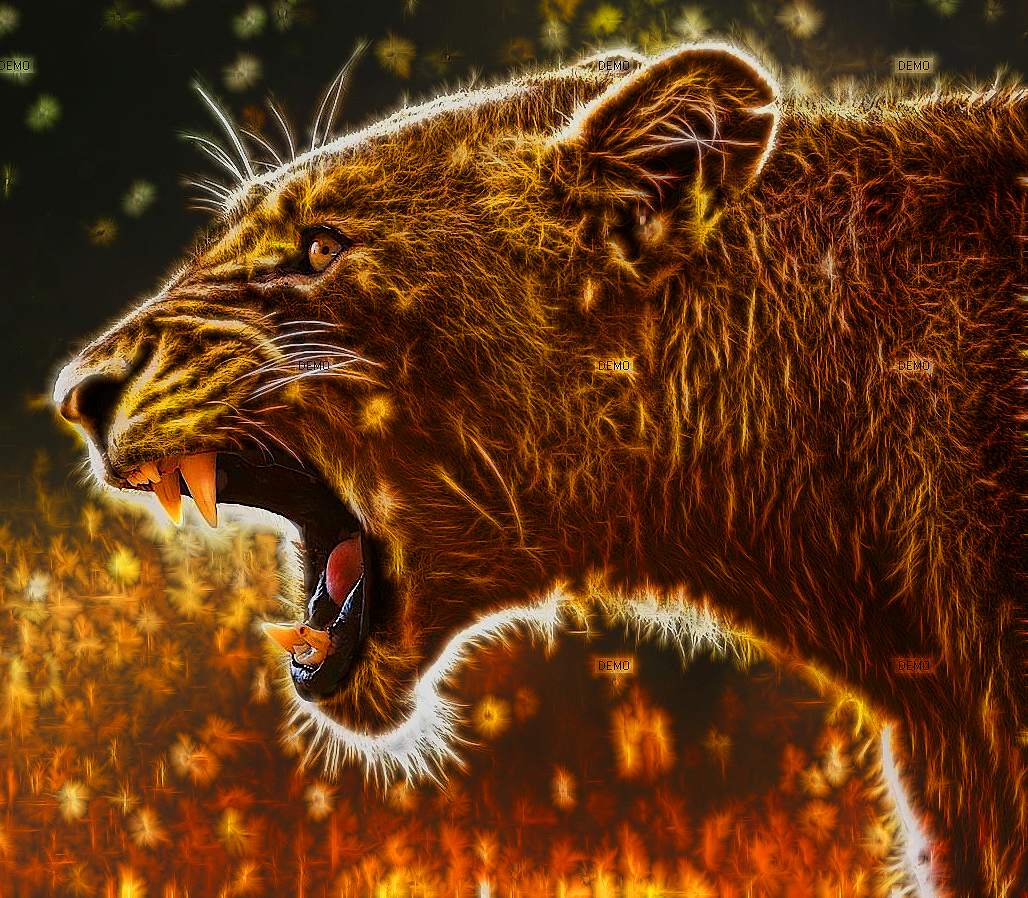
I have it in Photoshop, but when the image is generated with the demo plugin it has the word "DEMO" plastered all over it.
Not very pretty to look at.

_________________
Image
"A wise man learns more from a foolish question than a fool can learn from a wise answer"
Image


Top
 Post subject: Re: Lion Photo Manip
PostPosted: Wed Oct 22, 2014 8:37 pm  (#70) 
Offline
GimpChat Member
User avatar

Joined: Jun 02, 2013
Posts: 2090
Aaaaaand a few more:

Image

Image

Image

_________________
Image


Top
 Post subject: Re: Lion Photo Manip
PostPosted: Thu Oct 23, 2014 2:15 am  (#71) 
Offline
Former Member
User avatar

Joined: Nov 17, 2010
Posts: 618
Location: Rockford, IL
This is my first time playing with the Rodilius plugin in G'MIC. Not as beautiful as The Warrior's though but it works lol :gimp
Attachment:
rodilius-first-play.png
rodilius-first-play.png [ 342.1 KiB | Viewed 5136 times ]


I played with Rodilius some more. Here's my results.
Attachment:
rodilius3.png
rodilius3.png [ 507.69 KiB | Viewed 5133 times ]

Attachment:
rodilius4.png
rodilius4.png [ 498.15 KiB | Viewed 5133 times ]


Top
 Post subject: Re: Lion Photo Manip
PostPosted: Thu Oct 23, 2014 6:22 am  (#72) 
Offline
GimpChat Member
User avatar

Joined: Jun 02, 2013
Posts: 2090
Nice work Mike. I especially like the first one.

_________________
Image


Top
 Post subject: Re: Lion Photo Manip
PostPosted: Thu Oct 23, 2014 9:45 pm  (#73) 
Offline
GimpChat Member
User avatar

Joined: Apr 08, 2010
Posts: 5420
Location: Northwest Ohio
I love the eyes in these.


Top
 Post subject: Re: Lion Photo Manip
PostPosted: Fri Oct 24, 2014 5:07 pm  (#74) 
Offline
GimpChat Member
User avatar

Joined: Jun 02, 2013
Posts: 2090
Image

Image

_________________
Image


Top
 Post subject: Re: Lion Photo Manip
PostPosted: Fri Oct 24, 2014 7:12 pm  (#75) 
Offline
GimpChat Member
User avatar

Joined: Jun 02, 2013
Posts: 2090
Image

Image

Image

_________________
Image


Top
 Post subject: Re: Lion Photo Manip
PostPosted: Sat Oct 25, 2014 11:14 am  (#76) 
Offline
GimpChat Member
User avatar

Joined: Jun 02, 2013
Posts: 2090
Image

_________________
Image


Top
 Post subject: Re: Lion Photo Manip
PostPosted: Sat Oct 25, 2014 11:17 am  (#77) 
Offline
Administrator
User avatar

Joined: Aug 10, 2012
Posts: 14281
Location: Native to NYC living in Arizona, Gimp 2.8 - 3.0, Win 11 PC.
The Warrior wrote:
[ Image ]

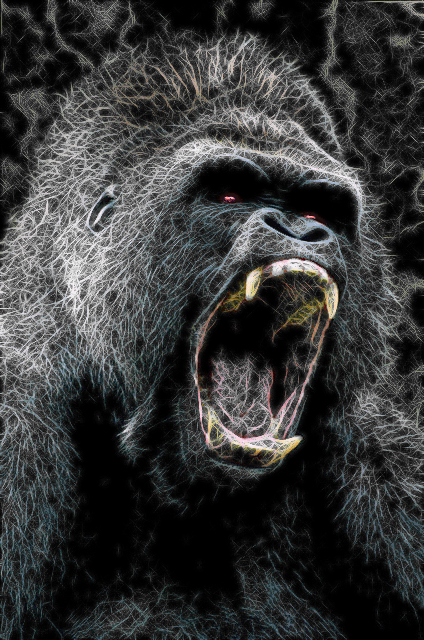
Nice gorilla image. :bigthup

_________________
Image
"A wise man learns more from a foolish question than a fool can learn from a wise answer"
Image


Top
 Post subject: Re: Lion Photo Manip
PostPosted: Sat Oct 25, 2014 11:20 am  (#78) 
Offline
GimpChat Member
User avatar

Joined: Jun 02, 2013
Posts: 2090
Thanks Wallace. Just finished this one up, but like the former one better:

Image

_________________
Image


Top
 Post subject: Re: Lion Photo Manip
PostPosted: Sat Oct 25, 2014 1:08 pm  (#79) 
Offline
Administrator
User avatar

Joined: Aug 10, 2012
Posts: 14281
Location: Native to NYC living in Arizona, Gimp 2.8 - 3.0, Win 11 PC.
The Warrior wrote:
Thanks Wallace. Just finished this one up, but like the former one better:

[ Image ]

I think they're both cool looking.

This is an example of what I get using the demo version of this plugin with Photoshop.
Notice the very unsightly word "DEMO" within the image.
Image

_________________
Image
"A wise man learns more from a foolish question than a fool can learn from a wise answer"
Image


Top
 Post subject: Re: Lion Photo Manip
PostPosted: Sat Oct 25, 2014 1:52 pm  (#80) 
Offline
GimpChat Member
User avatar

Joined: Jun 02, 2013
Posts: 2090
Wallace wrote:
The Warrior wrote:
Thanks Wallace. Just finished this one up, but like the former one better:

[ Image ]

I think they're both cool looking.

This is an example of what I get using the demo version of this plugin with Photoshop.
Notice the very unsightly word "DEMO" within the image.
[ Image ]

The "demo" does suck, but still a very cool rendering. :bigthup

_________________
Image


Top
Post new topic Reply to topic  [ 178 posts ]  Go to page Previous  1, 2, 3, 4, 5, 6, 7 ... 9  Next

All times are UTC - 5 hours [ DST ]


* Login  


Powered by phpBB3 © phpBB Group