It is currently Fri Aug 14, 2026 3:03 am


All times are UTC - 5 hours [ DST ]


Post new topic Reply to topic  [ 9 posts ] 
Author Message
 Post subject: Help in restoring these photos
PostPosted: Fri Dec 05, 2014 3:03 pm  (#1) 
Offline
GimpChat Member
User avatar

Joined: Jul 06, 2013
Posts: 2662
Location: California
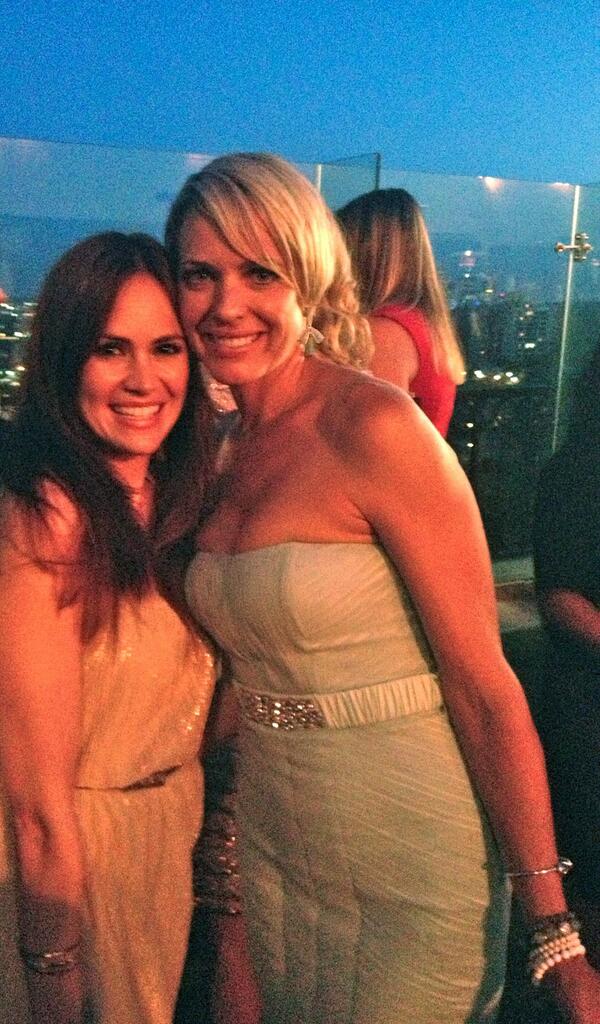
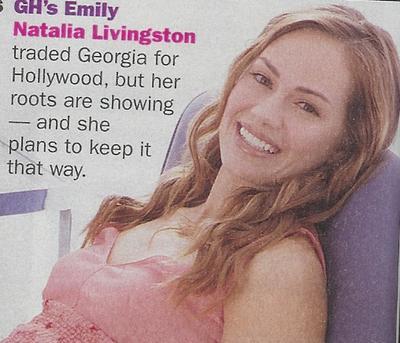
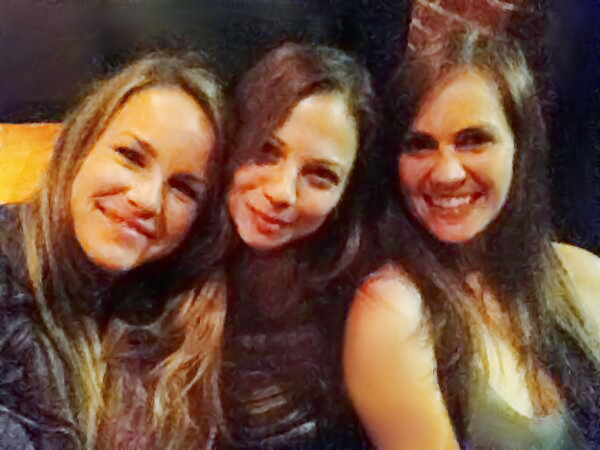
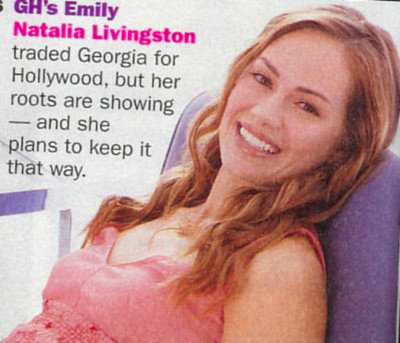
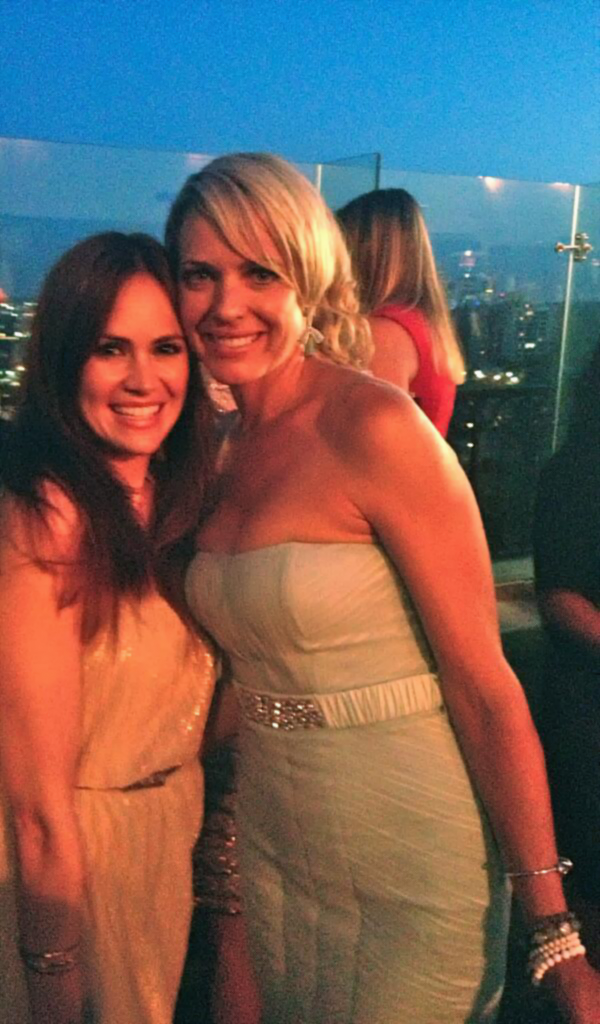
I would like help in restoring these photos. Any help would be great.
Image
Image
Image


Share on Facebook Share on Twitter Share on Orkut Share on Digg Share on MySpace Share on Delicious Share on Technorati
Top
 Post subject: Re: Help in restoring these photos
PostPosted: Fri Dec 05, 2014 4:49 pm  (#2) 
Offline
GimpChat Member

Joined: Aug 30, 2013
Posts: 63
It will be hard to get good results with so few pixels in the image. If you can get a larger scan, that would help. Here's what I was able to do with several noise reduction filters in G'MIC, plus color correction and some cloning and smudging.
Image

And when all else fails, there's FotoSketcher :)
Image


Top
 Post subject: Re: Help in restoring these photos
PostPosted: Fri Dec 05, 2014 4:57 pm  (#3) 
Offline
GimpChat Member
User avatar

Joined: Mar 01, 2014
Posts: 14127
Location: Spain, Aragón
mackenzieh, I'd like to have got a better outcomes but as Acmespace says there are few pixels. Here my tries.
Good improvement Acmespace . :bigthup


Attachments:
2912_nataliamagazinescan-noise reduction+enhancement.jpg
2912_nataliamagazinescan-noise reduction+enhancement.jpg [ 32.59 KiB | Viewed 5403 times ]
's noise reduction.jpg
's noise reduction.jpg [ 131.88 KiB | Viewed 5403 times ]
's reduction.jpg
's reduction.jpg [ 46.75 KiB | Viewed 5403 times ]

_________________
Image

Gimp 2.10.30(samj) portable _ OS Windows 10 Home_ 64bits
Don’t be afraid to start over. It’s a new chance to rebuild what you want.
Top
 Post subject: Re: Help in restoring these photos
PostPosted: Fri Dec 05, 2014 5:07 pm  (#4) 
Offline
GimpChat Member
User avatar

Joined: Jul 06, 2013
Posts: 2662
Location: California
Thanks Issabella & Acmespace, I will give it a try and see if I can come up with something.

After figuring out what filters work, I got these results:

Image

Image

Image

Image

Most of the photos I used the plugin ISO Noise Reduction. The first photo I used the beautify plugin and a few of its filters.


Top
 Post subject: Re: Help in restoring these photos
PostPosted: Fri Dec 05, 2014 9:54 pm  (#5) 
Offline
Global Moderator
User avatar

Joined: Apr 01, 2012
Posts: 8457
Location: On the other side of your screen
my tries
Image
Image
Image

_________________
Image
Free Fun Photo Editing & resources
Poems from the Lord
Gimp Newby
Gimp version 3.2.4 and GMIC-Qt 4.0.2 OS :- Windows 10 Home 64


Top
 Post subject: Re: Help in restoring these photos
PostPosted: Fri Dec 05, 2014 9:58 pm  (#6) 
Offline
GimpChat Member
User avatar

Joined: Jul 06, 2013
Posts: 2662
Location: California
Nice work Sallyanne. :) I think I have the hang of restoring photos.


Top
 Post subject: Re: Help in restoring these photos
PostPosted: Sun Dec 07, 2014 3:11 am  (#7) 
Offline
GimpChat Member
User avatar

Joined: Jan 20, 2013
Posts: 14831
Location: roma, italy
I understand you better like to get indications, more than final solution.
Hence my suggestions:
1-separate the image into different areas (in the example shown below I separated skin areas from background and hair
2-use different tools for the different areas (in the example below I used gaussian blur 15 on the background, G'MIC smooth mean curvature on the skins, a detail increase on the hair)
3-at the end apply some colour improvement

Here an applied example (roughly performed, don't consider it an optimum result, you can get better outcomes with patience...)

Attachment:
2912_nataliajulietamara_DN.jpg
2912_nataliajulietamara_DN.jpg [ 57.59 KiB | Viewed 5273 times ]

_________________
"Where am I ?"


Top
 Post subject: Re: Help in restoring these photos
PostPosted: Sun Dec 07, 2014 3:16 am  (#8) 
Offline
GimpChat Member
User avatar

Joined: Jul 06, 2013
Posts: 2662
Location: California
dinasset wrote:
I understand you better like to get indications, more than final solution.
Hence my suggestions:
1-separate the image into different areas (in the example shown below I separated skin areas from background and hair
2-use different tools for the different areas (in the example below I used gaussian blur 15 on the background, G'MIC smooth mean curvature on the skins, a detail increase on the hair)
3-at the end apply some colour improvement

Here an applied example (roughly performed, don't consider it an optimum result, you can get better outcomes with patience...)

Attachment:
2912_nataliajulietamara_DN.jpg


Thanks for the tips. I actually have my restored photos and I like the way they turned out. :)


Top
 Post subject: Re: Help in restoring these photos
PostPosted: Sun Dec 07, 2014 1:27 pm  (#9) 
Offline
GimpChat Member

Joined: Jan 20, 2014
Posts: 66
layer mask on different tone and smoothing
Attachment:
2912_nataliajulietamara_fix.jpg
2912_nataliajulietamara_fix.jpg [ 78.64 KiB | Viewed 5242 times ]


Top
Post new topic Reply to topic  [ 9 posts ] 

All times are UTC - 5 hours [ DST ]


* Login  


Powered by phpBB3 © phpBB Group