It is currently Thu Aug 06, 2026 9:01 am


All times are UTC - 5 hours [ DST ]


Post new topic Reply to topic  [ 231 posts ]  Go to page Previous  1 ... 8, 9, 10, 11, 12  Next
Author Message
 Post subject: Re: How I Create BRL Images With Gimp
PostPosted: Tue Mar 03, 2015 2:39 pm  (#201) 
Offline
Administrator
User avatar

Joined: Aug 10, 2012
Posts: 14144
Location: Native to NYC living in Arizona, Gimp 2.8 - 3.0, Win 11 PC.
Odinbc wrote:
We're only jealous Wallace especially if (in my case), you're catnip is Odan. :lick

I'm not a big drinker, but I see what you mean. I do like to have myself a few Image from time to time.

_________________
Image
"A wise man learns more from a foolish question than a fool can learn from a wise answer"
Image


Top
 Post subject: Re: How I Create BRL Images With Gimp
PostPosted: Wed Mar 04, 2015 11:14 pm  (#202) 
Offline
Global Moderator
User avatar

Joined: Oct 02, 2014
Posts: 5012
Location: Sydney Australia
A different sort of BRL image made from some new emaps, just for longstanding Dr Who fans ...

Image

Ah Wallace, I too shall be having a couple of soothing wines in a few hours.

_________________
Image

Respect should be offered freely but hard earned


Top
 Post subject: Re: How I Create BRL Images With Gimp
PostPosted: Fri Mar 06, 2015 11:50 pm  (#203) 
Offline
GimpChat Member

Joined: Mar 06, 2015
Posts: 308
Hi
I am a new member in this forum.
I like this tutorial "How I Create BRL Images With Gimp"
I used the effect and managed to paint an old car photo.
thanks Doron.


Attachments:
car outline 02 BRL.jpg
car outline 02 BRL.jpg [ 268.44 KiB | Viewed 5269 times ]


Last edited by doronf2 on Sat Mar 07, 2015 12:13 am, edited 1 time in total.
Top
 Post subject: Re: How I Create BRL Images With Gimp
PostPosted: Sat Mar 07, 2015 12:03 am  (#204) 
Offline
Administrator
User avatar

Joined: Aug 10, 2012
Posts: 14144
Location: Native to NYC living in Arizona, Gimp 2.8 - 3.0, Win 11 PC.
doronf2 wrote:
Hi
I am a new member in this forum.
I like this tutorial "How I Create BRL Images With Gimp"
I used the effect and managed to paint an old car photo.
thanks Doron.

You're welcome Doron. :bigthup
It's unfortunate that you didn't post the image for us to see, but I'm happy you managed to get something out of the tutorial.

Note: You need at least 5 posts to be able to add images to them.

_________________
Image
"A wise man learns more from a foolish question than a fool can learn from a wise answer"
Image


Top
 Post subject: Re: How I Create BRL Images With Gimp
PostPosted: Sat Mar 07, 2015 4:43 am  (#205) 
Offline
Global Moderator
User avatar

Joined: Oct 02, 2014
Posts: 5012
Location: Sydney Australia
I intended to do a number of text/image tutorials this weekend ... but I am still creating new patterned emaps for BRL; so ...

Image

_________________
Image

Respect should be offered freely but hard earned


Top
 Post subject: Re: How I Create BRL Images With Gimp
PostPosted: Mon Mar 09, 2015 6:30 am  (#206) 
Offline
GimpChat Member
User avatar

Joined: Apr 26, 2014
Posts: 3820
Location: belgium
Image

Image


Attachments:
daisies-A 02.xcf [5.15 MiB]
Downloaded 187 times
A-spring_flower-.xcf [2.16 MiB]
Downloaded 180 times
Top
 Post subject: Re: How I Create BRL Images With Gimp
PostPosted: Thu Mar 19, 2015 4:02 am  (#207) 
Offline
Global Moderator
User avatar

Joined: Oct 02, 2014
Posts: 5012
Location: Sydney Australia
In Gimper66's art thread, 2-ton said Elmo was a candidate for BRL; could not resist it ...

Image

_________________
Image

Respect should be offered freely but hard earned


Top
 Post subject: Re: How I Create BRL Images With Gimp
PostPosted: Thu Mar 19, 2015 8:45 am  (#208) 
Offline
GimpChat Member
User avatar

Joined: Apr 26, 2014
Posts: 3820
Location: belgium
Image
keep smile
and so I made a brl image as 2-ton proposed


Attachments:
clown-lacht-in kleur-.xcf [2.3 MiB]
Downloaded 169 times
Top
 Post subject: Re: How I Create BRL Images With Gimp
PostPosted: Thu Mar 19, 2015 12:36 pm  (#209) 
Offline
Administrator
User avatar

Joined: Aug 10, 2012
Posts: 14144
Location: Native to NYC living in Arizona, Gimp 2.8 - 3.0, Win 11 PC.
Nice images you guys! :jumpclap

_________________
Image
"A wise man learns more from a foolish question than a fool can learn from a wise answer"
Image


Top
 Post subject: Re: How I Create BRL Images With Gimp
PostPosted: Thu Mar 19, 2015 3:25 pm  (#210) 
Offline
GimpChat Member
User avatar

Joined: Apr 26, 2014
Posts: 3820
Location: belgium
Wallace wrote:
Nice images you guys! :jumpclap

thanks wallace


Top
 Post subject: Re: How I Create BRL Images With Gimp
PostPosted: Mon Mar 30, 2015 1:38 am  (#211) 
Offline
Global Moderator
User avatar

Joined: Oct 02, 2014
Posts: 5012
Location: Sydney Australia
Hi Wallace - contributors seem to have gone quiet, so I just thought I would give the thread a little bump; a BRL bump that is ...

Image

_________________
Image

Respect should be offered freely but hard earned


Top
 Post subject: Re: How I Create BRL Images With Gimp
PostPosted: Mon Mar 30, 2015 3:31 am  (#212) 
Offline
GimpChat Member

Joined: Feb 09, 2015
Posts: 110
All I can say is :wow


Top
 Post subject: Re: How I Create BRL Images With Gimp
PostPosted: Mon Mar 30, 2015 11:25 am  (#213) 
Offline
Administrator
User avatar

Joined: Aug 10, 2012
Posts: 14144
Location: Native to NYC living in Arizona, Gimp 2.8 - 3.0, Win 11 PC.
oldmangrumpy wrote:
Hi Wallace - contributors seem to have gone quiet, so I just thought I would give the thread a little bump; a BRL bump that is ...

Image

Nice!
I must say... you sure are a creative one OMG. :jumpclap

_________________
Image
"A wise man learns more from a foolish question than a fool can learn from a wise answer"
Image


Top
 Post subject: Re: How I Create BRL Images With Gimp
PostPosted: Mon Mar 30, 2015 11:56 am  (#214) 
Offline
GimpChat Founder
User avatar

Joined: May 22, 2008
Posts: 5241
Location: Gimpville
Wallace wrote:
I must say... you sure are a creative one OMG.

:ditto

_________________
“If you reach for the stars, you just might land on a decently sized hill.” - Stuart Hill


Top
 Post subject: Re: How I Create BRL Images With Gimp (Bevel Reflect)
PostPosted: Mon Mar 30, 2015 11:41 pm  (#215) 
Offline
Global Moderator
User avatar

Joined: Oct 02, 2014
Posts: 5012
Location: Sydney Australia
Wallace & GnuTux - thank you; but as I have previously said, any creative ideas I may have would be lost without the GIMP toolkit to implement them.

_________________
Image

Respect should be offered freely but hard earned


Top
 Post subject: Re: How I Create BRL Images With Gimp (Bevel Reflect)
PostPosted: Sun Apr 19, 2015 11:02 pm  (#216) 
Offline
Global Moderator
User avatar

Joined: Oct 02, 2014
Posts: 5012
Location: Sydney Australia
Time for another BRL bump Wallace; I had just finished having a look at the 'arakne-path-creator' (good script) and what it produced. I ended up with a few paths showing on screen and thought I would just quickly BRL them before returning to my current learning target of 'layer modes' and blending.

Anyway a couple of hours later, I had BRLed and blended almost ad infinitum, using both 'layer effects' with patterns, colours, gradients and just adding my own layers with textures…

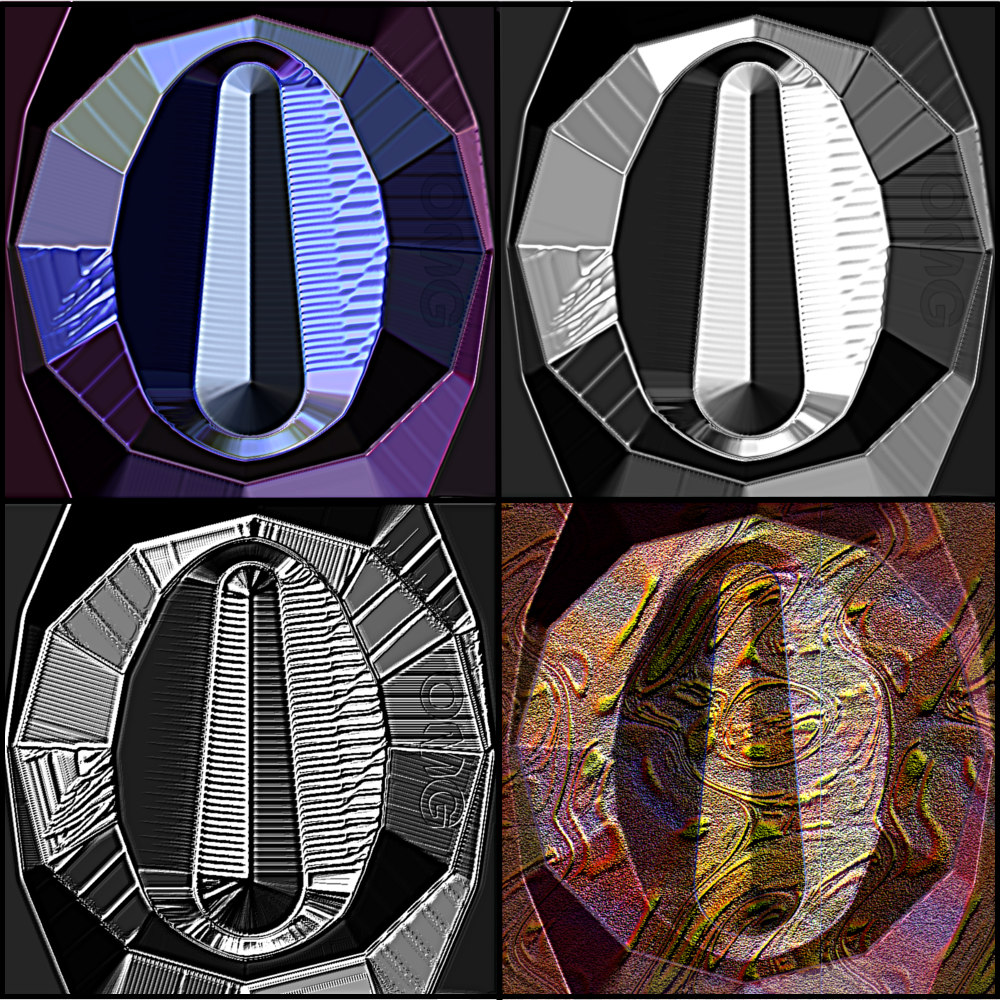
Starter BRL,(top left), turned to smooth stainless steel (top right), then 'bumped/blended' with a greyscale copy of itself (bottom left, then patterned/textured (bottom right) ...

Image

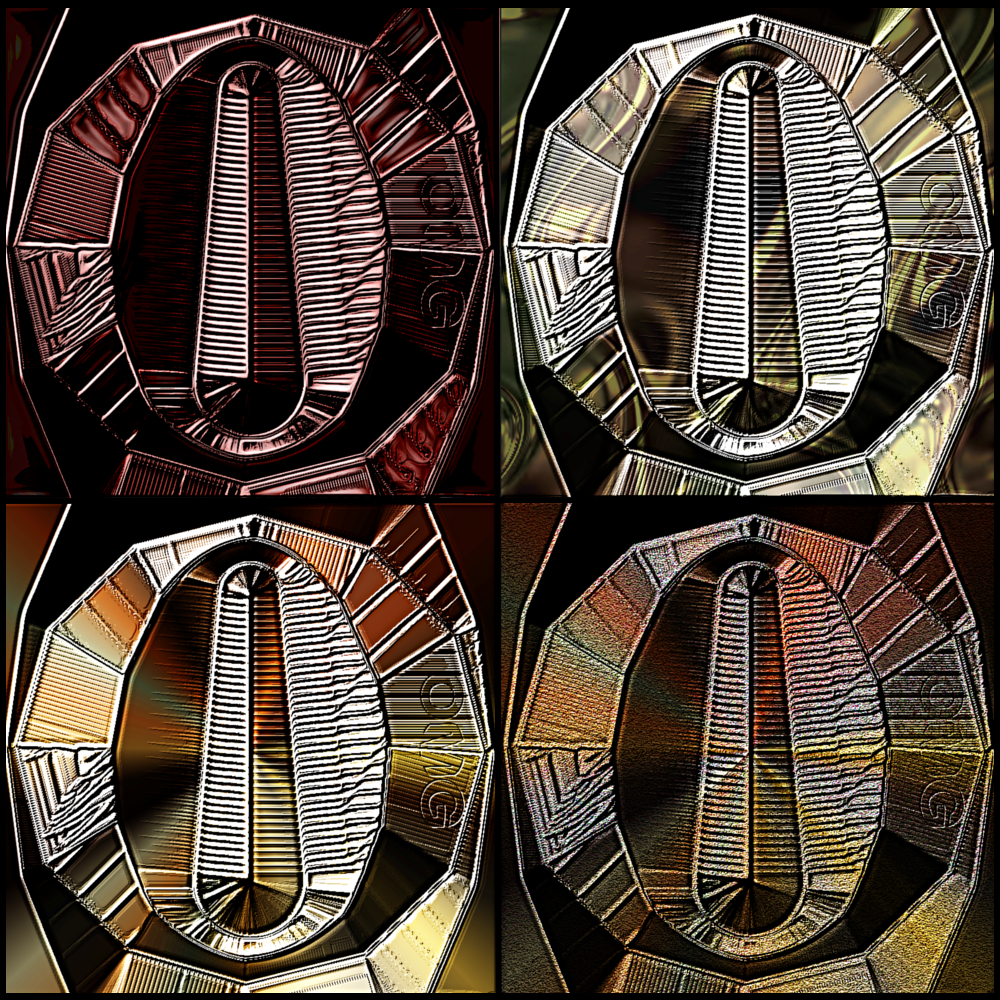
... then blended with a 'wisped' version of itself using 'subtract' mode, then more patterns, gradients and Samj texture.

Image

I realise that many experienced users probably take GIMP functionality for granted, but every time I try something I am just so surprised/impressed with GIMP's magnificent capabilities! :jumpclap

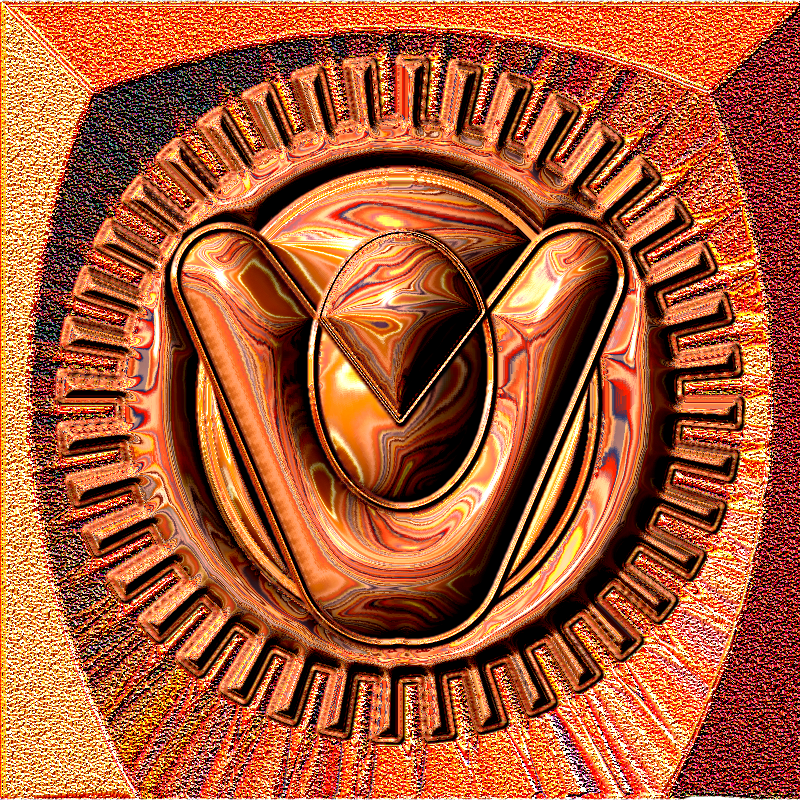
Oh what the h.ll, its been raining all day so one more to celebrate the scripts of both GnuTux and Ofnuts!

Image

_________________
Image

Respect should be offered freely but hard earned


Top
 Post subject: Re: How I Create BRL Images With Gimp (Bevel Reflect)
PostPosted: Mon Apr 20, 2015 9:52 am  (#217) 
Offline
GimpChat Founder
User avatar

Joined: May 22, 2008
Posts: 5241
Location: Gimpville
Nice results, OMG. The last one with the infinite mirror reflecting mirror effect is clever. :hehe

_________________
“If you reach for the stars, you just might land on a decently sized hill.” - Stuart Hill


Top
 Post subject: Re: How I Create BRL Images With Gimp (Bevel Reflect)
PostPosted: Wed Apr 22, 2015 5:11 am  (#218) 
Offline
Global Moderator
User avatar

Joined: Oct 02, 2014
Posts: 5012
Location: Sydney Australia
Well its been one of those days, what with the rain/floods (off topic chit chat) and my failures with the new Samj filter, so I came back to what is probably still my favourite script, BRL, to see what I could do with a single gradient against some more arakne path created shapes.

Image

_________________
Image

Respect should be offered freely but hard earned


Top
 Post subject: Re: How I Create BRL Images With Gimp (Bevel Reflect)
PostPosted: Sun Jun 14, 2020 7:46 pm  (#219) 
Offline
GimpChat Member
User avatar

Joined: Oct 06, 2010
Posts: 4050
Never say never. Funny situation for me, and inevitably finding myself here. I did get the scrollbar fix to work, BUT... the input dialog was still too large for my screen. I tried changing the gimpfu and it didn't work. Behaves like it never even made a change to the dialog size at all. Anyway, long story short, I'm using both the AltDrag and Scrolling Interface. <shrugs> Here I am! So, logically, the next step was using it right, and being that I've been away 4-5 years (I did peek in on weekends here and there. Went full-fledge voyeur the last year or so.) I needed a refresher. Your video, Wallace, is excellent. Thank you for making it and sharing it. My first practice piece:

Image

_________________
"In order to attain the impossible, one must attempt the absurd."
~ Miguel de Cervantes


Top
 Post subject: Re: How I Create BRL Images With Gimp (Bevel Reflect)
PostPosted: Sun Jun 14, 2020 8:42 pm  (#220) 
Offline
GimpChat Member
User avatar

Joined: Apr 15, 2017
Posts: 1837
I made this one a year or so ago using BRL.

Attachment:
New_England_Patriots_logo_Chrome.png
New_England_Patriots_logo_Chrome.png [ 181.59 KiB | Viewed 5986 times ]


Top
Post new topic Reply to topic  [ 231 posts ]  Go to page Previous  1 ... 8, 9, 10, 11, 12  Next

All times are UTC - 5 hours [ DST ]


* Login  


Powered by phpBB3 © phpBB Group