It is currently Sat Oct 10, 2026 10:57 pm


All times are UTC - 5 hours [ DST ]


Post new topic Reply to topic  [ 30 posts ]  Go to page Previous  1, 2
Author Message
 Post subject: Re: Make an Animated Brush in GIMP
PostPosted: Tue Apr 21, 2015 5:36 am  (#21) 
Offline
GimpChat Member
User avatar

Joined: Apr 26, 2014
Posts: 3825
Location: belgium
Image


Attachments:
instruments-color.xcf [2.9 MiB]
Downloaded 129 times
Top
 Post subject: Re: Make an Animated Brush in GIMP
PostPosted: Tue Apr 21, 2015 6:00 am  (#22) 
Offline
GimpChat Member
User avatar

Joined: Apr 26, 2014
Posts: 3825
Location: belgium
Image

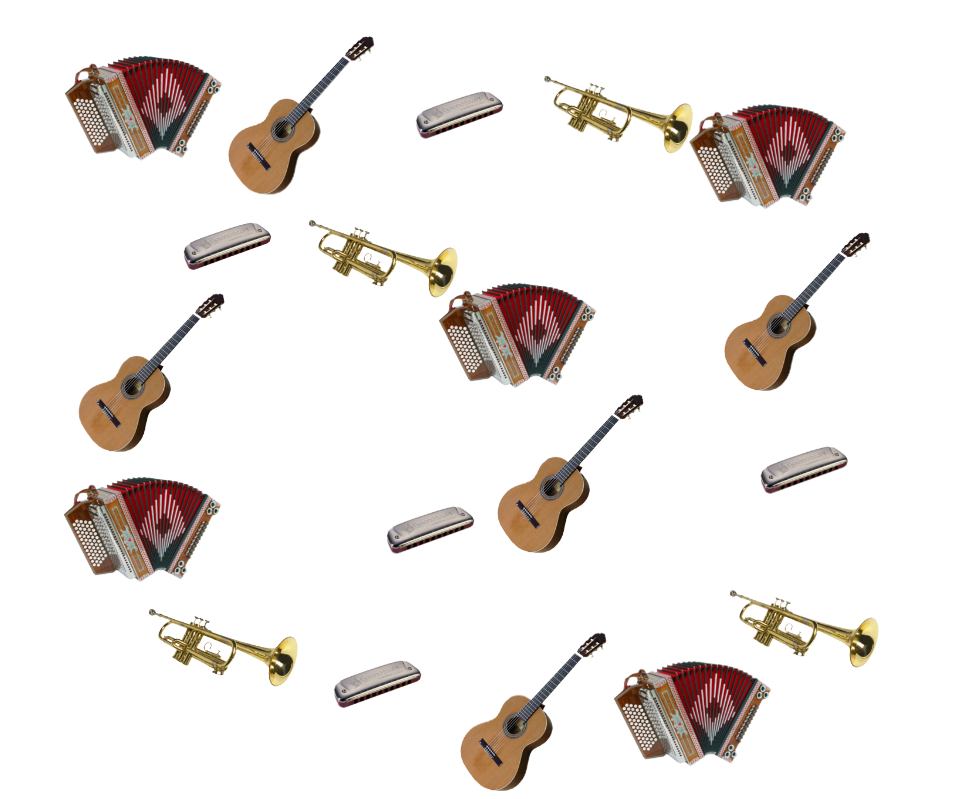
put the brush in your brush folder
hold the left mouse button and slide on your worksheet

the new brush is in the attachment


Attachments:
harmonika.gih [1.12 MiB]
Downloaded 133 times
Top
 Post subject: Re: Make an Animated Brush in GIMP
PostPosted: Tue Apr 21, 2015 6:18 am  (#23) 
Offline
GimpChat Member
User avatar

Joined: Apr 07, 2010
Posts: 14182
Thanks Gimper, very nice.
If you want a little more variation you could duplicate and flip some of the layers horizontally like your guitar and trumpet etc

_________________
Image


Top
 Post subject: Re: Make an Animated Brush in GIMP
PostPosted: Tue Apr 21, 2015 7:59 am  (#24) 
Offline
GimpChat Member
User avatar

Joined: Apr 26, 2014
Posts: 3825
Location: belgium
molly wrote:
Thanks Gimper, very nice.
If you want a little more variation you could duplicate and flip some of the layers horizontally like your guitar and trumpet etc


Image

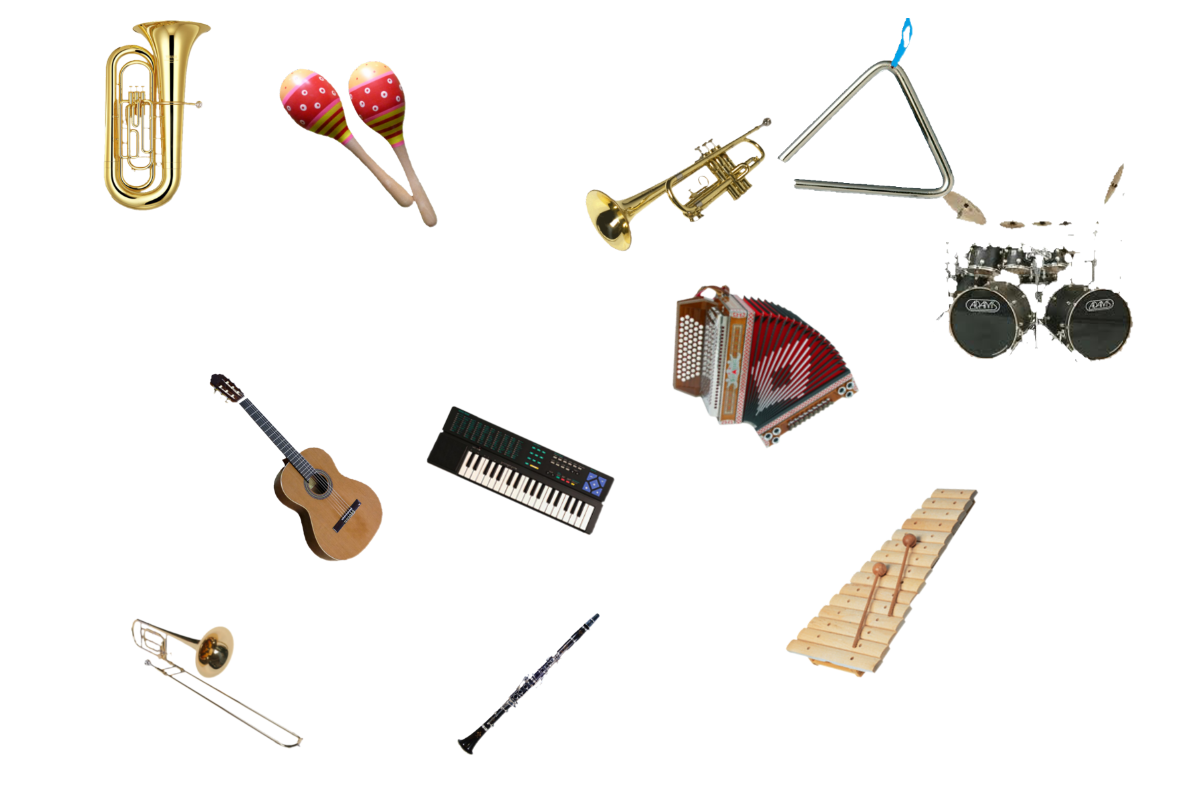
I'm going to make another work from there
i've got it Now in the fingers
it's always easy once you know how to do it


brush is in the attachment


Attachments:
orkest-.gih [3.78 MiB]
Downloaded 166 times
Top
 Post subject: Re: Make an Animated Brush in GIMP
PostPosted: Tue Apr 21, 2015 8:13 am  (#25) 
Offline
Retired Staff
User avatar

Joined: May 22, 2008
Posts: 6946
Location: Somewhere in GIMP
:lol Well you seem to be having fun with this. Nice work, gimper66!
_________________
Image
World War IV will be fought with sticks and stones. - Albert Einstein


Top
 Post subject: Re: Make an Animated Brush in GIMP
PostPosted: Tue Apr 21, 2015 8:25 am  (#26) 
Offline
GimpChat Member
User avatar

Joined: Apr 07, 2010
Posts: 14182
Thanks, grabbed them gimper.

_________________
Image


Top
 Post subject: Re: Make an Animated Brush in GIMP
PostPosted: Tue Apr 21, 2015 10:45 am  (#27) 
Offline
GimpChat Member
User avatar

Joined: Apr 26, 2014
Posts: 3825
Location: belgium
Image

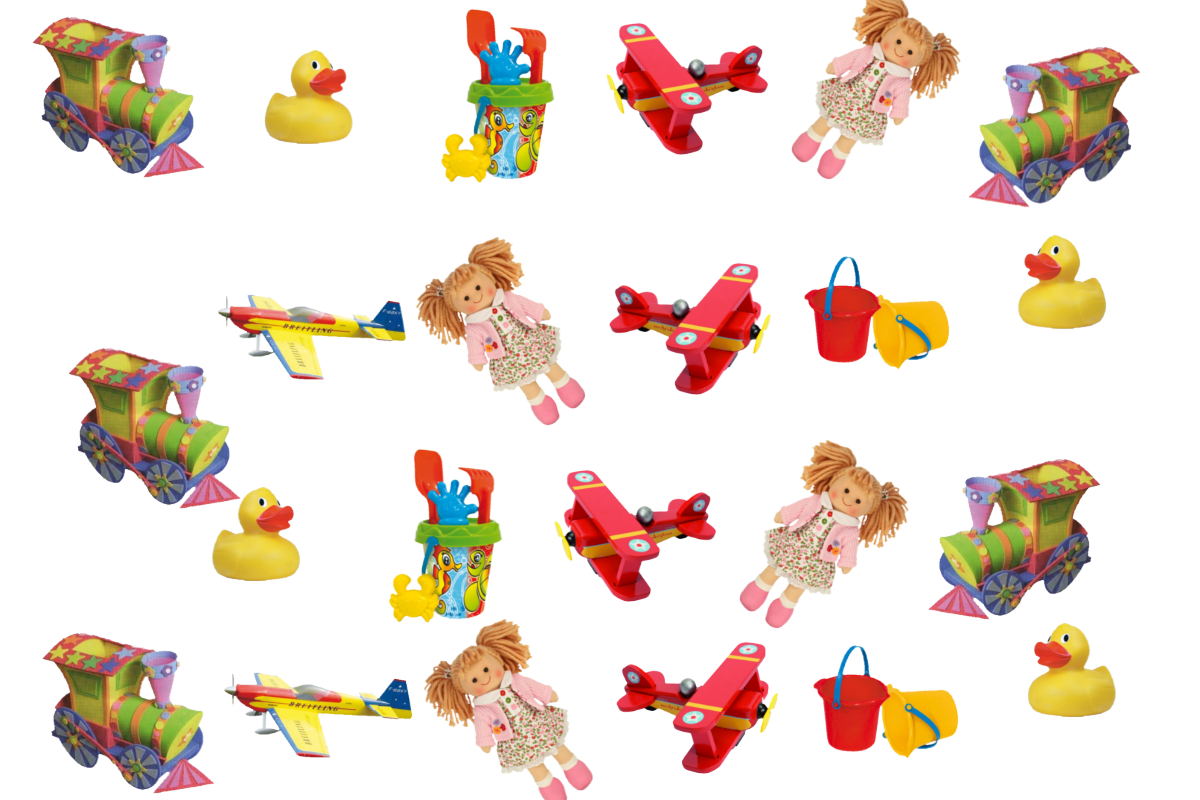
I have now duplicated the toys and placed in two directions with the flip tool
thanks molly
Oregonian yes, I think it's a nice tutorial to do


Attachments:
toys.xcf [764.92 KiB]
Downloaded 137 times
toys.gih [2.71 MiB]
Downloaded 132 times
Top
 Post subject: Re: Make an Animated Brush in GIMP
PostPosted: Tue Apr 21, 2015 10:48 am  (#28) 
Offline
GimpChat Member
User avatar

Joined: Apr 07, 2010
Posts: 14182
Wow, you are on a roll, We will have brushes coming out our ears. Thanks gimper

_________________
Image


Top
 Post subject: Re: Make an Animated Brush in GIMP
PostPosted: Sun Apr 26, 2015 5:45 am  (#29) 
Offline
GimpChat Member
User avatar

Joined: Apr 26, 2014
Posts: 3825
Location: belgium
Image

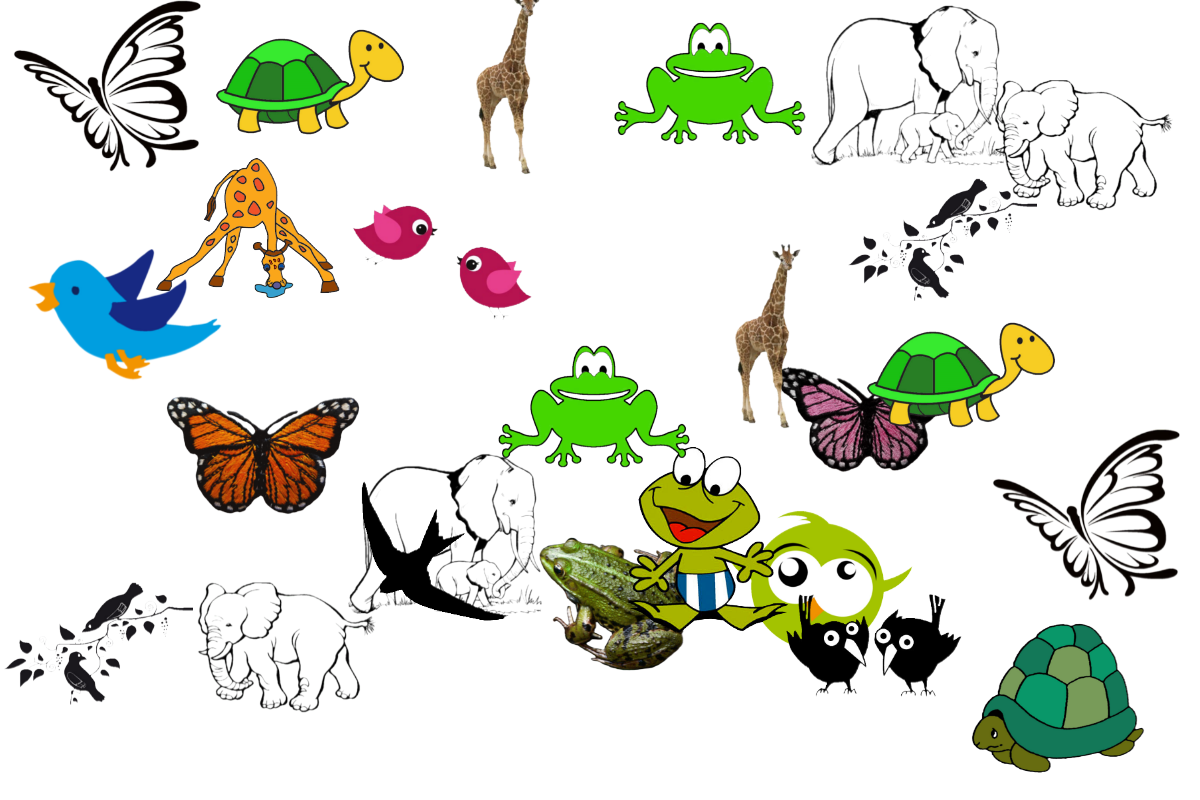
the new fantasy brush is in the attachment

put the fantasy brush in your brush folder
Open a new project (background)
hold the left mouse button
slide your cursor over your background
the images you see here will appear one after the other.


Attachments:
fantasy-brush.zip [769.97 KiB]
Downloaded 137 times
Top
 Post subject: Re: Make an Animated Brush in GIMP
PostPosted: Mon Apr 27, 2015 6:45 am  (#30) 
Offline
GimpChat Member
User avatar

Joined: Apr 26, 2014
Posts: 3825
Location: belgium
Image

the brush is in the attachment
put the brush in your brush folder
open a new project (background)
hold the left mouse button
slide your cursor over your background image
the abc letters will appear one after the other
you can the font size Adjusting larger or smaller with your brush size


Attachments:
abc.gih [624.31 KiB]
Downloaded 135 times
Top
Post new topic Reply to topic  [ 30 posts ]  Go to page Previous  1, 2

All times are UTC - 5 hours [ DST ]


cron

* Login  


Powered by phpBB3 © phpBB Group