It is currently Fri Nov 20, 2026 9:54 pm


All times are UTC - 5 hours [ DST ]


Post new topic Reply to topic  [ 126 posts ]  Go to page Previous  1, 2, 3, 4, 5, 6, 7  Next
Author Message
 Post subject: Re: My Art
PostPosted: Thu Jun 11, 2015 8:16 pm  (#41) 
Offline
GimpChat Member
User avatar

Joined: Mar 16, 2015
Posts: 613
Location: On Earth,specifically Queensland,Australia
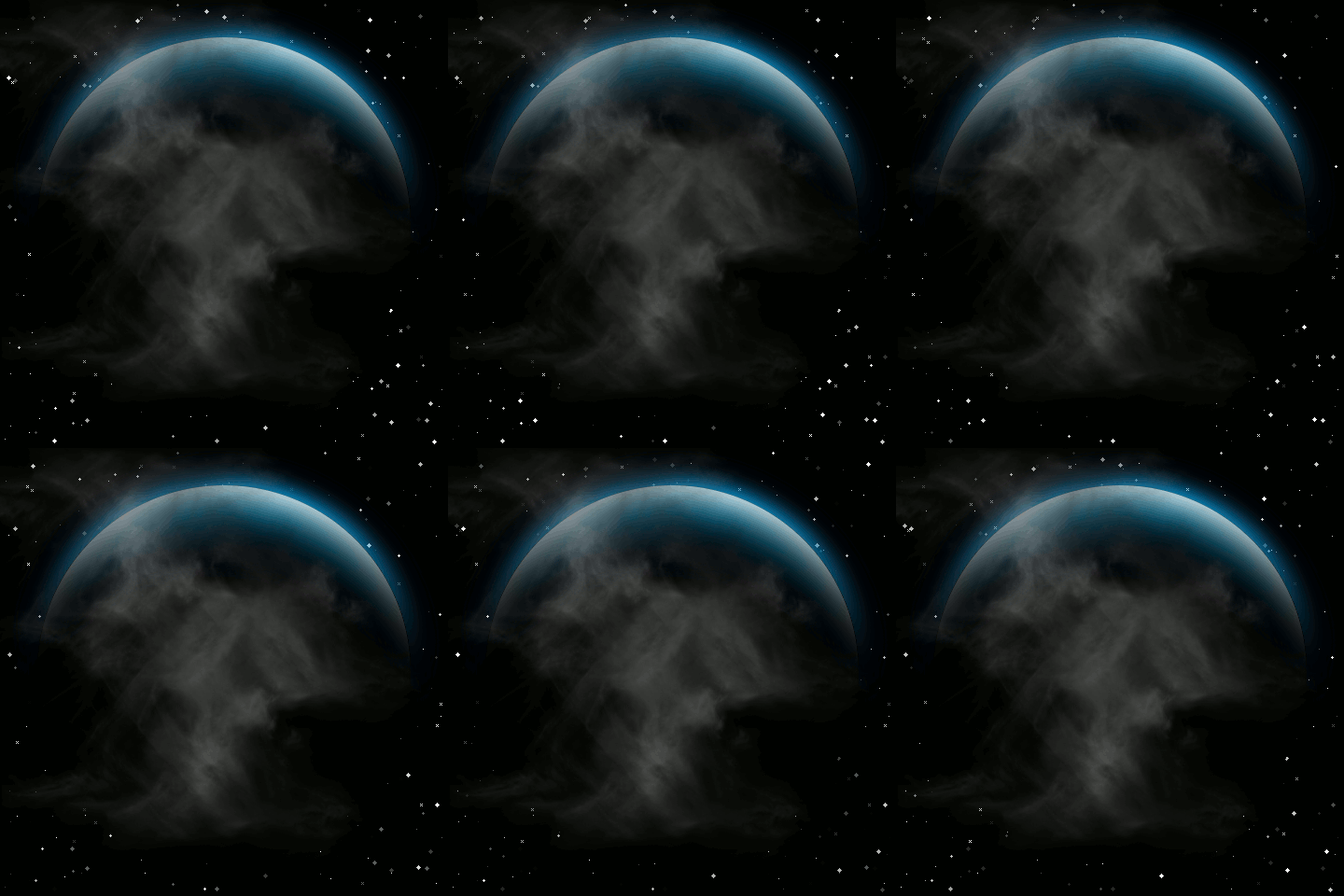
I made this with the Sparkle Animation and the Planet render filters plus some Difference clouds.Image

I tried to slow it down but wasn't sure how much was too much.

_________________
Image


Top
 Post subject: Re: My Art
PostPosted: Thu Jun 11, 2015 9:07 pm  (#42) 
Offline
GimpChat Member
User avatar

Joined: Apr 08, 2010
Posts: 5420
Location: Northwest Ohio
all your efforts are spot on.


Top
 Post subject: Re: My Art
PostPosted: Thu Jun 11, 2015 9:21 pm  (#43) 
Offline
GimpChat Member
User avatar

Joined: Mar 16, 2015
Posts: 613
Location: On Earth,specifically Queensland,Australia
I tried both of Conbagui's sand tutorials then combined them.Image

_________________
Image


Top
 Post subject: Re: My Art
PostPosted: Thu Jun 11, 2015 9:22 pm  (#44) 
Offline
GimpChat Member
User avatar

Joined: Mar 16, 2015
Posts: 613
Location: On Earth,specifically Queensland,Australia
2-ton wrote:
all your efforts are spot on.

Thank you 2-ton.

_________________
Image


Top
 Post subject: Re: My Art
PostPosted: Wed Jun 17, 2015 10:15 pm  (#45) 
Offline
GimpChat Member
User avatar

Joined: Mar 16, 2015
Posts: 613
Location: On Earth,specifically Queensland,Australia
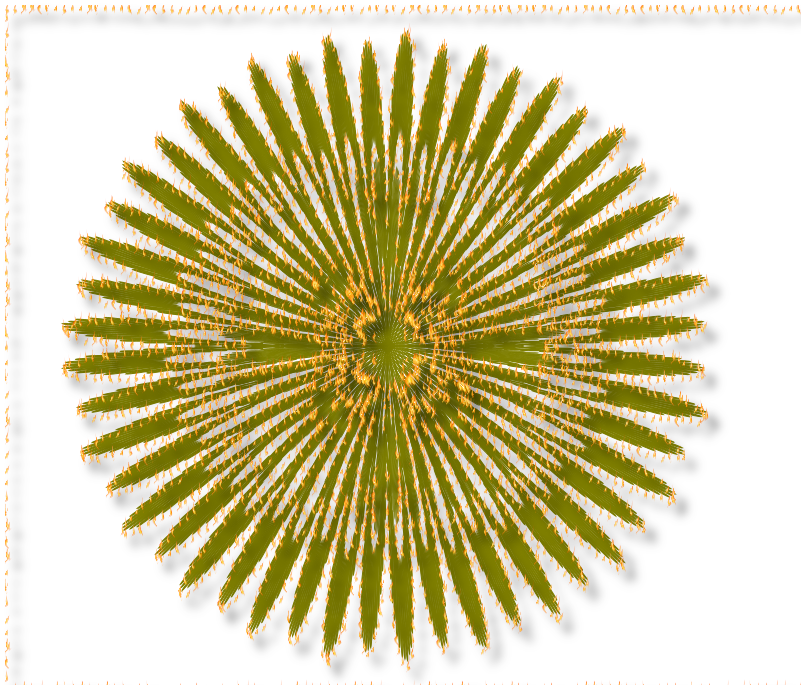
Saw Marcello combining Mutiara and Gimp. Was inspired to take a motif and muck about in Gimp. I saw the 3d stroke under filters and, not knowing what it would do, I used it on the motif and it stroked the motif with the brush I had played with earlier which was Oregonians Flame brush. Image

_________________
Image


Top
 Post subject: Re: My Art
PostPosted: Thu Jun 25, 2015 3:46 pm  (#46) 
Offline
GimpChat Member
User avatar

Joined: Mar 16, 2015
Posts: 613
Location: On Earth,specifically Queensland,Australia
Thanks to Mike, I found Rod's Embroidery script. Combined it with Samj's Denim Gmic preset and came up with an Appliqué or Leather patch. Image

_________________
Image


Top
 Post subject: Re: My Art
PostPosted: Thu Sep 10, 2015 12:02 am  (#47) 
Offline
GimpChat Member
User avatar

Joined: Mar 16, 2015
Posts: 613
Location: On Earth,specifically Queensland,Australia
I have been away with a broken leg. No access to my laptop so no Gimp. To get back in the swing I have done Anmals Paisley tut. I made a triptych of the main layers.


Attachments:
Paisleytuttriptych.png
Paisleytuttriptych.png [ 4.85 MiB | Viewed 2255 times ]

_________________
Image
Top
 Post subject: Re: My Art
PostPosted: Thu Sep 10, 2015 12:13 am  (#48) 
Offline
GimpChat Member
User avatar

Joined: Aug 16, 2012
Posts: 4271
Location: Göteborg, Sweden
kimba: nice to see you back, hope the leg heals quickly! i like your paisley triptych, i wish i could play with that old tutorial again now :).

_________________


Top
 Post subject: Re: My Art
PostPosted: Thu Sep 10, 2015 3:53 pm  (#49) 
Offline
GimpChat Member
User avatar

Joined: Mar 16, 2015
Posts: 613
Location: On Earth,specifically Queensland,Australia
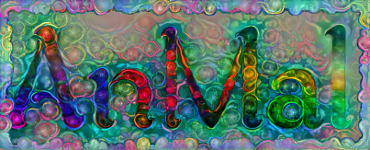
I made another paisley from Anmal's tut but chose the wrong gradient. Don't know why "Caribbean blues" didn't work. It made a good Deep Dream subject tho.


Attachments:
dream_54d189d685.jpg
dream_54d189d685.jpg [ 291.79 KiB | Viewed 2239 times ]
AlmostPaisley.jpg
AlmostPaisley.jpg [ 244.84 KiB | Viewed 2239 times ]

_________________
Image
Top
 Post subject: Re: My Art
PostPosted: Thu Sep 10, 2015 3:57 pm  (#50) 
Offline
GimpChat Member
User avatar

Joined: Jan 20, 2013
Posts: 14835
Location: roma, italy
you are continuously inventing new recipes combining gimp functions with nice results!
may I call you a creative Gimp Cook?

_________________
"Where am I ?"


Top
 Post subject: Re: My Art
PostPosted: Thu Sep 10, 2015 7:36 pm  (#51) 
Offline
GimpChat Member
User avatar

Joined: Mar 16, 2015
Posts: 613
Location: On Earth,specifically Queensland,Australia
You may,Dinasset. Thank you for the compliment.

_________________
Image


Top
 Post subject: Re: My Art
PostPosted: Thu Sep 10, 2015 7:54 pm  (#52) 
Offline
GimpChat Member
User avatar

Joined: Mar 16, 2015
Posts: 613
Location: On Earth,specifically Queensland,Australia
Attachment:
paisleypaths.jpg
paisleypaths.jpg [ 157.81 KiB | Viewed 2167 times ]
For this one I just layered Pat625's Paisley with Depth over Anmal's tut.

_________________
Image


Last edited by Kimba on Mon Sep 14, 2015 7:27 pm, edited 1 time in total.

Top
 Post subject: Re: My Art
PostPosted: Fri Sep 11, 2015 3:46 am  (#53) 
Offline
GimpChat Member
User avatar

Joined: Aug 16, 2012
Posts: 4271
Location: Göteborg, Sweden
kimba: i really like the deep dreamed version of that caribbean blue paisley pattern :). i would never have thought of combining these particular things, nice idea. as for why the pattern didn't work: i think maybe it needs different whirl settings. looks like the first whirl distorted the edges a bit too much.

_________________


Top
 Post subject: Re: My Art
PostPosted: Fri Sep 11, 2015 10:49 pm  (#54) 
Offline
GimpChat Member
User avatar

Joined: Mar 16, 2015
Posts: 613
Location: On Earth,specifically Queensland,Australia
Spot on, Anmal. I made too many rings the first time. This time I made the spiral more open and got a result closer to yours. I then added a bit of pinch and liked the effect. When tiled it is quite effective.


Attachments:
Paisley2final.jpg
Paisley2final.jpg [ 140.54 KiB | Viewed 2135 times ]

_________________
Image
Top
 Post subject: Re: My Art
PostPosted: Tue Sep 15, 2015 9:34 pm  (#55) 
Offline
GimpChat Member
User avatar

Joined: Mar 16, 2015
Posts: 613
Location: On Earth,specifically Queensland,Australia
Attachment:
Paisleytuttriptych.jpg
Paisleytuttriptych.jpg [ 2.04 MiB | Viewed 2104 times ]
I used the Paisley Triptych and put a Rock texture behind it.

_________________
Image


Top
 Post subject: Re: My Art
PostPosted: Sat Sep 26, 2015 1:18 am  (#56) 
Offline
GimpChat Member
User avatar

Joined: Mar 16, 2015
Posts: 613
Location: On Earth,specifically Queensland,Australia
I decided to play with Sculpture Generator. You can't save Images but the native STL file is Blender importable. I rendered a PNG from Blender and took the background away and fiddled with modes in Gimp.
Attachment:
Sculpture1.png
Sculpture1.png [ 241.95 KiB | Viewed 2062 times ]

_________________
Image


Top
 Post subject: Re: My Art
PostPosted: Sat Sep 26, 2015 3:07 pm  (#57) 
Offline
GimpChat Member
User avatar

Joined: Mar 16, 2015
Posts: 613
Location: On Earth,specifically Queensland,Australia
Attachment:
AlchemyPink.png
AlchemyPink.png [ 494.99 KiB | Viewed 2048 times ]
I decided to play with Alchemy again. Have discovered if you save and clear, it will put your doodles in a pdf that Gimp can open as layers. So this is a picture made of 3 Alchemy doodles layered and blended in Gimp.

_________________
Image


Top
 Post subject: Re: My Art
PostPosted: Fri Oct 02, 2015 6:41 pm  (#58) 
Offline
GimpChat Member
User avatar

Joined: Mar 16, 2015
Posts: 613
Location: On Earth,specifically Queensland,Australia
Attachment:
OFPicture.png
OFPicture.png [ 2.11 MiB | Viewed 2024 times ]
Background is a diagonal blend passed through Tile_Shuffle. I then duplicated the layer and ran it through Gmic's Freaky B/W. I lowered the opacity and experimented with Blend modes. The Frame and Decoration are Knotter files and I again lowered the opacity and experimented with Blend modes.

_________________
Image


Top
 Post subject: Re: My Art
PostPosted: Fri Oct 02, 2015 9:23 pm  (#59) 
Offline
Administrator
User avatar

Joined: Aug 10, 2012
Posts: 14281
Location: Native to NYC living in Arizona, Gimp 2.8 - 3.0, Win 11 PC.
:kpix

_________________
Image
"A wise man learns more from a foolish question than a fool can learn from a wise answer"
Image


Top
 Post subject: Re: My Art
PostPosted: Fri Oct 02, 2015 10:33 pm  (#60) 
Offline
GimpChat Member
User avatar

Joined: Mar 16, 2015
Posts: 613
Location: On Earth,specifically Queensland,Australia
:tyspin

_________________
Image


Top
Post new topic Reply to topic  [ 126 posts ]  Go to page Previous  1, 2, 3, 4, 5, 6, 7  Next

All times are UTC - 5 hours [ DST ]


cron

* Login  


Powered by phpBB3 © phpBB Group