It is currently Sat Nov 21, 2026 1:05 am


All times are UTC - 5 hours [ DST ]


Post new topic Reply to topic  [ 129 posts ]  Go to page Previous  1, 2, 3, 4, 5, 6, 7  Next
Author Message
 Post subject: Re: Playing with light rays
PostPosted: Mon Jul 11, 2016 12:07 pm  (#81) 
Offline
GimpChat Member
User avatar

Joined: Mar 01, 2014
Posts: 14257
Location: Spain, Aragón
2-ton, If you read my second tut, I think it may help you to get heavy rays. I applied white colour but you can give the colour you want. The method to get the right rays without grey colour and direction are in it. If you want the rays only from the pencil point, you will need to crop the point to get the rays and then you can put the whole pencil. :)
Anyway, I like you outcome. It's very effective. :bigthup

_________________
Image

Gimp 2.10.36 (samj) portable _ OS Windows 10 Home_ 64bits
Don’t be afraid to start over. It’s a new chance to rebuild what you want.


Top
 Post subject: Re: Playing with light rays
PostPosted: Tue Jul 12, 2016 5:37 am  (#82) 
Offline
Global Moderator
User avatar

Joined: Oct 02, 2014
Posts: 5097
Location: Sydney Australia
Well I have just arrived home tonight after being away for a week attending my son's ordination as a Buddhist Monk; his monastery is in a somewhat remote and certainly internet challenged location!

I just quickly logged on to this thread to see what was happening and wow wow wow, well done :jumpclap

Just look where you people have taken it. I even knocked up a tutorial while I was away but given what you guys have produced, including Issabella's 2 tutorials, it is probably irrelevant or at least will need a re-write :roll:

It will take me a couple of days to catch up with everything and take in what you have created above.

Anyway it is good to be back :)

_________________
Image

Respect should be offered freely but hard earned


Top
 Post subject: Re: Playing with light rays
PostPosted: Tue Jul 12, 2016 7:00 am  (#83) 
Offline
GimpChat Member
User avatar

Joined: Mar 01, 2014
Posts: 14257
Location: Spain, Aragón
My warm congratulation OMG for your ordination of you son. I wish your son to be very happy. :) :bigthup
Please, check my tuts as you would have done them much better. :)
We have missed you a lot.

_________________
Image

Gimp 2.10.36 (samj) portable _ OS Windows 10 Home_ 64bits
Don’t be afraid to start over. It’s a new chance to rebuild what you want.


Top
 Post subject: Re: Playing with light rays
PostPosted: Tue Jul 12, 2016 8:59 am  (#84) 
Offline
Administrator
User avatar

Joined: Aug 10, 2012
Posts: 14281
Location: Native to NYC living in Arizona, Gimp 2.8 - 3.0, Win 11 PC.
Image

_________________
Image
"A wise man learns more from a foolish question than a fool can learn from a wise answer"
Image


Top
 Post subject: Re: Playing with light rays
PostPosted: Tue Jul 12, 2016 10:53 am  (#85) 
Offline
GimpChat Member

Joined: May 12, 2015
Posts: 4693
Welcome back, OMG!


Top
 Post subject: Re: Playing with light rays
PostPosted: Tue Jul 12, 2016 12:51 pm  (#86) 
Offline
GimpChat Member
User avatar

Joined: Apr 08, 2010
Posts: 5420
Location: Northwest Ohio
I, for one, would love to see your tutorial, especially if it's for beginners in the process. Congrats to your son on his spiritual journey.


Top
 Post subject: Re: Playing with light rays
PostPosted: Tue Jul 12, 2016 1:41 pm  (#87) 
Offline
GimpChat Member
User avatar

Joined: Apr 08, 2010
Posts: 5420
Location: Northwest Ohio
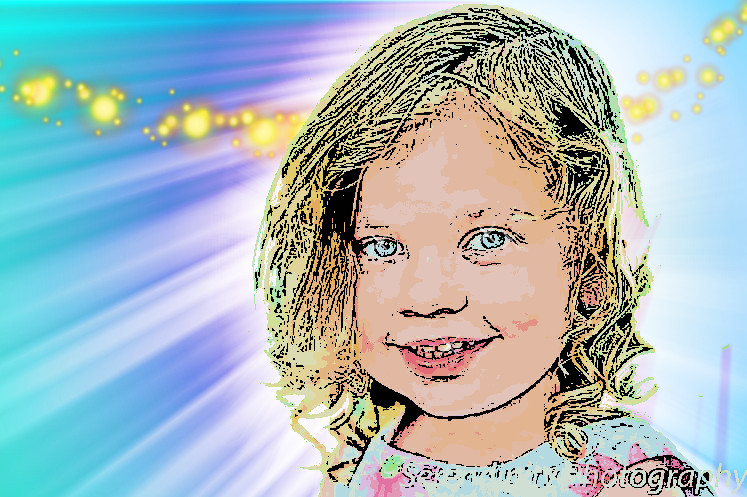
Well, after reading Isabella's tutorials, I am getting a little more of what I want to do, but still hard to get things as I want them. It's more an accident than on purpose! I wanted to get the nice darker glow around the subject, so I did the light rays first, X3 then merged. Next I did a gaussian blur layer of white to get the heaver backlight right around the subject. Then I went crazy and added color and some decoration, lol. I still want to be able to know exactly what the slider settings will result in without just experimenting.
Image


Top
 Post subject: Re: Playing with light rays
PostPosted: Tue Jul 12, 2016 4:40 pm  (#88) 
Offline
Global Moderator
User avatar

Joined: Oct 02, 2014
Posts: 5097
Location: Sydney Australia
A good nights sleep, no jet lag from a different time zone and I have finished reading all your posts. Now to look at Issabella's tuts.

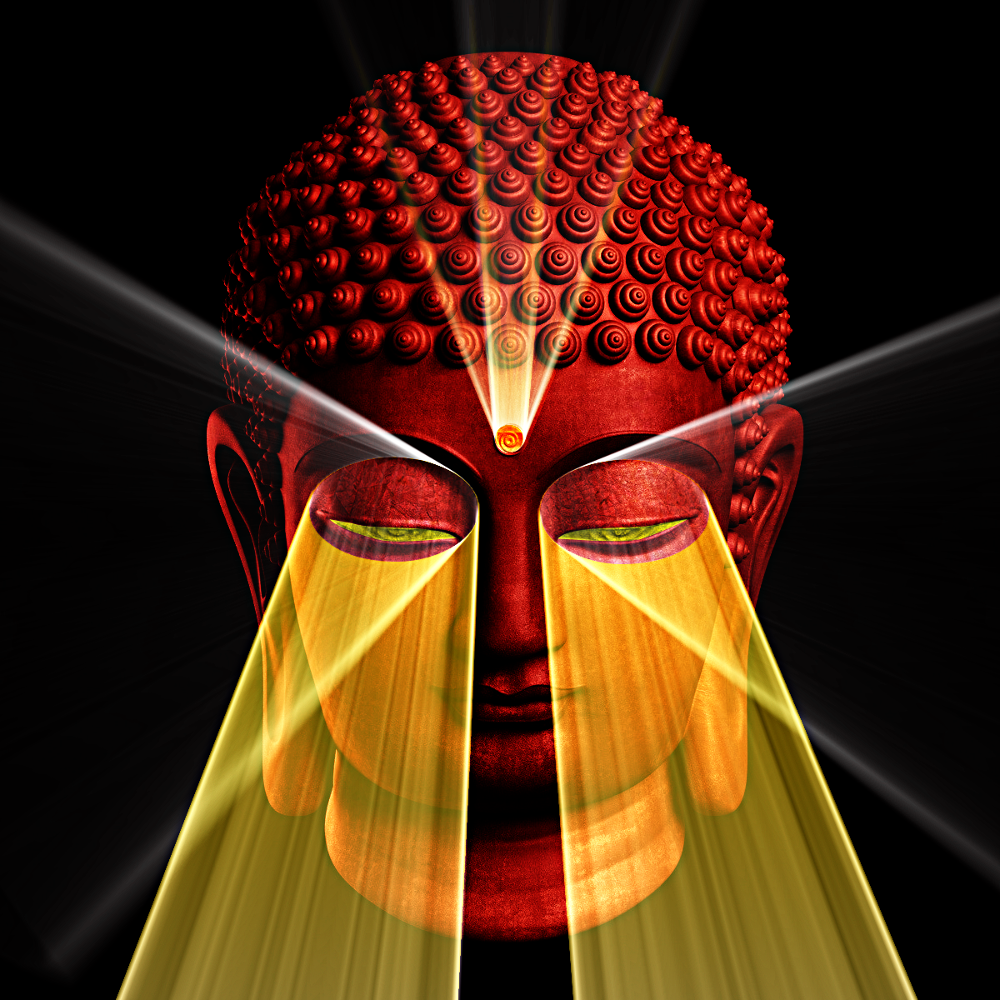
Just a quickie on a poignant subject - (well for me, my wife and my son anyway :) )

Image

_________________
Image

Respect should be offered freely but hard earned


Top
 Post subject: Re: Playing with light rays
PostPosted: Tue Jul 12, 2016 7:38 pm  (#89) 
Offline
GimpChat Member
User avatar

Joined: Dec 10, 2013
Posts: 1004
OMG, good to have you back and congratulations to you, to your family on the ordination of your son.

Beautiful outcome using the rays on the significance of the occasion that has touched you deeply.

_________________
Image
Macbook Air - MacOS Sierra 10.12
McGimp 2.8.14
G'mic 1.6.5


Top
 Post subject: Re: Playing with light rays
PostPosted: Wed Jul 13, 2016 2:21 pm  (#90) 
Offline
GimpChat Member
User avatar

Joined: Mar 01, 2014
Posts: 14257
Location: Spain, Aragón
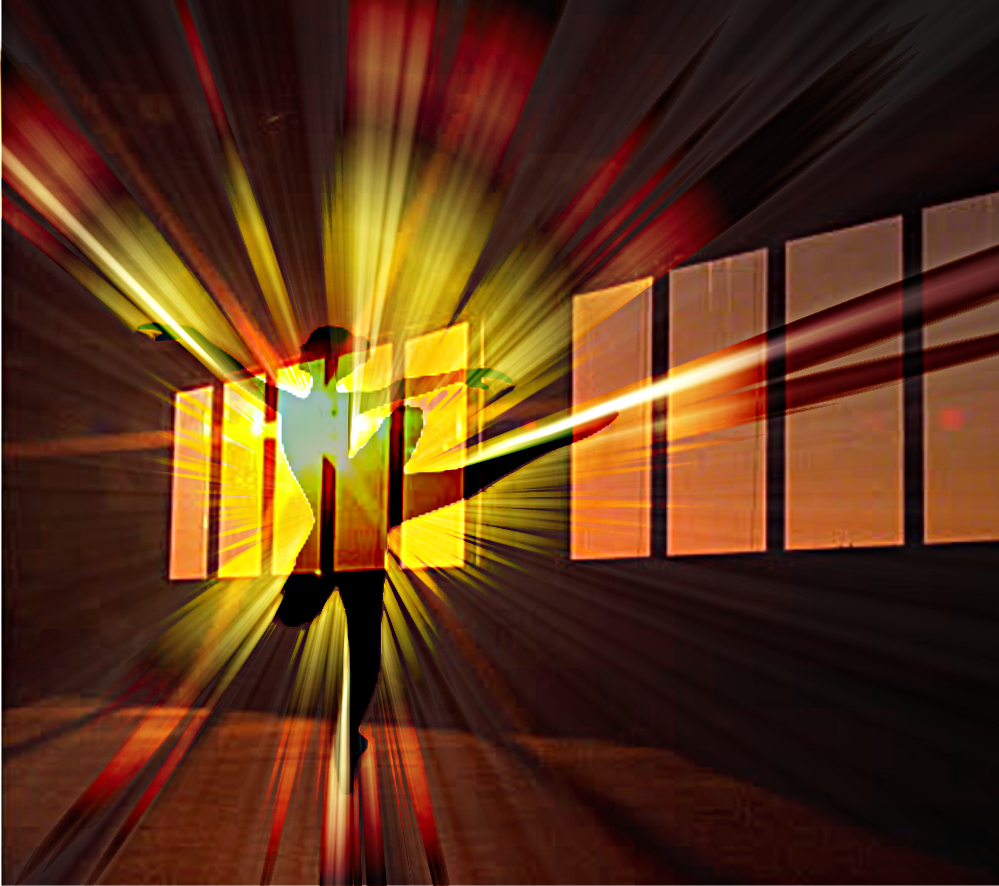
I'm still playing with this nice filter to get different directions in the rays.


Attachments:
Dancing Couple-WhiteLightRays.JPG
Dancing Couple-WhiteLightRays.JPG [ 302.48 KiB | Viewed 1692 times ]

_________________
Image

Gimp 2.10.36 (samj) portable _ OS Windows 10 Home_ 64bits
Don’t be afraid to start over. It’s a new chance to rebuild what you want.
Top
 Post subject: Re: Playing with light rays
PostPosted: Wed Jul 13, 2016 3:16 pm  (#91) 
Offline
GimpChat Member
User avatar

Joined: Mar 01, 2014
Posts: 14257
Location: Spain, Aragón
One more. :)


Attachments:
Firefly-light rays.JPG
Firefly-light rays.JPG [ 178.75 KiB | Viewed 1662 times ]

_________________
Image

Gimp 2.10.36 (samj) portable _ OS Windows 10 Home_ 64bits
Don’t be afraid to start over. It’s a new chance to rebuild what you want.
Top
 Post subject: Re: Playing with light rays
PostPosted: Wed Jul 13, 2016 5:24 pm  (#92) 
Offline
Global Moderator
User avatar

Joined: Oct 02, 2014
Posts: 5097
Location: Sydney Australia
I am pretty happy now with understanding the behaviour of 'light rays' from different angles and individual or multiple objects spread across a canvas - I also believe it is OK not to just accept the light ray as is, but to shape it if required, to better suit the preferred result.

Anyway here are a few that I put together based on posts and comments above -

Image

Image

Image

... and I am happy to do a tutorial on specific aspects of this filter if anybody still wants one - just let me know just what content you want me to address :)

_________________
Image

Respect should be offered freely but hard earned


Top
 Post subject: Re: Playing with light rays
PostPosted: Wed Jul 13, 2016 10:40 pm  (#93) 
Offline
GimpChat Member

Joined: May 12, 2015
Posts: 4693
WOW!! You get more creative as you go! But then, I'm not surprised. Yes, we all (and I think I can speak for all of us, please correct me if I am wrong) would like a tutorial, Please!! I have learned a few things on my own, but there is so much more that I would like to do. Could you start with the very basic. That way those who haven't started or having difficulty would benefit. Then could you get progressively more complicated. That sounds to me like I am asking a lot. So it is all up to you when you have time. To keep it shorter for you if you want to do it, do the tut in a series of small ones. That way I can question you to death in between if I am lost!!! Seriously, I will appreciate any help that you can bestow.

P.S. Can all of us go for a ride in your spaceship?


Top
 Post subject: Re: Playing with light rays
PostPosted: Thu Jul 14, 2016 1:48 am  (#94) 
Offline
GimpChat Member
User avatar

Joined: Mar 01, 2014
Posts: 14257
Location: Spain, Aragón
Please OMG, yes I'm very interested in your tutorials. I have got the behaviour of rays when objects in the centre and sides, but I don't know how you get so heavy rays for instance in the ones from the window. Beautiful outcomes OMG, and I'm happy you are so generous to do a tut for us all. THANKS!!!!! :tyspin

_________________
Image

Gimp 2.10.36 (samj) portable _ OS Windows 10 Home_ 64bits
Don’t be afraid to start over. It’s a new chance to rebuild what you want.


Top
 Post subject: Re: Playing with light rays
PostPosted: Sat Jul 16, 2016 5:50 am  (#95) 
Offline
Global Moderator
User avatar

Joined: Oct 02, 2014
Posts: 5097
Location: Sydney Australia
As requested the first set of 3 proposed tutorials on using GMIC light rays has been posted here viewtopic.php?f=10&t=14311

Hope people find them useful. :)

_________________
Image

Respect should be offered freely but hard earned


Top
 Post subject: Re: Playing with light rays
PostPosted: Sat Jul 16, 2016 9:04 am  (#96) 
Offline
GimpChat Member
User avatar

Joined: Mar 01, 2014
Posts: 14257
Location: Spain, Aragón
THANK YOU SO MUCH!!!! great work in your first part of tutorial. I did the first part after learning rays behaviour as you advise. :yes :) :coolthup :tyspin


Attachments:
OMG-1st part.JPG
OMG-1st part.JPG [ 176.12 KiB | Viewed 1600 times ]

_________________
Image

Gimp 2.10.36 (samj) portable _ OS Windows 10 Home_ 64bits
Don’t be afraid to start over. It’s a new chance to rebuild what you want.
Top
 Post subject: Re: Playing with light rays
PostPosted: Sat Jul 16, 2016 9:35 am  (#97) 
Offline
GimpChat Member
User avatar

Joined: Mar 01, 2014
Posts: 14257
Location: Spain, Aragón
OMG, Thanks again. I know just now how to create "heavy rays" by doing your fantastic tutorial. :jumpclap :hehe :tyspin


Attachments:
OMG-2nd part-cupid.JPG
OMG-2nd part-cupid.JPG [ 158.82 KiB | Viewed 1597 times ]

_________________
Image

Gimp 2.10.36 (samj) portable _ OS Windows 10 Home_ 64bits
Don’t be afraid to start over. It’s a new chance to rebuild what you want.
Top
 Post subject: Re: Playing with light rays
PostPosted: Sun Jul 17, 2016 3:48 am  (#98) 
Offline
GimpChat Member
User avatar

Joined: Mar 01, 2014
Posts: 14257
Location: Spain, Aragón
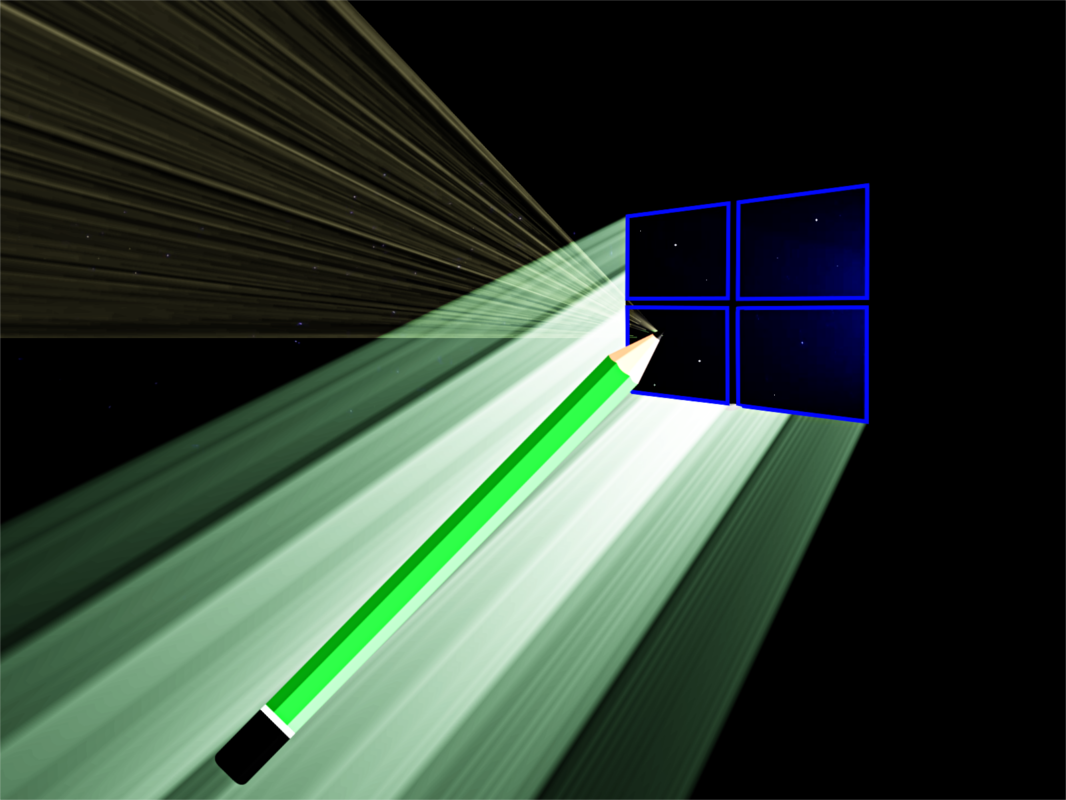
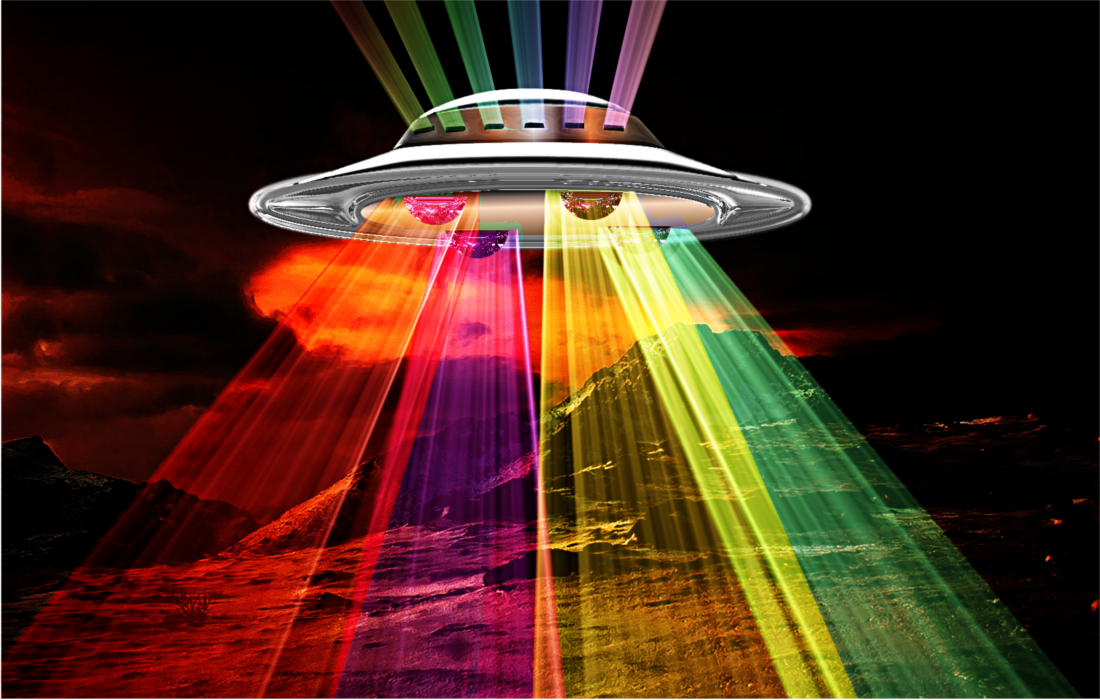
I continue playing with light rays OMG. :)


Attachments:
ovni-Light Rays.jpg
ovni-Light Rays.jpg [ 86.99 KiB | Viewed 1585 times ]

_________________
Image

Gimp 2.10.36 (samj) portable _ OS Windows 10 Home_ 64bits
Don’t be afraid to start over. It’s a new chance to rebuild what you want.
Top
 Post subject: Re: Playing with light rays
PostPosted: Sun Jul 17, 2016 3:53 am  (#99) 
Offline
Global Moderator
User avatar

Joined: Oct 02, 2014
Posts: 5097
Location: Sydney Australia
Issabella - that is excellent; looks like you have already moved on to Tutorial 3 and I have not even posted #2 yet :hehe

_________________
Image

Respect should be offered freely but hard earned


Top
 Post subject: Re: Playing with light rays
PostPosted: Sun Jul 17, 2016 3:59 am  (#100) 
Offline
GimpChat Member
User avatar

Joined: Mar 01, 2014
Posts: 14257
Location: Spain, Aragón
No OMG, I need your tuts. all of them :) :tyspin

_________________
Image

Gimp 2.10.36 (samj) portable _ OS Windows 10 Home_ 64bits
Don’t be afraid to start over. It’s a new chance to rebuild what you want.


Top
Post new topic Reply to topic  [ 129 posts ]  Go to page Previous  1, 2, 3, 4, 5, 6, 7  Next

All times are UTC - 5 hours [ DST ]


* Login  


Powered by phpBB3 © phpBB Group