It is currently Fri Sep 25, 2026 5:41 pm


All times are UTC - 5 hours [ DST ]


Post new topic Reply to topic  [ 23 posts ]  Go to page 1, 2  Next
Author Message
 Post subject: Getting around to enhancing my own pics
PostPosted: Tue Feb 02, 2016 9:03 pm  (#1) 
Offline
GimpChat Member
User avatar

Joined: Apr 08, 2010
Posts: 5420
Location: Northwest Ohio
So I finally had some time to try out some photo enhancements on a picture I took with my new camera. I found it was hard to do much with this particular photo, and got surprised by a wayward lens flare that I didn't even know was there! Clockwise from upper left...Curves, Desaturated with some use of levels, G'MiC urban blight filter, original with a bit of wavelet sharpening. *oh, yeah, this is a Quonset hut, by the way.
Image


Share on Facebook Share on Twitter Share on Orkut Share on Digg Share on MySpace Share on Delicious Share on Technorati
Top
 Post subject: Re: Getting around to enhancing my own pics
PostPosted: Wed Feb 03, 2016 1:10 am  (#2) 
Offline
GimpChat Member
User avatar

Joined: Dec 08, 2013
Posts: 1088
The bottom right is my choice. Would make for a nice metal base. :bigthup

_________________
Image


Top
 Post subject: Re: Getting around to enhancing my own pics
PostPosted: Wed Feb 03, 2016 1:19 am  (#3) 
Offline
Global Moderator
User avatar

Joined: Apr 01, 2012
Posts: 8471
Location: On the other side of your screen
Well done 2-ton. You made lots of nice differences.
Do you have the original? I can get rid of the flare entirely for you if you want.

_________________
Image
Free Fun Photo Editing & resources
Poems from the Lord
Gimp Newby
Gimp version 3.2.4 and GMIC-Qt 4.0.2 OS :- Windows 10 Home 64


Top
 Post subject: Re: Getting around to enhancing my own pics
PostPosted: Wed Feb 03, 2016 2:10 am  (#4) 
Offline
Administrator
User avatar

Joined: Aug 10, 2012
Posts: 14209
Location: Native to NYC living in Arizona, Gimp 2.8 - 3.0, Win 11 PC.
Lower left looks best to me and I think that lens flare is nice.
I would attempt to enhance the flare a bit more.
The photo is already interesting on it's own, but I feel that by enhancing the flare.
It would look even more interesting, but I'm really into lens flares.
I guess that's a personal taste kind of thing.

_________________
Image
"A wise man learns more from a foolish question than a fool can learn from a wise answer"
Image


Top
 Post subject: Re: Getting around to enhancing my own pics
PostPosted: Wed Feb 03, 2016 8:39 am  (#5) 
Offline
GimpChat Member

Joined: Jan 12, 2015
Posts: 6
Just curious, is that lens flare or sensor dust? Really looks like a dust bunny to me.


Top
 Post subject: Re: Getting around to enhancing my own pics
PostPosted: Wed Feb 03, 2016 9:30 pm  (#6) 
Offline
GimpChat Member
User avatar

Joined: Apr 08, 2010
Posts: 5420
Location: Northwest Ohio
It is a flare, I was facing a bit towards the sun. The lower left is the original, all I did was a small amount of wavelet sharpen to it to compensate for downsizing it so much.


Top
 Post subject: Re: Getting around to enhancing my own pics
PostPosted: Thu Feb 04, 2016 3:40 pm  (#7) 
Offline
GimpChat Member

Joined: Jan 12, 2015
Posts: 6
Guess I don't know what you're talking about, I'm referring to the spot right in the middle of all the images, including the lower left. Am I looking in the wrong place or at the wrong thing. I assume that you've induce some lens distortion, is that the flare you're talking about?


Top
 Post subject: Re: Getting around to enhancing my own pics
PostPosted: Thu Feb 04, 2016 4:30 pm  (#8) 
Offline
Administrator
User avatar

Joined: Aug 10, 2012
Posts: 14209
Location: Native to NYC living in Arizona, Gimp 2.8 - 3.0, Win 11 PC.
Joes_boy wrote:
Guess I don't know what you're talking about,
I'm referring to the spot right in the middle of all the images,
including the lower left.
Am I looking in the wrong place or at the wrong thing.
I assume that you've induce some lens distortion, is that the flare you're talking about?

That's the spot alright. :hehe

_________________
Image
"A wise man learns more from a foolish question than a fool can learn from a wise answer"
Image


Top
 Post subject: Re: Getting around to enhancing my own pics
PostPosted: Thu Feb 04, 2016 4:53 pm  (#9) 
Offline
GimpChat Member
User avatar

Joined: Apr 08, 2010
Posts: 5420
Location: Northwest Ohio
bingo!


Top
 Post subject: Re: Getting around to enhancing my own pics
PostPosted: Fri Mar 04, 2016 5:43 am  (#10) 
Offline
GimpChat Member
User avatar

Joined: Jul 04, 2015
Posts: 256
I'm particularly fond of the psychedelic version.


Top
 Post subject: Re: Getting around to enhancing my own pics
PostPosted: Sun Oct 09, 2016 12:34 pm  (#11) 
Offline
GimpChat Member
User avatar

Joined: Apr 08, 2010
Posts: 5420
Location: Northwest Ohio
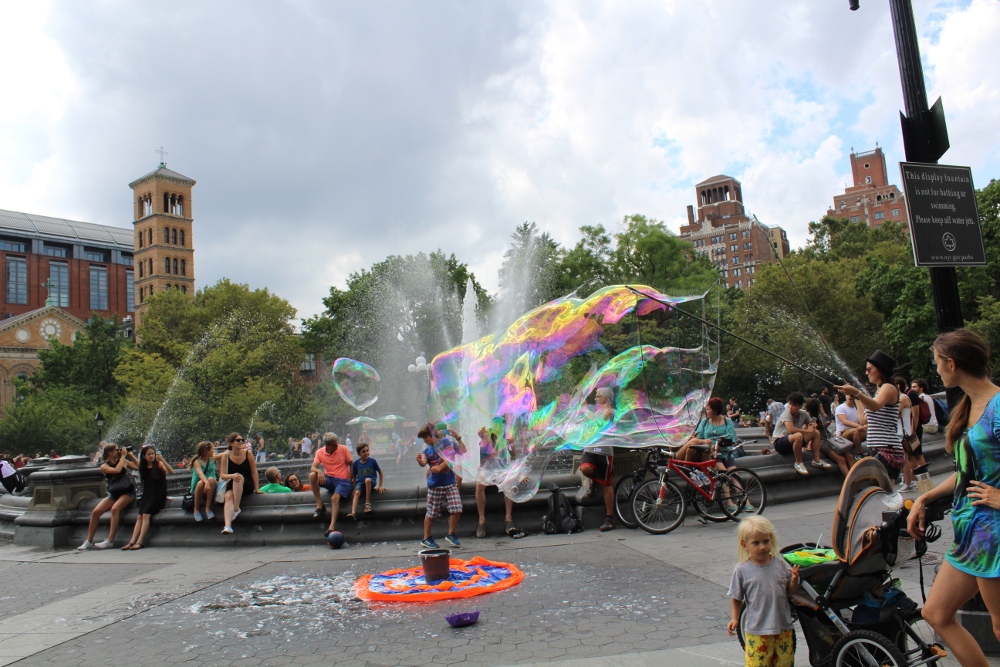
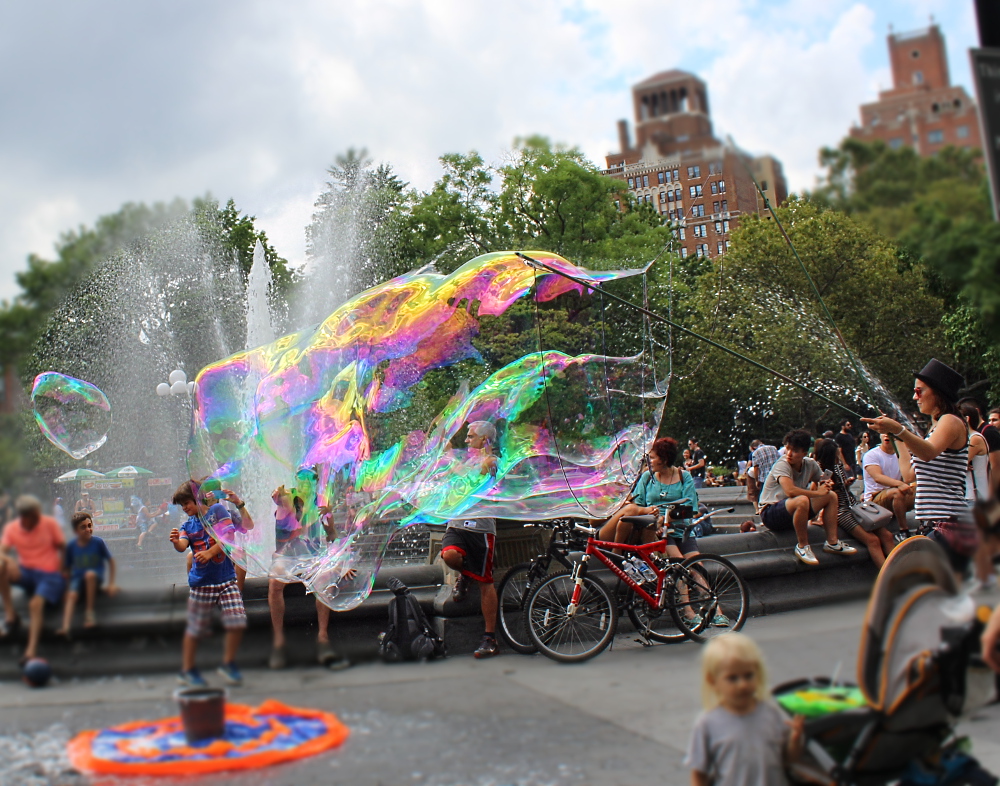
Just out of curiosity, I would like to know which of the gimped photos you like the best. Have to do two posts, as it doesn't want to work with all 4 pics in one post.

Original.
Image

gimped #1
Image


Top
 Post subject: Re: Getting around to enhancing my own pics
PostPosted: Sun Oct 09, 2016 12:37 pm  (#12) 
Offline
GimpChat Member
User avatar

Joined: Apr 08, 2010
Posts: 5420
Location: Northwest Ohio
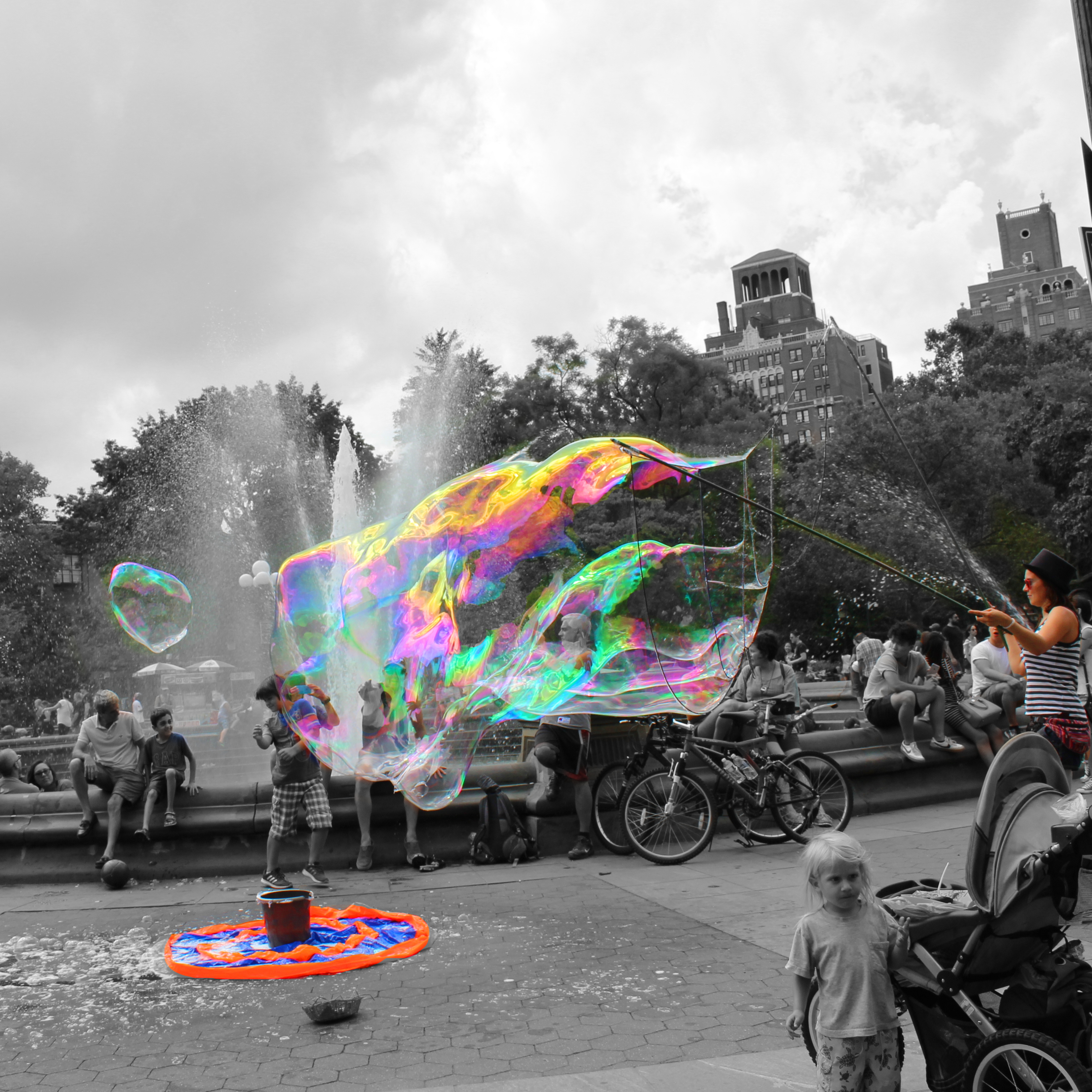
gimped #2
Image

gimped #3
Image

Boo, can a mod fix this? I have tried posting these two pics several times and have had no luck.


Last edited by 2-ton on Sun Oct 09, 2016 12:38 pm, edited 1 time in total.

Top
 Post subject: Re: Getting around to enhancing my own pics
PostPosted: Sun Oct 09, 2016 12:38 pm  (#13) 
Offline
GimpChat Member
User avatar

Joined: Jan 20, 2013
Posts: 14835
Location: roma, italy
I only see the original and the #1
#2 and #3 are invisible to me

_________________
"Where am I ?"


Top
 Post subject: Re: Getting around to enhancing my own pics
PostPosted: Sun Oct 09, 2016 12:55 pm  (#14) 
Offline
Administrator
User avatar

Joined: Aug 10, 2012
Posts: 14209
Location: Native to NYC living in Arizona, Gimp 2.8 - 3.0, Win 11 PC.
2-ton wrote:
gimped #2
[ Image ]

gimped #3
[ Image ]

Boo, can a mod fix this? I have tried posting these two pics several times and have had no luck.


I don't know what it is that might be causing this.

Have you tried a posting the images as attachments?

_________________
Image
"A wise man learns more from a foolish question than a fool can learn from a wise answer"
Image


Top
 Post subject: Re: Getting around to enhancing my own pics
PostPosted: Sun Oct 09, 2016 12:57 pm  (#15) 
Offline
GimpChat Member
User avatar

Joined: Apr 08, 2010
Posts: 5420
Location: Northwest Ohio
Not sure why the first two worked, I'm going to try without the ampersand in the name.


Top
 Post subject: Re: Getting around to enhancing my own pics
PostPosted: Sun Oct 09, 2016 1:00 pm  (#16) 
Offline
GimpChat Member
User avatar

Joined: Apr 08, 2010
Posts: 5420
Location: Northwest Ohio
Pic #2
Image

Pic #3
Image


Top
 Post subject: Re: Getting around to enhancing my own pics
PostPosted: Sun Oct 09, 2016 1:03 pm  (#17) 
Offline
GimpChat Member
User avatar

Joined: Jan 20, 2013
Posts: 14835
Location: roma, italy
all nice
#3 is my preferred one

_________________
"Where am I ?"


Top
 Post subject: Re: Getting around to enhancing my own pics
PostPosted: Sun Oct 09, 2016 1:09 pm  (#18) 
Offline
Administrator
User avatar

Joined: Aug 10, 2012
Posts: 14209
Location: Native to NYC living in Arizona, Gimp 2.8 - 3.0, Win 11 PC.
2-ton wrote:
Pic #2
Image

Pic #3
Image


Looks like that did the trick.
I'll remember that if this happens again to someone else.

Nice work 2-ton.
:bigthup

_________________
Image
"A wise man learns more from a foolish question than a fool can learn from a wise answer"
Image


Top
 Post subject: Re: Getting around to enhancing my own pics
PostPosted: Sun Oct 09, 2016 2:03 pm  (#19) 
Offline
GimpChat Member
User avatar

Joined: Apr 08, 2010
Posts: 5420
Location: Northwest Ohio
Wallace, there might be several other symbols that cause the same problem. Is there any way to find this out? Sadly, we do not seem to have much interaction with the new admin. of Gimp Chat.


Top
 Post subject: Re: Getting around to enhancing my own pics
PostPosted: Sun Oct 09, 2016 2:22 pm  (#20) 
Offline
Administrator
User avatar

Joined: Aug 10, 2012
Posts: 14209
Location: Native to NYC living in Arizona, Gimp 2.8 - 3.0, Win 11 PC.
2-ton wrote:
Wallace, there might be several other symbols that cause the same problem.
Is there any way to find this out?
Sadly, we do not seem to have much interaction with the new admin. of Gimp Chat.

You're right and I think that if I prepare some images for uploading.
Using various symbols.
I could post my results for each symbol.
Thus far we've confirmed that the ampersand/question make is one of these symbols.

_________________
Image
"A wise man learns more from a foolish question than a fool can learn from a wise answer"
Image


Top
Post new topic Reply to topic  [ 23 posts ]  Go to page 1, 2  Next

All times are UTC - 5 hours [ DST ]


* Login  


Powered by phpBB3 © phpBB Group