It is currently Fri Aug 28, 2026 2:32 pm


All times are UTC - 5 hours [ DST ]


Post new topic Reply to topic  [ 774 posts ]  Go to page Previous  1, 2, 3, 4, 5, 6, 7, 8 ... 39  Next
Author Message
 Post subject: Re: small ancillary filters
PostPosted: Thu Jun 22, 2017 4:15 am  (#81) 
Offline
GimpChat Member
User avatar

Joined: Mar 01, 2014
Posts: 14154
Location: Spain, Aragón
Thank you so much Dinasset for this new effect. I have played with it on this picture of a puppet. :clap :coolthup


Attachments:
IMG_5728_Childishintarsio_DN.JPG
IMG_5728_Childishintarsio_DN.JPG [ 1.27 MiB | Viewed 2043 times ]

_________________
Image

Gimp 2.10.30(samj) portable _ OS Windows 10 Home_ 64bits
Don’t be afraid to start over. It’s a new chance to rebuild what you want.
Top
 Post subject: Re: small ancillary filters
PostPosted: Thu Jun 22, 2017 3:58 pm  (#82) 
Offline
Administrator
User avatar

Joined: Aug 10, 2012
Posts: 14177
Location: Native to NYC living in Arizona, Gimp 2.8 - 3.0, Win 11 PC.
Gave it a go.

Image

A very impressive plug-in.
:coolthup

_________________
Image
"A wise man learns more from a foolish question than a fool can learn from a wise answer"
Image


Top
 Post subject: Re: small ancillary filters
PostPosted: Thu Jun 22, 2017 11:27 pm  (#83) 
Offline
GimpChat Member
User avatar

Joined: Jan 20, 2013
Posts: 14831
Location: roma, italy
Thanks a lot Wallace, for your comment (and for your suggestion for implementing it)

_________________
"Where am I ?"


Top
 Post subject: Re: small ancillary filters
PostPosted: Fri Jun 23, 2017 4:56 am  (#84) 
Offline
GimpChat Member
User avatar

Joined: Mar 01, 2014
Posts: 14154
Location: Spain, Aragón
I like your outcome, Wallace. :bigthup


Attachments:
caminito del rey_DN_ChildishInTarsio.JPG
caminito del rey_DN_ChildishInTarsio.JPG [ 1.22 MiB | Viewed 2001 times ]
doll-1636432_DN_ChildishInTarsio.jpg
doll-1636432_DN_ChildishInTarsio.jpg [ 698.01 KiB | Viewed 2001 times ]

_________________
Image

Gimp 2.10.30(samj) portable _ OS Windows 10 Home_ 64bits
Don’t be afraid to start over. It’s a new chance to rebuild what you want.
Top
 Post subject: Re: small ancillary filters
PostPosted: Fri Jun 23, 2017 7:52 am  (#85) 
Offline
GimpChat Member
User avatar

Joined: Jan 20, 2013
Posts: 14831
Location: roma, italy
Very nice outcomes, Issa !

_________________
"Where am I ?"


Top
 Post subject: Re: small ancillary filters
PostPosted: Fri Jun 23, 2017 10:10 am  (#86) 
Offline
GimpChat Member
User avatar

Joined: Mar 01, 2014
Posts: 14154
Location: Spain, Aragón
Thank you dinasset. I enjoy and use your filters a lot.

_________________
Image

Gimp 2.10.30(samj) portable _ OS Windows 10 Home_ 64bits
Don’t be afraid to start over. It’s a new chance to rebuild what you want.


Top
 Post subject: Re: small ancillary filters
PostPosted: Fri Jun 23, 2017 1:03 pm  (#87) 
Offline
Administrator
User avatar

Joined: Aug 10, 2012
Posts: 14177
Location: Native to NYC living in Arizona, Gimp 2.8 - 3.0, Win 11 PC.
Issabella wrote:
I like your outcome, Wallace. :bigthup

Thanks much Issabella.
Your outcomes are very nice as well.

:bigthup

_________________
Image
"A wise man learns more from a foolish question than a fool can learn from a wise answer"
Image


Top
 Post subject: Re: small ancillary filters
PostPosted: Fri Jun 23, 2017 3:11 pm  (#88) 
Offline
GimpChat Member
User avatar

Joined: May 17, 2014
Posts: 1568
I'm way behind you all.

My first try.

Image

_________________
Ella's gallery - YouTube


Top
 Post subject: Re: small ancillary filters
PostPosted: Fri Jun 23, 2017 3:43 pm  (#89) 
Offline
GimpChat Member
User avatar

Joined: May 10, 2013
Posts: 1436
Location: Finland
Your scripts are so damn artistic and good, love this one that turned Wilber in second to wood. :bigthup

Image


Top
 Post subject: Re: small ancillary filters
PostPosted: Fri Jun 23, 2017 10:28 pm  (#90) 
Offline
GimpChat Member
User avatar

Joined: Jan 20, 2013
Posts: 14831
Location: roma, italy
Ella Louise wrote:
I'm way behind you all.

My first try.
[ Image ]

Nice to see you (more) on GC, Ella. Hope you'll continue. I know you're creative.
We miss here your Ella's Gallery.

_________________
"Where am I ?"


Top
 Post subject: Re: small ancillary filters
PostPosted: Fri Jun 23, 2017 10:29 pm  (#91) 
Offline
GimpChat Member
User avatar

Joined: Jan 20, 2013
Posts: 14831
Location: roma, italy
Nidhogg wrote:
Your scripts are so damn artistic and good, love this one that turned Wilber in second to wood. :bigthup

[ Image ]

Thanks for your appreciation!

_________________
"Where am I ?"


Top
 Post subject: Re: small ancillary filters
PostPosted: Sat Jun 24, 2017 1:33 am  (#92) 
Offline
GimpChat Member
User avatar

Joined: Jan 20, 2013
Posts: 14831
Location: roma, italy
Leave1Hue

This one is a companion of the already released filter (both on GC and GL) Leave1colour.
Because the best results are obtained by selecting the hue and not directly the colour and the selection of the hue is not so easy in the Gimp panel (see attachment)
Attachment:
CatturaLeave1colour.PNG
CatturaLeave1colour.PNG [ 1.12 MiB | Viewed 3169 times ]

I decided to prepare a version with a predefined set of hues (24, see attachment)
Attachment:
CatturaLeave1Hue.PNG
CatturaLeave1Hue.PNG [ 899.72 KiB | Viewed 3169 times ]
.
Up to the user which one to use.
Here is the new filter:
Attachment:
DIEGO_ANCILLARY_Leave1Hue.zip [1.18 KiB]
Downloaded 481 times

_________________
"Where am I ?"


Top
 Post subject: Re: small ancillary filters
PostPosted: Sat Jun 24, 2017 1:39 am  (#93) 
Offline
GimpChat Member
User avatar

Joined: Jan 20, 2013
Posts: 14831
Location: roma, italy
Ony one example.
My usual "Fiore di loto", leaving the hue=DeepPink(330)
Attachment:
fiore_di_loto_Leave1Hue(DeepPink=330).jpg
fiore_di_loto_Leave1Hue(DeepPink=330).jpg [ 528.45 KiB | Viewed 3169 times ]

_________________
"Where am I ?"


Top
 Post subject: Re: small ancillary filters
PostPosted: Sat Jun 24, 2017 1:44 am  (#94) 
Offline
GimpChat Member
User avatar

Joined: Jan 20, 2013
Posts: 14831
Location: roma, italy
Because the selection by hue uses a certain "tolerance", I prepared a montage of what is "kept" in the various options available.
As a base image I took a default gimp image filled with the Full Saturation Spectrum (you see it in the montage also)
Attachment:
MontageWithAllHuesB.jpg
MontageWithAllHuesB.jpg [ 539.99 KiB | Viewed 3167 times ]

_________________
"Where am I ?"


Top
 Post subject: Re: small ancillary filters
PostPosted: Sat Jun 24, 2017 2:24 am  (#95) 
Offline
GimpChat Member
User avatar

Joined: Mar 01, 2014
Posts: 14154
Location: Spain, Aragón
Thank you so much Dinasset. I really needed more explanation about this filter to understand as I know nothing about combinations. I did a first try and I got this result. :)


Attachments:
woman-578820_LeaveHue1_DN.jpg
woman-578820_LeaveHue1_DN.jpg [ 204.15 KiB | Viewed 3166 times ]

_________________
Image

Gimp 2.10.30(samj) portable _ OS Windows 10 Home_ 64bits
Don’t be afraid to start over. It’s a new chance to rebuild what you want.
Top
 Post subject: Re: small ancillary filters
PostPosted: Sat Jun 24, 2017 2:25 am  (#96) 
Offline
Global Moderator
User avatar

Joined: Oct 02, 2014
Posts: 5027
Location: Sydney Australia
Diego - I cannot keep with your script productivity, but thank you for them all :hi5

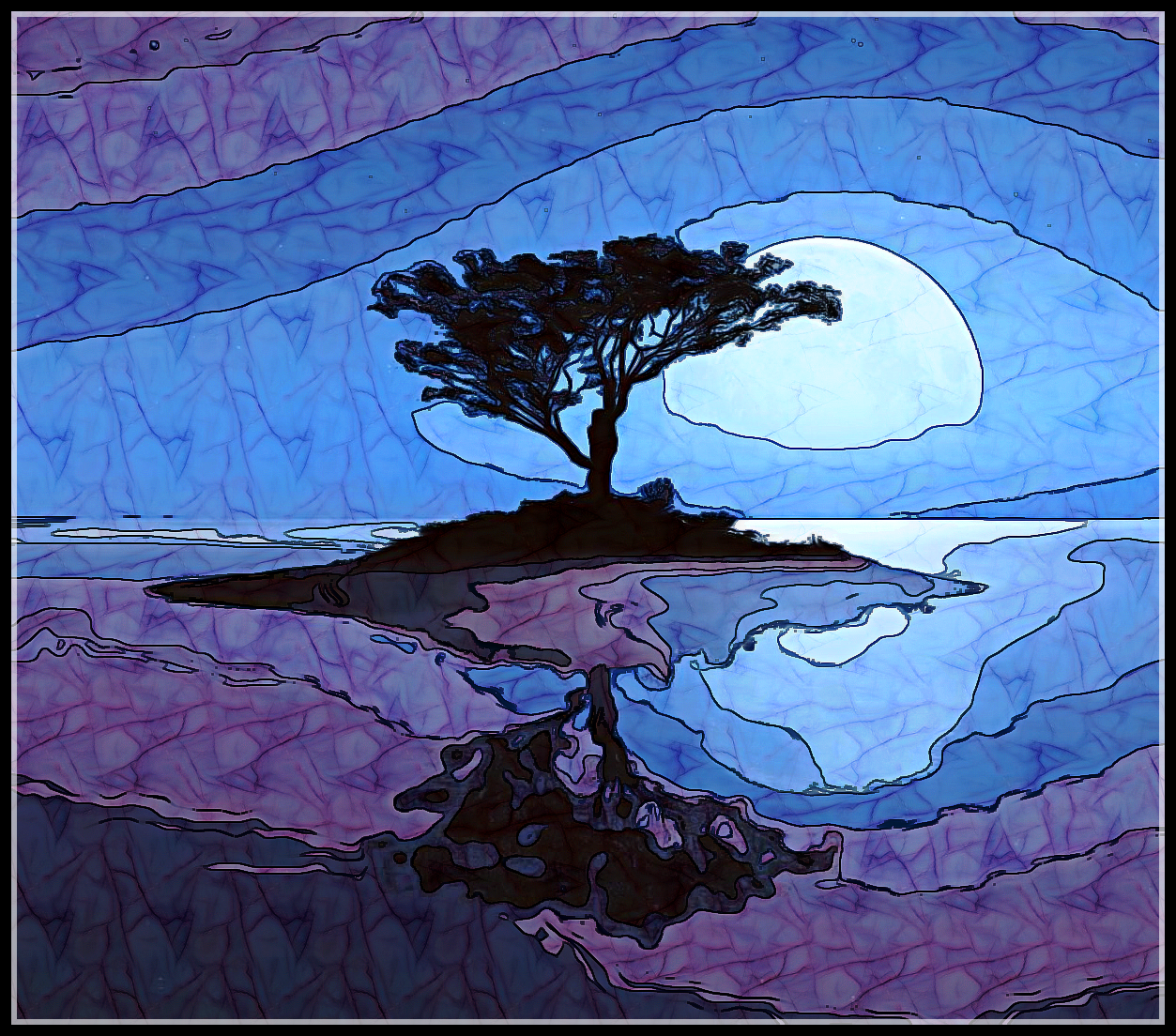
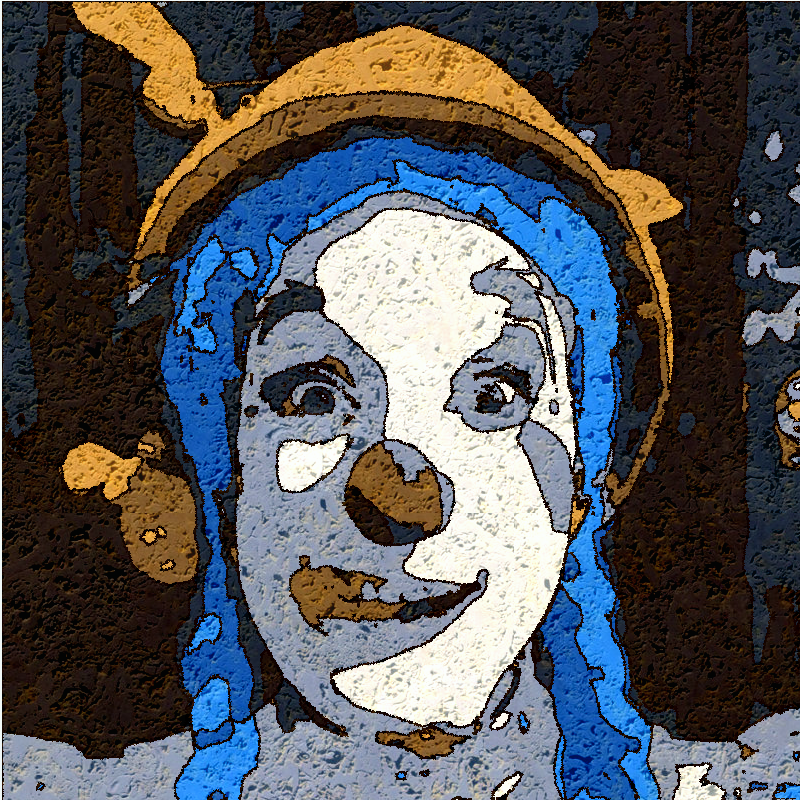
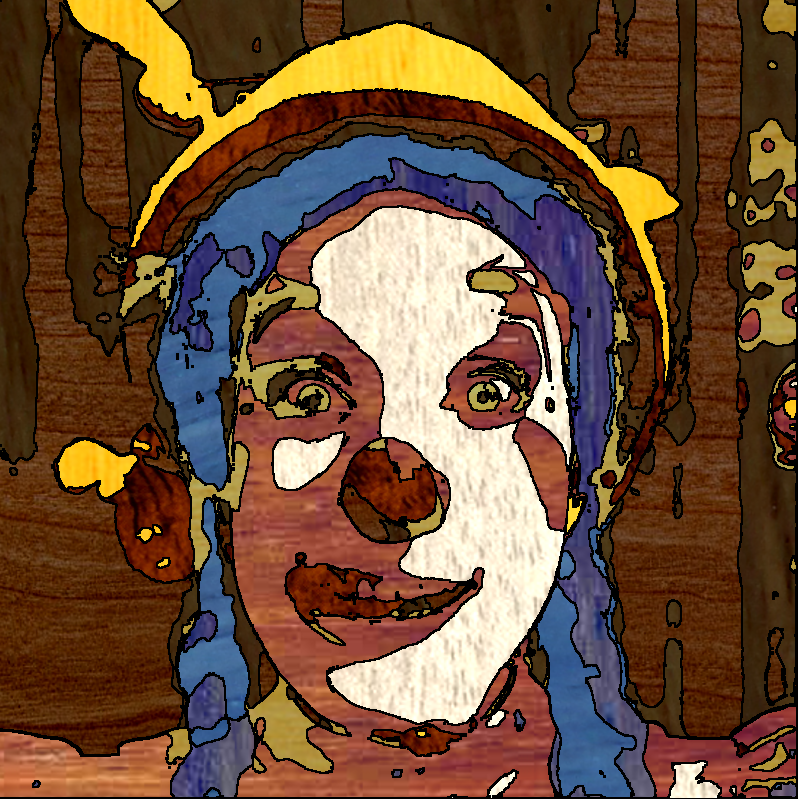
Here are a couple from an earlier script - I tried half a dozen different 'mediums' but liked the limestone and wood outcomes best -

Image

Image

Issabella - love your last outcome wow

_________________
Image

Respect should be offered freely but hard earned


Top
 Post subject: Re: small ancillary filters
PostPosted: Sat Jun 24, 2017 2:36 am  (#97) 
Offline
GimpChat Member
User avatar

Joined: Jan 20, 2013
Posts: 14831
Location: roma, italy
Thanks Issabella, a special fascinating selection!

Thanks OMG, both outcomes excellent!

_________________
"Where am I ?"


Top
 Post subject: Re: small ancillary filters
PostPosted: Sat Jun 24, 2017 9:15 am  (#98) 
Offline
GimpChat Member
User avatar

Joined: Mar 01, 2014
Posts: 14154
Location: Spain, Aragón
Thank you OMG and Dinasset. so many great filters to play in this thread. :)
Nice results OMG. :coolthup

_________________
Image

Gimp 2.10.30(samj) portable _ OS Windows 10 Home_ 64bits
Don’t be afraid to start over. It’s a new chance to rebuild what you want.


Top
 Post subject: Re: small ancillary filters
PostPosted: Sat Jun 24, 2017 9:34 am  (#99) 
Offline
GimpChat Member
User avatar

Joined: Mar 01, 2014
Posts: 14154
Location: Spain, Aragón
I applied "leave1hue" random. :bigthup


Attachments:
45J8934XD2_DN_LeaveHue1.jpg
45J8934XD2_DN_LeaveHue1.jpg [ 174.94 KiB | Viewed 3151 times ]

_________________
Image

Gimp 2.10.30(samj) portable _ OS Windows 10 Home_ 64bits
Don’t be afraid to start over. It’s a new chance to rebuild what you want.
Top
 Post subject: Re: small ancillary filters
PostPosted: Sat Jun 24, 2017 12:51 pm  (#100) 
Offline
GimpChat Member
User avatar

Joined: Jan 20, 2013
Posts: 14831
Location: roma, italy
Haha, I put that "random" option to get some funny result...
Thanks for trying it, Issa.

_________________
"Where am I ?"


Top
Post new topic Reply to topic  [ 774 posts ]  Go to page Previous  1, 2, 3, 4, 5, 6, 7, 8 ... 39  Next

All times are UTC - 5 hours [ DST ]


* Login  


Powered by phpBB3 © phpBB Group