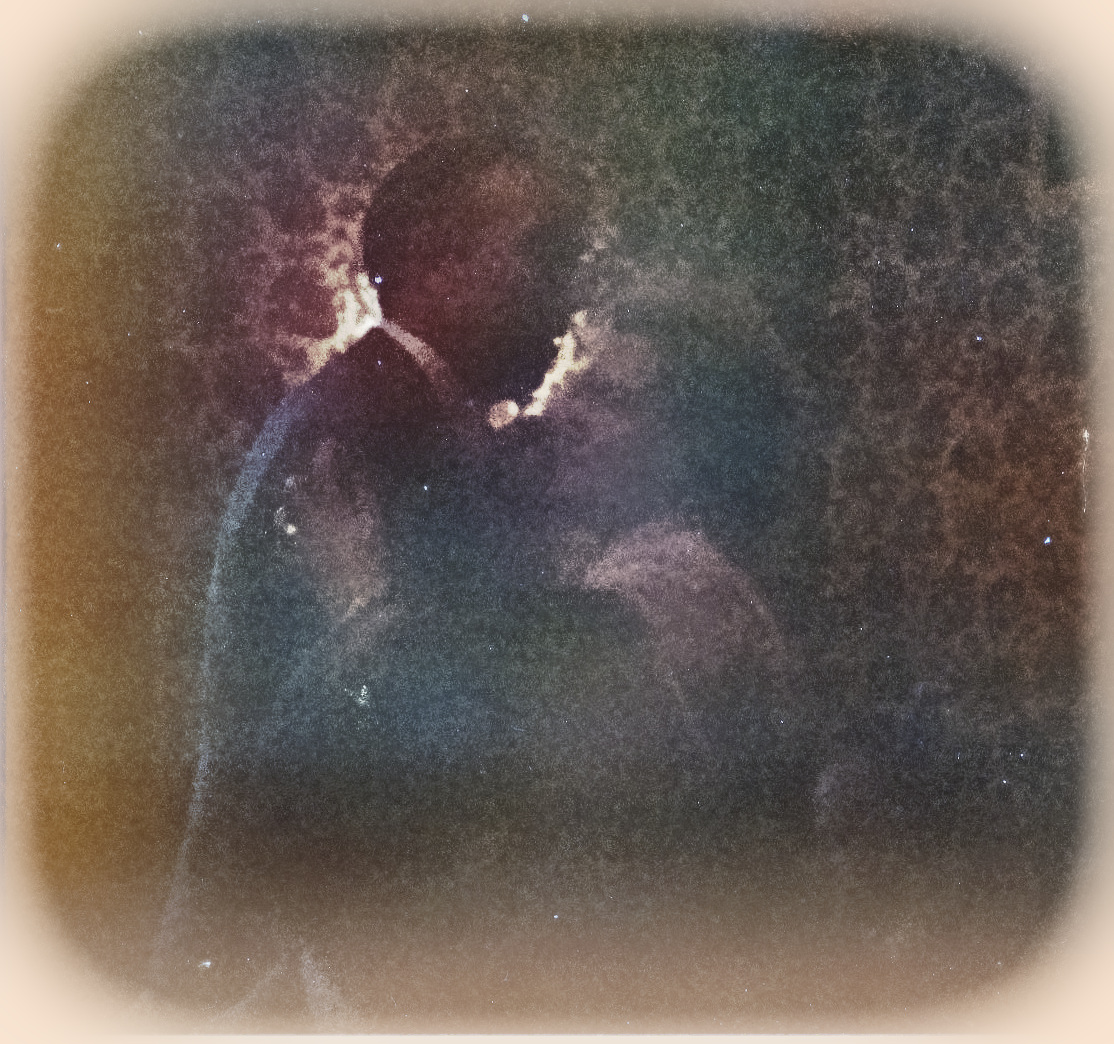
another try:
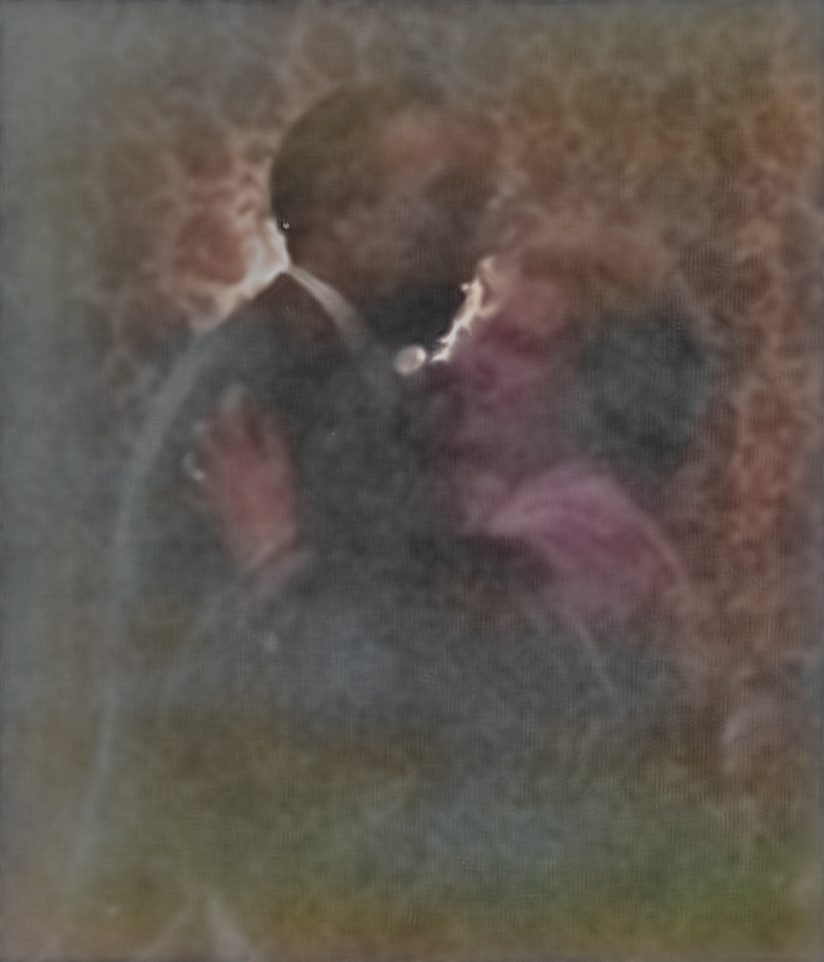
G'MIC filter:G'MIC>Details>Local processing
action: equalize
process channels individualy: yes
channels RGB-all
^^
This filter behaves a little bit strange, so I put the image on a larger canvas. Thereafter I cropped to the original boundaries.
edit: also G'MIC>Repair>Smooth [nlmeans]
Then Details>DCP dehaze
scale 1
playing with other values
Details>Magic details(customized with much bigger values for spatial scale and value scale, great for faded cave drawings)
Details>Tone enhance
(little bit)
Color>Color grading
end
edit: also G'MIC>Repair>Smooth [nlmeans]
 Login
 Register
 Tweets
 FAQ
 Advanced Search