level_0 wrote:
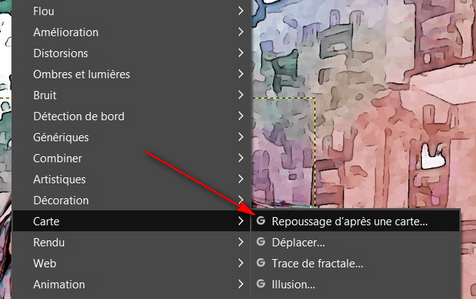
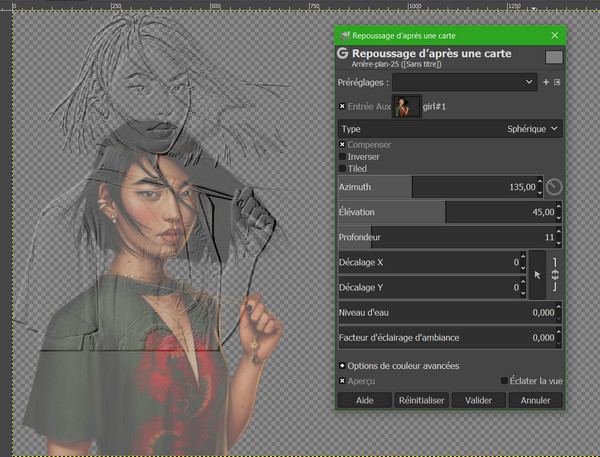
how to set so that it is automatically in the same position as the initial object, because too long to move pixel by pixel with the cursor "Offset Y"?

The offset is because the layer (
or a selection)used as the bump map is a different size to the layer that is bump mapped.
example - two layers the X for the bump map smaller than the canvas

Apply a bump map and the X is set top-left-corner (offset X / Y = 0)

To keep it in position:
Either apply an offset (which you do not want to do

)
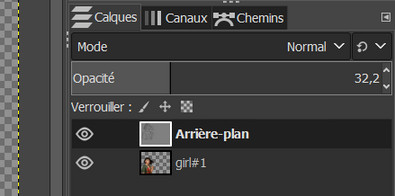
or more usually resize the bump map layer to the same size as the bumped layer.

 Login
Login Register
 Tweets
 FAQ
FAQ Advanced Search





 and Dionisio