It is currently Mon Aug 10, 2026 5:14 pm


All times are UTC - 5 hours [ DST ]


Post new topic Reply to topic  [ 13 posts ] 
Author Message
 Post subject: Show us your Linear Sinusoid...
PostPosted: Tue Jul 23, 2024 9:27 pm  (#1) 
Offline
GimpChat Member
User avatar

Joined: May 24, 2021
Posts: 859
Location: SEA - South East Asia
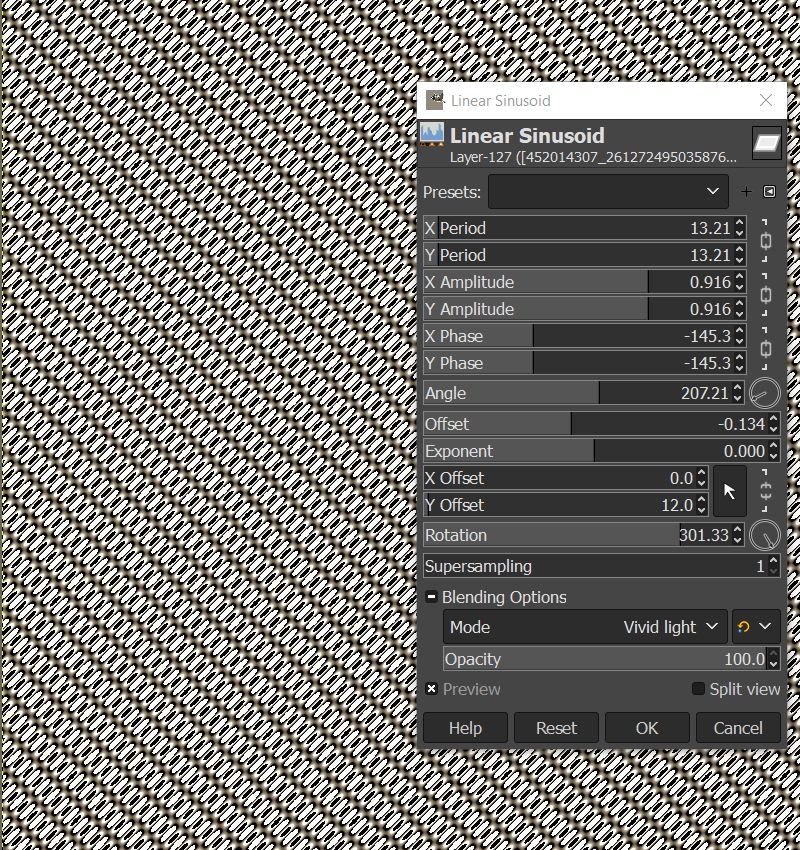
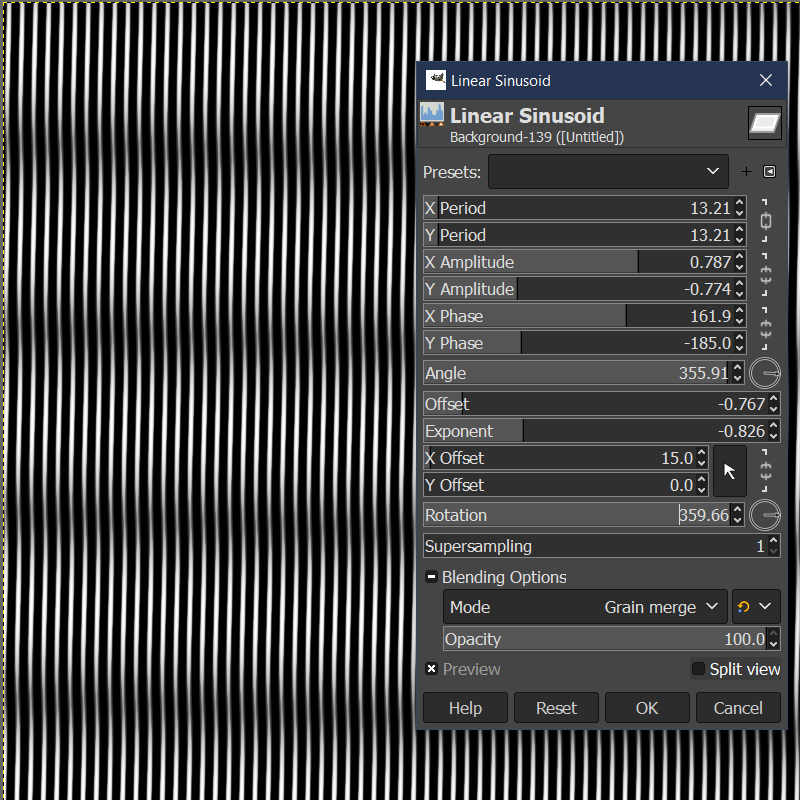
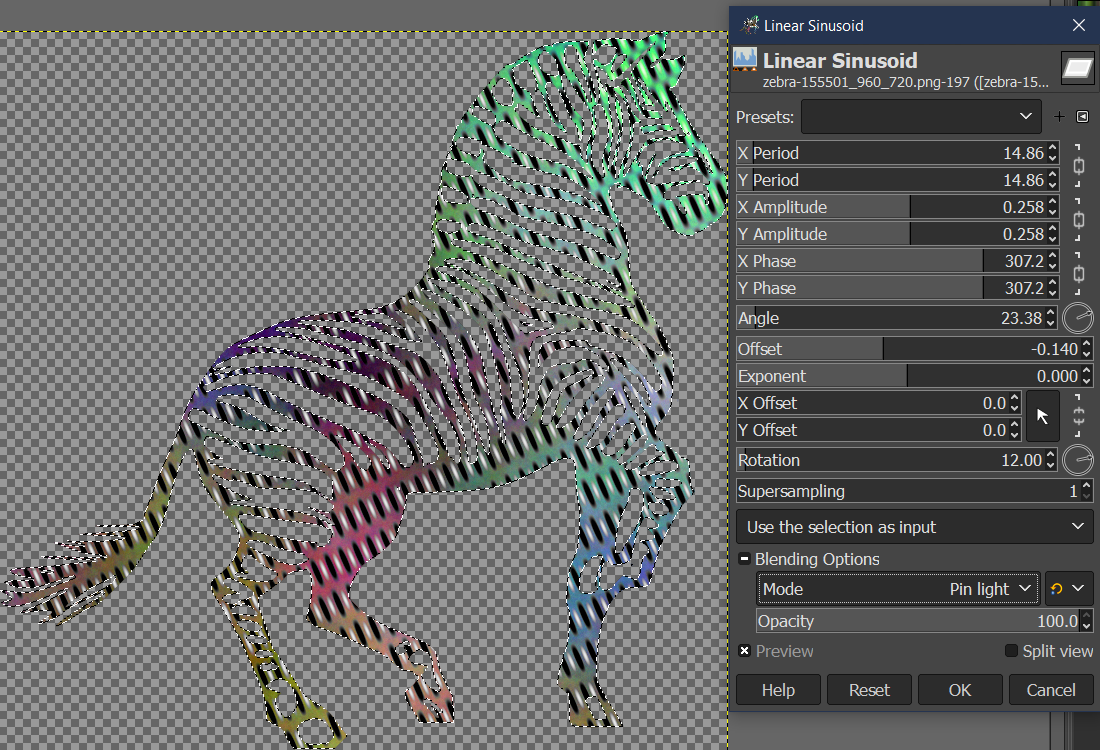
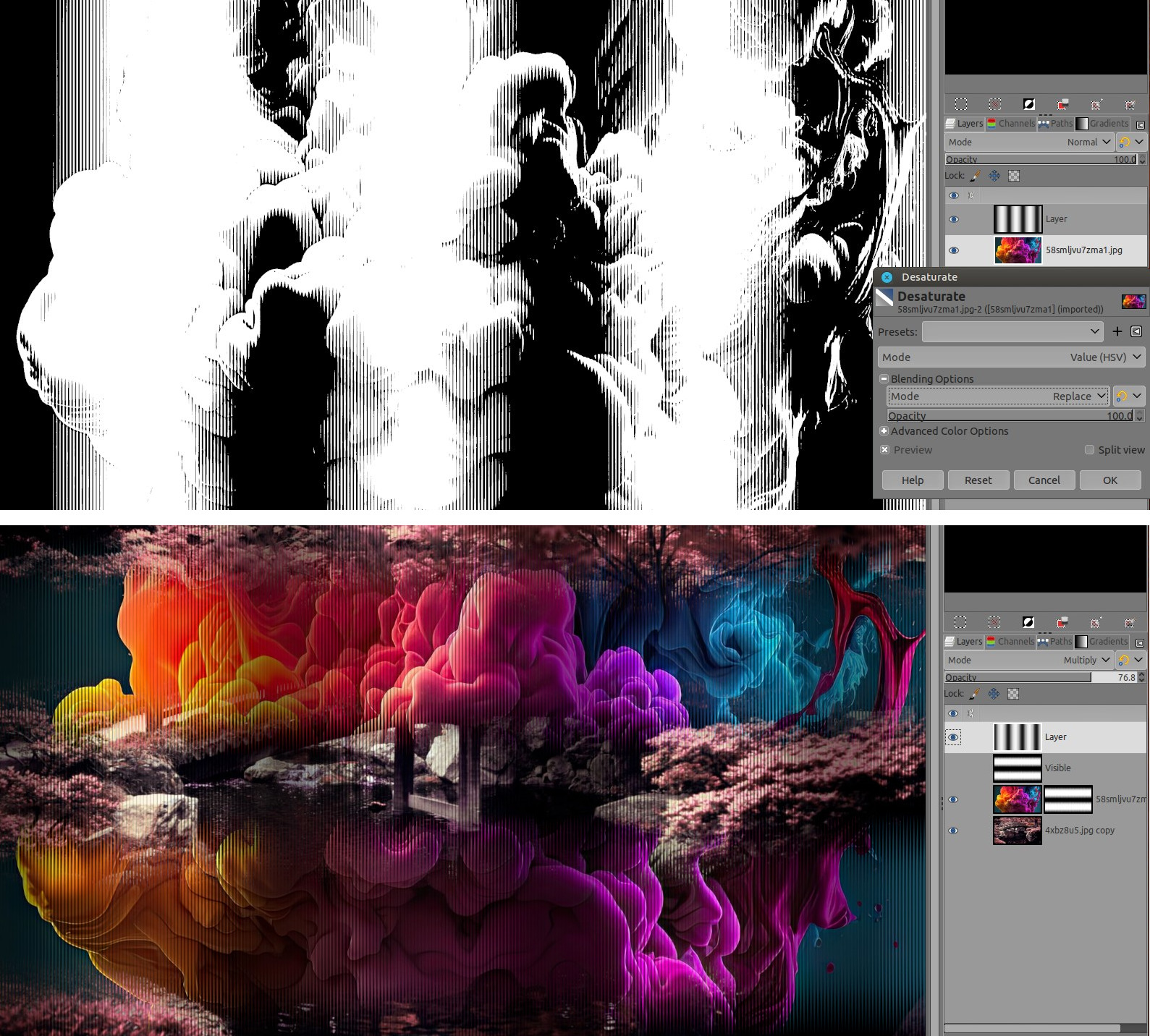
Linear Sinusoid is a filters that I use "often" for mask, halftone, whatnot...
2 quick examples (not the best examples, but you got the thing)
Image

You will find it in Filters > Render > Pattern > Linear Sinusoid...

It's very rare that people speaks about this filter, I suppose with a name like this, some people get scared and don't even try it.

Anyway this filter generate a black and white "pattern", and the possibilities are so huge, that I thought it could become a "game" for us to show what this Linear Sinusoid filter can do and show us your creativity :mrgreen:

If you want to participate, I only ask that you screenshot the pattern with the filter itself, so readers can see the settings and reproduce that pattern :bigthup

Without any-further do, let's start :yes
Attachment:
screenshot_20240723-154753.jpg
screenshot_20240723-154753.jpg [ 237.2 KiB | Viewed 5747 times ]


Attachment:
screenshot_20240723-155901.jpg
screenshot_20240723-155901.jpg [ 108.23 KiB | Viewed 5747 times ]


Attachment:
screenshot_20240723-155244.jpg
screenshot_20240723-155244.jpg [ 157.9 KiB | Viewed 5747 times ]

_________________
Patrice


Share on Facebook Share on Twitter Share on Orkut Share on Digg Share on MySpace Share on Delicious Share on Technorati
Top
 Post subject: Re: Show us your Linear Sinusoid...
PostPosted: Wed Jul 24, 2024 2:12 am  (#2) 
Offline
Script Coder
User avatar

Joined: Oct 25, 2010
Posts: 4812
Moiré effect, two layers with top one in "Darken only" mode, same setting applied twice with just a little rotation change between the two.


Attachments:
Moiré.png
Moiré.png [ 234.23 KiB | Viewed 5728 times ]

_________________
Image
Top
 Post subject: Re: Show us your Linear Sinusoid...
PostPosted: Wed Jul 24, 2024 7:38 pm  (#3) 
Offline
Global Moderator
User avatar

Joined: Apr 01, 2012
Posts: 8454
Location: On the other side of your screen
Cool guys . Will have a look later

_________________
Image
Free Fun Photo Editing & resources
Poems from the Lord
Gimp Newby
Gimp version 3.2.4 and GMIC-Qt 4.0.2 OS :- Windows 10 Home 64


Top
 Post subject: Re: Show us your Linear Sinusoid...
PostPosted: Wed Jul 24, 2024 11:09 pm  (#4) 
Offline
GimpChat Member
User avatar

Joined: May 24, 2021
Posts: 859
Location: SEA - South East Asia
Very nice Ofnuts, visually disturbing like feeling it moves (thus like moiré patterns), that's excellent! :clap :bigthup

sallyanne wrote:
Cool guys . Will have a look later

:yes , thanks Sallyanne

A grid of dots
Attachment:
screenshot_20240725-120759.jpg
screenshot_20240725-120759.jpg [ 244.16 KiB | Viewed 5685 times ]


Diagonal teeth or spikes
Attachment:
screenshot_20240725-130335.jpg
screenshot_20240725-130335.jpg [ 181.58 KiB | Viewed 5678 times ]

Diagonal teeth/spikes example(created directly on the mask, thus you see the final result before clicking OK):
Attachment:
screenshot_20240725-130413.jpg
screenshot_20240725-130413.jpg [ 70.7 KiB | Viewed 5678 times ]

_________________
Patrice


Top
 Post subject: Re: Show us your Linear Sinusoid...
PostPosted: Thu Jul 25, 2024 1:50 am  (#5) 
Offline
Global Moderator
User avatar

Joined: Apr 01, 2012
Posts: 8454
Location: On the other side of your screen
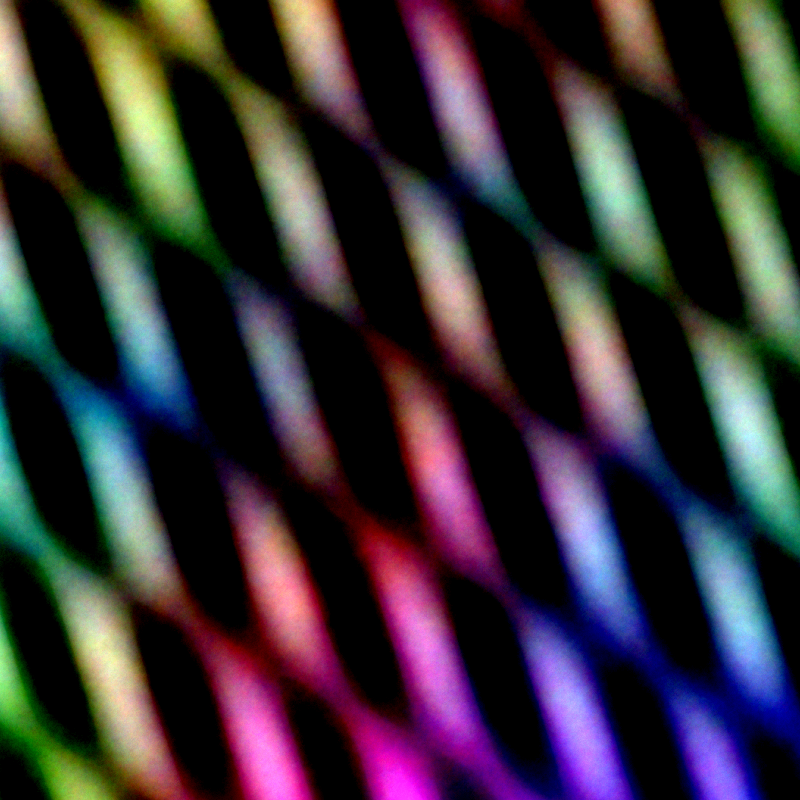
Here's my first one. Forgot to show...my original colour was a light brown
Image

BTW I only moved sliders until I liked it.
Will try some more later.

_________________
Image
Free Fun Photo Editing & resources
Poems from the Lord
Gimp Newby
Gimp version 3.2.4 and GMIC-Qt 4.0.2 OS :- Windows 10 Home 64


Top
 Post subject: Re: Show us your Linear Sinusoid...
PostPosted: Thu Jul 25, 2024 6:57 am  (#6) 
Offline
Global Moderator
User avatar

Joined: Apr 01, 2012
Posts: 8454
Location: On the other side of your screen
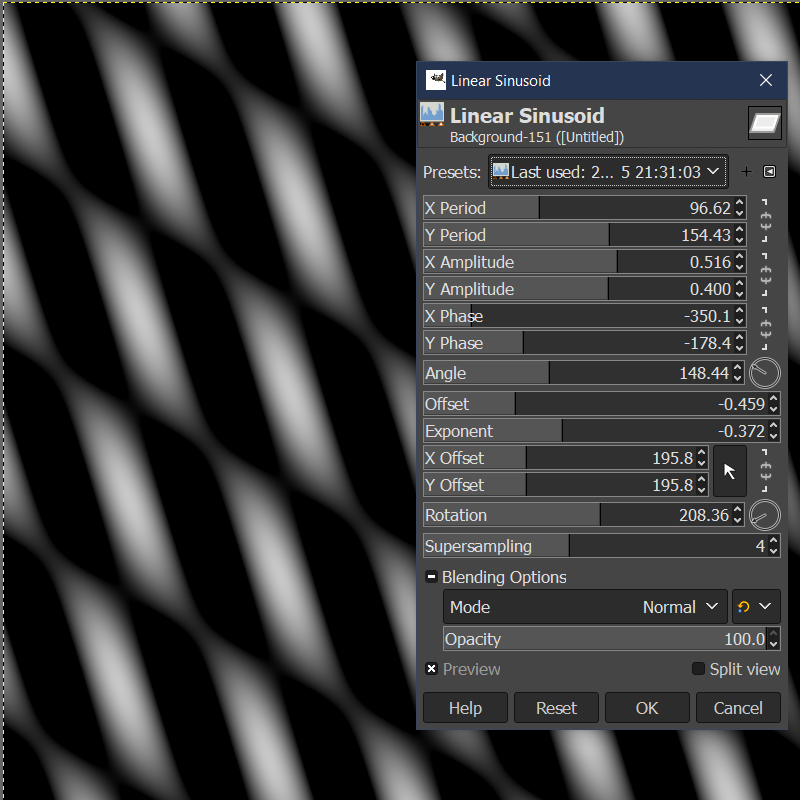
Here are 2 more
Image Started with a white canvas

Started this one with a plasma canvas - haven't ben able to do this one again Ah! checked last used in presets
Image
Image

_________________
Image
Free Fun Photo Editing & resources
Poems from the Lord
Gimp Newby
Gimp version 3.2.4 and GMIC-Qt 4.0.2 OS :- Windows 10 Home 64


Top
 Post subject: Re: Show us your Linear Sinusoid...
PostPosted: Thu Jul 25, 2024 7:25 am  (#7) 
Offline
Global Moderator
User avatar

Joined: May 16, 2010
Posts: 16154
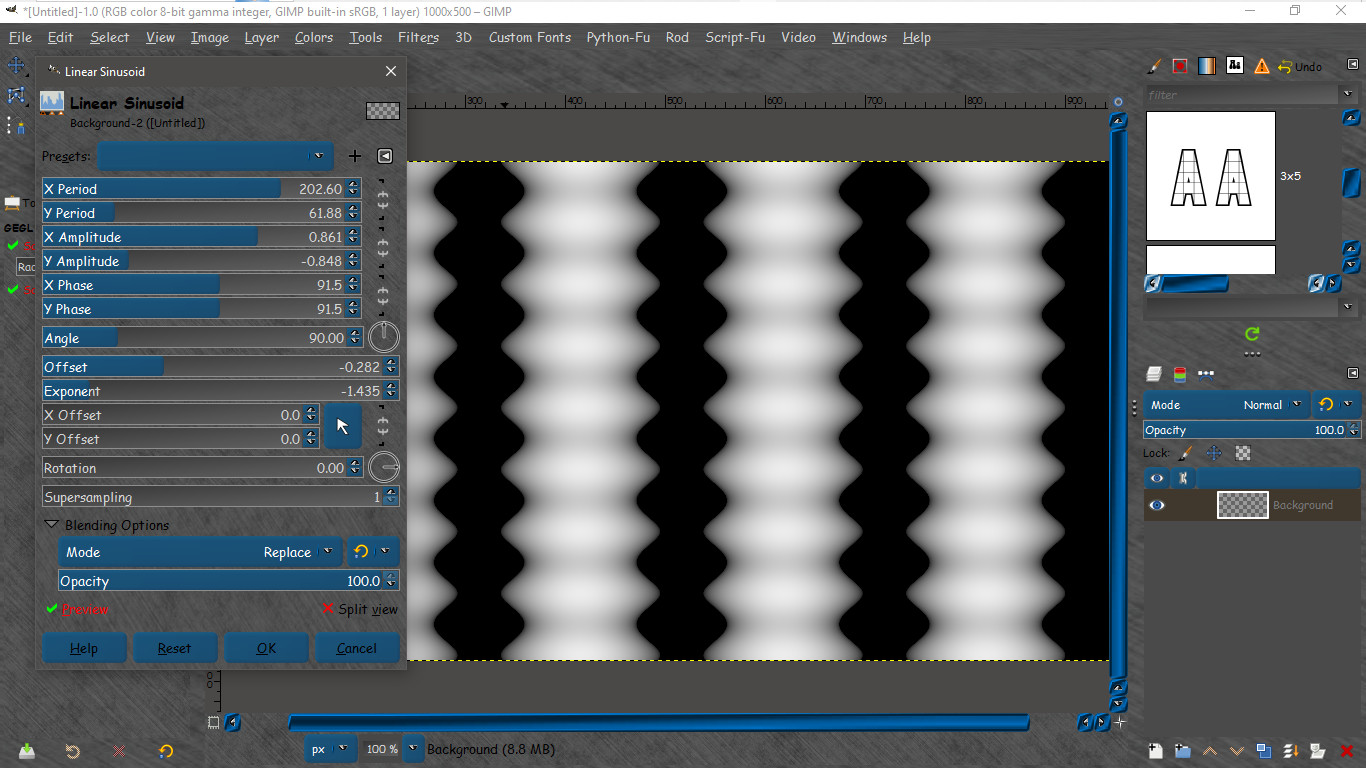
How about some ribbed tubing :)

Image

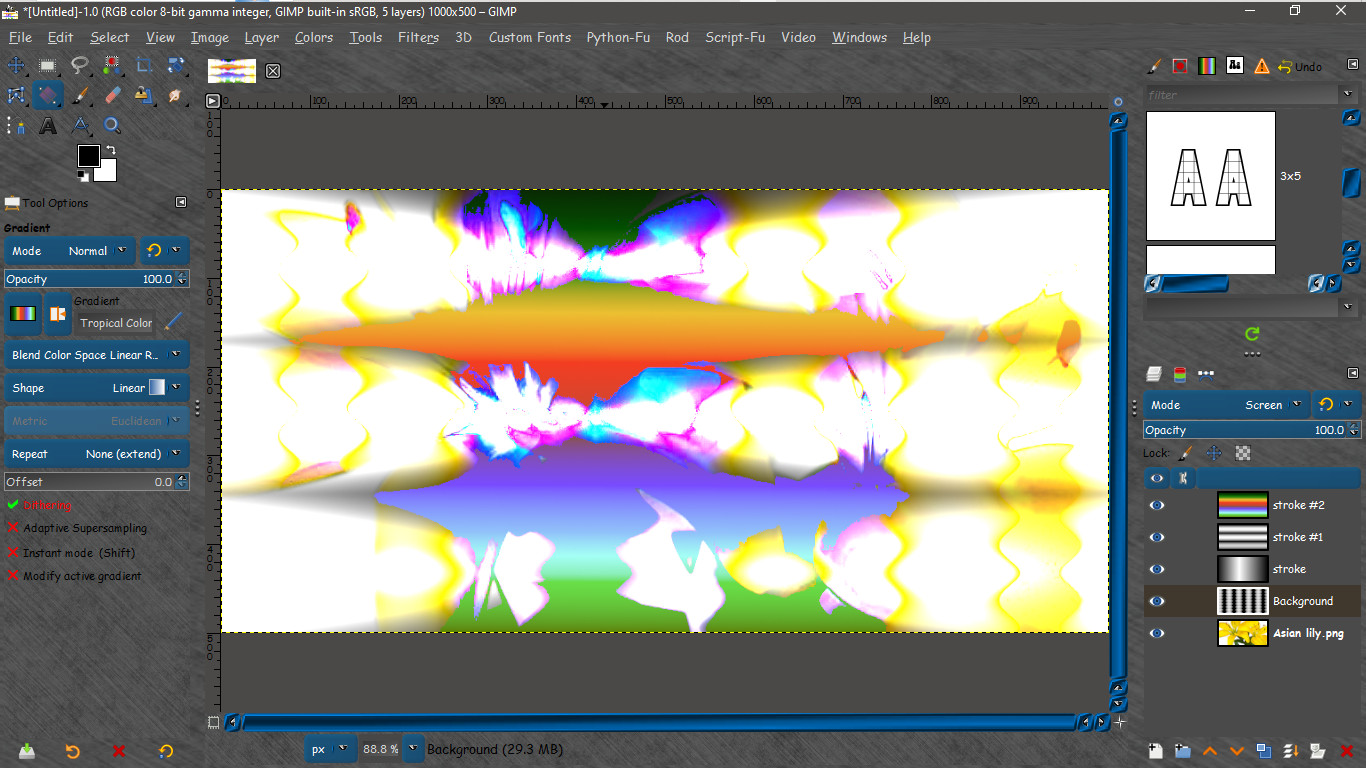
Example with some gradient overlays and an image of flowers underneath the wave.
Kinda psychedelic. :) Like a tie dye design on a t-shirt.

Image

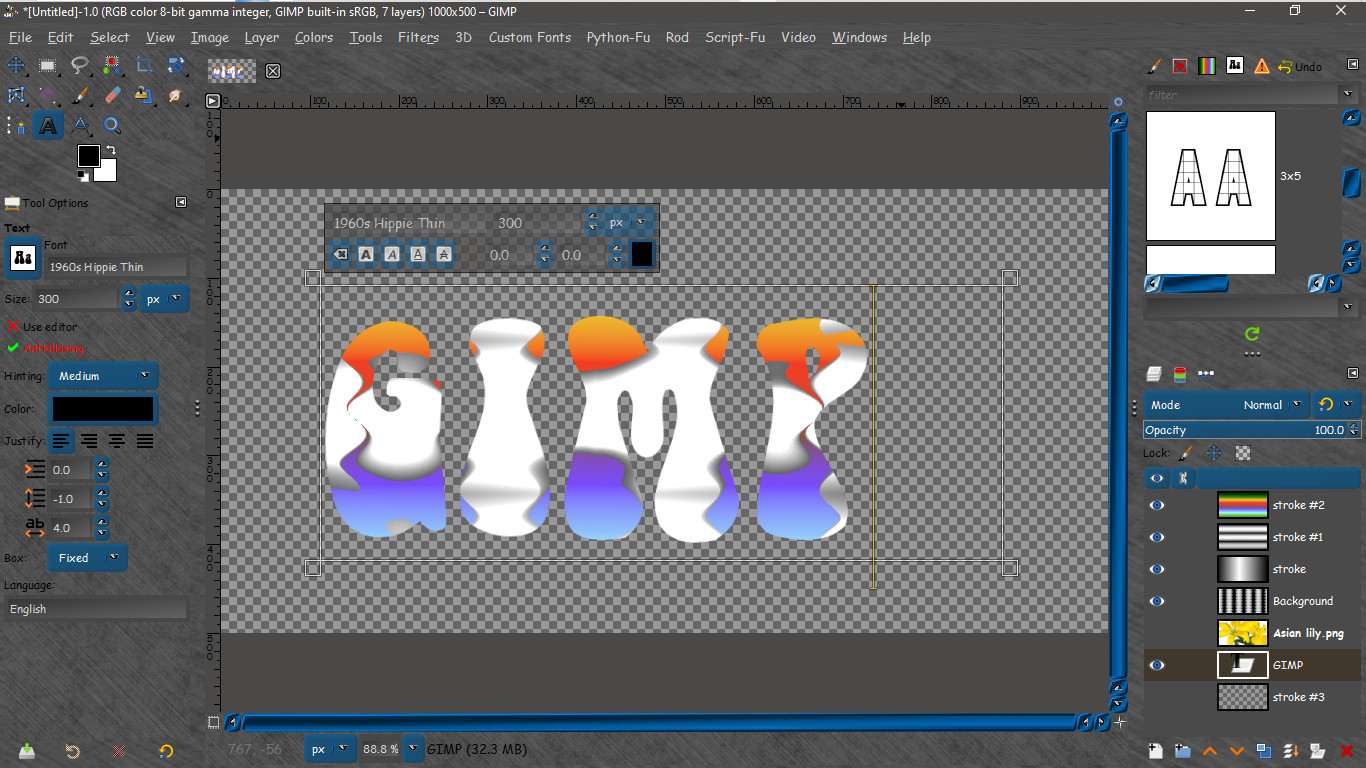
And with text.
Image

_________________
Image


Top
 Post subject: Re: Show us your Linear Sinusoid...
PostPosted: Fri Jul 26, 2024 12:35 am  (#8) 
Offline
Global Moderator
User avatar

Joined: Apr 01, 2012
Posts: 8454
Location: On the other side of your screen
Image

_________________
Image
Free Fun Photo Editing & resources
Poems from the Lord
Gimp Newby
Gimp version 3.2.4 and GMIC-Qt 4.0.2 OS :- Windows 10 Home 64


Top
 Post subject: Re: Show us your Linear Sinusoid...
PostPosted: Fri Jul 26, 2024 1:09 am  (#9) 
Offline
Global Moderator
User avatar

Joined: Apr 01, 2012
Posts: 8454
Location: On the other side of your screen
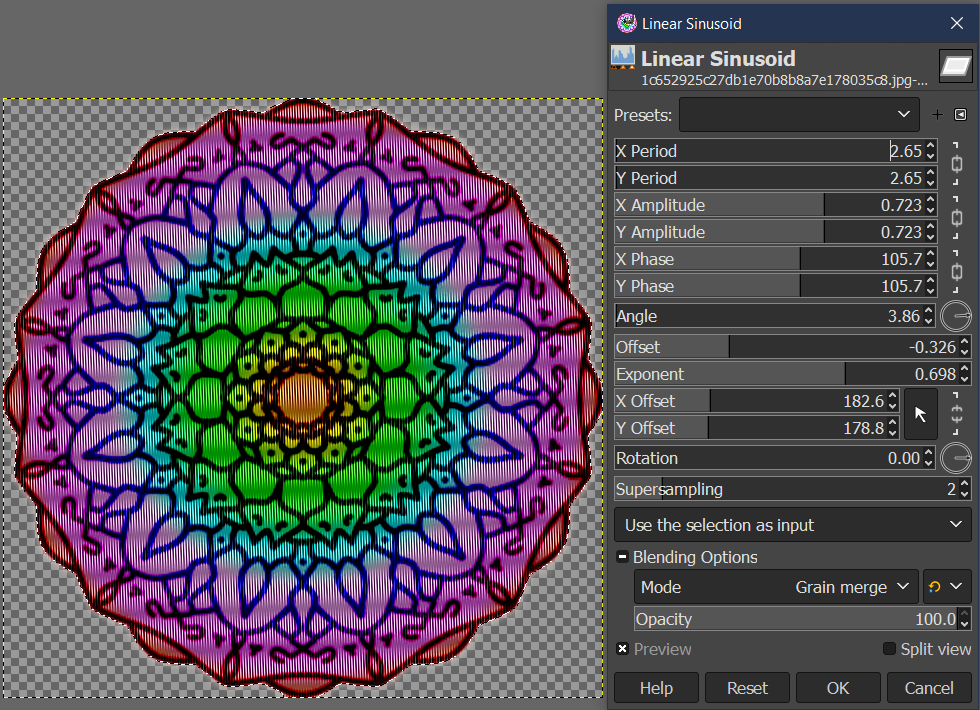
Using another black and white picture I only selected the black areas and put a plasma over it. Used one of the layer modes then with the same selection after merging the two layers added a Linear Sinusoid over it.
Seems unless the whole layer is selected for the LS that the transparency shows up in the finished project
Image

_________________
Image
Free Fun Photo Editing & resources
Poems from the Lord
Gimp Newby
Gimp version 3.2.4 and GMIC-Qt 4.0.2 OS :- Windows 10 Home 64


Top
 Post subject: Re: Show us your Linear Sinusoid...
PostPosted: Fri Jul 26, 2024 3:11 am  (#10) 
Offline
Script Coder
User avatar

Joined: Oct 25, 2010
Posts: 4812
Some fun with a random displace map

Attachment:
Displace.png
Displace.png [ 530.48 KiB | Viewed 5592 times ]


Forum is lava, same as above but with polar displacement, slight Gaussian blur, and gradient map with "Incandescent":

Attachment:
LinearSine-Incandescent.png
LinearSine-Incandescent.png [ 515.73 KiB | Viewed 5587 times ]

_________________
Image


Top
 Post subject: Re: Show us your Linear Sinusoid...
PostPosted: Fri Jul 26, 2024 4:07 am  (#11) 
Offline
Global Moderator
User avatar

Joined: Apr 01, 2012
Posts: 8454
Location: On the other side of your screen
Cool Lava !

_________________
Image
Free Fun Photo Editing & resources
Poems from the Lord
Gimp Newby
Gimp version 3.2.4 and GMIC-Qt 4.0.2 OS :- Windows 10 Home 64


Top
 Post subject: Re: Show us your Linear Sinusoid...
PostPosted: Mon Jul 29, 2024 5:17 pm  (#12) 
Offline
Script Coder
User avatar

Joined: Oct 25, 2010
Posts: 4812
With Whirl & Pinch + Bump Map:

Attachment:
W&P.png
W&P.png [ 5.4 MiB | Viewed 5510 times ]

_________________
Image


Top
 Post subject: Re: Show us your Linear Sinusoid...
PostPosted: Sun Jan 19, 2025 10:44 pm  (#13) 
Offline
Global Moderator
User avatar

Joined: Apr 01, 2012
Posts: 8454
Location: On the other side of your screen
Looks creamy

_________________
Image
Free Fun Photo Editing & resources
Poems from the Lord
Gimp Newby
Gimp version 3.2.4 and GMIC-Qt 4.0.2 OS :- Windows 10 Home 64


Top
Post new topic Reply to topic  [ 13 posts ] 

All times are UTC - 5 hours [ DST ]


* Login  


Powered by phpBB3 © phpBB Group