Hi there,
I've updated the G'MIC filter 'Patterns / Pack Sprites', and it is now able to pack multiple sprites on the same image. Each sprite much be located on a different layer. You can also add a bottom layer for additional masking (as before).
Here is an example. You can start with three different layers, here containing some text :
Attachment:
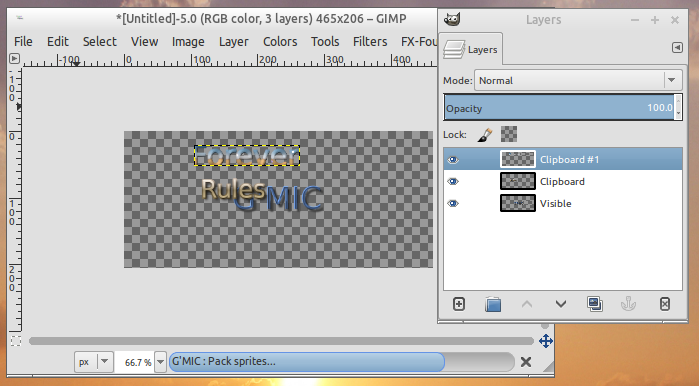 gmic_pack_multisprites.png [ 72.29 KiB | Viewed 6614 times ]
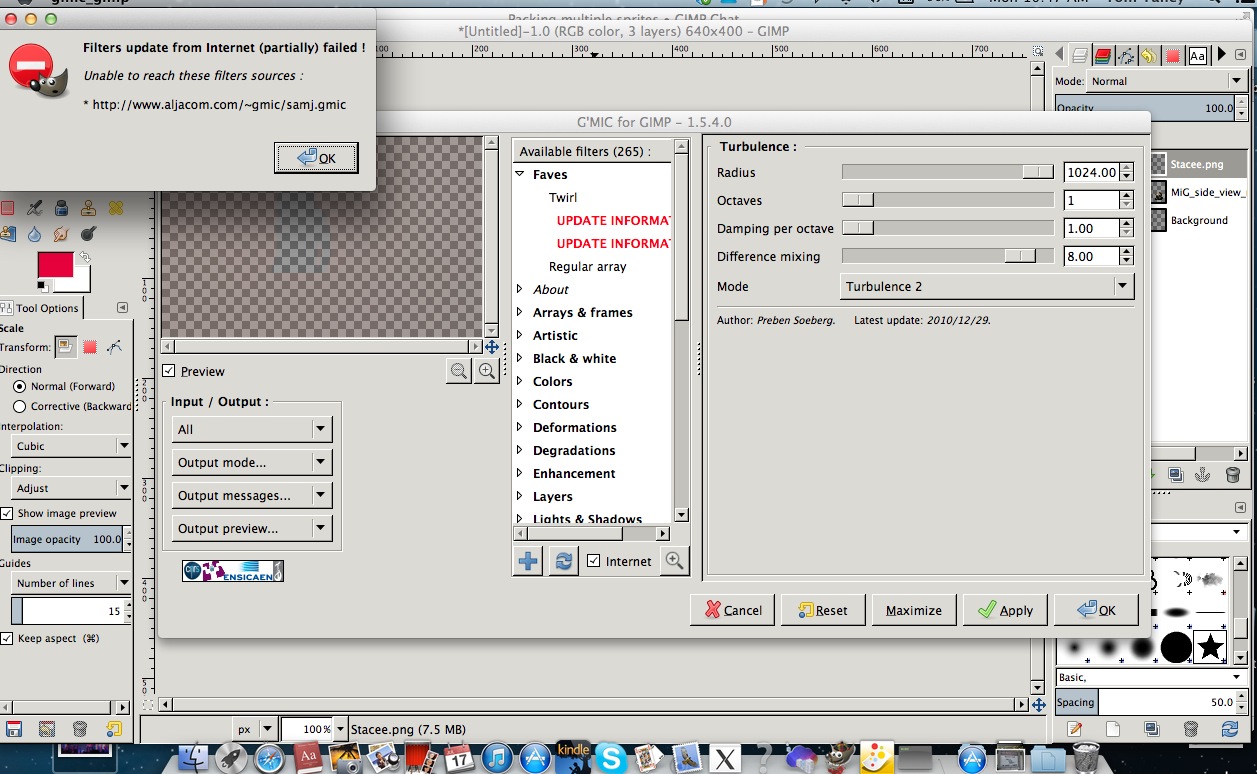
Then, you call 'G'MIC / Patterns / Pack sprites', do not forget to select 'Input Layers -> All' :
Attachment:
 gmic_pack_multisprites1.png [ 85.1 KiB | Viewed 6614 times ]
Set your desired parameters, then click 'OK' and go for a coffee (having more sprites make the filter slower to compute). Then you get your result :
Attachment:
 gmic_pack_multisprites2.png [ 663.38 KiB | Viewed 6614 times ]
Note that the sprites are really *randomly* packed, and if your sprites are not easily "packable", they may not appear at all in the final result ! (esp. if you consider a lot of different sprites to pack).
I would suggest to try packing sprites with equivalent sizes, for an optimal result.
Well, that's it. Now back to work

 Login
Login Register
 Tweets
 FAQ
FAQ Advanced Search