Hello friends,
I've been working hard these last days on G'MIC, and I'm happy to announce I've added three new filters in the
G'MIC plug-in for GIMP. So, let me show you what they are. As usual, they are available after you refresh your filters in the G'MIC plug-in, by clicking on the
Update filters button !
I would be very interested to see what you can do with them ! So do not hesitate to post your results here.
1. Filter
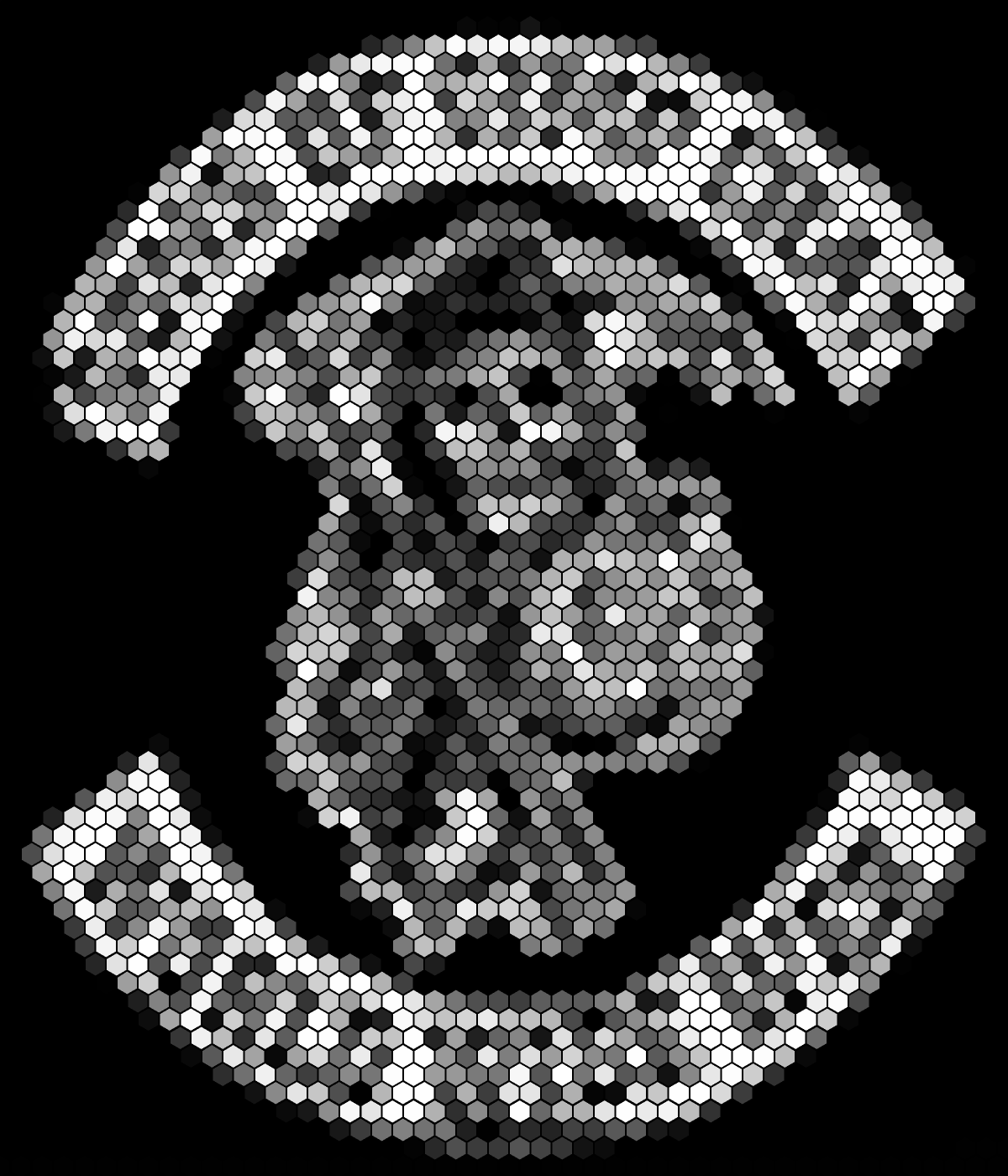
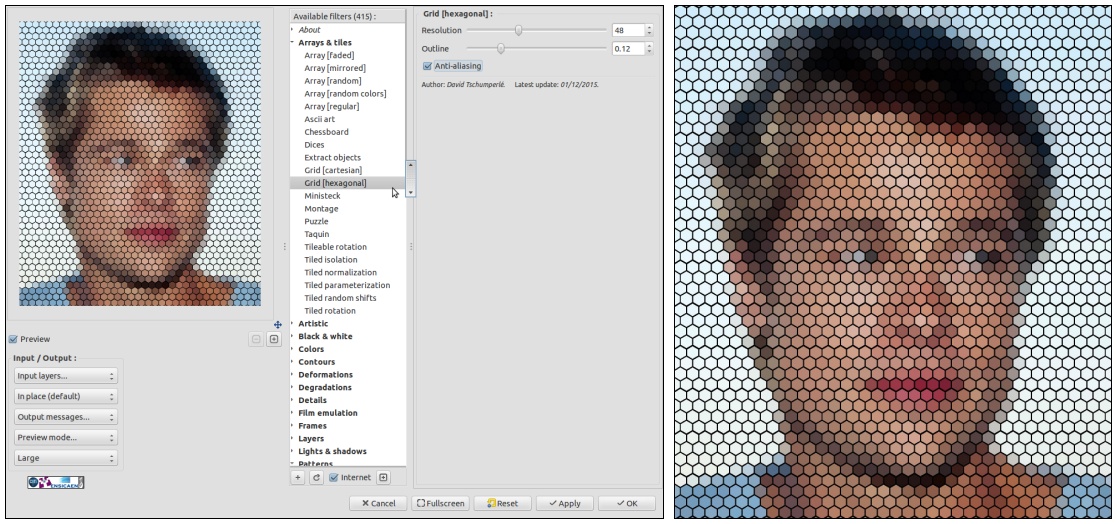
Arrays & tiles / Grid [hexagonal]This is the most simple of the three. It transforms your image into an hexagonal grid where each cell is filled by a corresponding color taken from the image.
Here is an example of what you can do with it :
Attachment:
 gmic_all_hexagonal.jpg [ 301.8 KiB | Viewed 8133 times ]
2. Filter
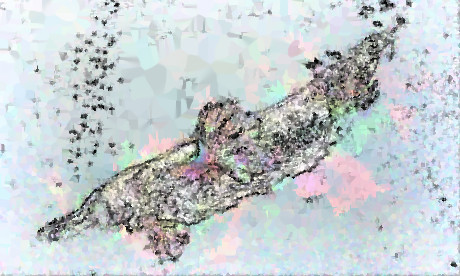
Patterns / CrystalI must admit I particularly like this one. It is quite hard to describe its effect, so let me just describe the algorithm instead. What I do here is select same random points, preferably located on the image edges. Then, from this random point cloud, I try to reconstruct the whole image, by using some iterative linear interpolation. As I have only few points, of course, it fails

But at least it creates some interesting artistic effects.
The result of the filter itself is not particularly impressive, but when combined with other effects, you can get very creative results. I show some of them below. If I remember well, I've applied filters
Details / Freaky details and
Light & shadows / Relief light on the raw result from
Pattern / Crystal to achieve the effects.
Attachment:
 gmic_all_crystal.jpg [ 340.48 KiB | Viewed 8133 times ]
3. Filter
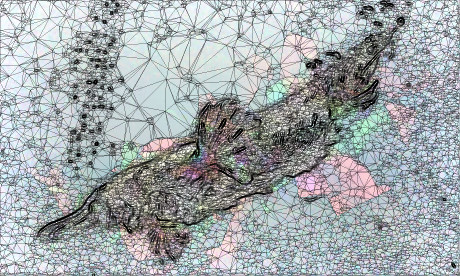
Artistic / Polygonize [delaunay]And the last one I'd like to present, is an alternative to the previous
Polygonize filter that has been added one year ago, and discussed
on this thread. This one uses a different algorithm to create the mesh (a
Delaunay triangulation to be precise). I've added quite a lot of options so you can render very different things, from the more abstract to the more precise.
Here is an example of use below :
Attachment:
 gmic_all_delaunay.jpg [ 300 KiB | Viewed 8133 times ]
Here again, I've played with Freaky details and Light relief to enhance the result obtained by this filter.
So, what do you think ? Have you some ideas to play further with these new filters ?
Let me know !
 Login
Login Register
 Tweets
 FAQ
FAQ Advanced Search